> ## Documentation Index
> Fetch the complete documentation index at: https://bigbluebutton.com/docs/llms.txt
> Use this file to discover all available pages before exploring further.
# Can I play a video using screen sharing?
> Share videos in BigBlueButton using the built-in external video option or screen sharing.
The best way to share a YouTube, Vimeo, or Canvas Studio video is through the built-in [Share external video](/docs/help/presenter-guide/share-an-external-audiovideo-link) option. This instructs each user's browser to load the video directly.
However, if you want to use [Screen sharing](/docs/help/presenter-guide/share-my-screen) to share a video (start screen sharing and then play the video on your screen outside of BigBlueButton), we recommend using the Chrome browser.
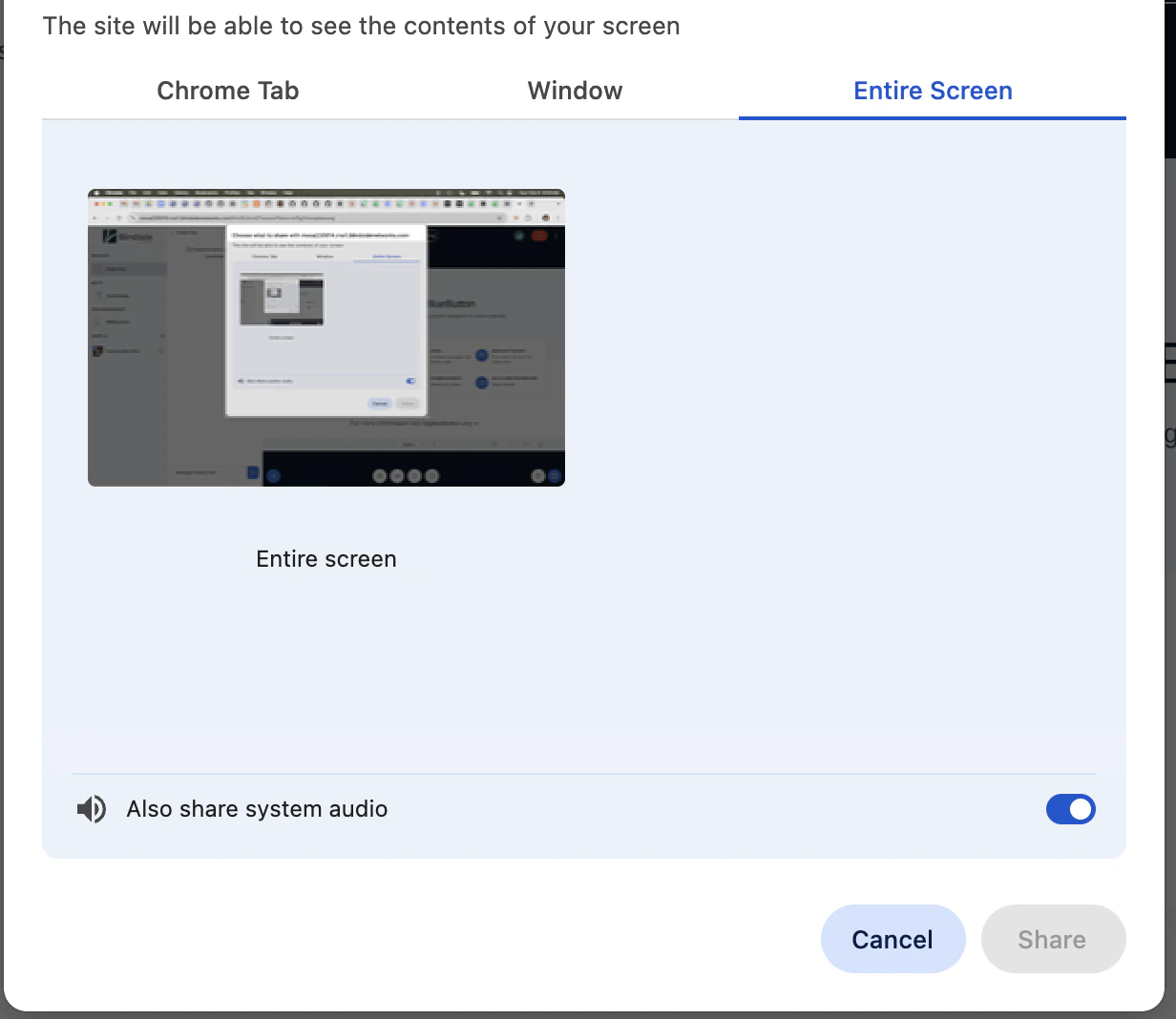
When using Chrome, enable **Also share system audio** so Chrome shares audio with users. Once enabled, audio from the screen plays for everyone in the session.
 Share external video is the most efficient, but the video won't appear in the recording as the user's browser directly plays the video (it does not go through the server).