> ## Documentation Index
> Fetch the complete documentation index at: https://bigbluebutton.com/docs/llms.txt
> Use this file to discover all available pages before exploring further.
# Common YouTube external video playback error
> If you see this error when trying to share an external YouTube video and you are using Chrome then you can resolve this error by clearing YouTube's...
If you see this error when trying to share an external YouTube video and you are using Chrome
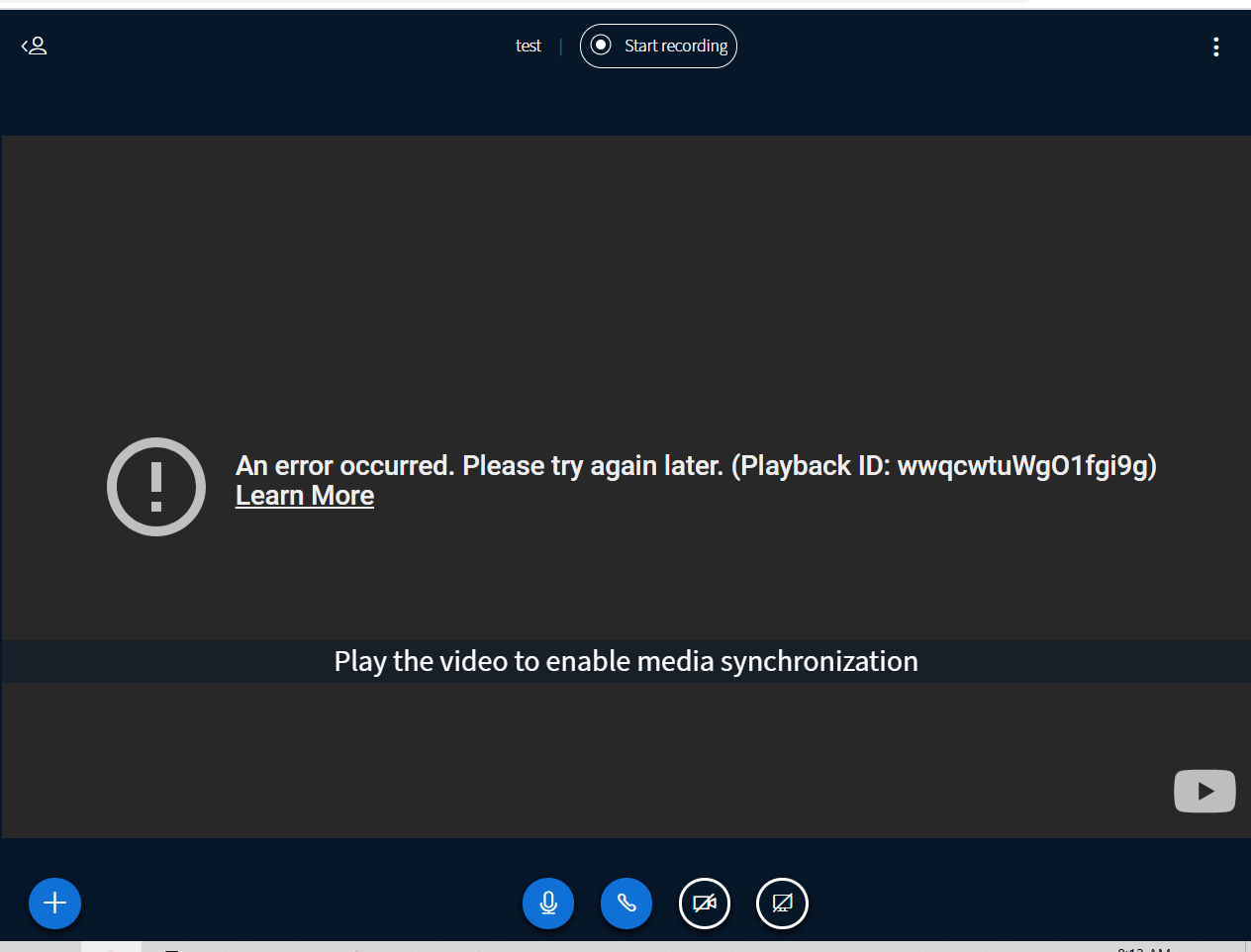 then you can resolve this error by clearing YouTube's cookies from your browser.
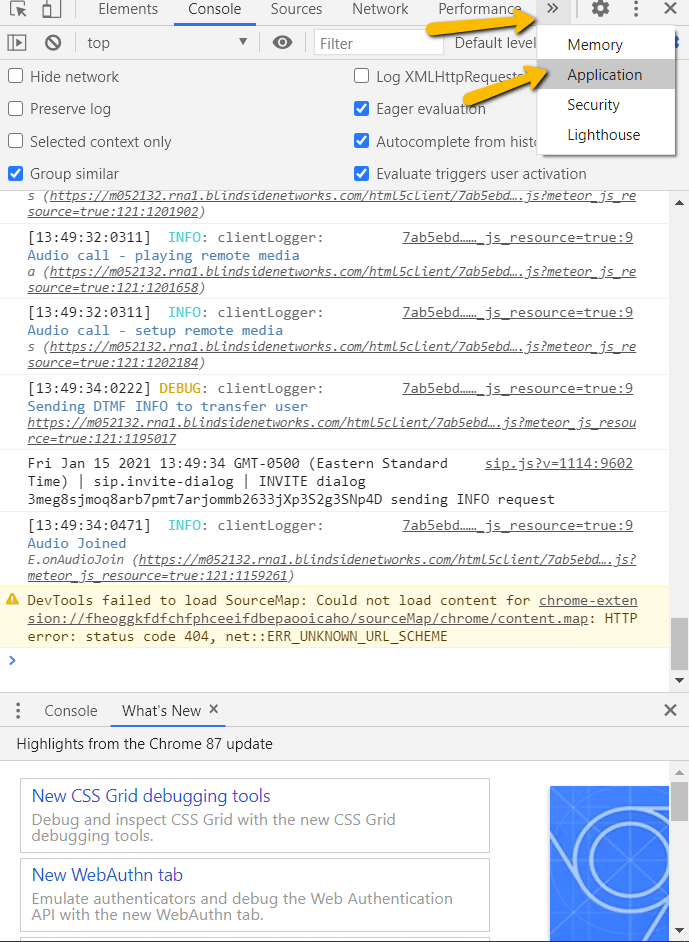
To clear the cookies, go to the Chrome menu (upper right-hand corner) and choose **More Tools -> Developer Tools**, then click the **Application** tab. You'll see an entry on the left-hand side for Cookies.
then you can resolve this error by clearing YouTube's cookies from your browser.
To clear the cookies, go to the Chrome menu (upper right-hand corner) and choose **More Tools -> Developer Tools**, then click the **Application** tab. You'll see an entry on the left-hand side for Cookies.
 Click to expand '**Cookies**', and then on the [https://www.youtube.com](https://www.youtube.com) entry, right click and choose '**Clear**'.
After that, you will be able to share a YouTube video as normal again.
Click to expand '**Cookies**', and then on the [https://www.youtube.com](https://www.youtube.com) entry, right click and choose '**Clear**'.
After that, you will be able to share a YouTube video as normal again.