> ## Documentation Index
> Fetch the complete documentation index at: https://bigbluebutton.com/docs/llms.txt
> Use this file to discover all available pages before exploring further.
# How do I use the per-user whiteboard?
> Moderators can grant whiteboard access to one viewer at a time, and remove access for an individual or all viewers at once.
Moderators can grant a single viewer whiteboard access without enabling it for the whole class — useful when you want one student to mark up the slide. You can [grant access to a user](#grant-whiteboard-access-to-a-user) and [remove access](#remove-whiteboard-access) at any time.
For full whiteboard mode, see the [multi-user whiteboard](/docs/help/releases/how-do-i-use-the-multi-user-whiteboard).
## Grant whiteboard access to a user
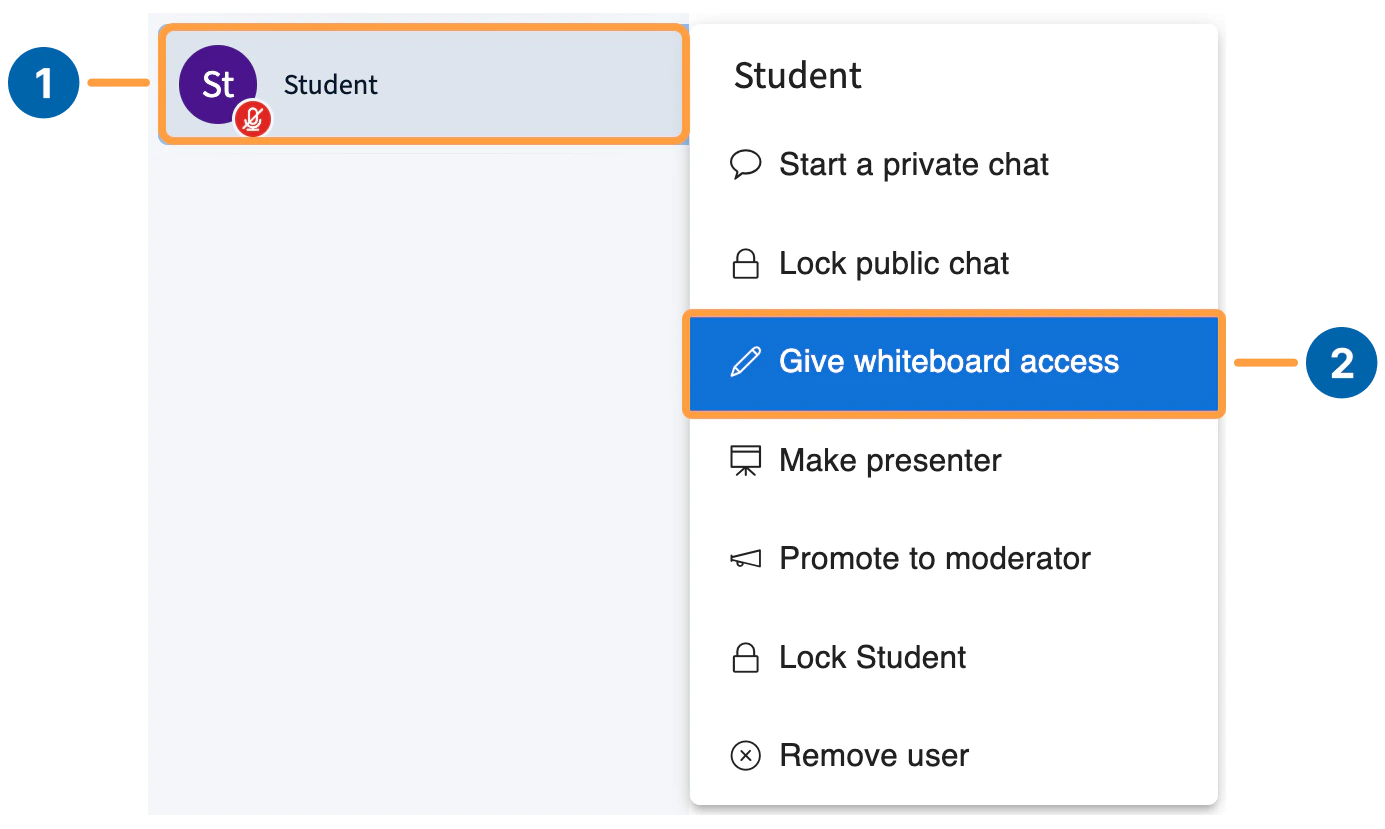 To grant access, select a user in the **Users list** **\[1]**, then select **Give whiteboard access** **\[2]**.
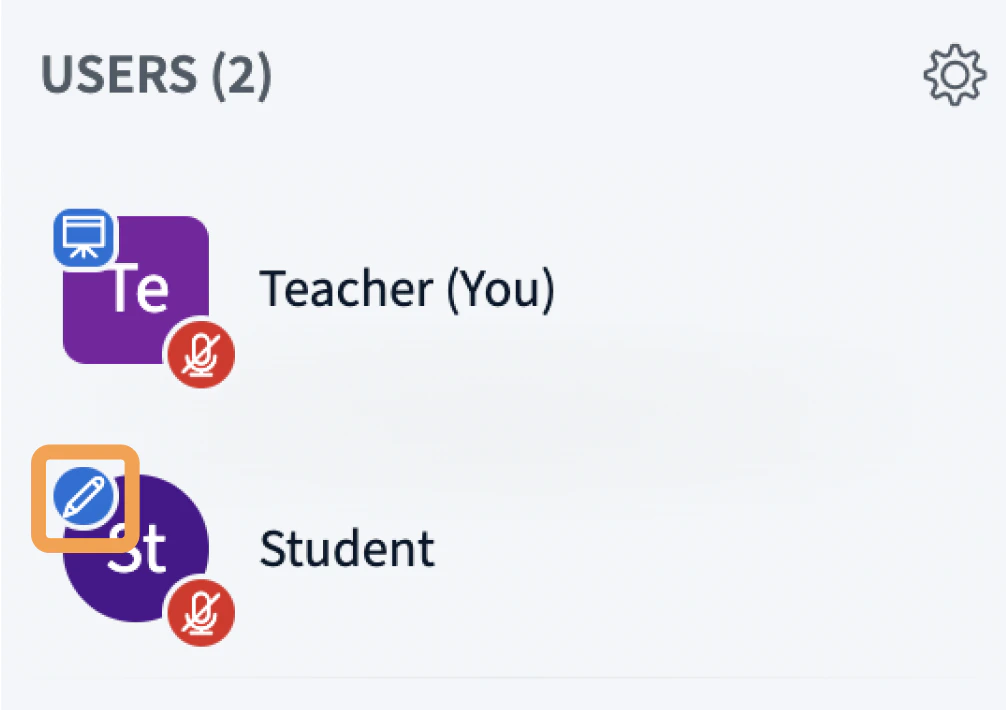
A pen icon appears next to the user's avatar to confirm access.
To grant access, select a user in the **Users list** **\[1]**, then select **Give whiteboard access** **\[2]**.
A pen icon appears next to the user's avatar to confirm access.
 That user can now use all the [multi-user whiteboard](/docs/help/releases/how-do-i-use-the-multi-user-whiteboard) tools.
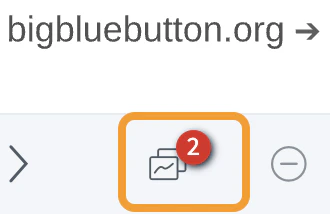
A counter appears on the multi-user whiteboard icon showing how many users currently have access.
That user can now use all the [multi-user whiteboard](/docs/help/releases/how-do-i-use-the-multi-user-whiteboard) tools.
A counter appears on the multi-user whiteboard icon showing how many users currently have access.
 ## Remove whiteboard access
There are two ways to remove access.
## Remove whiteboard access
There are two ways to remove access.
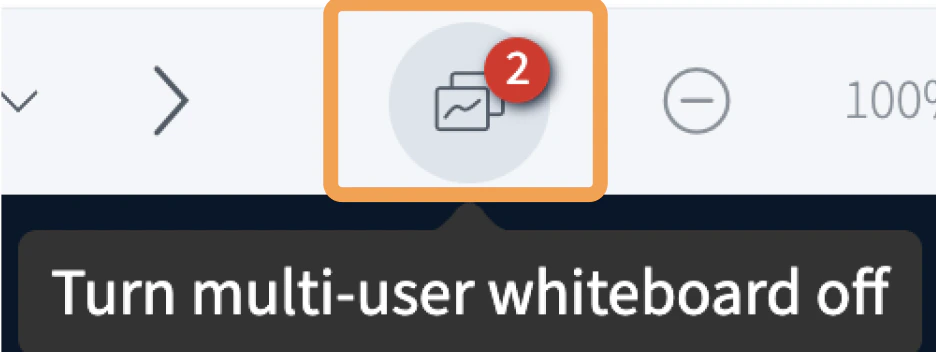 To remove access for everyone except the presenter, select the **multi-user whiteboard** icon **\[1]**.
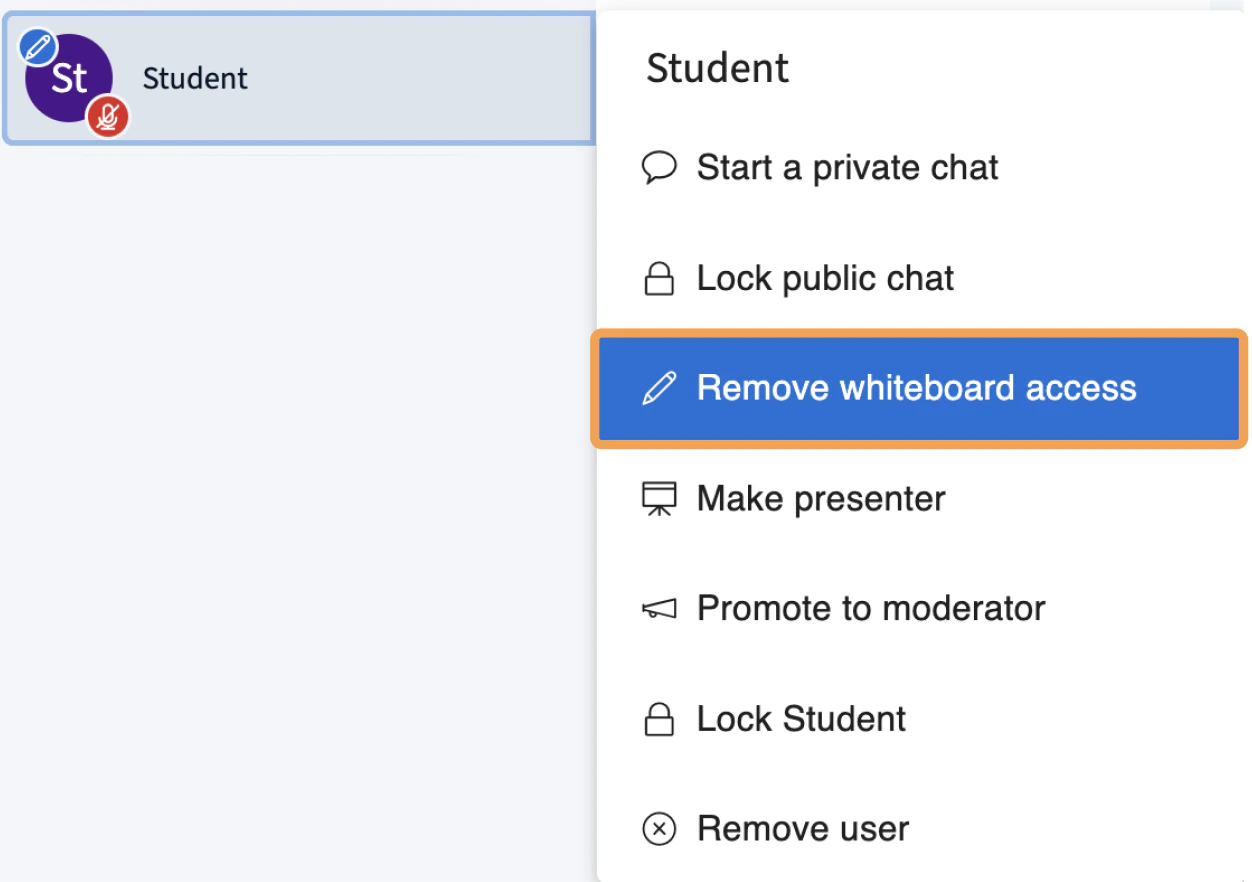 To remove access from a single user, select their name in the **Users list**, then select **Remove whiteboard access**.