> ## Documentation Index
> Fetch the complete documentation index at: https://bigbluebutton.com/docs/llms.txt
> Use this file to discover all available pages before exploring further.
# Can I delete my personal rooms?
> Yes — room owners can delete a personal room from the Room Menu, which also deletes every recording associated with that room.
Yes. As the owner of a Personal Room, you can delete it at any time.
Deleting a personal room also deletes every recording associated with that room. The action cannot be undone.
For example, here is a room called "Welcome to Greenlight".
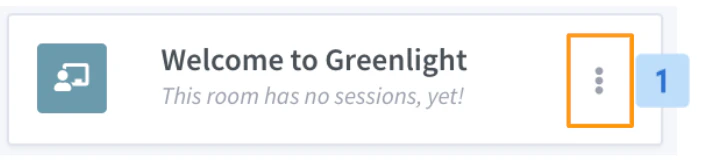 To delete the room, select the **Room Menu** **\[1]** and select **Delete** **\[2]**. A confirmation dialog appears.
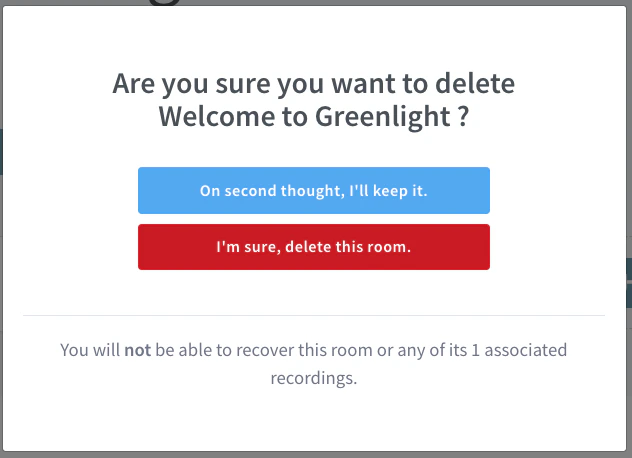 Selecting **I'm sure, delete this room** removes the room and all of its recordings.