> ## Documentation Index
> Fetch the complete documentation index at: https://bigbluebutton.com/docs/llms.txt
> Use this file to discover all available pages before exploring further.
# Key Takeaways
> Moderators can end a session by having students write the key takeaways, vote on each other's, and publish the results to the class.
At the end of a session, most educators tell the class what the key topics were. Key Takeaways inverts that: it asks your students to supply the takeaways themselves, then has them rate each other's. Think of it as a digital exit ticket.
The whole activity takes only a few minutes, and it gives you insight into what your class actually took away from the session.
Here's a quick overview video of how it works.
The steps are:
1. **[Configure the activity](#1-configure-the-activity)**
2. **[Monitor the takeaways](#2-monitor-the-takeaways-as-they-arrive)** as they arrive
3. **[Transition to voting](#3-transition-to-voting)**
4. **[Publish and assess](#4-publish-and-assess)**
## Using Key Takeaways
### 1. Configure the activity
Set how many key takeaways each student provides, how long they have to write them, and how long the voting phase runs.
### 2. Monitor the takeaways as they arrive
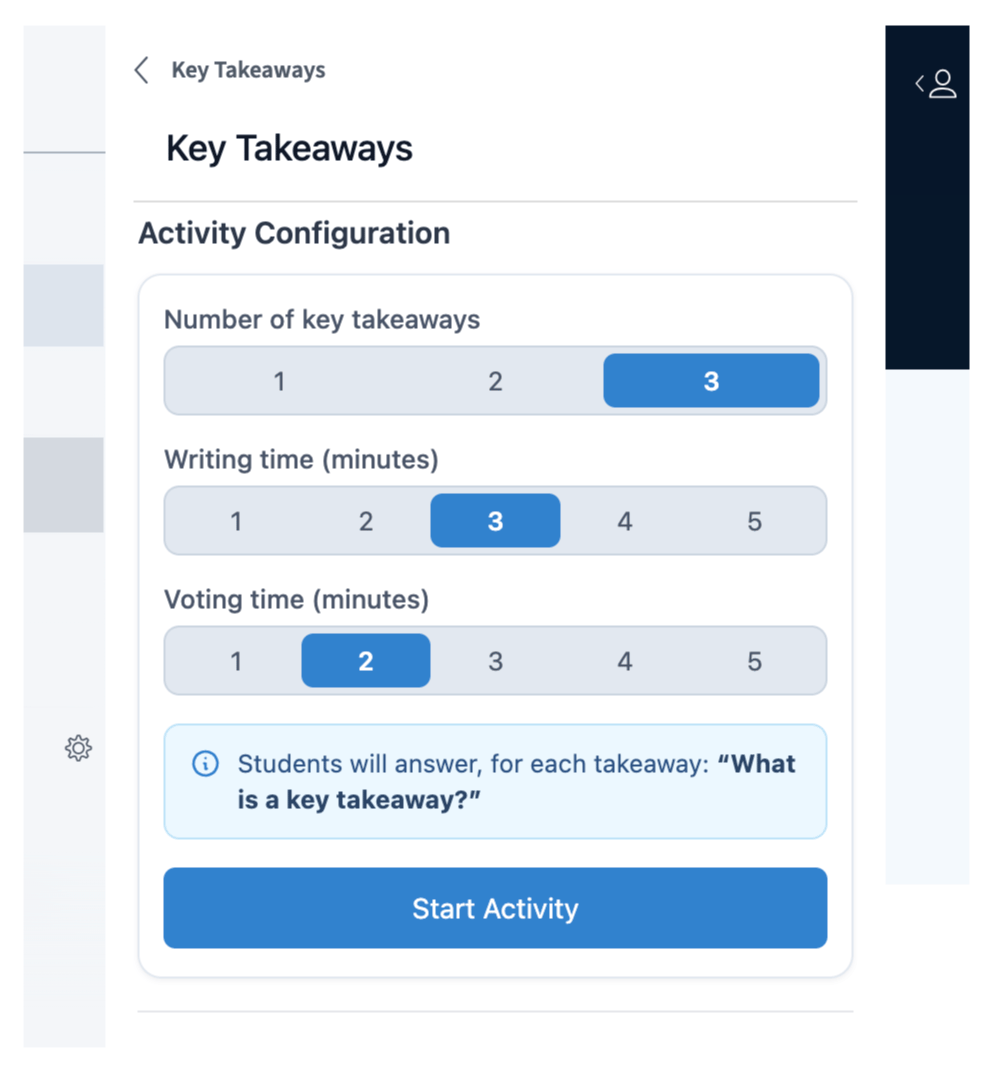
Every response appears live as students submit it, so you can see what the class thought was important before anyone votes. You can delete any response you do not want carried into the voting phase.
### 3. Transition to voting
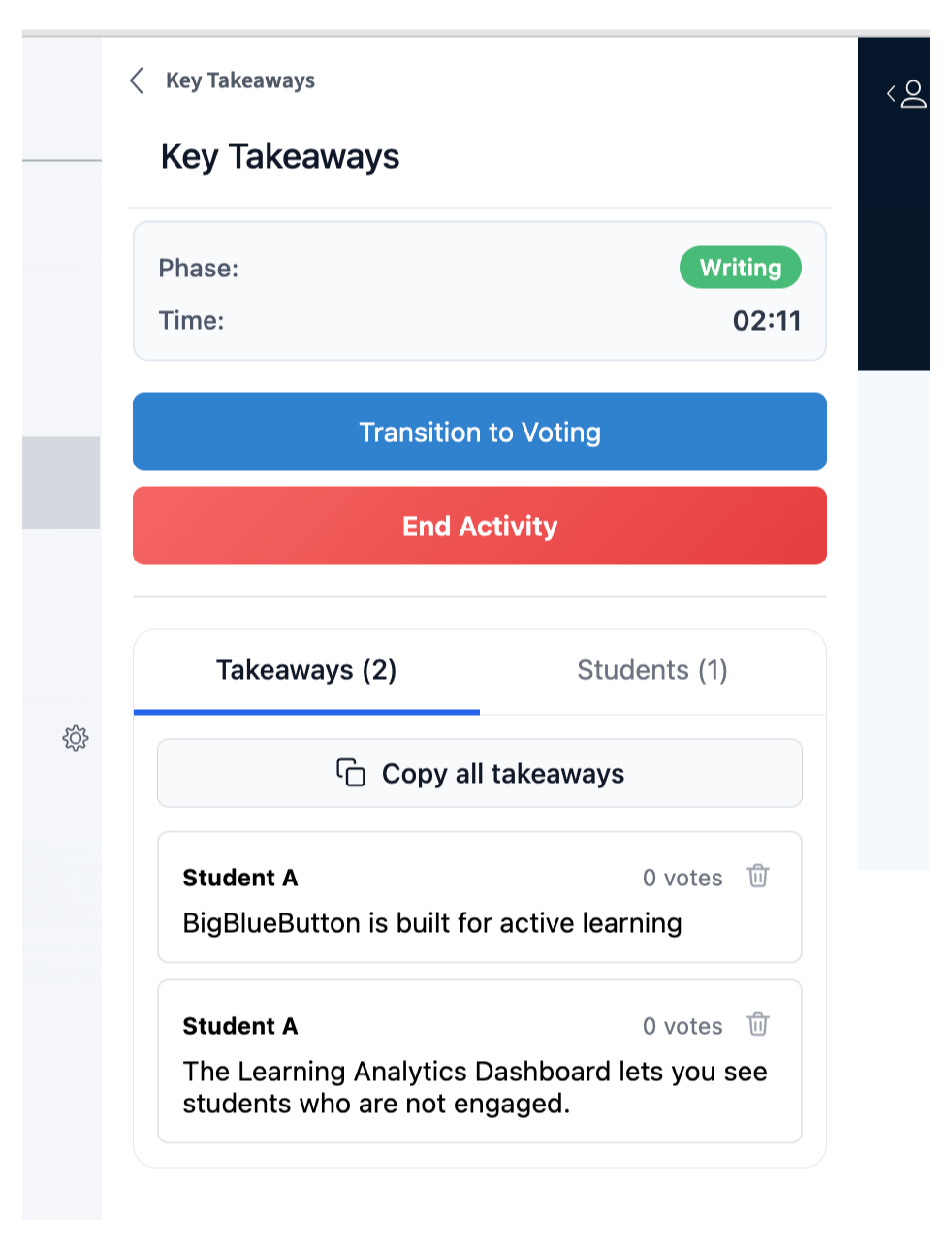
To move the class into the voting phase, select **Transition to voting**.
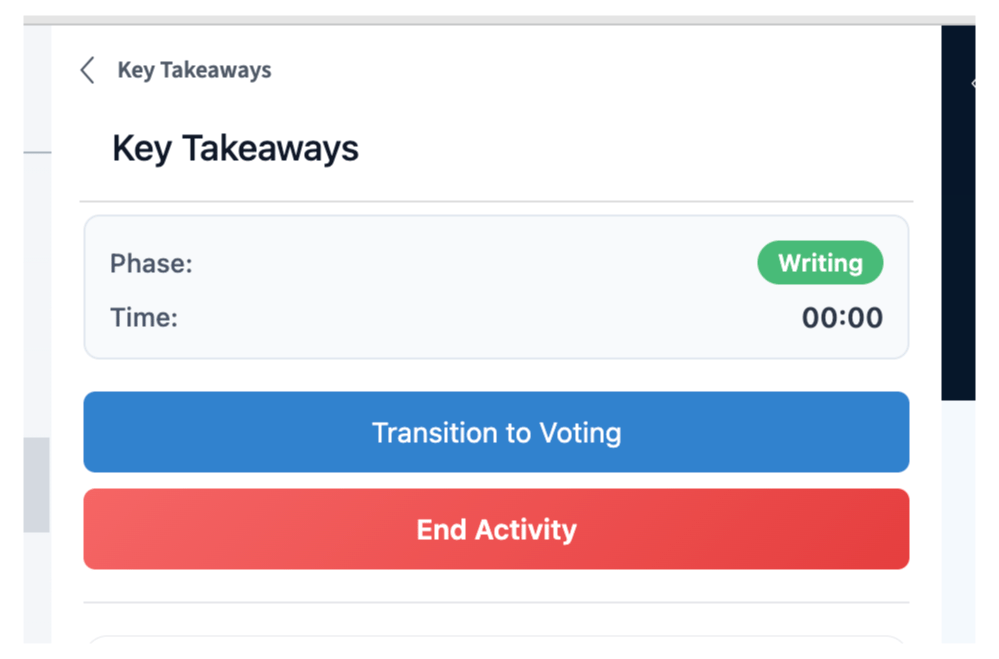
Each student is shown two takeaways at random from their classmates and asked which one is better. Over about eight rounds of these head-to-head comparisons, the strongest takeaways rise to the top — and students evaluate the material a second time as they choose.
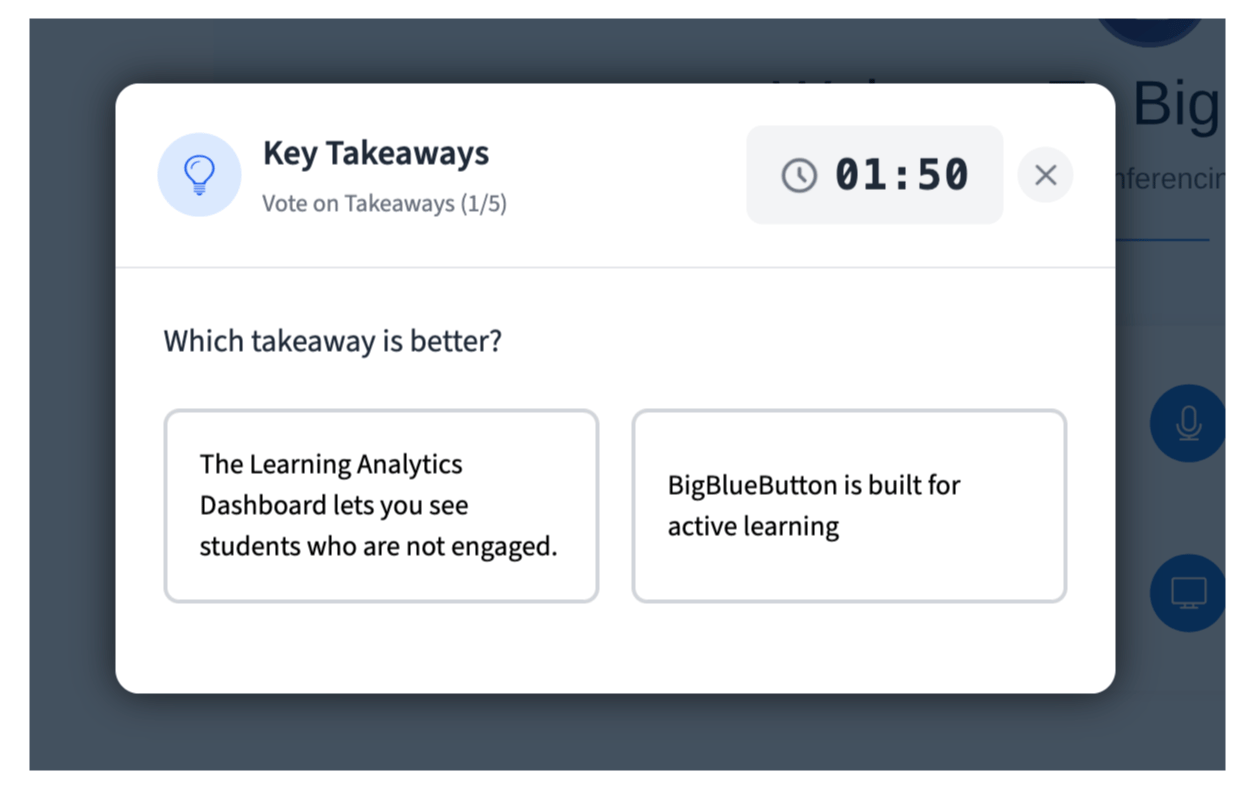
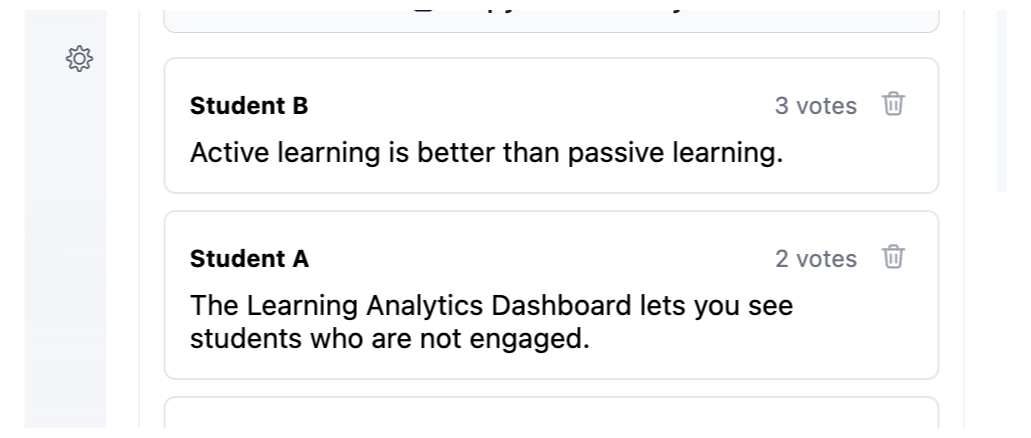
Here you see the highest-voted key takeaways rising to the top.
### 4. Publish and assess
End the activity to see the summary of key takeaways.
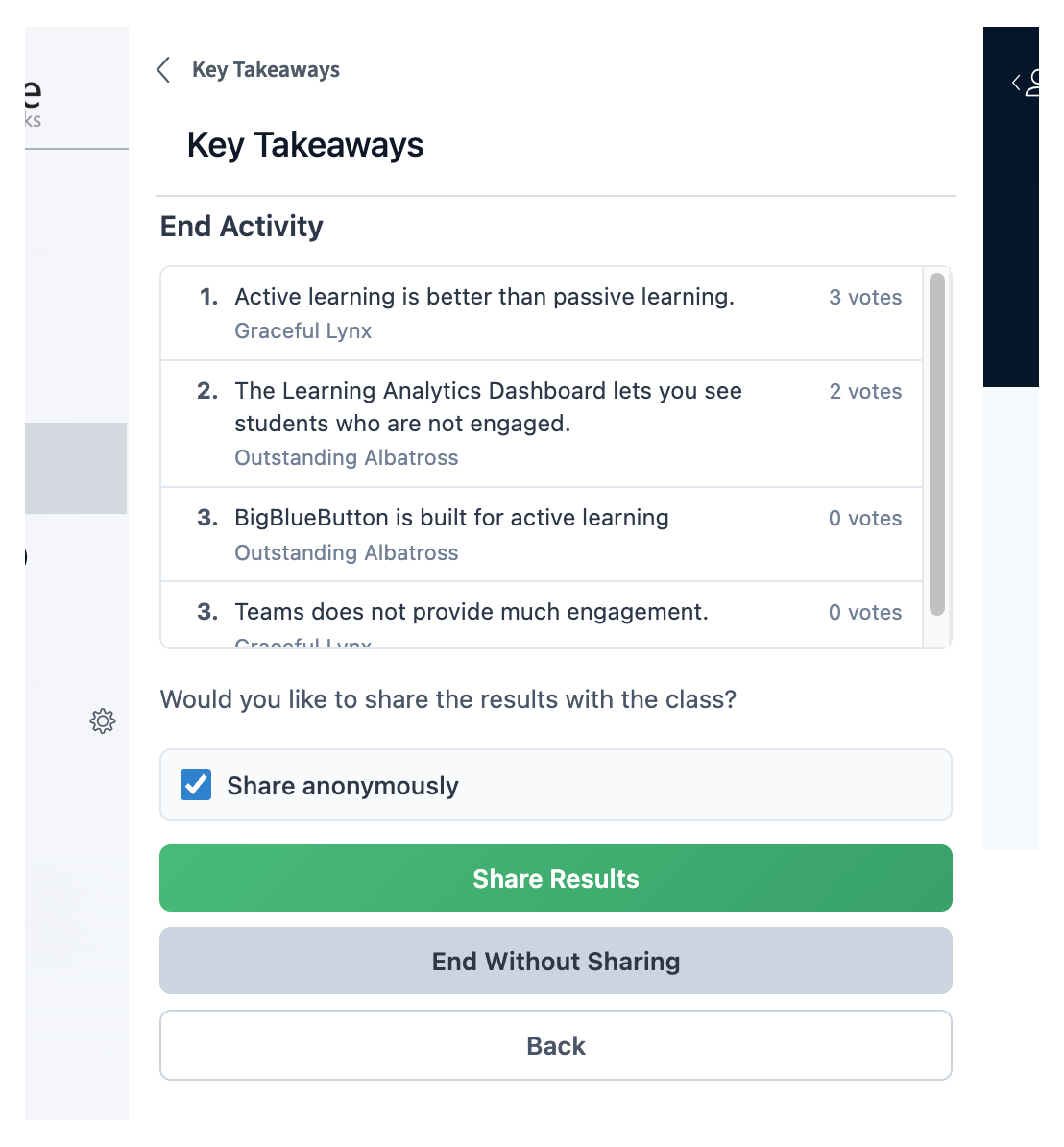
Publish the results, anonymously if you prefer, and they post to the chat.
The summary tells you exactly what your students took from the session. If they missed something important, you have a teachable moment to cover it before class ends.
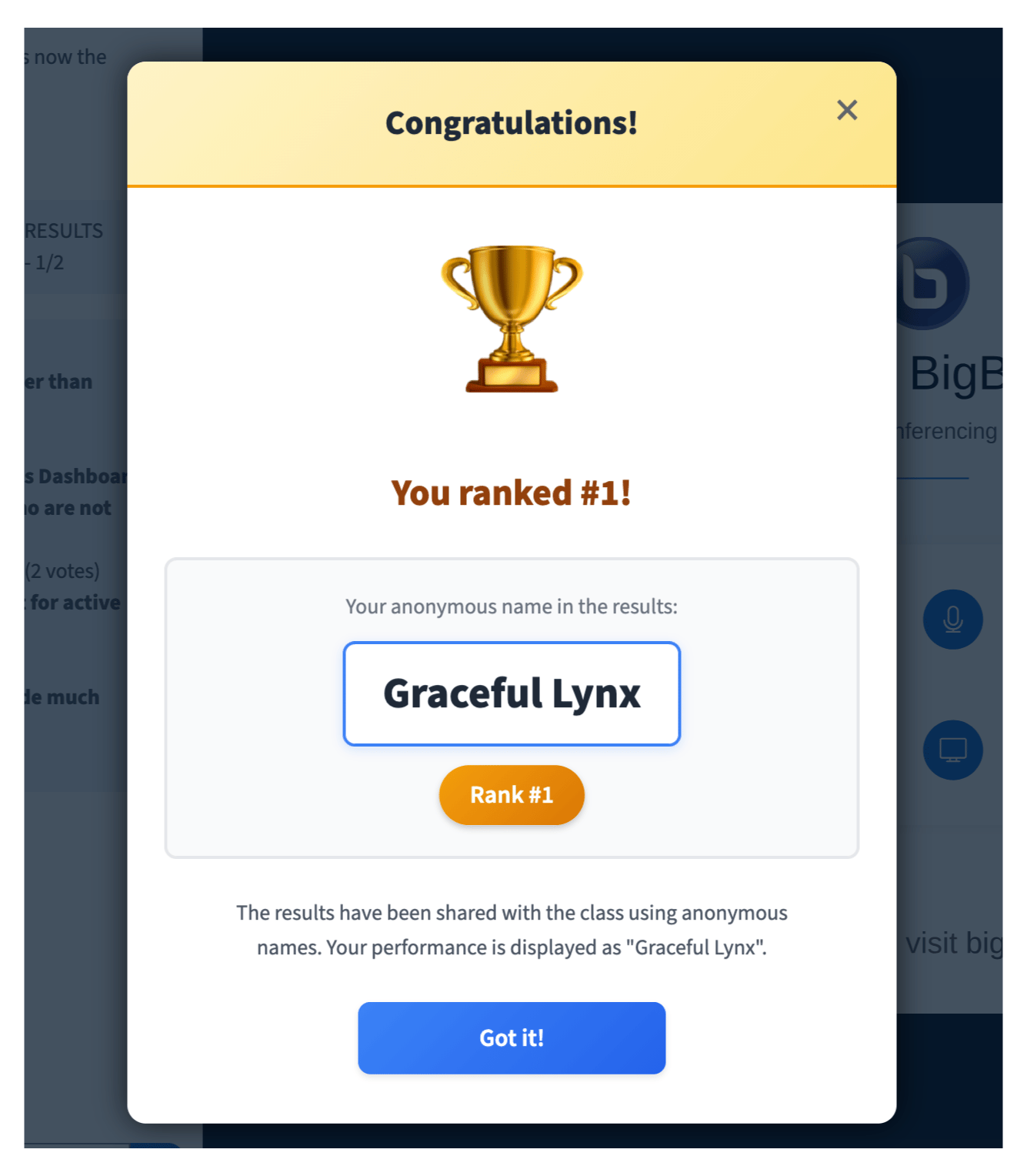
Each student sees an indicator of their rank, and the student whose takeaway received the most votes is notified.
## Pedagogical value
Having students produce the takeaways is far more effective than listing the takeaways for them. Writing one is active recall, and rating a classmate's is a second pass over the same material.
 ### 2. Monitor the takeaways as they arrive
Every response appears live as students submit it, so you can see what the class thought was important before anyone votes. You can delete any response you do not want carried into the voting phase.
### 2. Monitor the takeaways as they arrive
Every response appears live as students submit it, so you can see what the class thought was important before anyone votes. You can delete any response you do not want carried into the voting phase.
 ### 3. Transition to voting
To move the class into the voting phase, select **Transition to voting**.
### 3. Transition to voting
To move the class into the voting phase, select **Transition to voting**.
 Each student is shown two takeaways at random from their classmates and asked which one is better. Over about eight rounds of these head-to-head comparisons, the strongest takeaways rise to the top — and students evaluate the material a second time as they choose.
 Here you see the highest-voted key takeaways rising to the top.
 ### 4. Publish and assess
End the activity to see the summary of key takeaways.
### 4. Publish and assess
End the activity to see the summary of key takeaways.
 Publish the results, anonymously if you prefer, and they post to the chat.
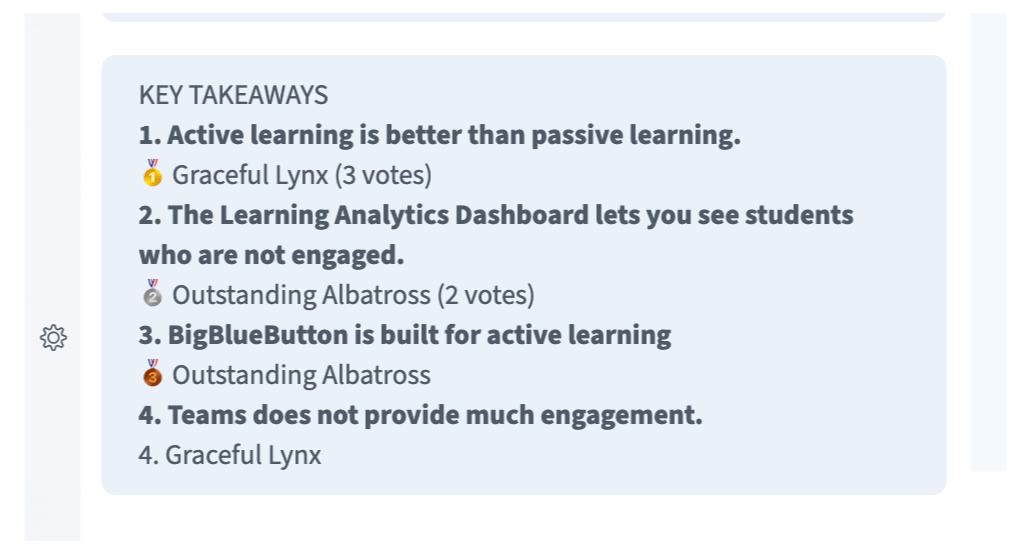 The summary tells you exactly what your students took from the session. If they missed something important, you have a teachable moment to cover it before class ends.
Each student sees an indicator of their rank, and the student whose takeaway received the most votes is notified.
The summary tells you exactly what your students took from the session. If they missed something important, you have a teachable moment to cover it before class ends.
Each student sees an indicator of their rank, and the student whose takeaway received the most votes is notified.
 ## Pedagogical value
Having students produce the takeaways is far more effective than listing the takeaways for them. Writing one is active recall, and rating a classmate's is a second pass over the same material.
## Pedagogical value
Having students produce the takeaways is far more effective than listing the takeaways for them. Writing one is active recall, and rating a classmate's is a second pass over the same material.