> ## Documentation Index
> Fetch the complete documentation index at: https://bigbluebutton.com/docs/llms.txt
> Use this file to discover all available pages before exploring further.
# Raise Hand
> Any user can raise or lower their hand to signal the presenter without interrupting the session.
Any user can raise their hand to signal the presenter — for example, to ask a question or request to speak. Lowering your hand removes the signal.
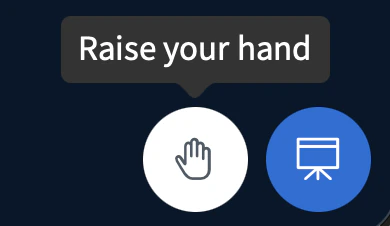
To raise your hand, select the hand icon.
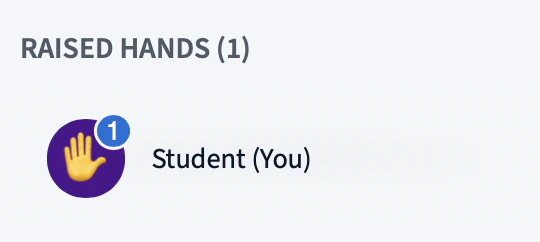
 A hand emoji appears on your user icon.
 A prompt also appears in the top-right corner confirming that your hand is raised.
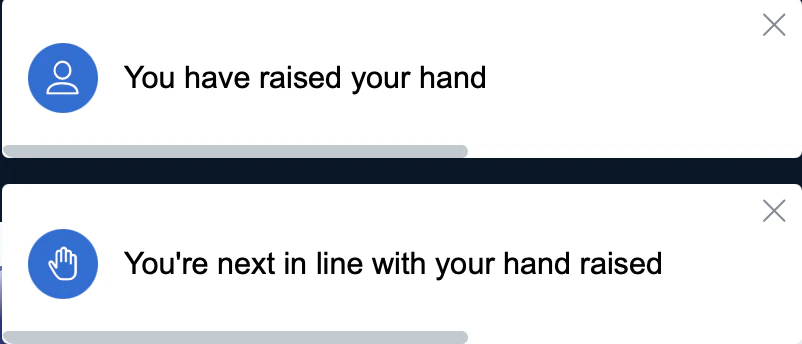 When you lower your hand, the emoji disappears from your user icon and another prompt confirms the change.