> ## Documentation Index
> Fetch the complete documentation index at: https://bigbluebutton.com/docs/llms.txt
> Use this file to discover all available pages before exploring further.
# Deleting a Canvas Conference
> Instructors can delete new and concluded Conferences in Canvas, which also removes the Conference and its associated recordings from the server.
Instructors can delete both new and concluded Conferences in Canvas. Deleting a concluded Conference also immediately removes the Conference from the server, along with all associated recordings.
## Delete a Conference
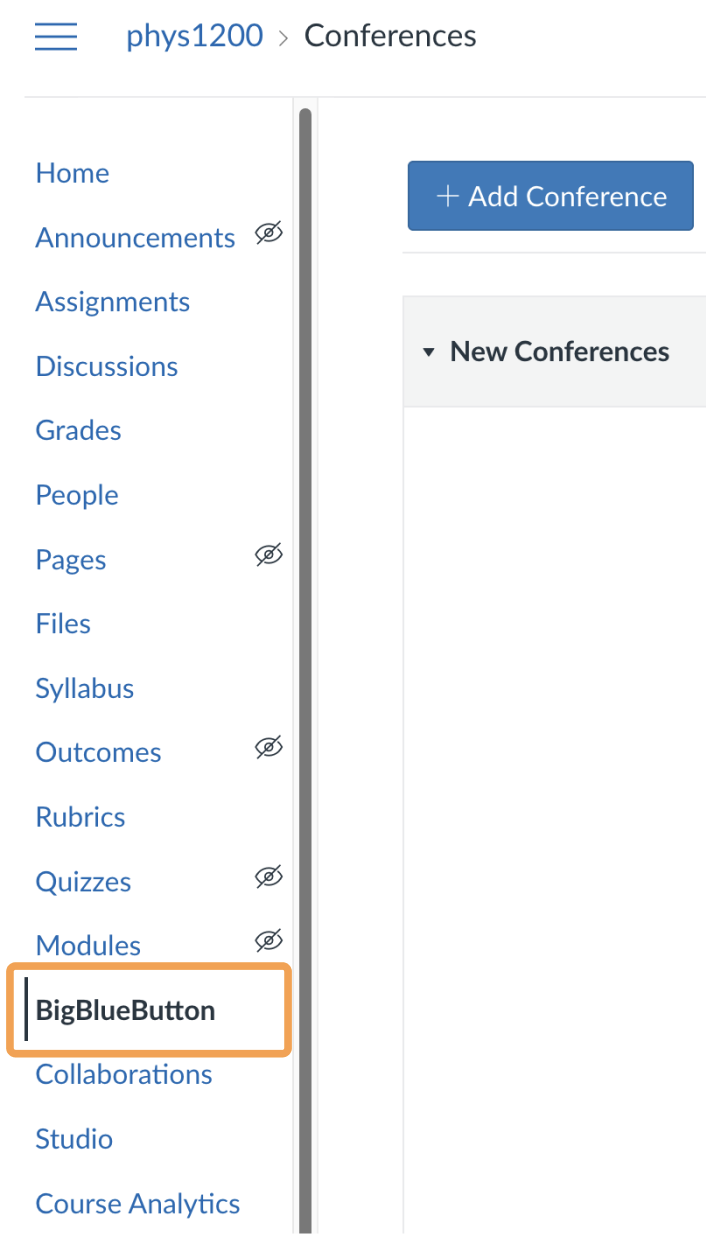 To delete a Conference, open **BigBlueButton** in your course navigation.
 Locate the Conference you want to delete, select its **Settings** icon, then select **Delete**.
Deleting a Conference that is in progress ends the meeting and removes it, along with any associated recordings, from the server.
Locate the Conference you want to delete, select its **Settings** icon, then select **Delete**.
Deleting a Conference that is in progress ends the meeting and removes it, along with any associated recordings, from the server.