> ## Documentation Index
> Fetch the complete documentation index at: https://bigbluebutton.com/docs/llms.txt
> Use this file to discover all available pages before exploring further.
# Ending a Conference in Canvas
> Instructors and moderators can end a Canvas Conference either from the Canvas Conferences page or from within the BigBlueButton meeting interface.
You can end a Conference two ways: [from the Canvas Conferences page](#end-a-conference-from-canvas) or [from the BigBlueButton meeting interface](#end-a-conference-from-bigbluebutton).
When you create a Conference in Canvas, you can give it a time limit, or check **No time limit (for long-running conferences)** to keep it open.
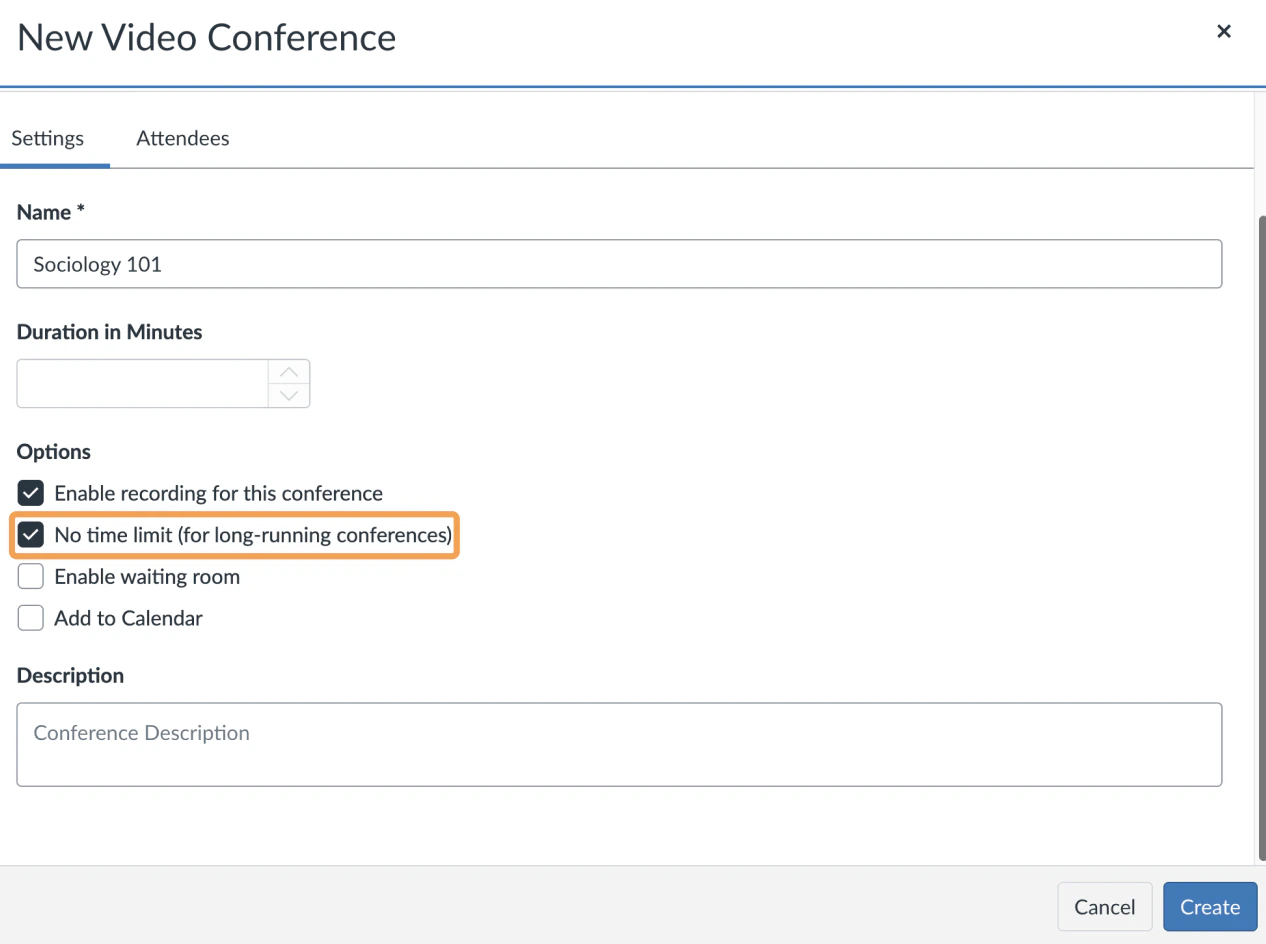 Either way, the Conference appears under **New Conferences**.
 ## End a Conference from Canvas
To end a Conference, select **End**. A message appears to confirm you want to end the Conference.
## End a Conference from Canvas
To end a Conference, select **End**. A message appears to confirm you want to end the Conference.
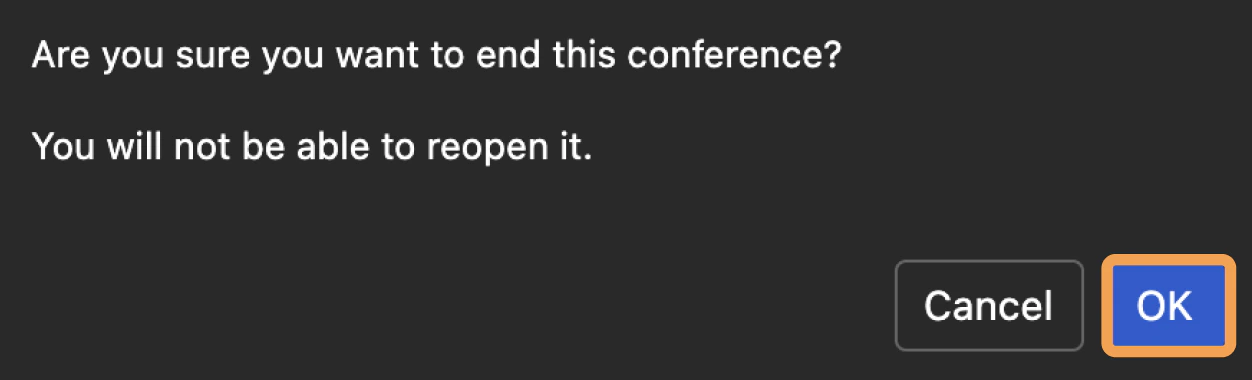 Selecting **End** removes users' ability to join and ends the live Conference. To confirm, select **Ok**.
 The Conference now appears under **Concluded Conferences**, along with any associated recordings.
## End a Conference from BigBlueButton
As a moderator, you can end the Conference when you log out of BigBlueButton.
To open the settings menu, select the three vertical dots in the upper-right corner of the interface.
The Conference now appears under **Concluded Conferences**, along with any associated recordings.
## End a Conference from BigBlueButton
As a moderator, you can end the Conference when you log out of BigBlueButton.
To open the settings menu, select the three vertical dots in the upper-right corner of the interface.
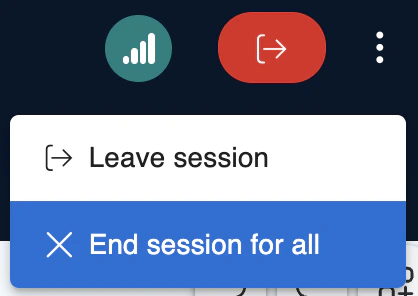
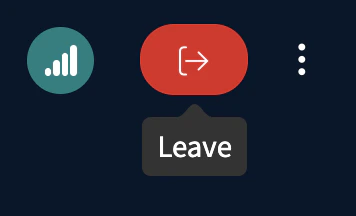 Select **Leave**, then select **End session for all**.
 When prompted with **Are you sure you want to end this session?**, select **End session for all users**.