> ## Documentation Index
> Fetch the complete documentation index at: https://bigbluebutton.com/docs/llms.txt
> Use this file to discover all available pages before exploring further.
# Language customization
> Update or customize BigBlueButton language strings in Moodle using language packs and the language customization workflow.
The BigBlueButton Moodle plugin follows Moodle’s standard localization model.
## Automatic update
If you use standard language packs without customization:
1. Go to **Site administration → Language → Language packs**
2. Install or update the relevant language pack
3. Use **Update all installed language packs** when needed
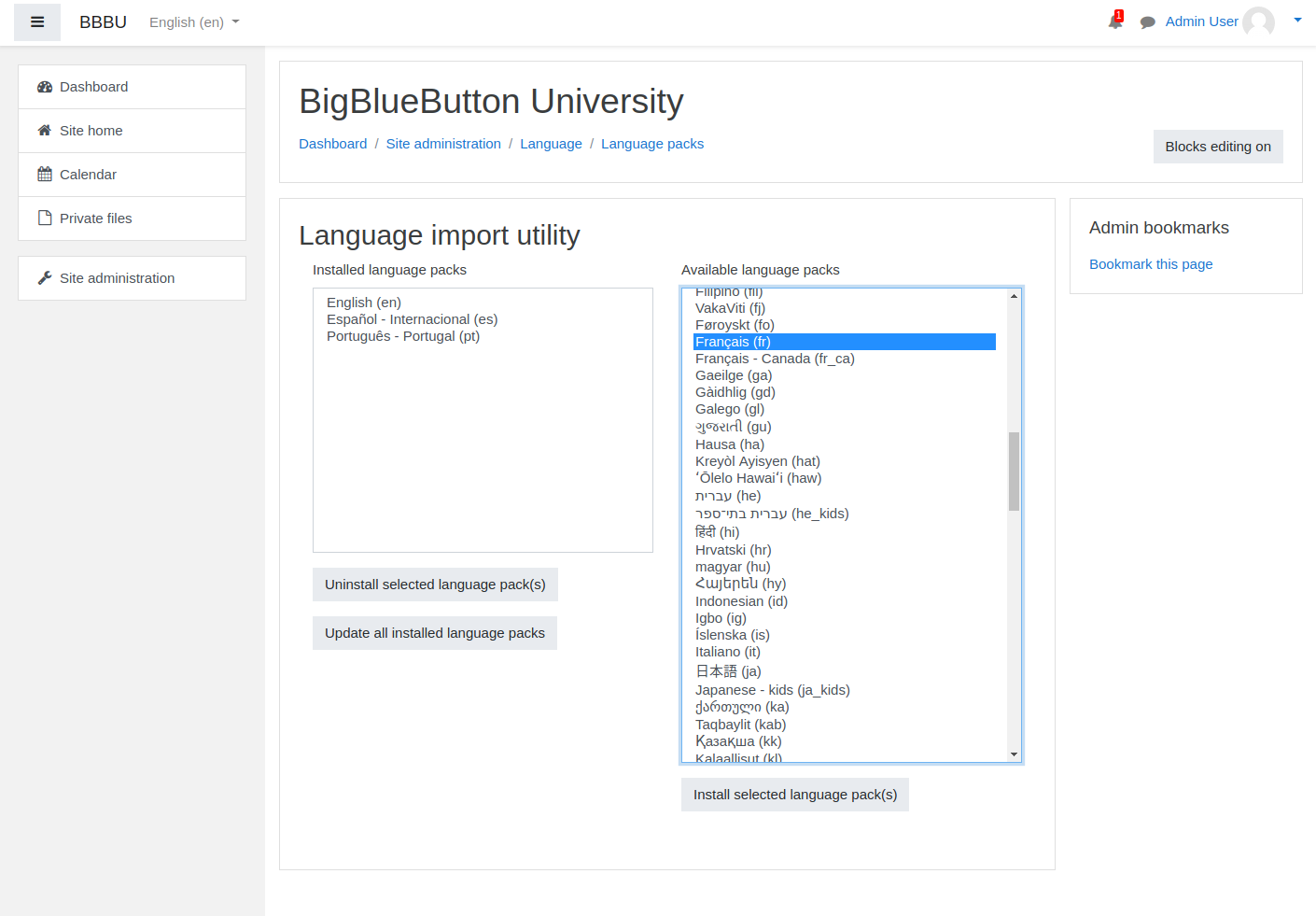
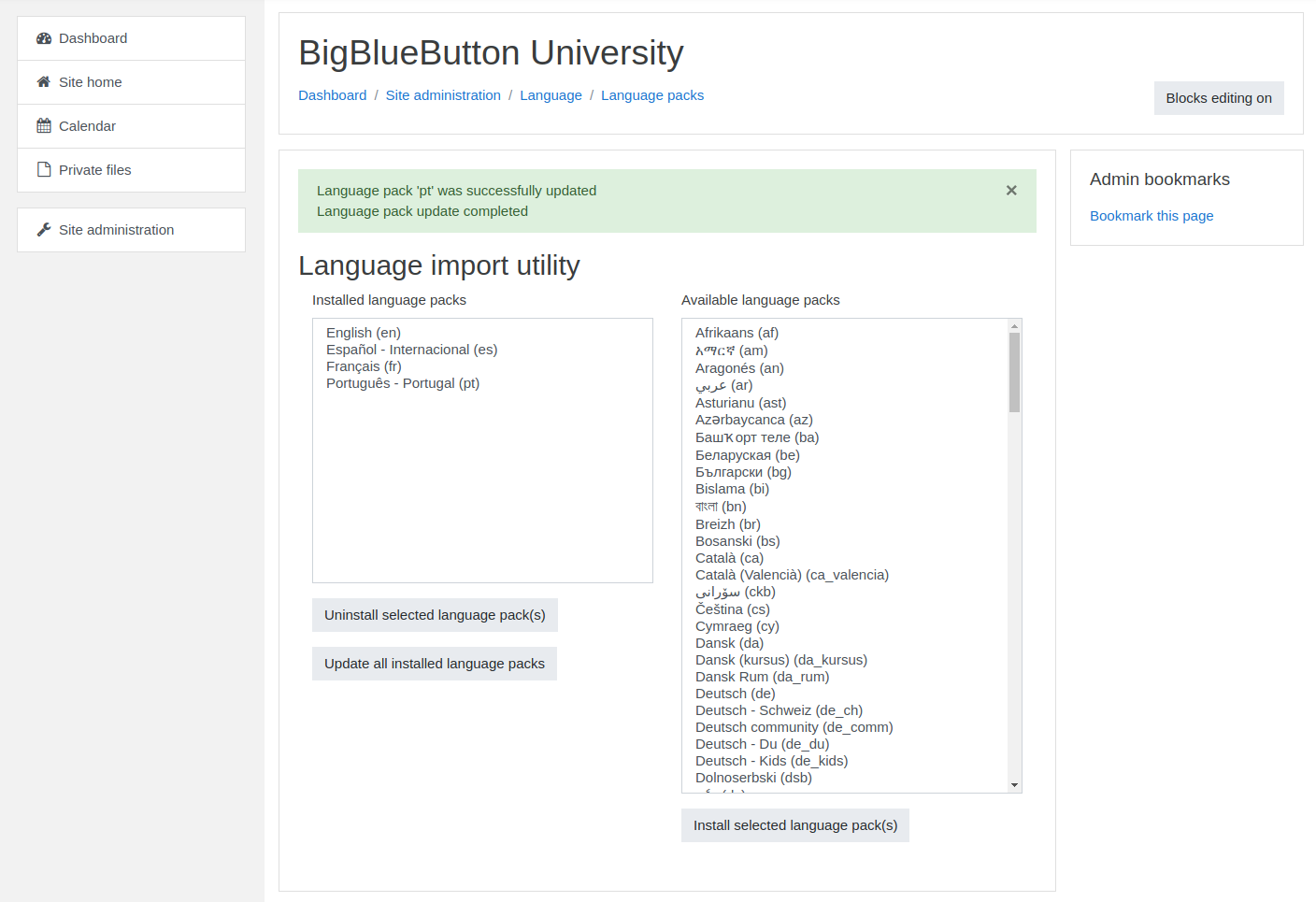 If translations exist in Moodle’s AMOS repository, they will be added to your Moodle server when the language pack is updated.
## Customized update
If your site customizes language strings:
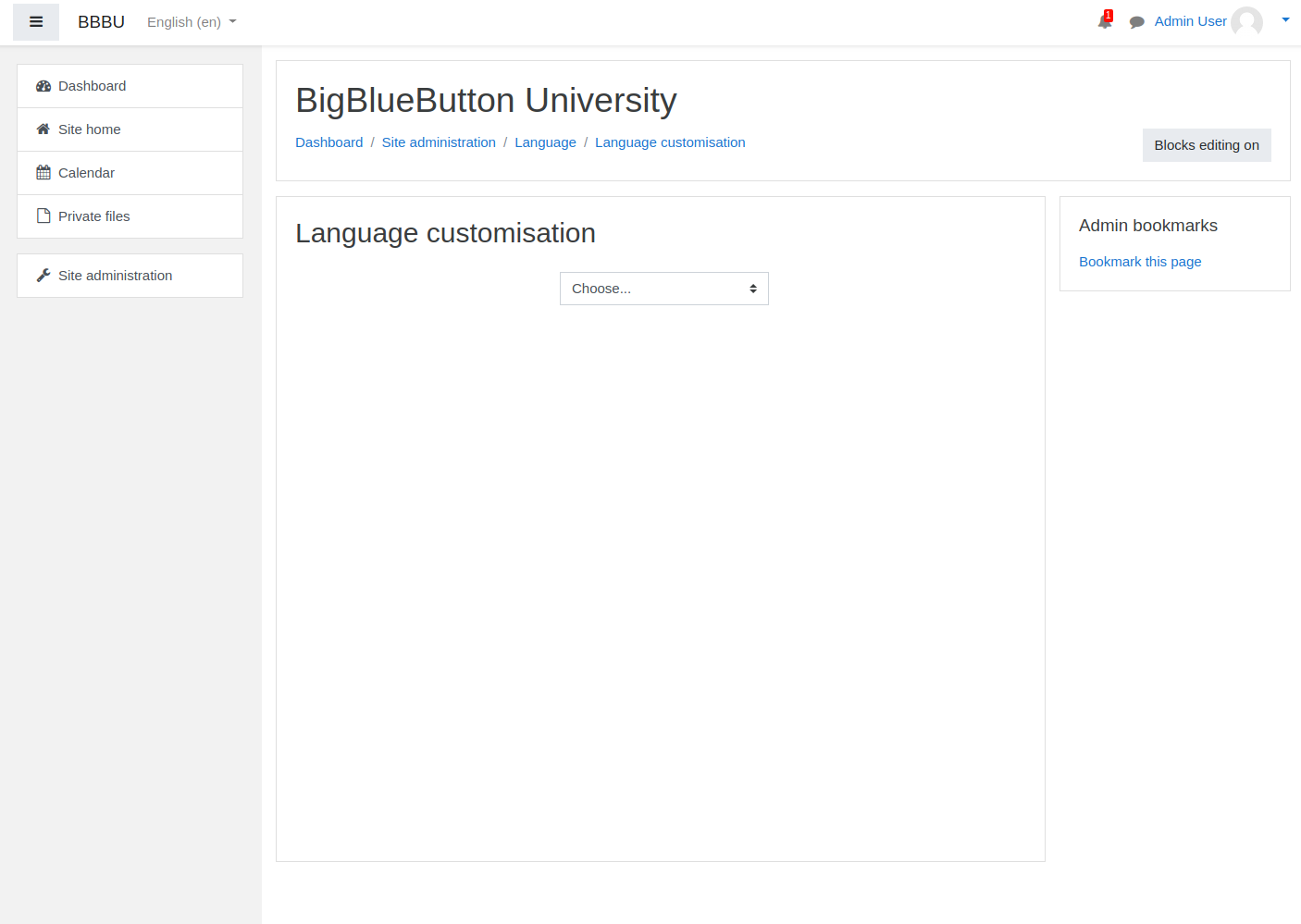
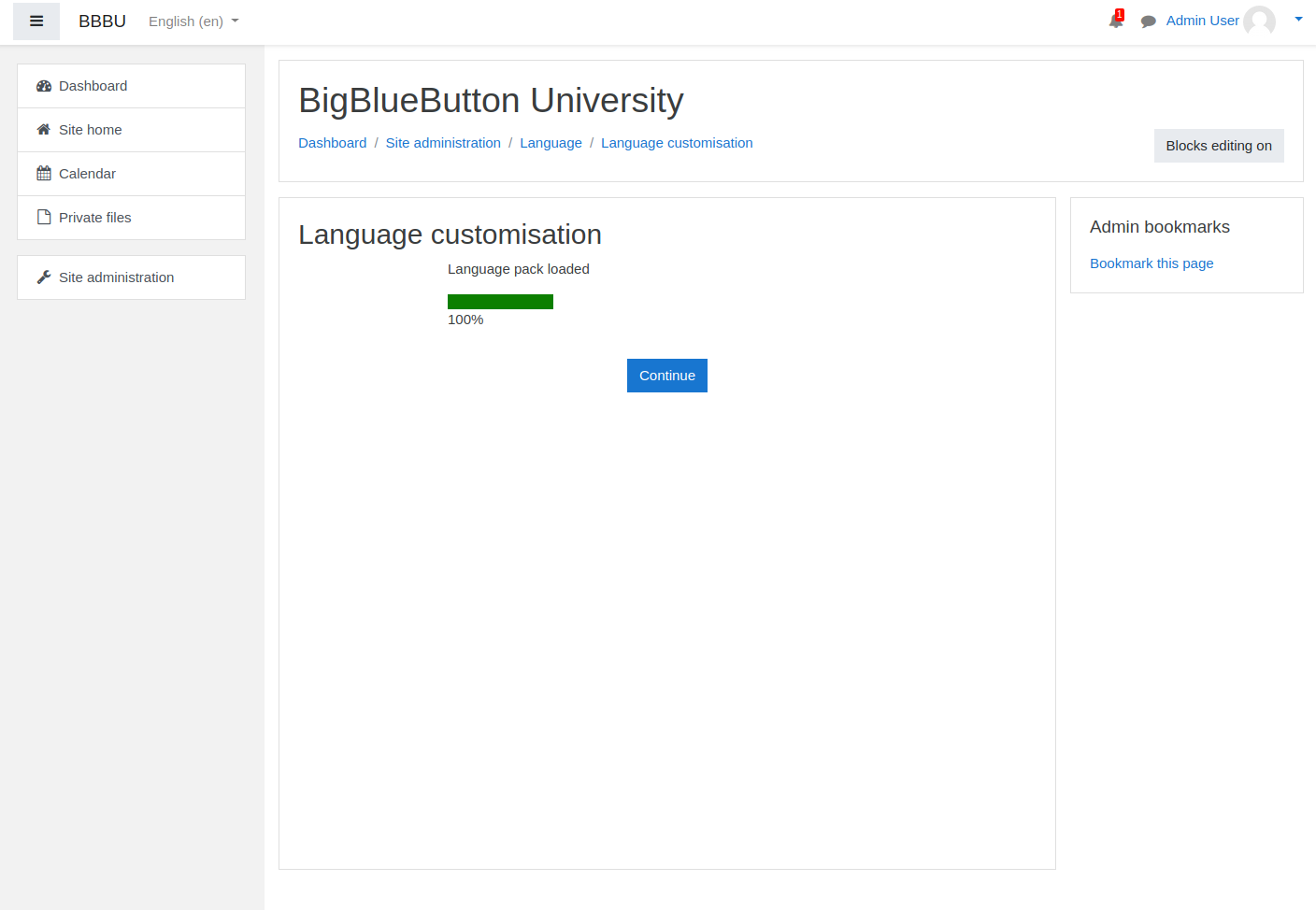
1. Go to **Site administration → Language → Language customization**
2. Choose the language you want to edit
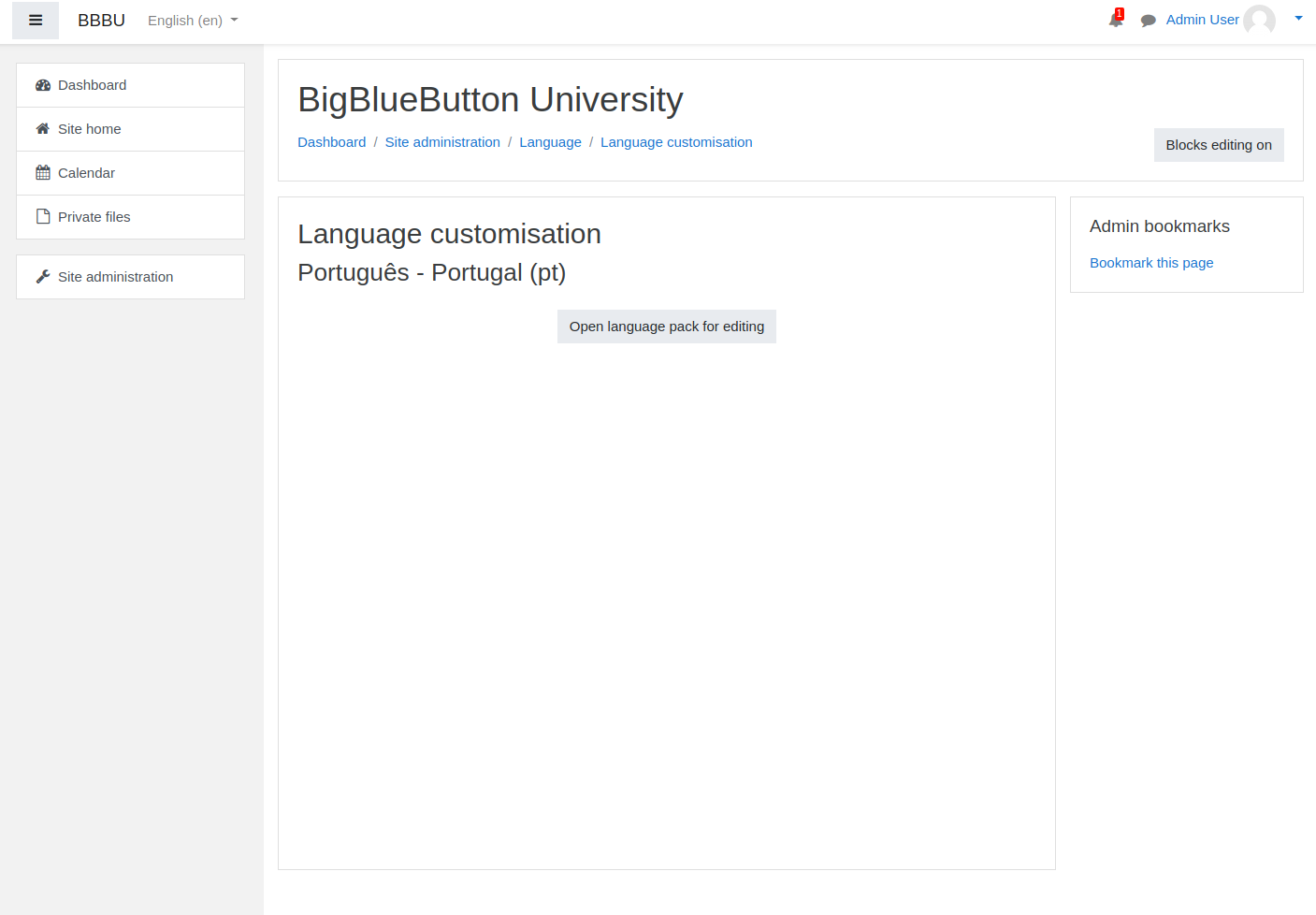
3. Open the language pack for editing
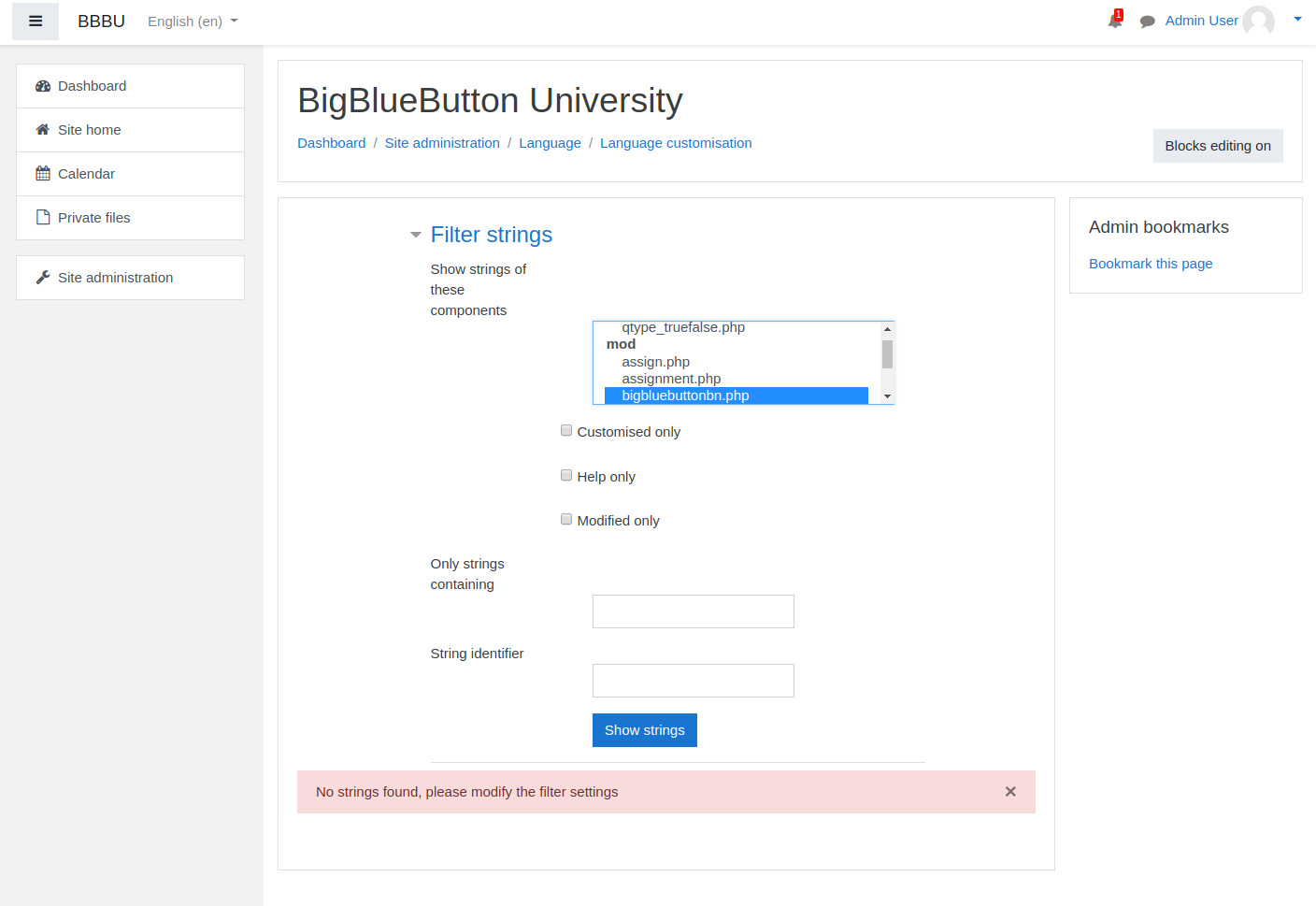
4. Filter to the BigBlueButton module strings
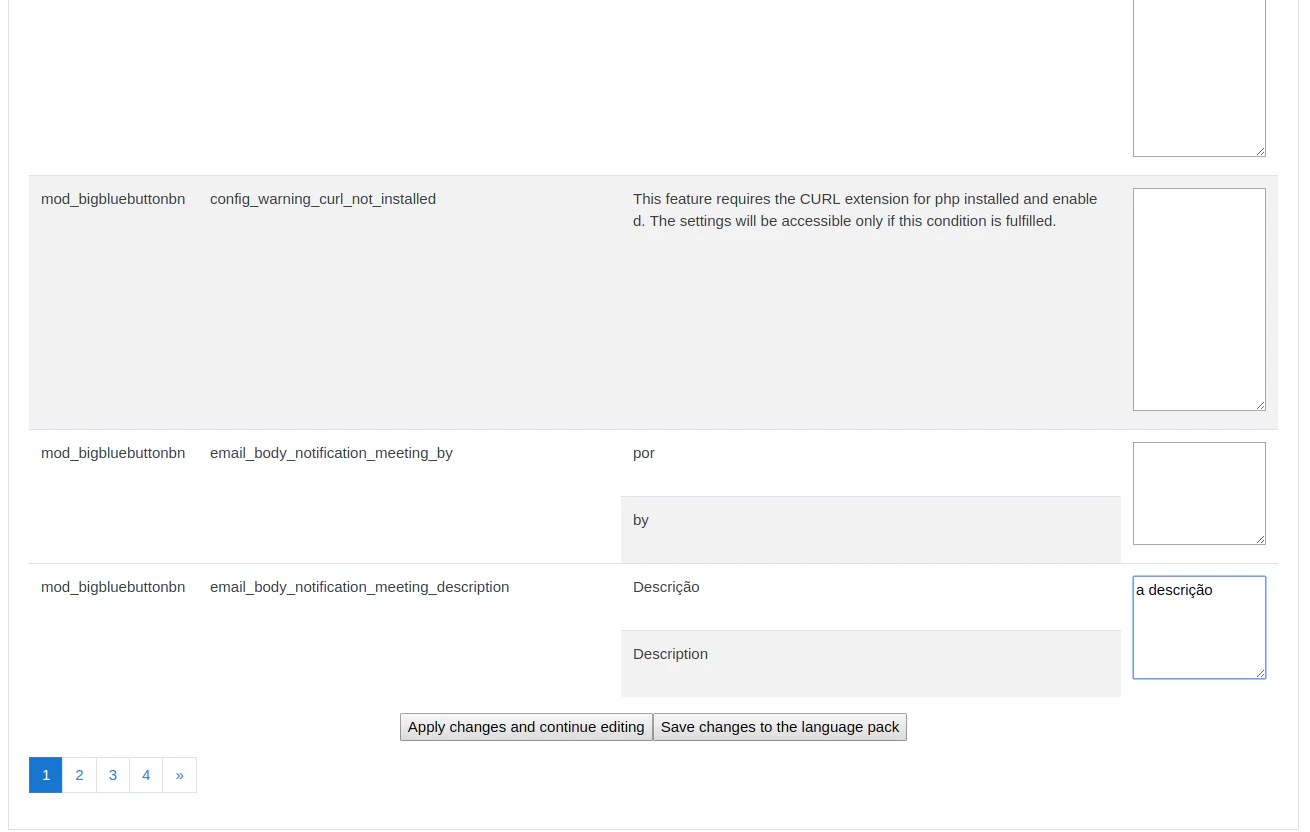
5. Update the strings you want to customize
6. Save the changes
If translations exist in Moodle’s AMOS repository, they will be added to your Moodle server when the language pack is updated.
## Customized update
If your site customizes language strings:
1. Go to **Site administration → Language → Language customization**
2. Choose the language you want to edit
3. Open the language pack for editing
4. Filter to the BigBlueButton module strings
5. Update the strings you want to customize
6. Save the changes
 ## Why use customization
This is useful when:
* your organization wants friendlier language for learners
* you need a region-specific dialect
* the translated strings need to reflect local terminology
## Contributing back
If you create useful translations, consider contributing them to the Moodle AMOS translation workflow so future updates are easier for your team and others.
## Why use customization
This is useful when:
* your organization wants friendlier language for learners
* you need a region-specific dialect
* the translated strings need to reflect local terminology
## Contributing back
If you create useful translations, consider contributing them to the Moodle AMOS translation workflow so future updates are easier for your team and others.