> ## Documentation Index
> Fetch the complete documentation index at: https://bigbluebutton.com/docs/llms.txt
> Use this file to discover all available pages before exploring further.
# Groups and grouping
> Learn how Moodle group modes affect BigBlueButton room behavior and why users may join different rooms in the same activity.
Groups work much the same way in BigBlueButton as they do in the rest of Moodle, but BigBlueButton adds one important behavior: there can be a unique room per group.
That means the **Join** button can send a user to:
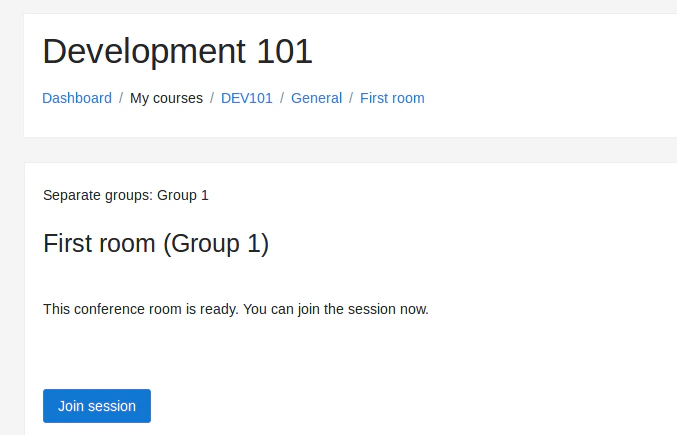
* the room for the group they belong to
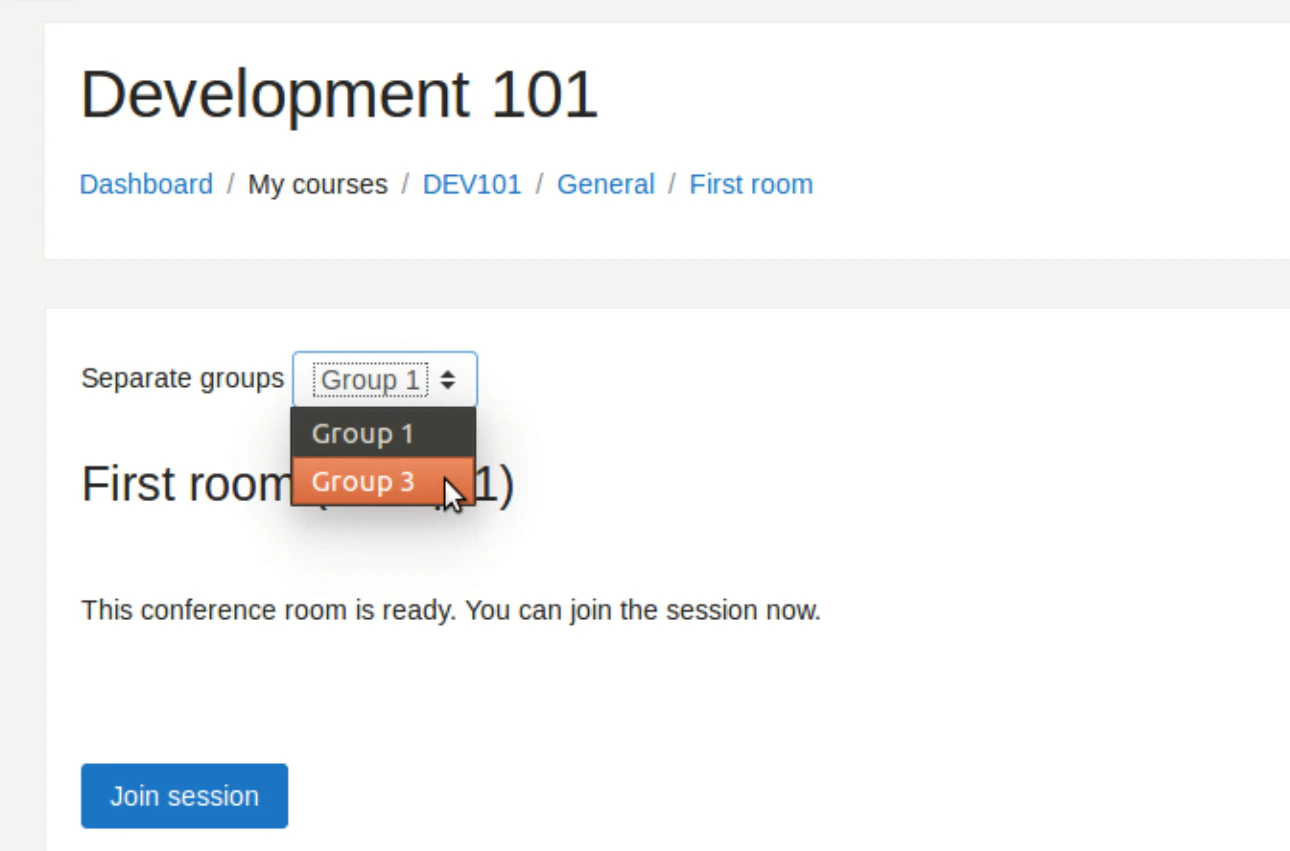
* a room they choose from a group selector
* a general room in some teacher-facing cases
## Group options
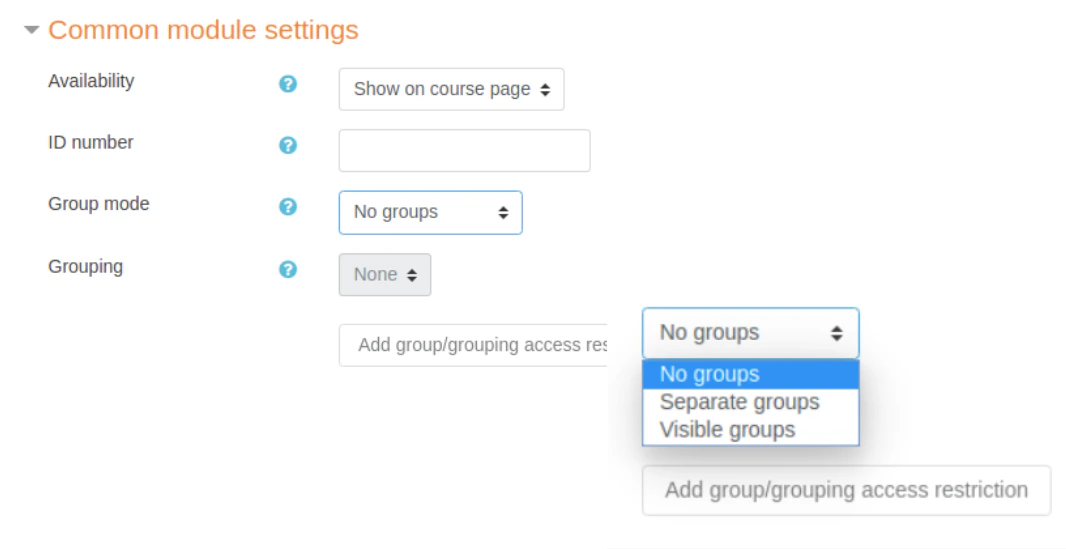
The main group mode options are:
* **Separate groups**
* **Visible groups**
## Separate groups
This is the most restrictive option.
In many cases:
* students only see the group they belong to
* users who belong to multiple allowed groups may choose from a limited list
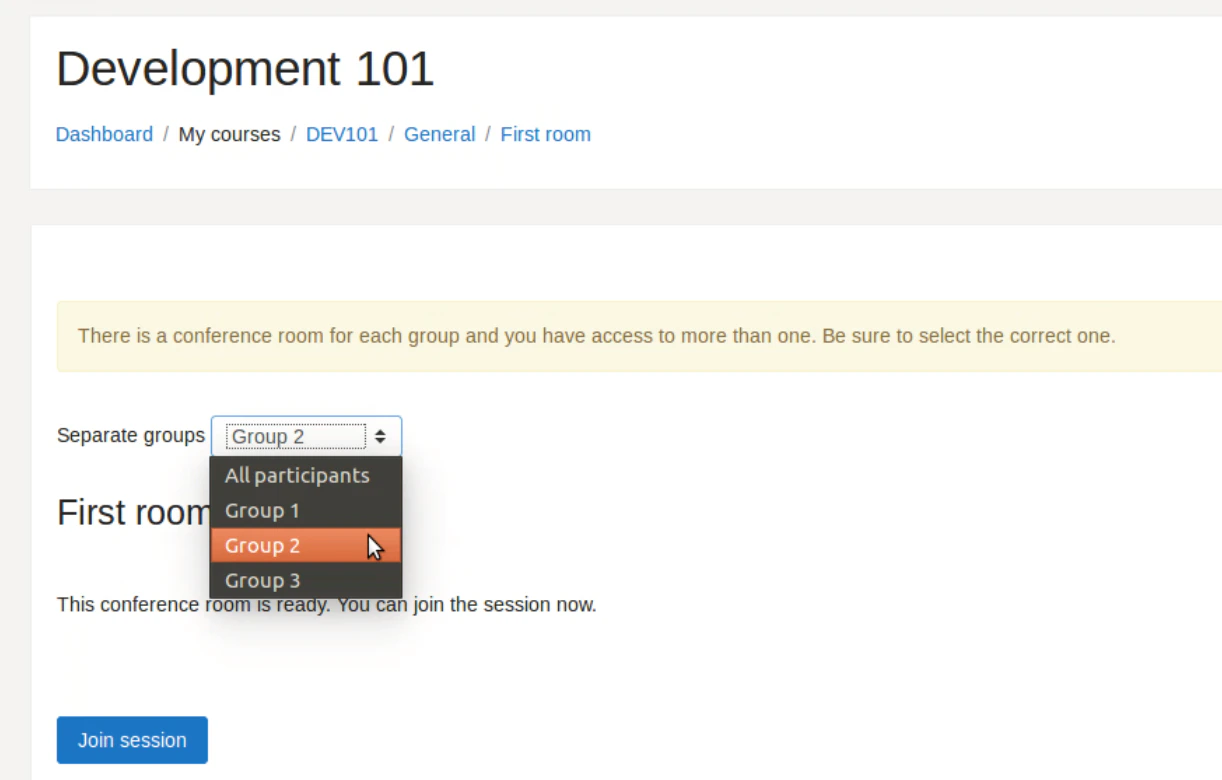
* educators can choose from a wider set of rooms
Teachers may need to move between rooms to meet with students who have joined each group room.
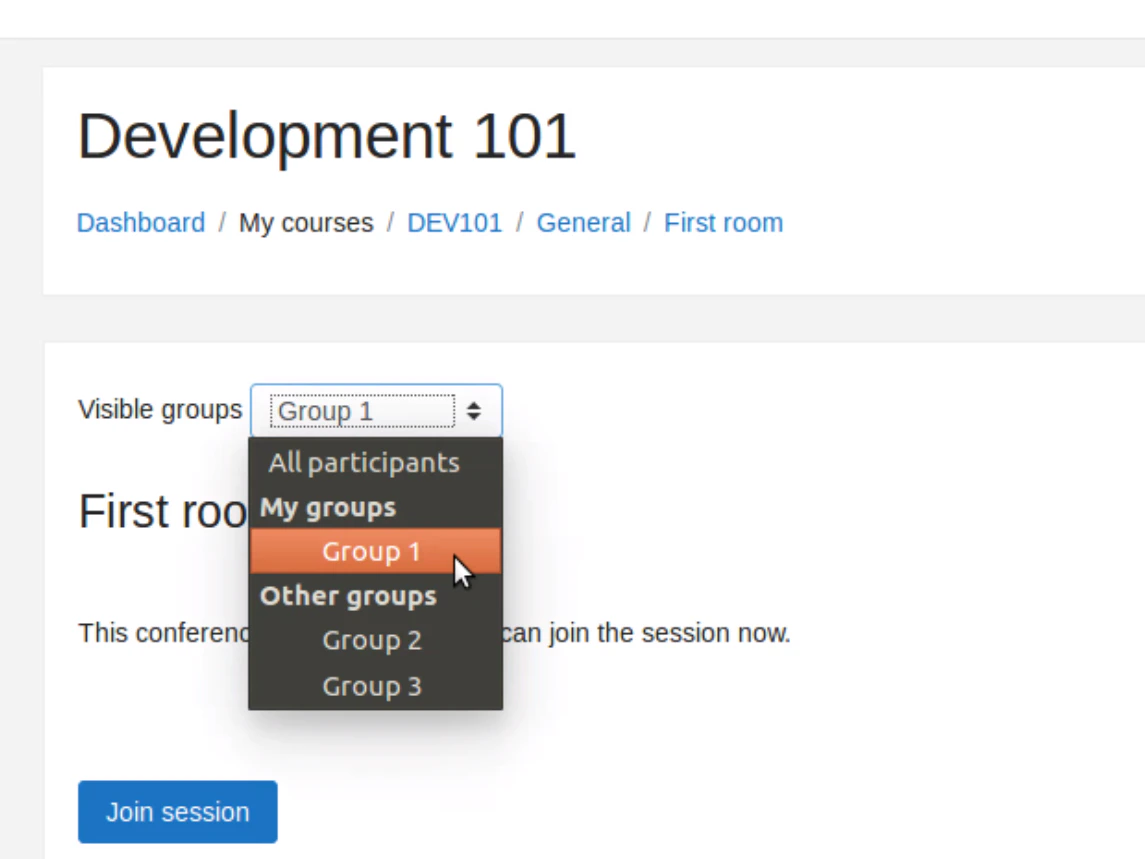
 ## Visible groups
This is more permissive.
Users can choose the room they want to join from a list that shows all groups available in the course, subject to site and role configuration.
## Visible groups
This is more permissive.
Users can choose the room they want to join from a list that shows all groups available in the course, subject to site and role configuration.
 ## Learn more
For more background on Moodle groups in general, see the official Moodle documentation on groups.
## Learn more
For more background on Moodle groups in general, see the official Moodle documentation on groups.