> ## Documentation Index
> Fetch the complete documentation index at: https://bigbluebutton.com/docs/llms.txt
> Use this file to discover all available pages before exploring further.
# Guest access
> Allow external guests to join a BigBlueButton activity in Moodle using a guest link and password.
Some Moodle sites allow BigBlueButton activities to be opened to external guests.
## How it works
When guest access is enabled:
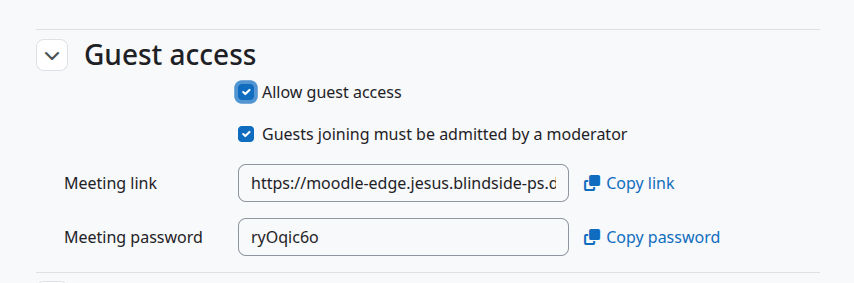
* the activity can generate a guest link
* a guest password can be shared
* guests can join without a Moodle account
Depending on the configuration, guests may also need moderator approval before they fully enter the room.
## Typical teacher workflow
1. Edit the activity.
2. Enable guest access if your site allows it.
3. Copy the guest link and password.
4. Share them with the external participants.
 ## What guests experience
Guests usually:
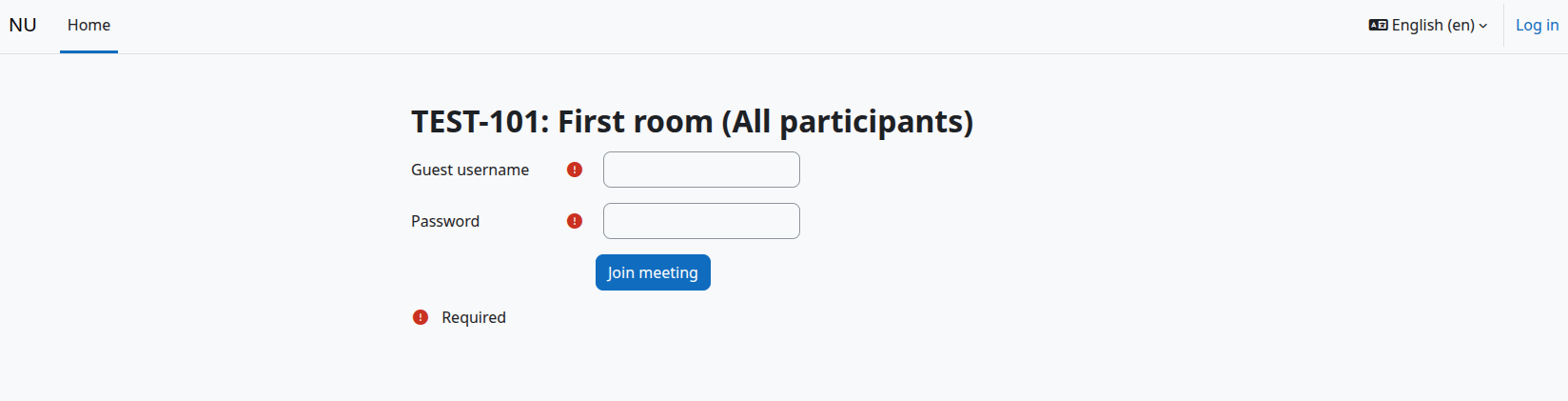
1. open the guest link
2. enter a display name
3. enter the password
4. wait for the meeting to start, and sometimes wait for moderator approval
If the meeting has not started yet, guests will not be able to join the live room immediately.
## What guests experience
Guests usually:
1. open the guest link
2. enter a display name
3. enter the password
4. wait for the meeting to start, and sometimes wait for moderator approval
If the meeting has not started yet, guests will not be able to join the live room immediately.