> ## Documentation Index
> Fetch the complete documentation index at: https://bigbluebutton.com/docs/llms.txt
> Use this file to discover all available pages before exploring further.
# Starting and Editing a Conference
> Start a Schoology Conference to launch the BigBlueButton session, or use the gear icon to edit its details.
## Starting and Editing a Conference
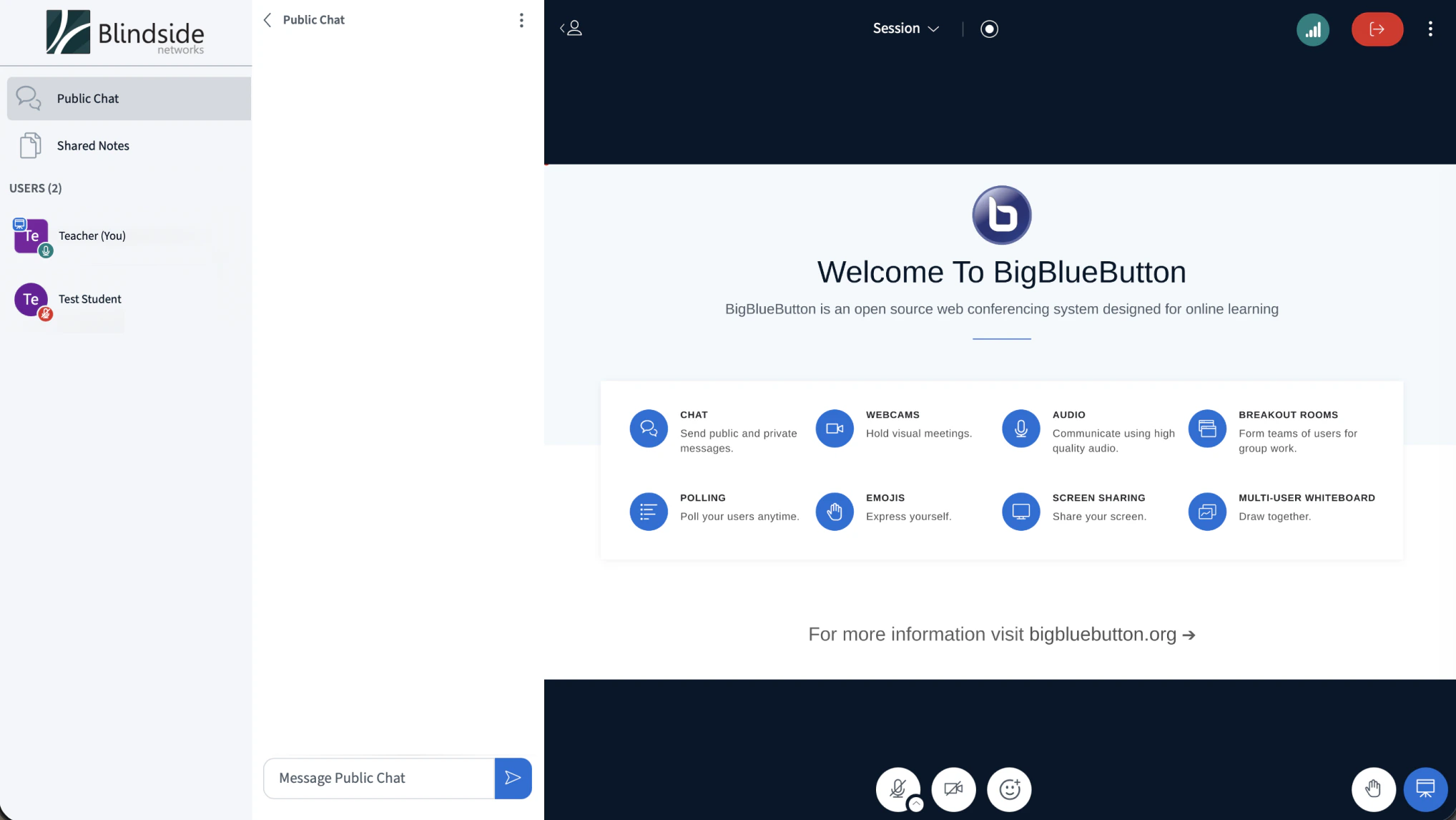
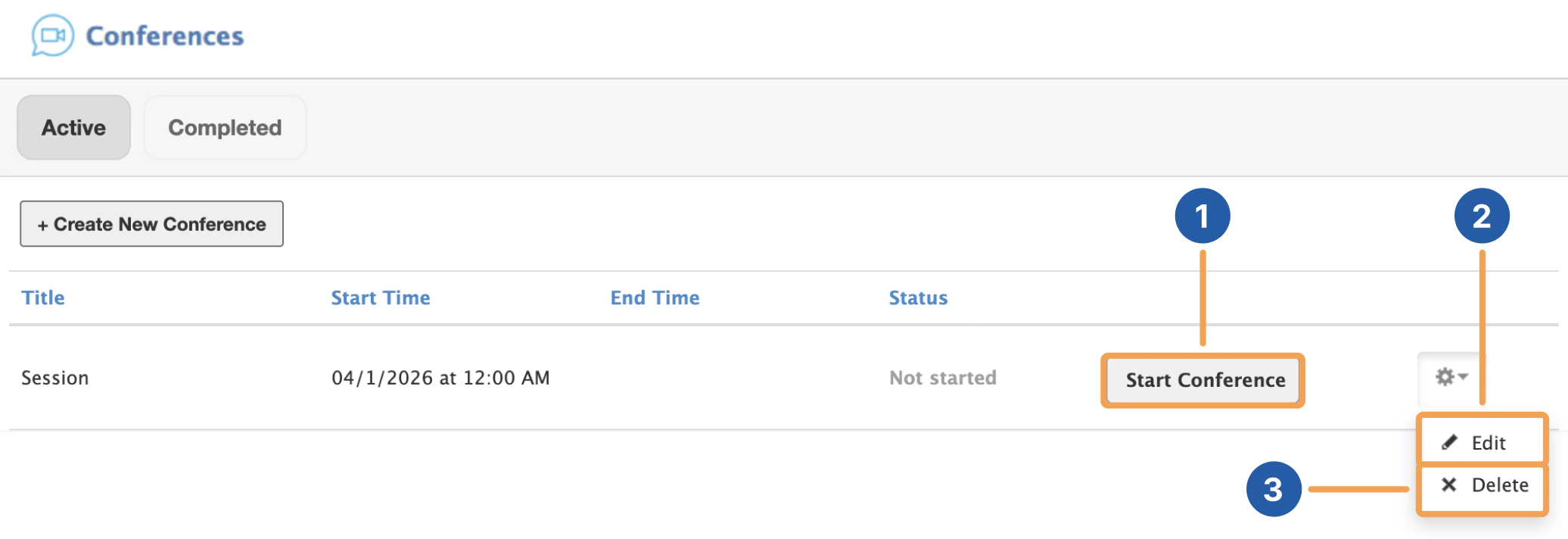 After creating a Conference, you can select **Start Conference \[1]** to begin the BigBlueButton session. This will automatically make you join the session in a new tab.
 By selecting the gear icon next to the conference of your choosing, you can **edit \[2]** or **delete \[3]** your conference before starting it.
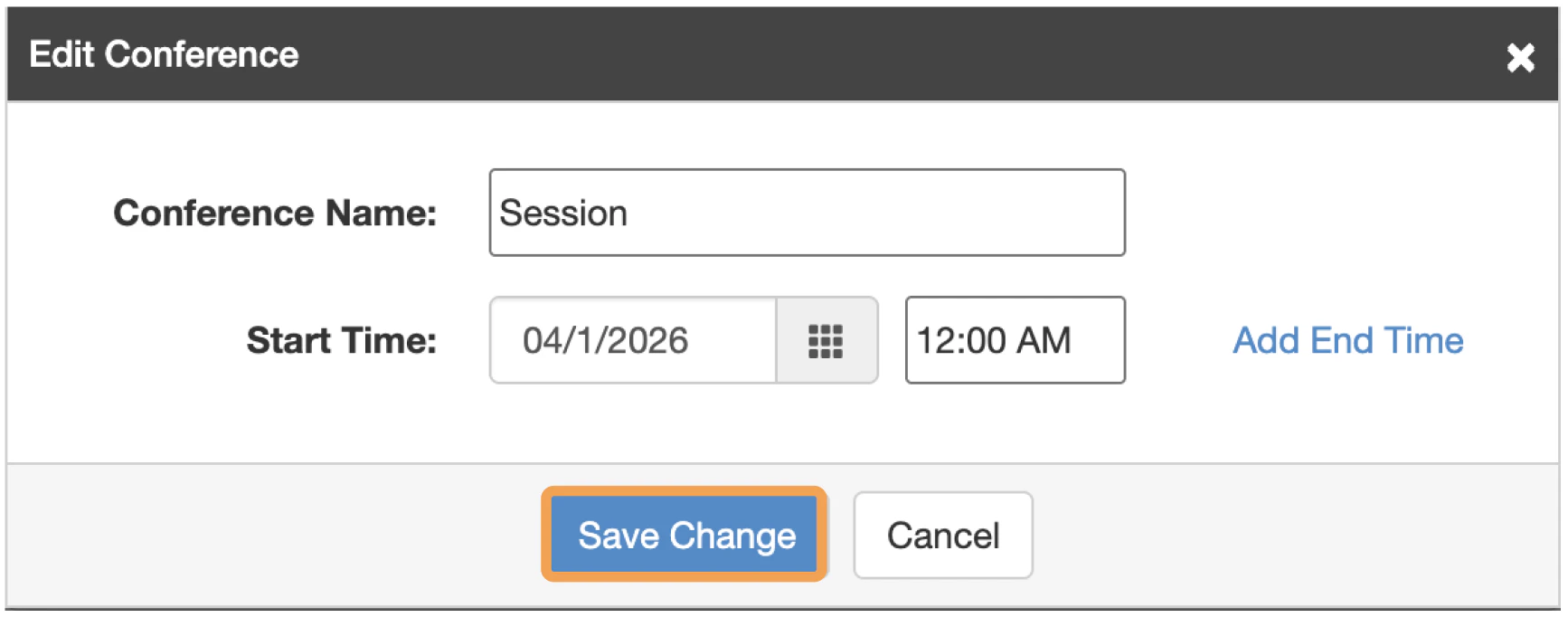 You can edit the title, start and end time details of the conference.
## Rejoining a Conference
When a conference is started, you can join by selecting the link of the conference that is in progress.
You can edit the title, start and end time details of the conference.
## Rejoining a Conference
When a conference is started, you can join by selecting the link of the conference that is in progress.
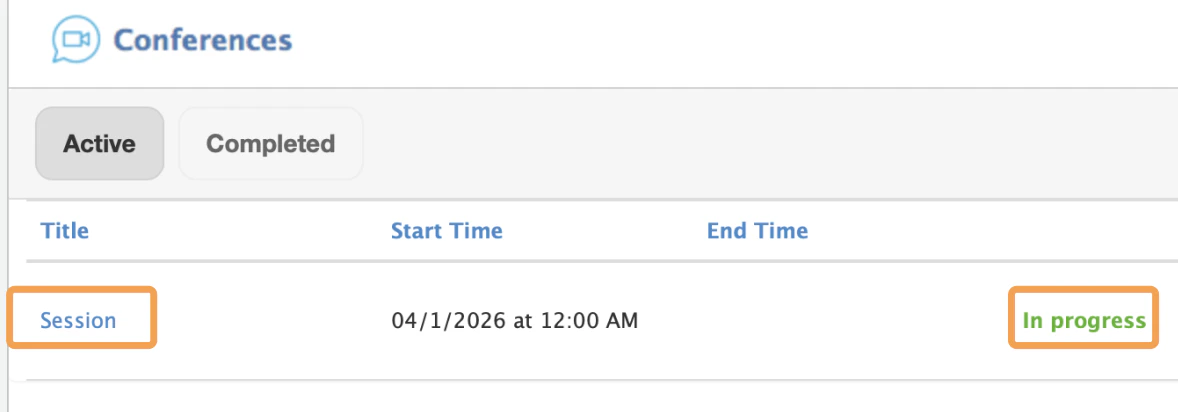 Conferences that can be joined will be located in the active panel by default.