Starting and Editing a Conference
Startconference
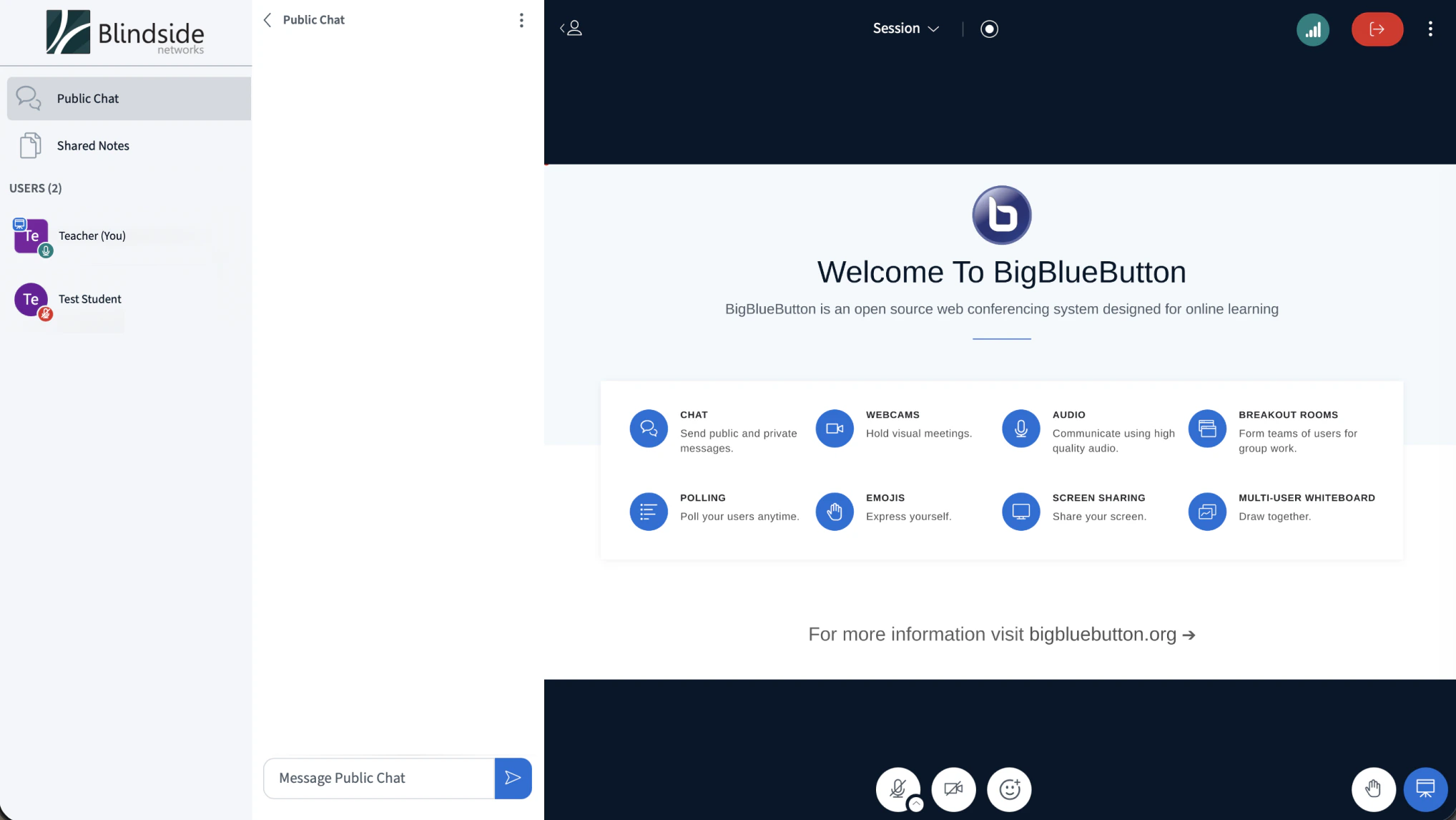
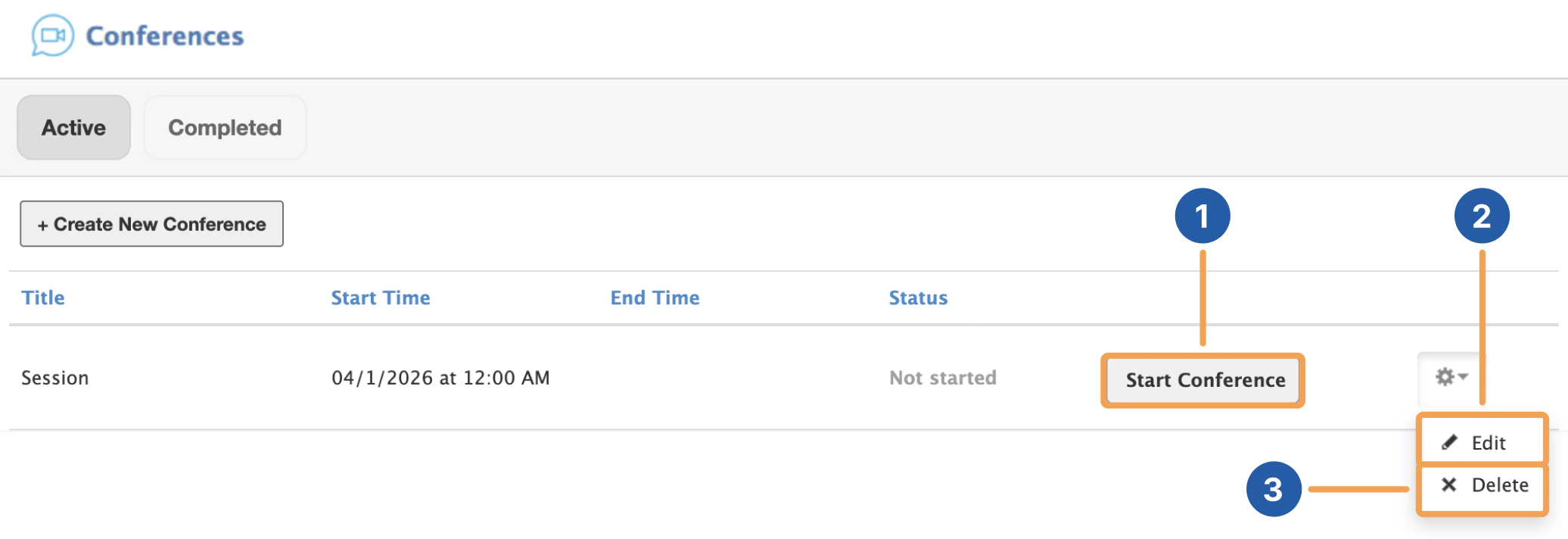
After creating a Conference, you can select Start Conference [1] to begin the BigBlueButton session. This will automatically make you join the session in a new tab.
Screenshot 2026 04 15 At 11 05 20 AM
By selecting the gear icon next to the conference of your choosing, you can edit [2] or delete [3] your conference before starting it.
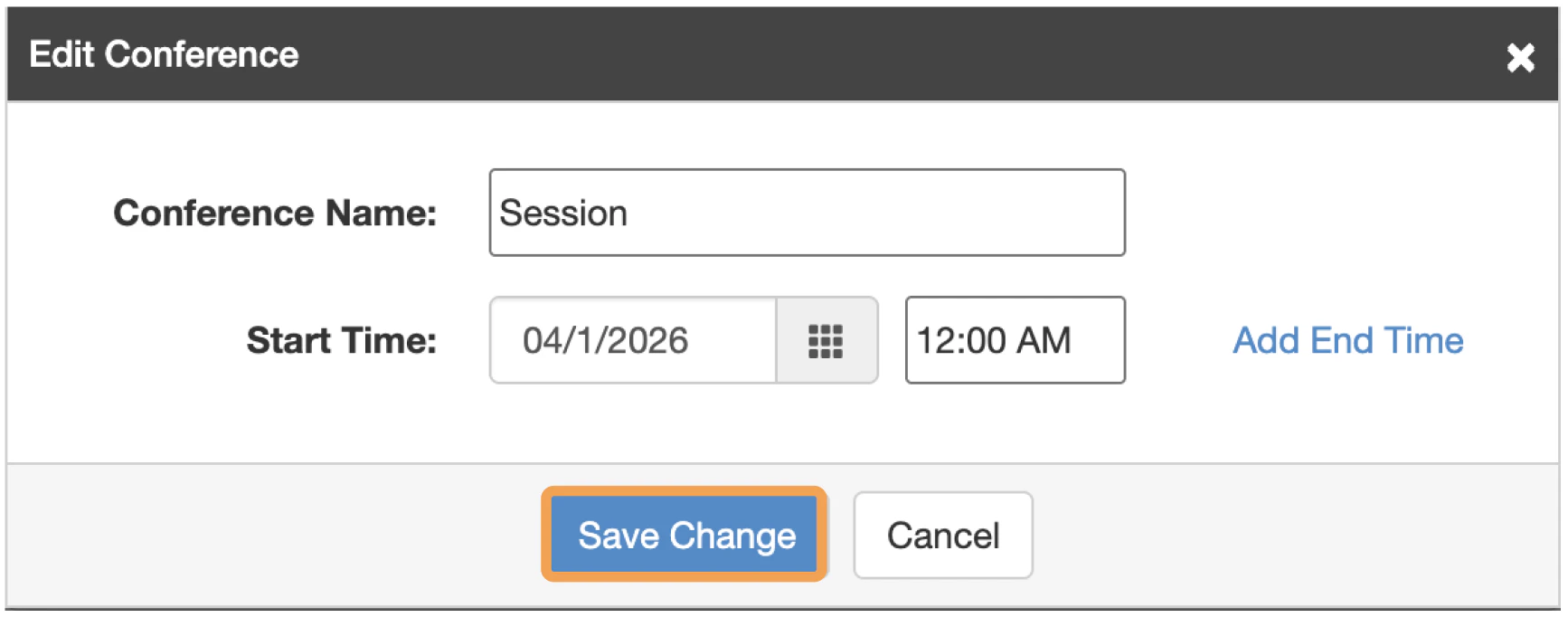
Editconference
You can edit the title, start and end time details of the conference.

Rejoining a Conference

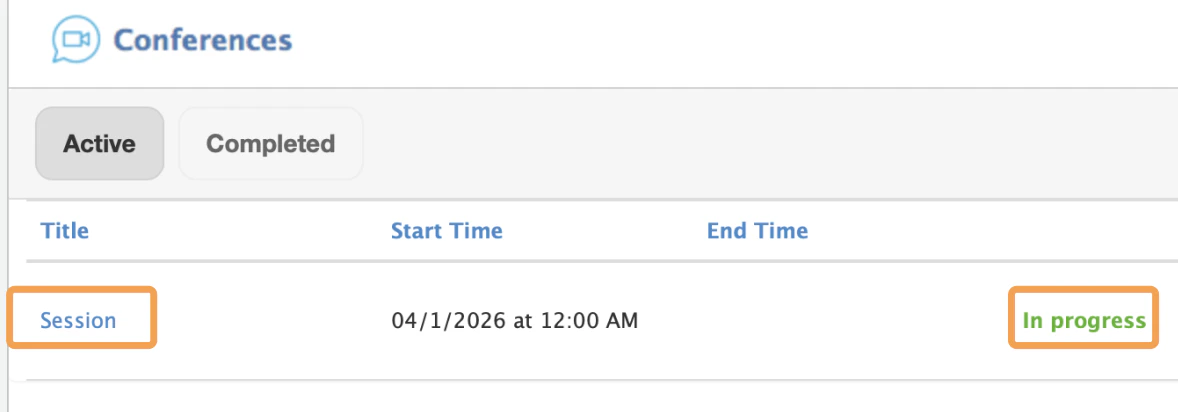
When a conference is started, you can join by selecting the link of the conference that is in progress.
Joinconference
Conferences that can be joined will be located in the active panel by default.