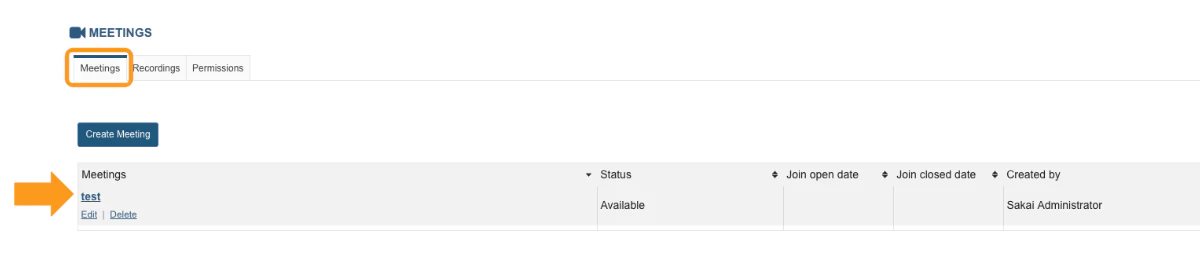
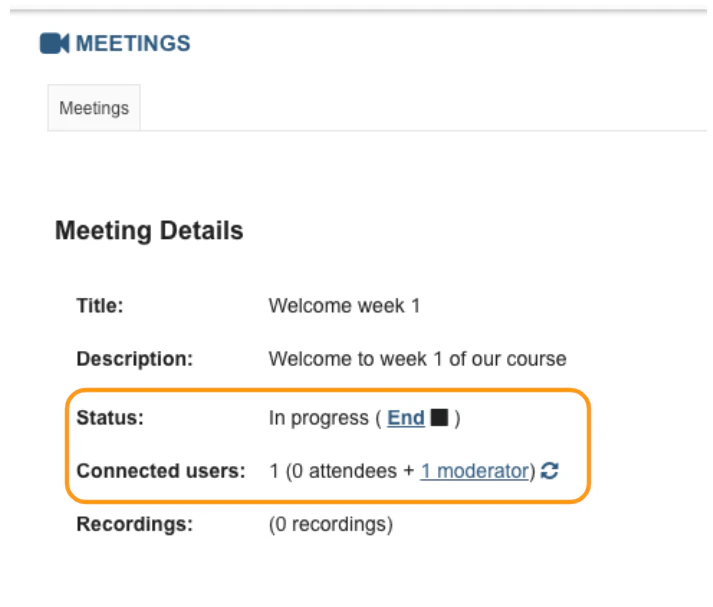
You can use BigBlueButton meetings to host one-on-one tutoring, virtual lectures, and hold online office hours.
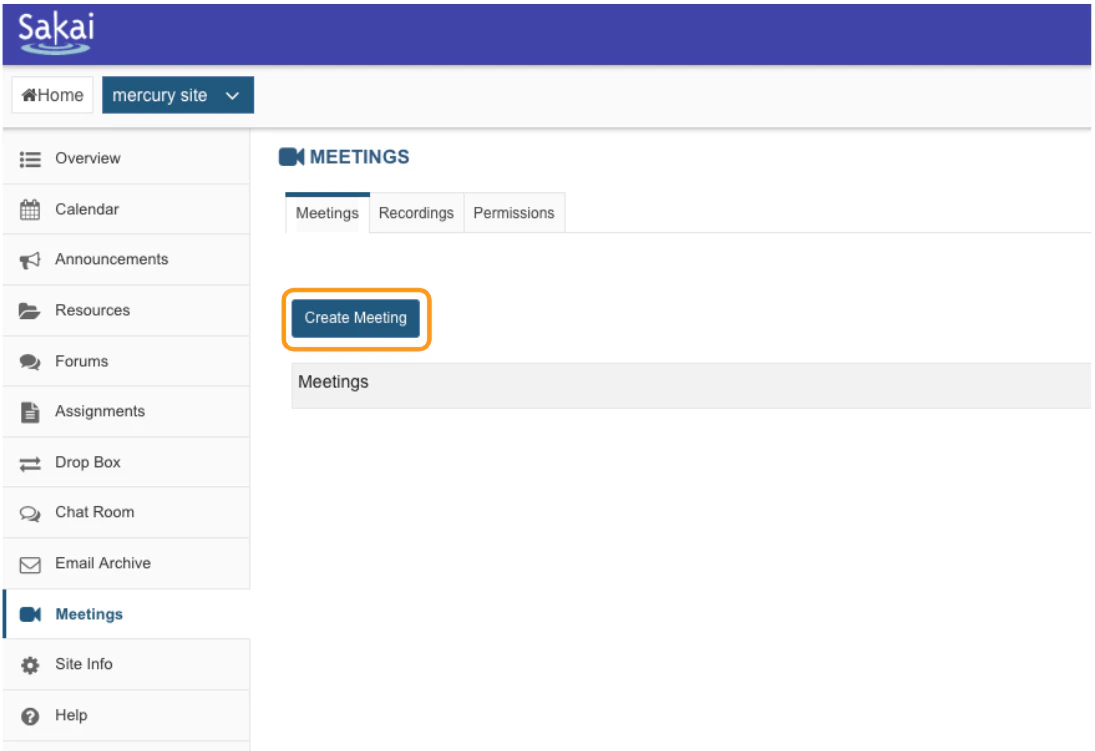
Once successfully installed, instructors and their students will have full access to BigBlueButton’s capabilities from within their Sakai interface.To create a new conference
Navigate to the course you wish to add a meeting to.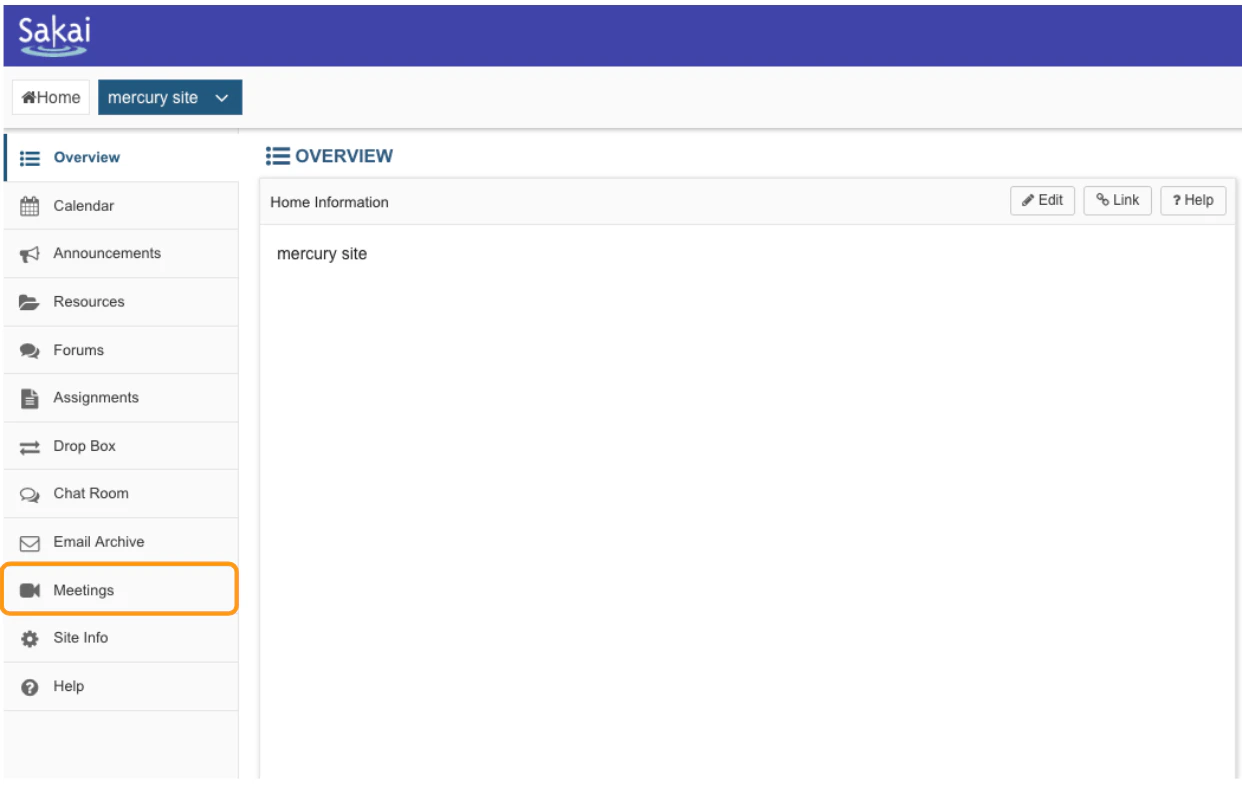
Meeting information
Under the meeting information settings you can add a name and description to the virtual classroom, enable recording, engage the wait for moderator setting, and pre-upload a presentation.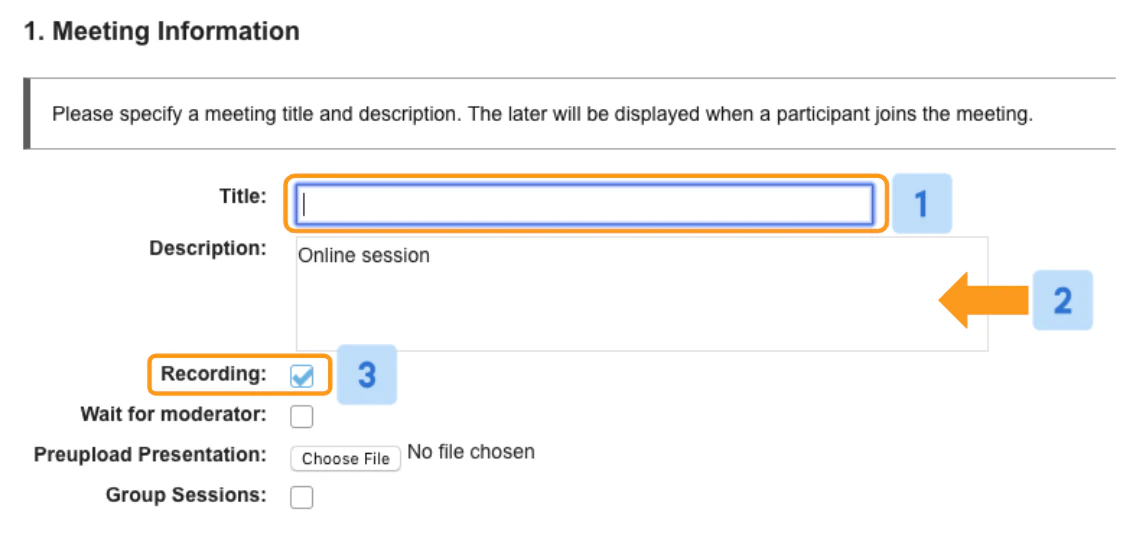
 Checking the wait for moderator [4] box restricts a viewer’s ability to enter a session until a moderator joins.
When this setting is enabled, any viewer attempting to join your session will see the message “****waiting for moderator to join”. Once you (or the moderator) have joined, those users will automatically join the meeting.
The **pre-upload presentation [5]**option enables you to load a document that will be available in the live BigBlueButton session.
Checking the wait for moderator [4] box restricts a viewer’s ability to enter a session until a moderator joins.
When this setting is enabled, any viewer attempting to join your session will see the message “****waiting for moderator to join”. Once you (or the moderator) have joined, those users will automatically join the meeting.
The **pre-upload presentation [5]**option enables you to load a document that will be available in the live BigBlueButton session.
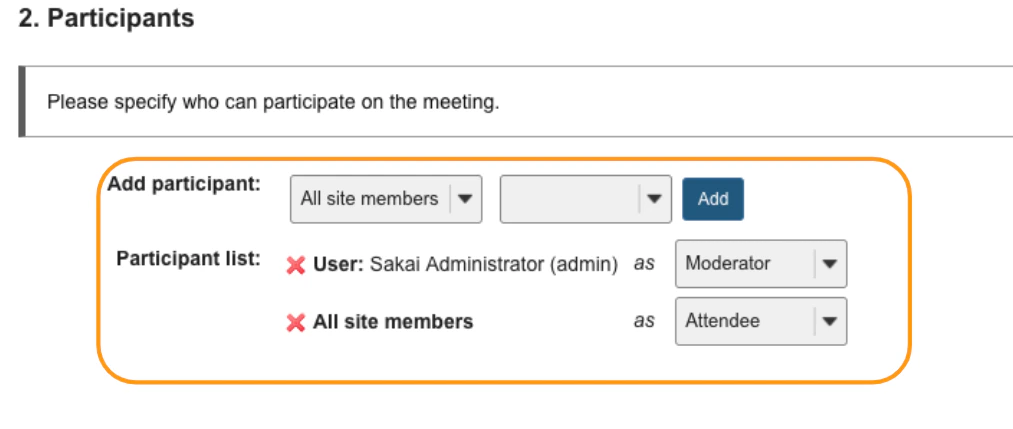
Participants

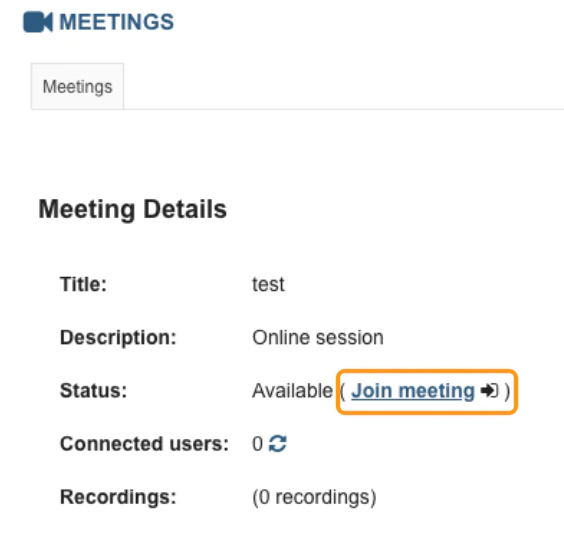
To join the meeting