BigBlueButton meetings can be enabled to provide a recording option during a live virtual session.
When enabled, the meeting will allow the moderator to engage the start/stop record button in the live session to generate a viewable, shareable recording link.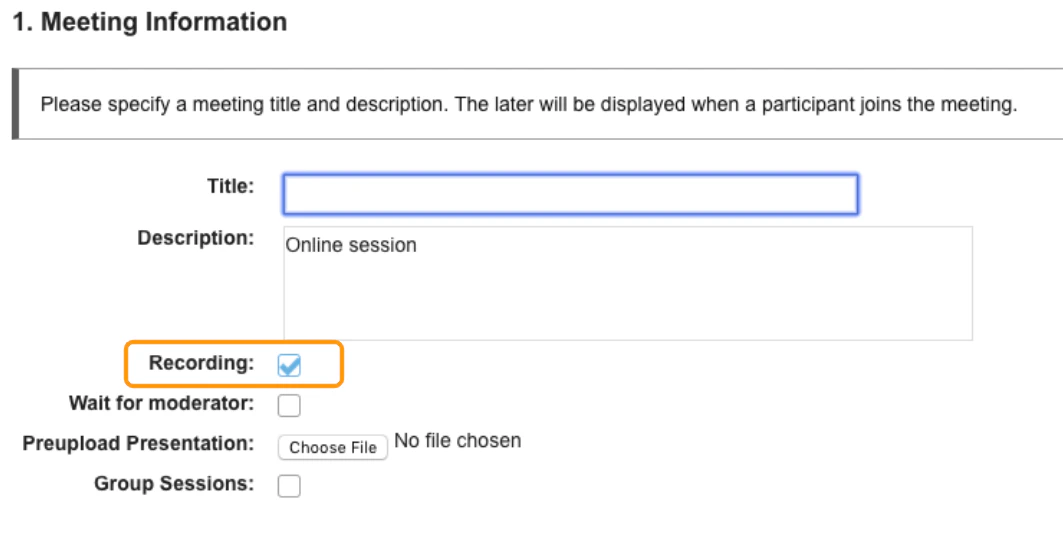
*Important to note that this is not an auto capture feature*
In order to produce a recording of a meeting the moderator or instructor has to enable the start/stop record option by selecting the **recording button,**which is located in the upper middle of the BigBlueButton interface.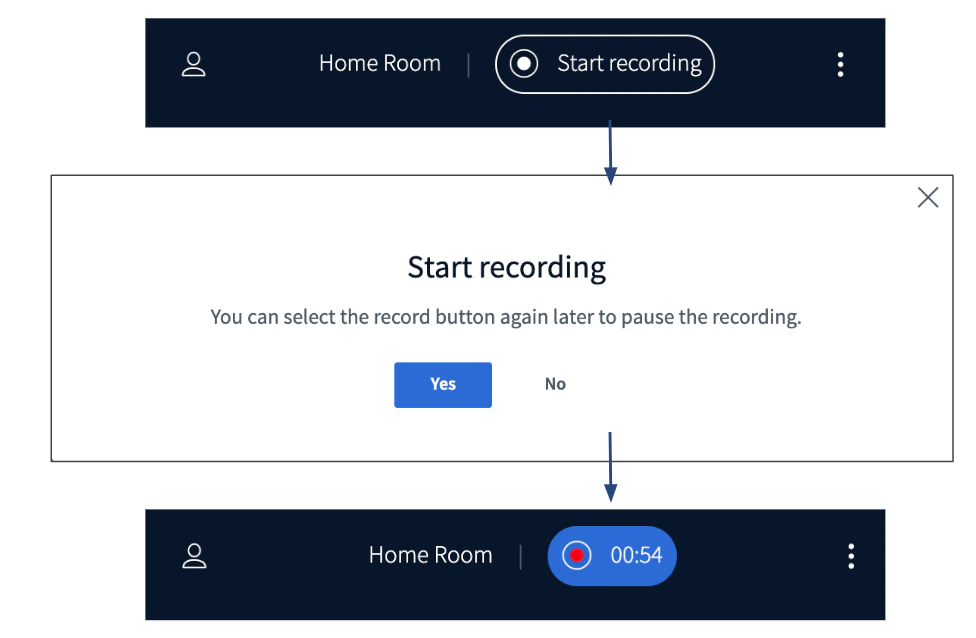
Locating processed recordings
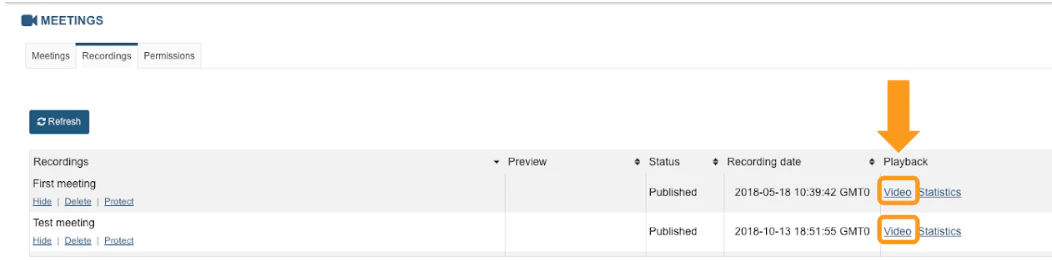
Recordings are tied to the meeting activity they were created under. Processed recording links and their statistics reports will appear under meeting’s recordingstab.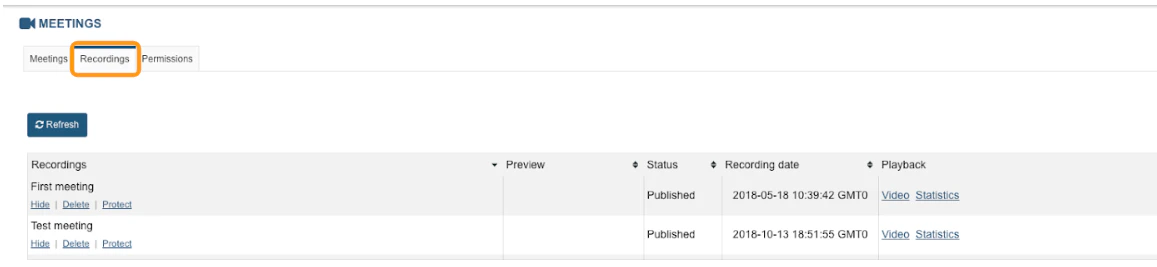
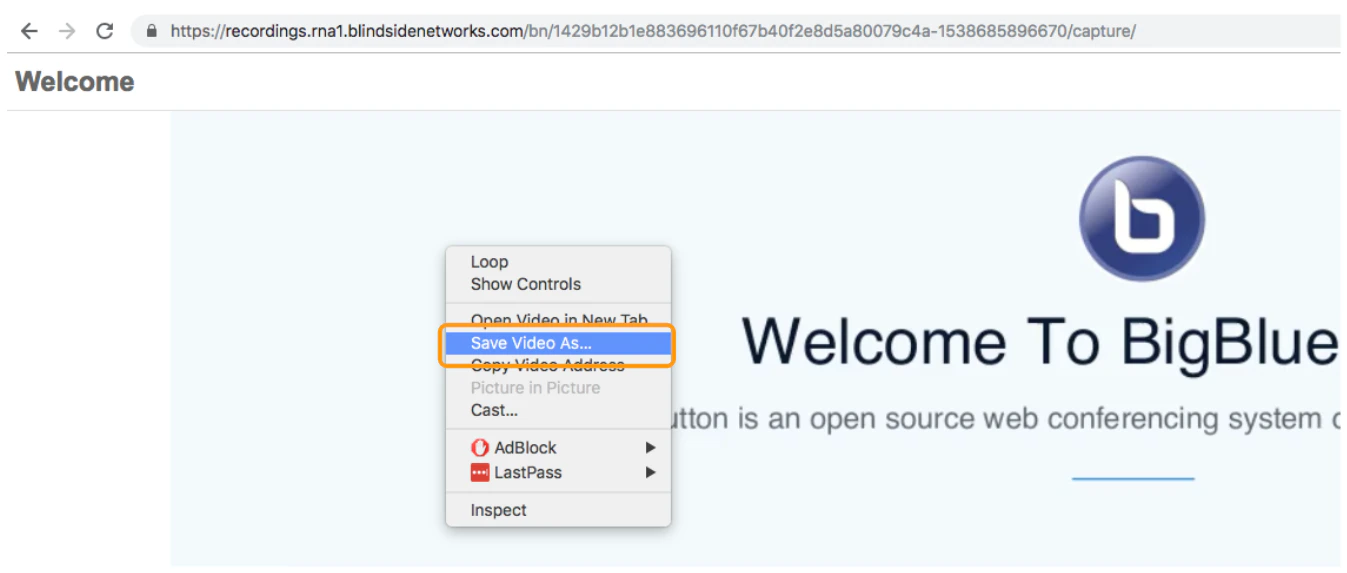
Recording Playback