

Documentation Index
Fetch the complete documentation index at: https://bigbluebutton.com/docs/llms.txt
Use this file to discover all available pages before exploring further.
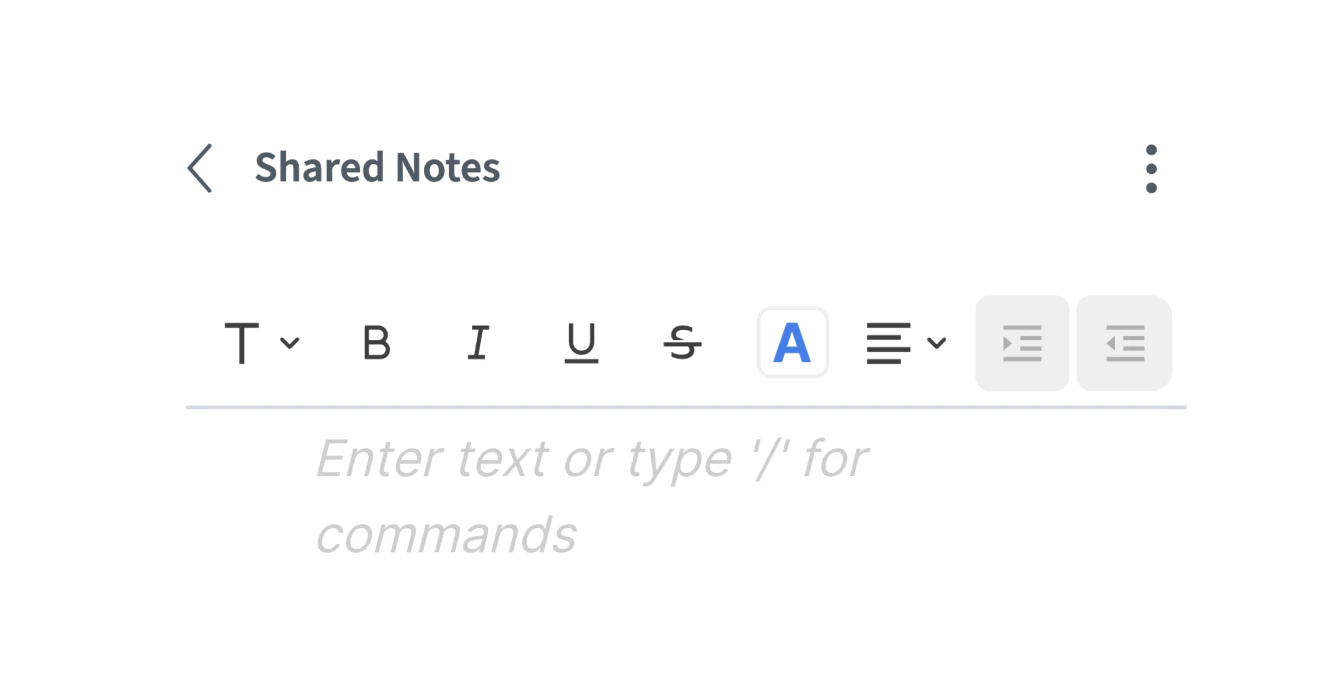
- New Shared Notes Editor. Modern rich text editor that is faster, easier to use, and better support for tables.
Fixes
- When “hide viewer list” lock setting engaged, change of presenter notifications no longer show user’s names.
- Whiteboard area no longer shifts outside presentation area on window resize.
Improvements
- Touch devices no longer trigger pinch-to-zoom for viewers and whiteboard users, preventing accidental zooming during a session.
Fixes
- When “hide viewer list” lock setting engaged, join and leave notifications are suppressed
- Loading screen now stays visible during connection retries, with a clear error screen on timeout.
Improvements
- Webcam controls now appear on hover or touch-and-hold instead of always being visible.
- Mobile notifications are no longer clipped at the edge of the screen.
- Chat message timestamps now follow the user’s locale.
Fixes
- Whiteboard cursor now appears in the correct position for viewers and stays aligned when zooming.
- Mouse-wheel zoom is now centered on the pointer.
Improvements
- Webcam backgrounds now carry through into breakout rooms.
- Moderator-only functionality is properly hidden from viewers inside breakout rooms.
Fixes
- Whiteboard
Ctrl+D(duplicate) now works more than once in a row. - Users are re-assigned to their previous breakout room when rejoining.
Improvements
- Live captions. Captions now handle overlapping speech more gracefully when multiple people speak at once.
Improvements
- Dynamic recording layout. Recordings now use a dynamic video layout for better playback quality — when you minimize the presentation during a session, it will also minimize in the recording.
Fixes
- Browser tab sharing on Chrome 143+. Restored the ability to share a browser tab as a screenshare on Chrome 143 and later.
Improvements
- Redesigned raise hand experience. The raise hand button is clearer, and the list of raised hands now lives in a side panel instead of covering the presenter’s view.
New features
- Live captions (configurable). Introduced live captions, with configurable options for languages and providers.
New features
- Quiz. Built-in assessment feature with results piped into the Learning Analytics Dashboard.
BigBlueButton 3.0
This is a major release of BigBlueButton and contains multiple new and improved features for teachers and students.New features
- Improved chat. Edit messages, add emojis, and reply with follow-up messages.
- Improved whiteboard. Rebuilt on tldraw 2.0.
- Join audio with microphone. Configurable — no more separate listen-only vs. microphone choice.
- Away mode. One click to set yourself away.
- 300 users in a room. Extensive refatoring how supports 300 users in a single room.
- Plugin support. Plugins can now extend the functionality of the core. The Pick Random User capability now implemented as a plugin.