

The three modes
Assigned
Only a moderator assigns the presenter role. This is how 3.0 worked.
Request and approve
A participant asks to present and you approve or decline.
Anyone can present
Any participant can take the presenter role at any time, without approval.
Set the mode
Open permissions and policies from the user list — the same place as participant permissions and the guest policy — and choose the presenting mode.Handling requests
In request and approve mode, a participant’s request comes to you for approval. Approve it to hand over the presenter role, or decline to leave it where it is.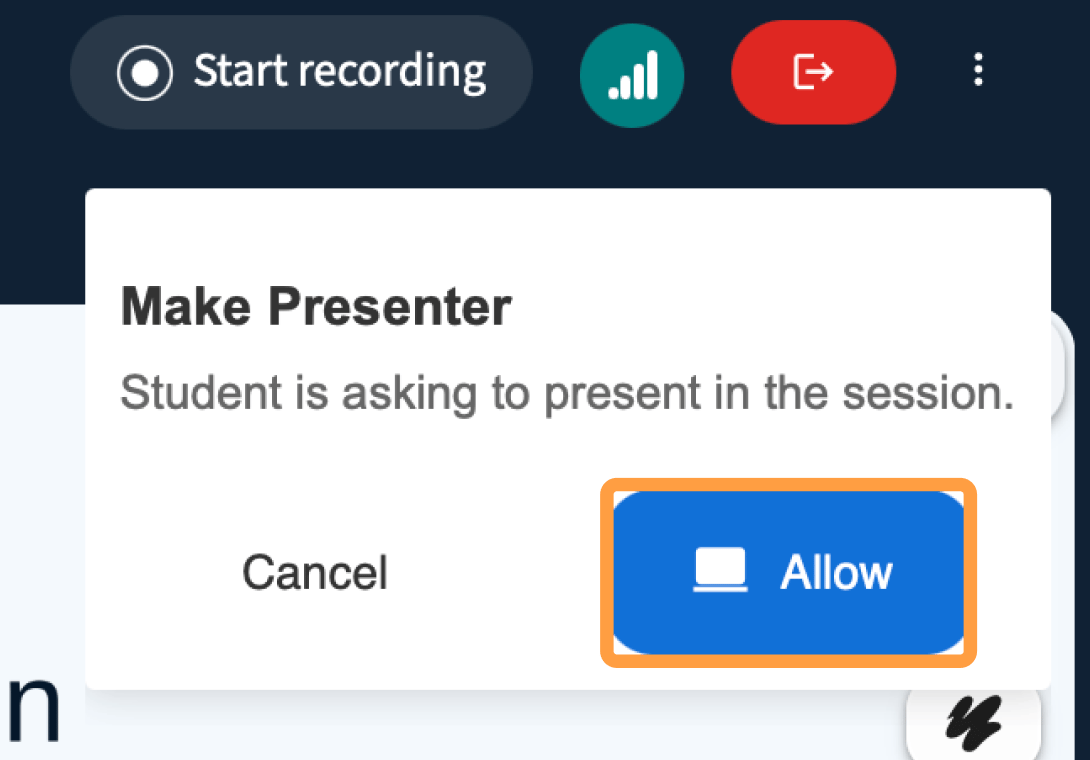
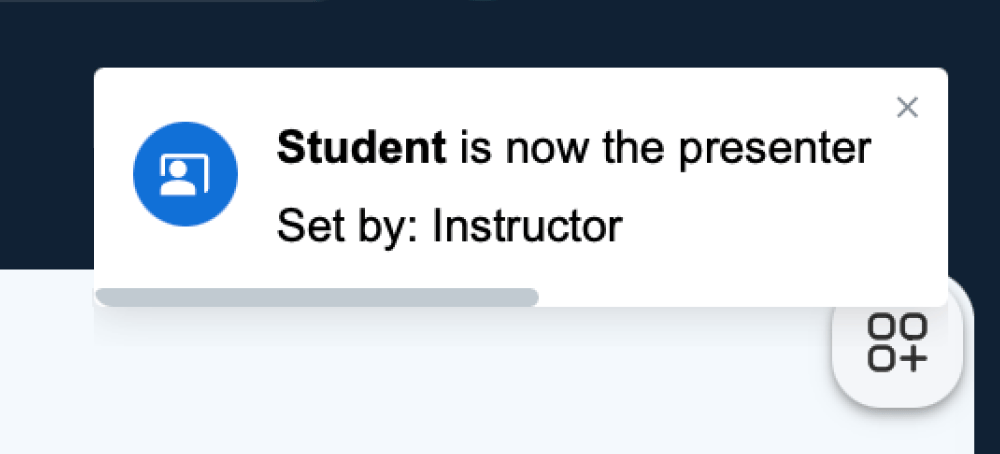
Only one person presents at a time in any mode.