

Send a request
Select Request to present. The moderator receives your request and can approve or decline it. When it is approved, you become the presenter and the sharing controls in the media area become available to you.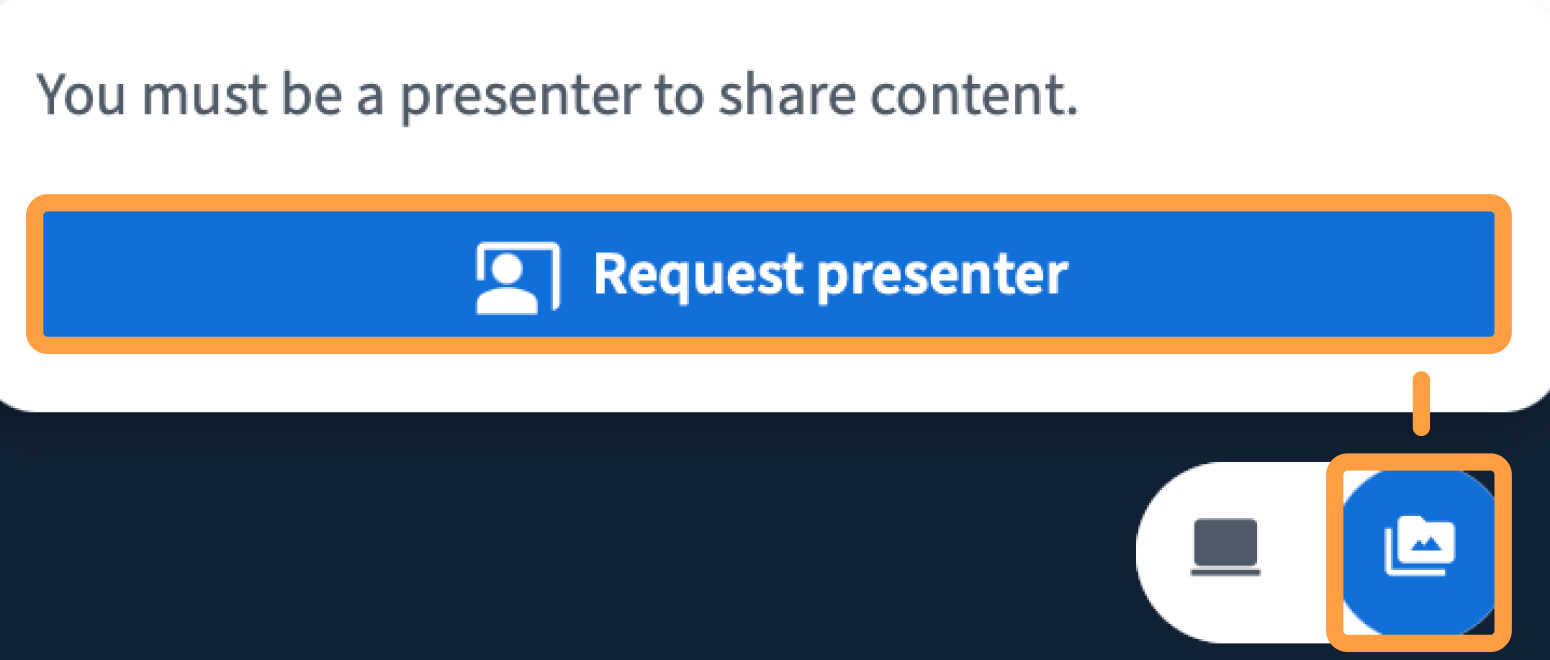
If you do not see the option
What you can do depends on which presenting mode the moderator has chosen for the session:Only one person presents at a time. When someone else becomes the presenter, your sharing controls become unavailable again.