Draft — this page is draft documentation for BigBlueButton 4.0. The details described here may change before release.
The layout manager dialog from 3.0 is gone. In its place is something simpler: as the instructor, you minimize or restore the presentation, and the change propagates automatically to everyone in the session.
Minimize the presentation
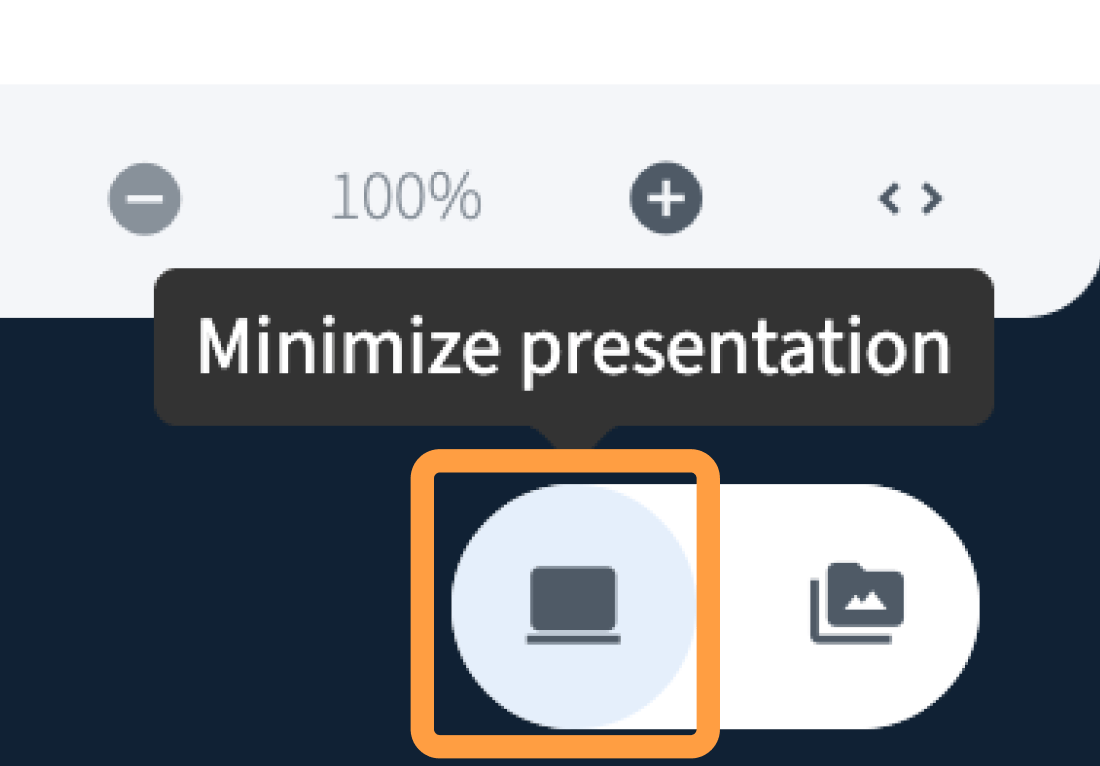
Select minimize presentation in the media area. The presentation collapses and the session switches to a grid of tiles — a webcam for everyone who is sharing one, and an avatar for everyone who is not.
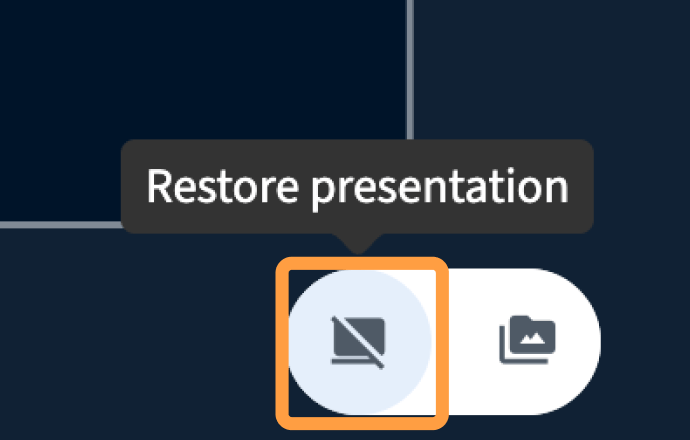
Select restore to bring the presentation back.
Why use it
The grid puts the people in the room ahead of the content. It helps you build relationships with and between your students, because you can focus on faces rather than slides — and you can bring the focus back to the presentation at any point in the session.
The grid pairs well with letting anyone present: together they make BigBlueButton feel much more like a meeting tool when that is what your class needs.