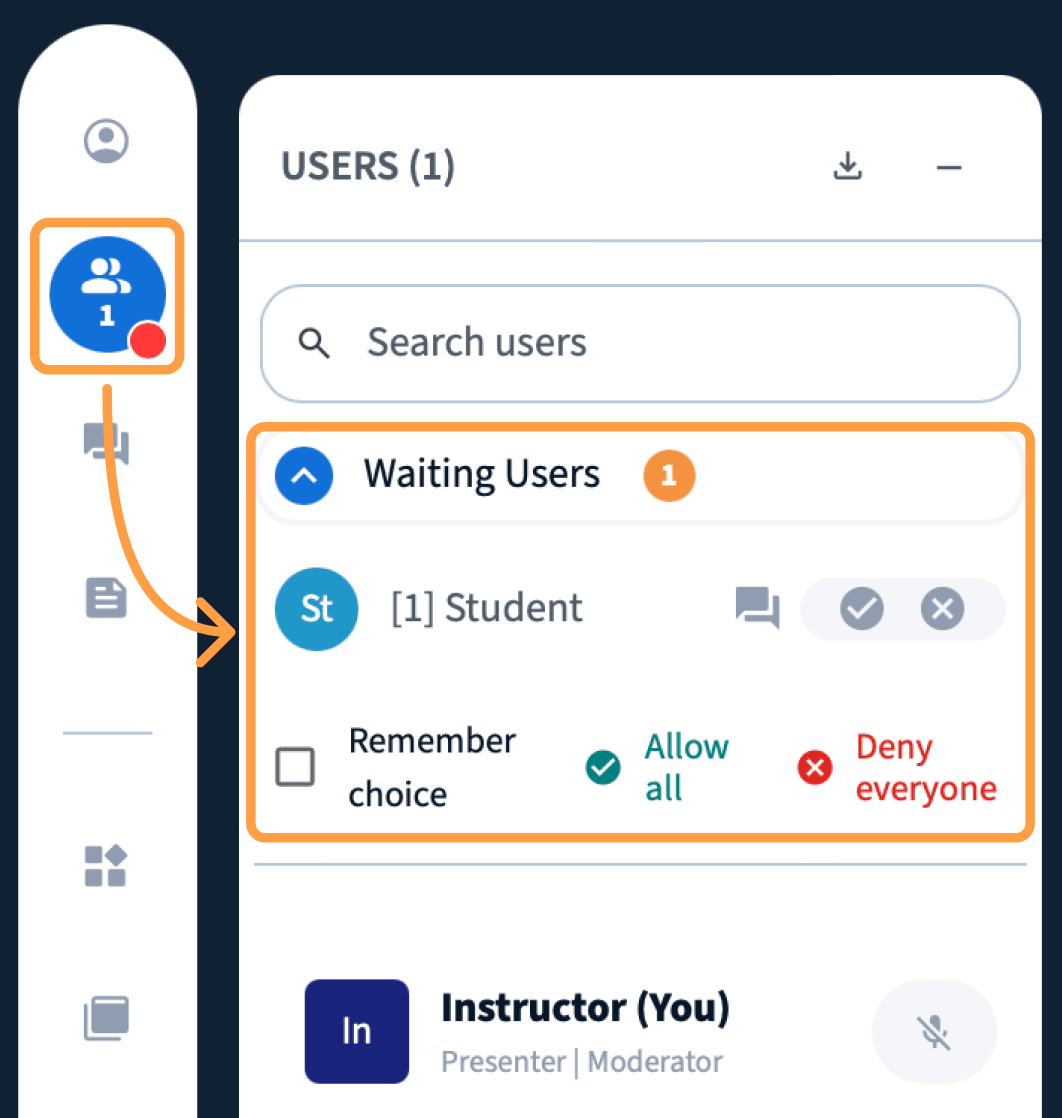
Accept or deny everyone waiting in the guest lobby at once, message someone before letting them in, or stop being asked altogether.
When your session’s guest policy is set to ask the moderator, arrivals wait in the lobby. BigBlueButton 4.0 consolidates that review into a single pop-up, so a class arriving all at once does not mean thirty separate decisions.
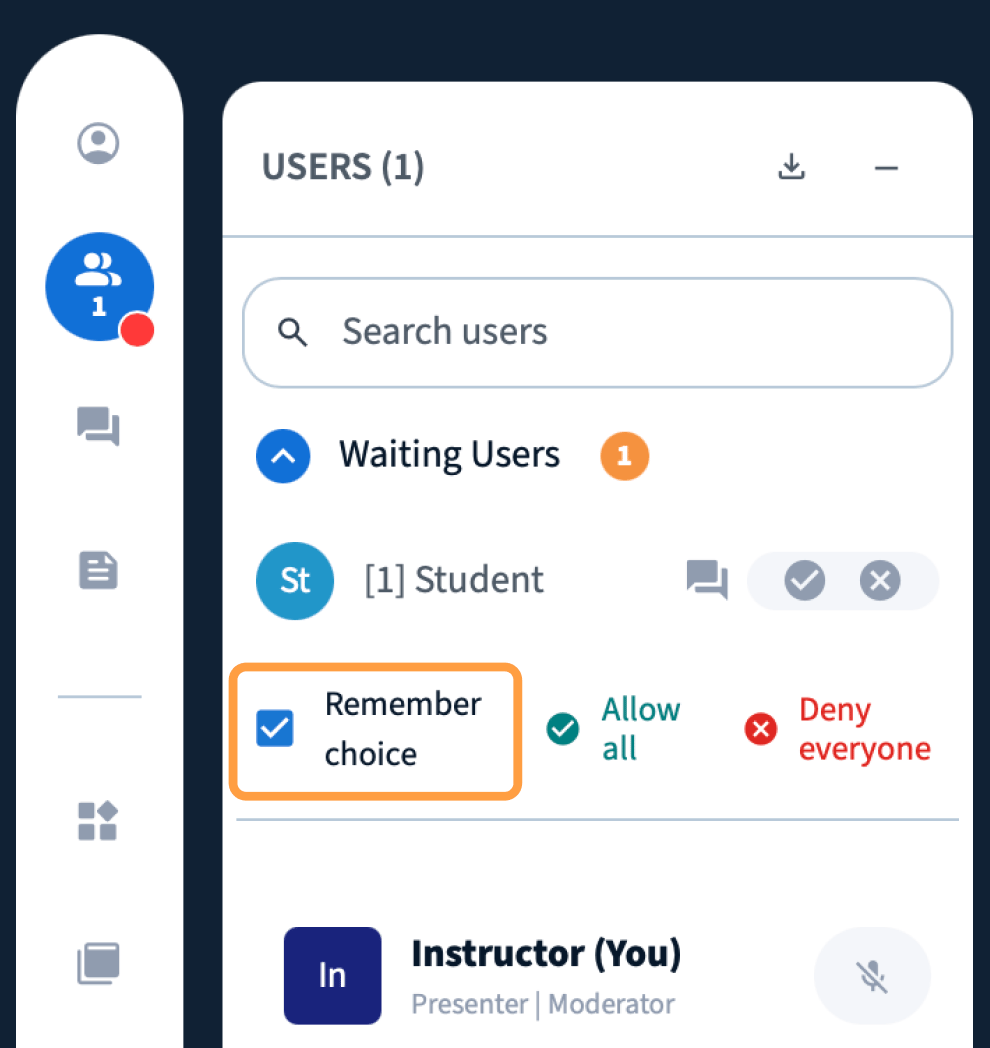
The pop-up also offers a remember allow all option. Choose it and BigBlueButton stops asking about arrivals for the rest of the session — they join directly.You can get the same result by changing the guest policy itself to Always accept.
Always deny turns arrivals away. Someone who is denied needs a new invitation to join.