Set the guest policy
To set the policy, select the gear icon next to USERS, then select Guest policy.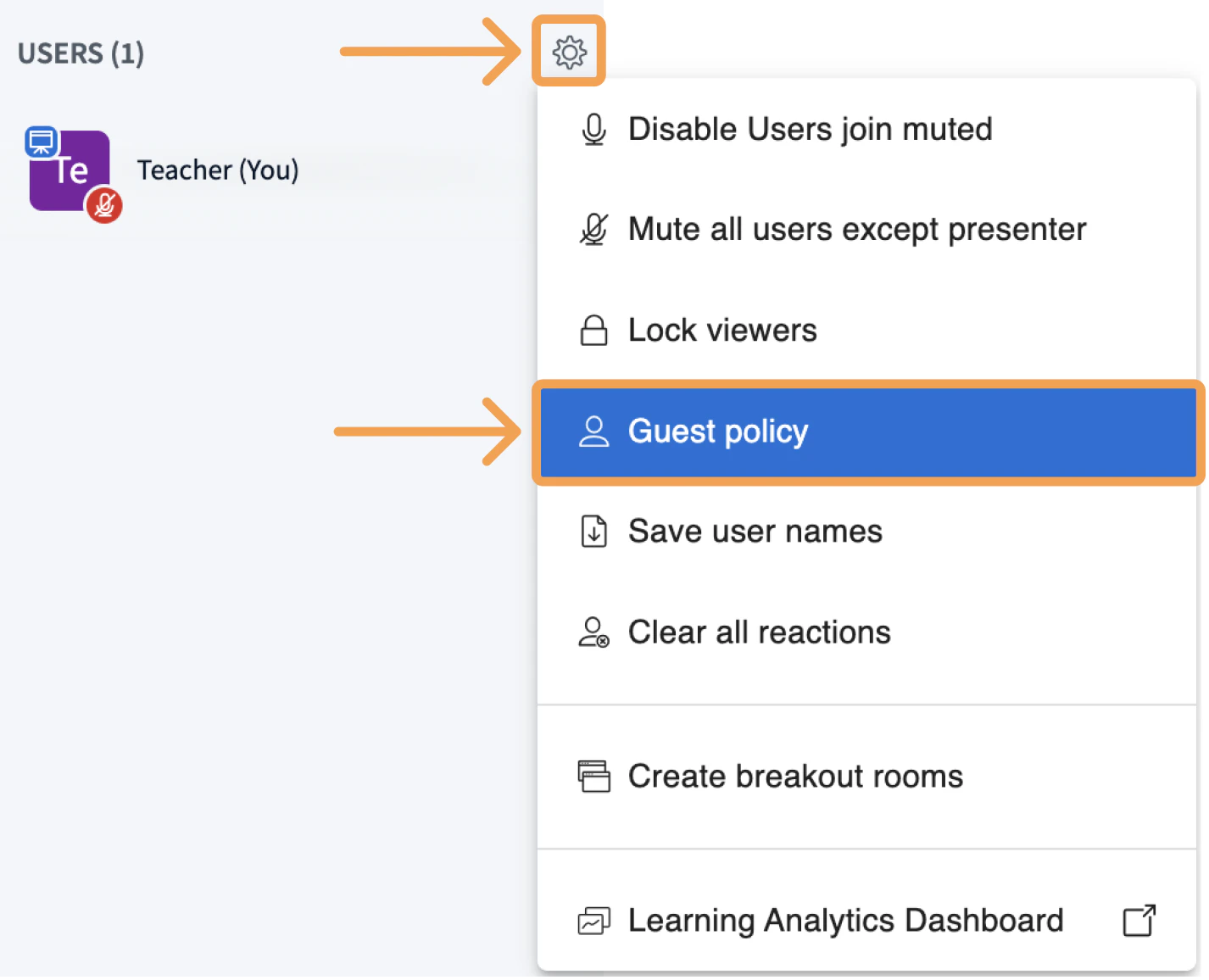
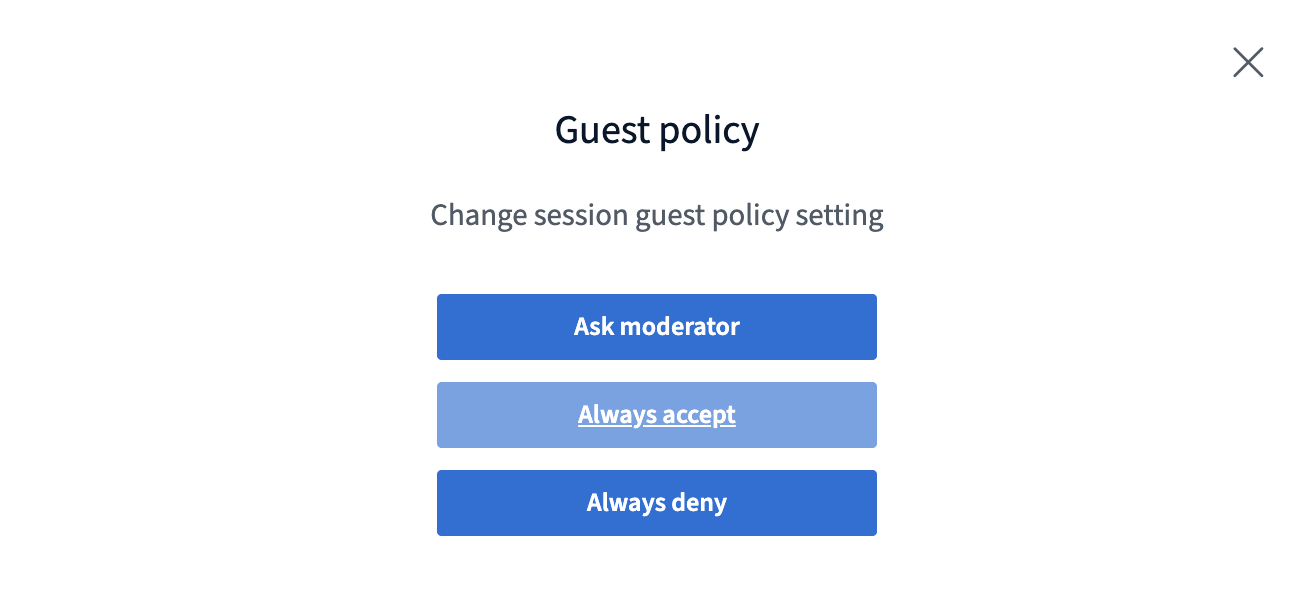
- Always deny — every user attempting to join is denied entry automatically.
- Always accept — every user attempting to join is allowed in automatically.
- Ask moderator — joining users wait in a lobby. Moderators can allow or deny each request individually, or handle every waiting user in one action.
Manage users in the lobby
When Ask moderator is set, moderators see pending requests and can act on them.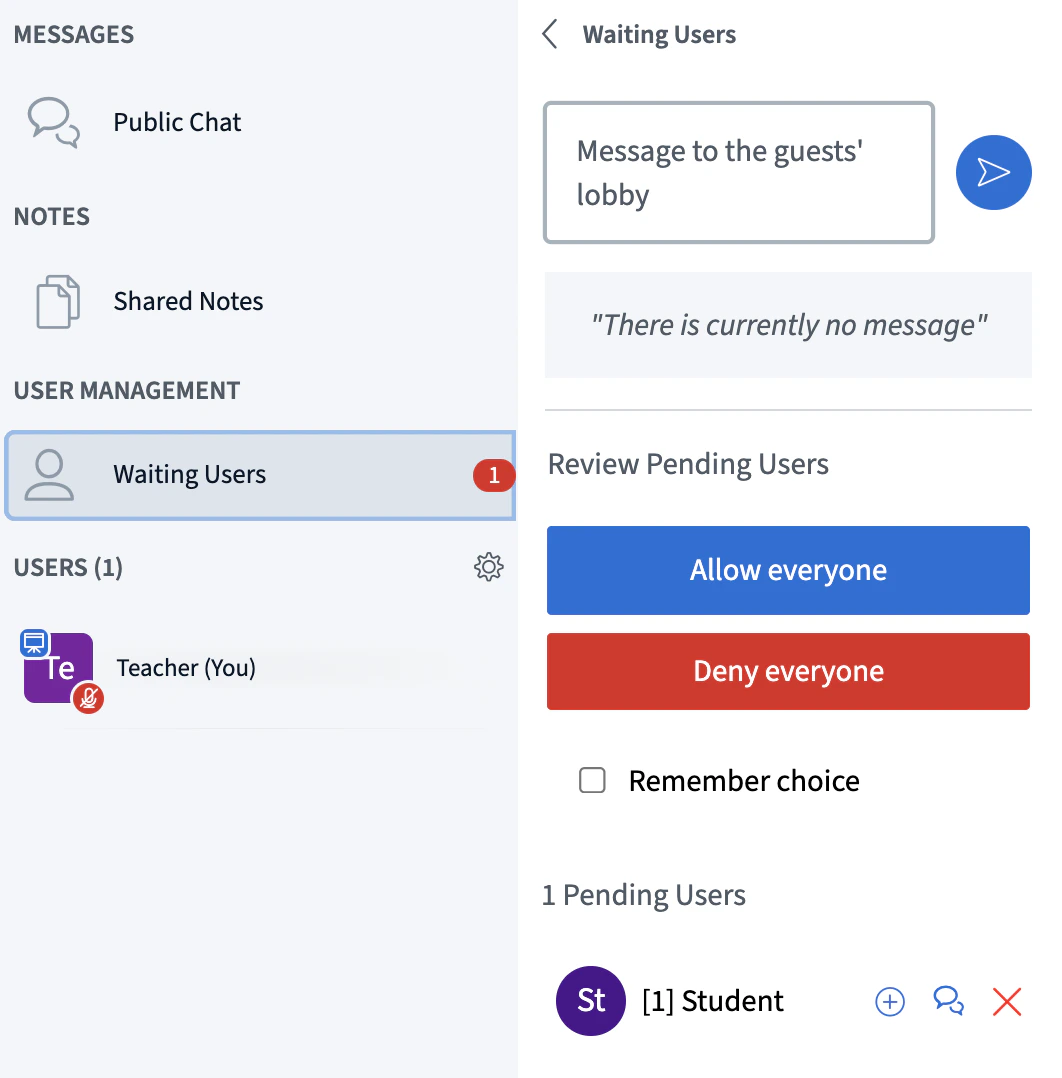
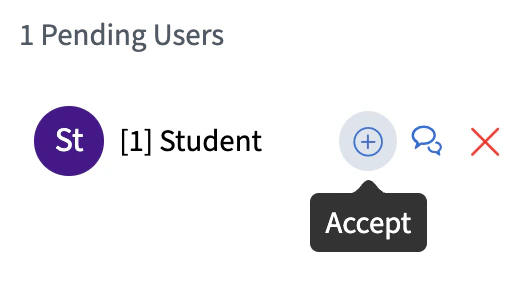
- Allow — let the guest join the session.
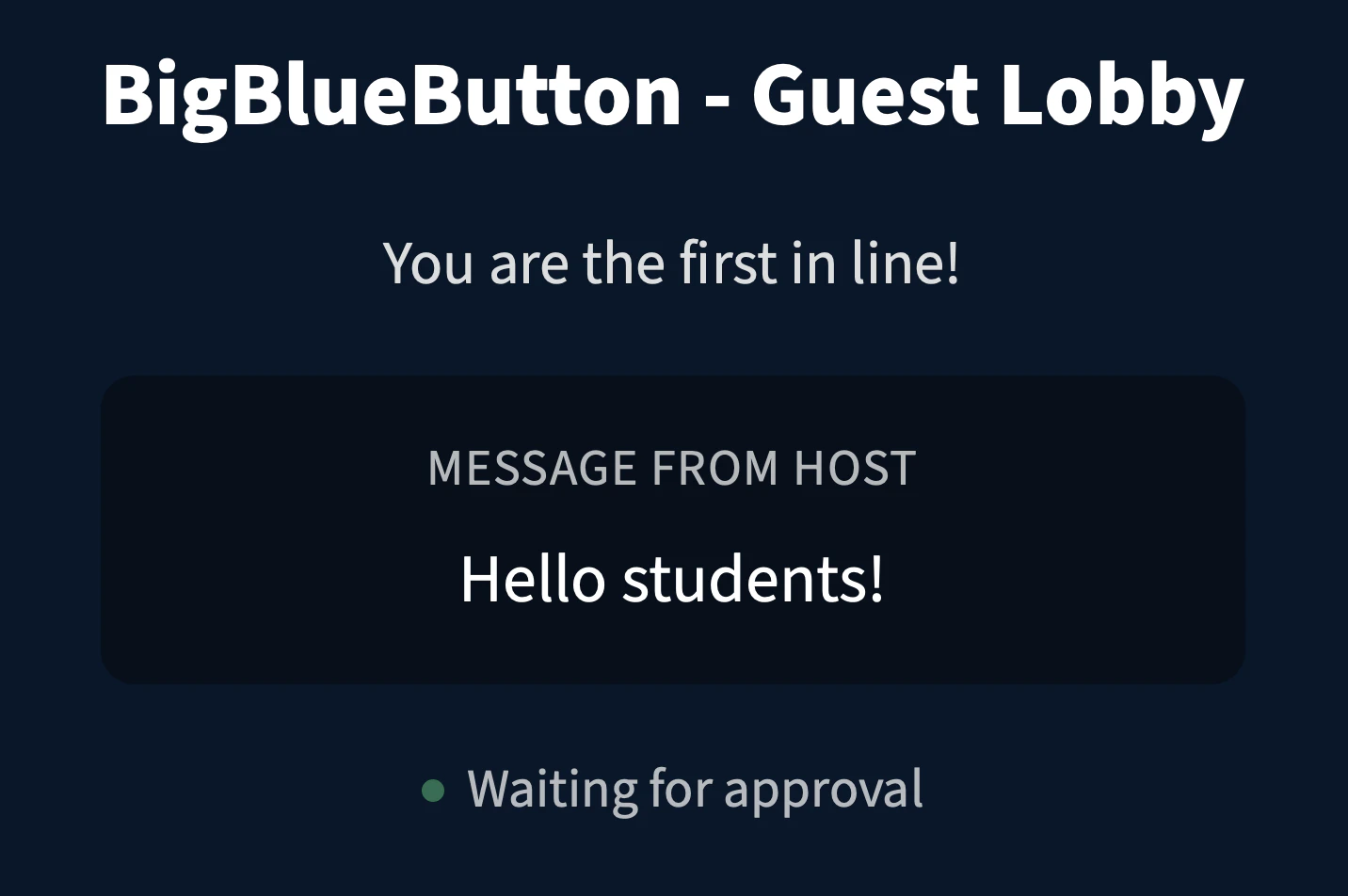
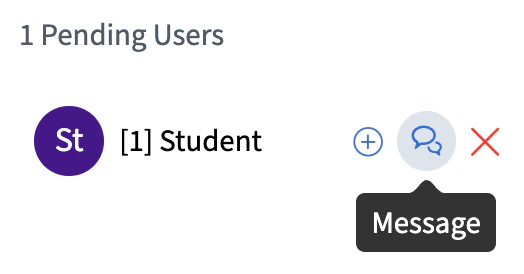
- Message — send a note to a guest waiting in the lobby.
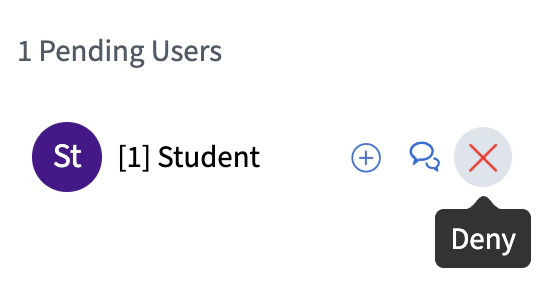
- Deny — block the guest from entering.
What guests see in the lobby
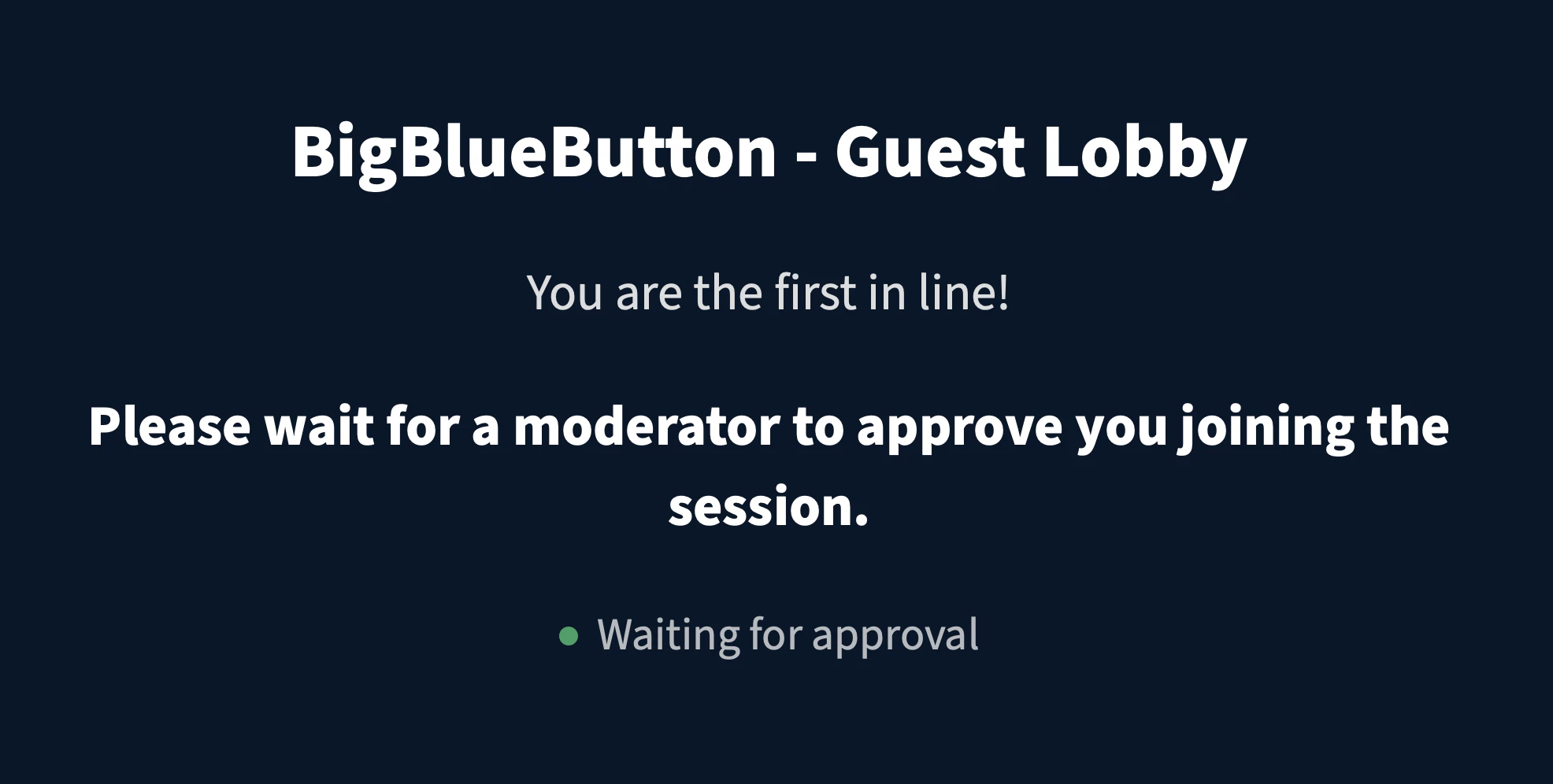
Guests see a lobby screen and cannot view the session until a moderator admits them.