

Enable transcription for your voice
By default, the automatic transcription language selector is disabled. To have your voice transcribed, select the desired language from the dropdown in the join audio dialog.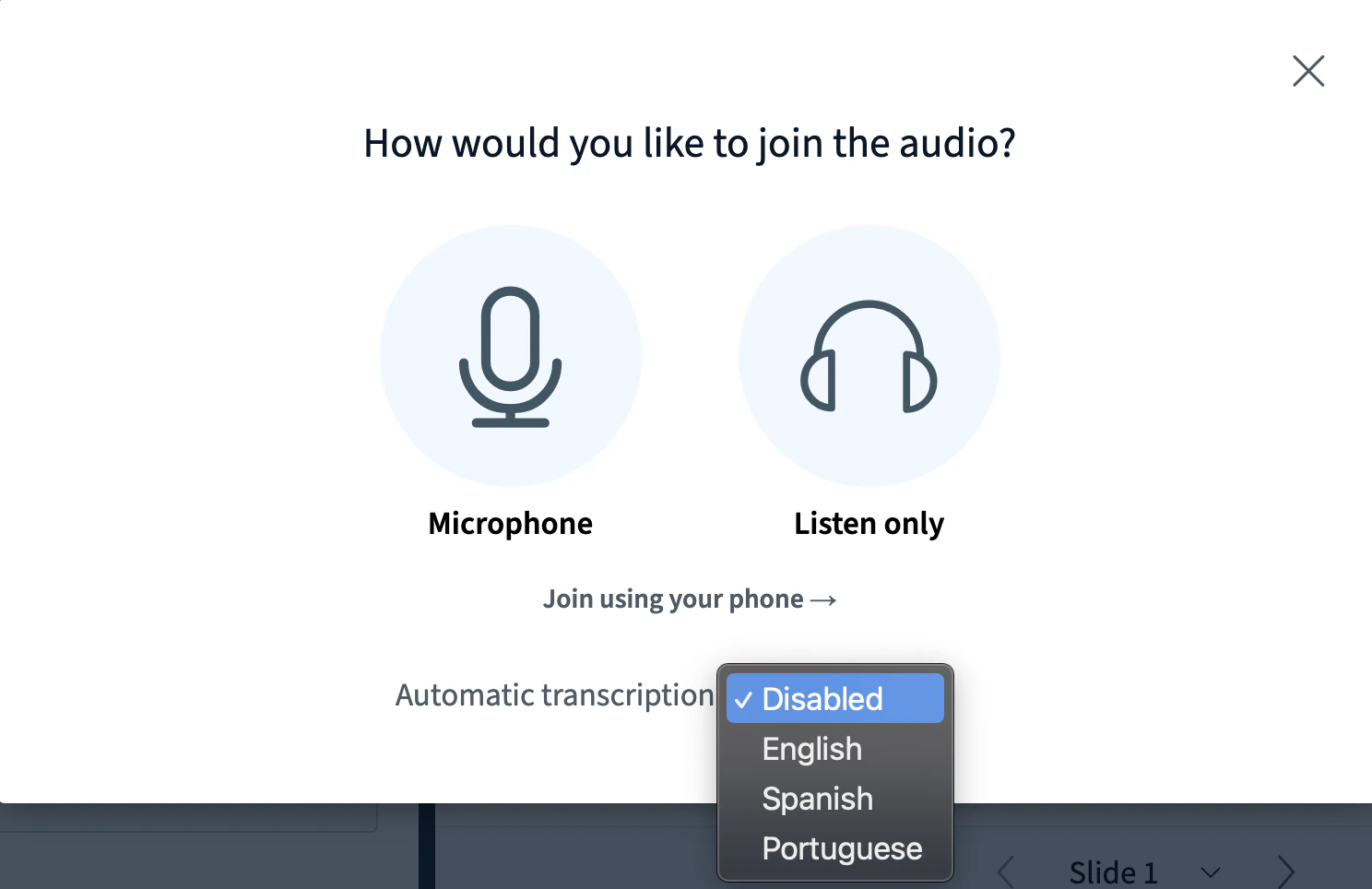

View transcriptions for other users
When at least one user has transcription enabled, a CC button appears for everyone. Select it to view captions for every speaker who has the CC indicator. You do not need your own audio transcribed to view captions for others. The location of the CC button depends on your device. On mobile, find the CC button in the three-dot menu in the top-right corner.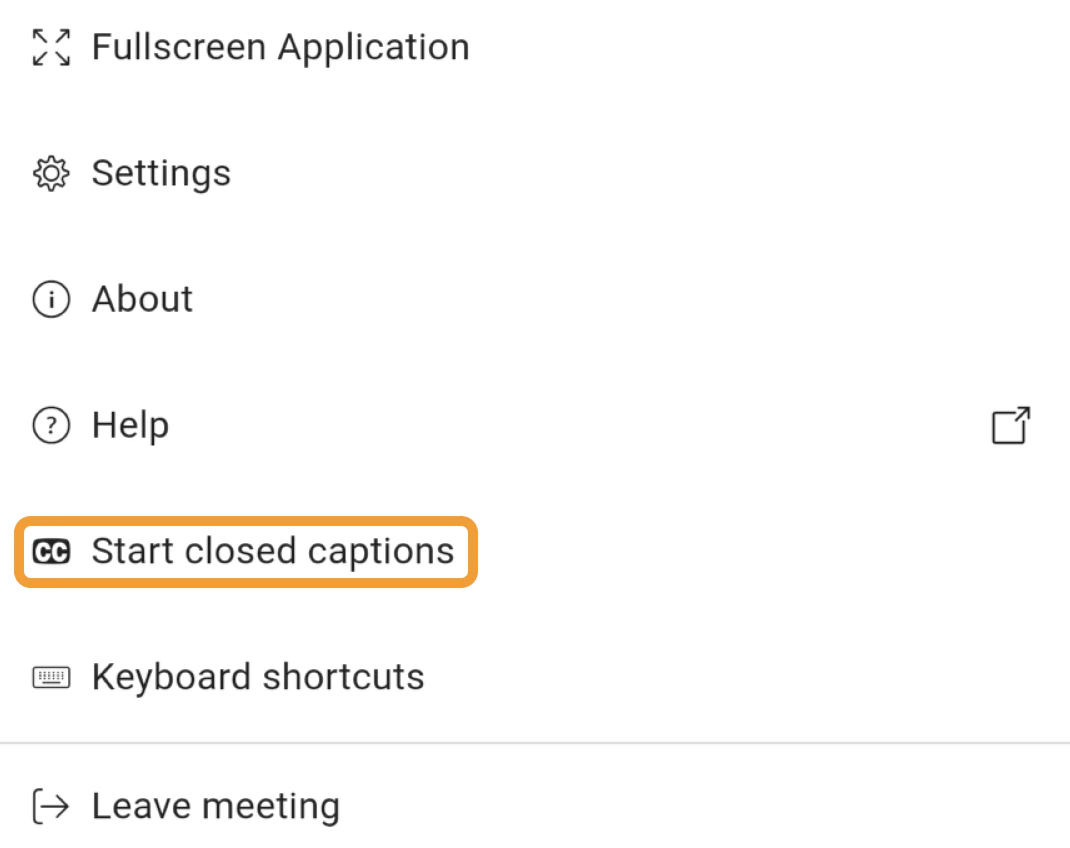

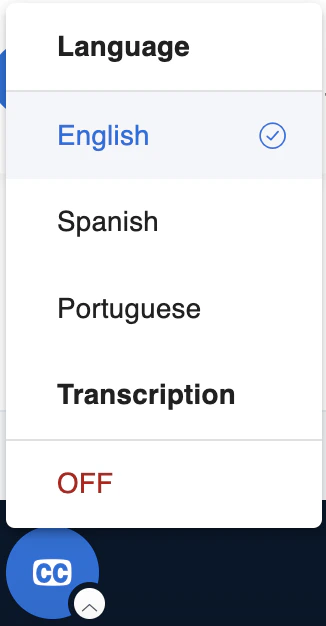
Automatic transcription is only available in browsers that support Speech Recognition — Chrome, Edge, and Safari. Joining from another browser displays a warning at the bottom of the join audio dialog.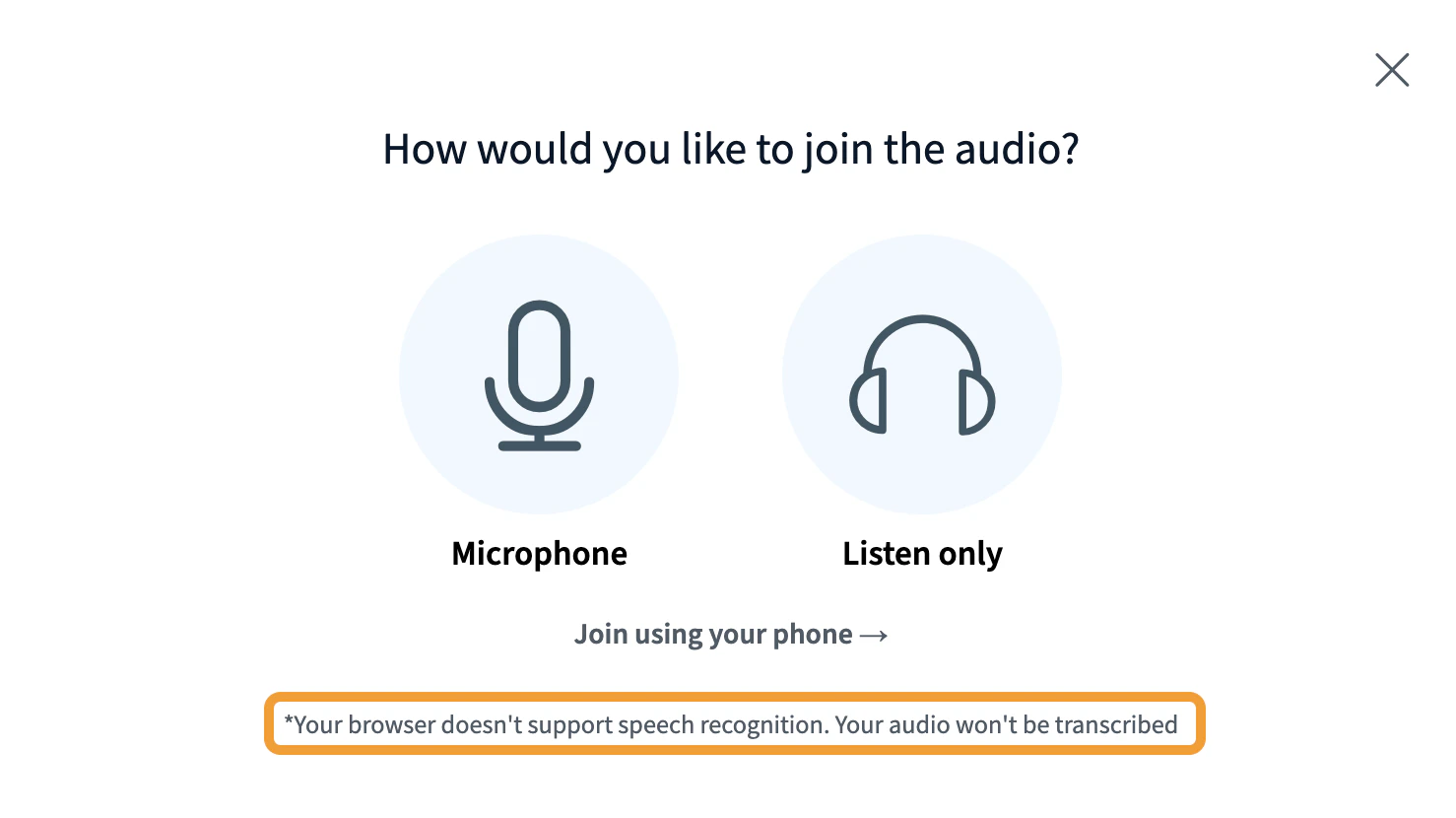
Enable the feature on your server
To enable automatic transcription for users of Chrome, Edge, and Safari, edit/etc/bigbluebutton/bbb-html5.yml and add the following to the public: section, then restart BigBlueButton: