

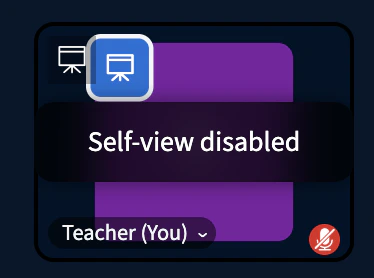
Disable self-view
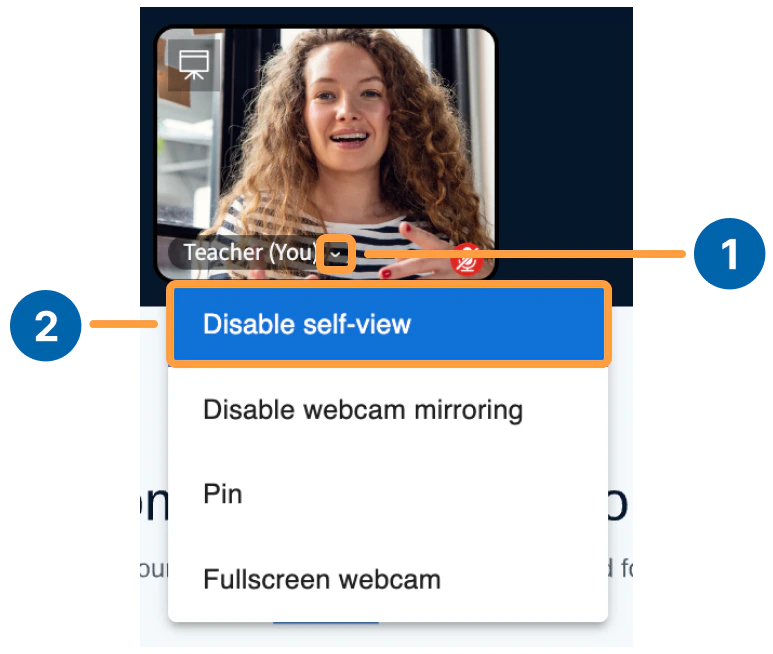
To disable self-view:- Select the caret next to your name.
- Select Disable self-view.
Enable self-view
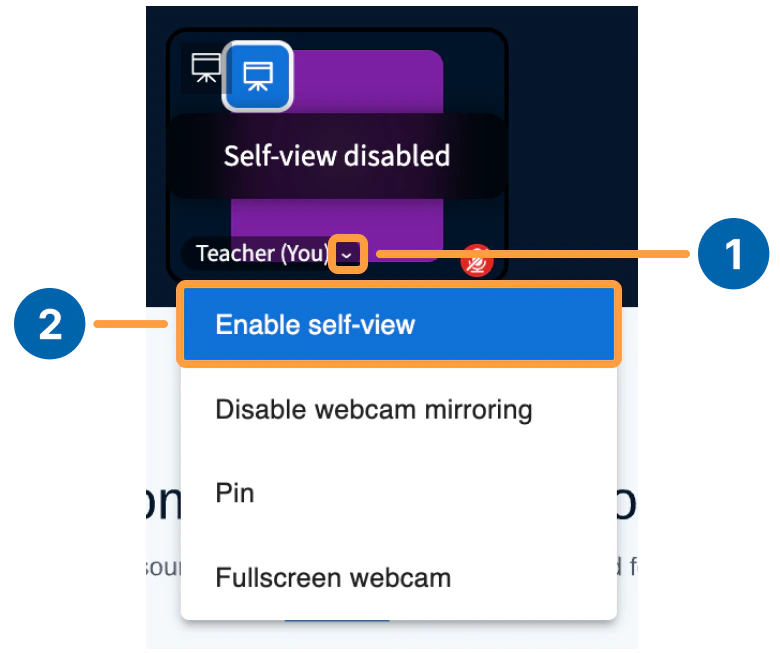
To turn self-view back on:- Select the caret next to your name.
- Select Enable self-view.
Any user sharing a webcam can hide their own self-view to reduce on-camera fatigue, while their webcam continues to broadcast to others.