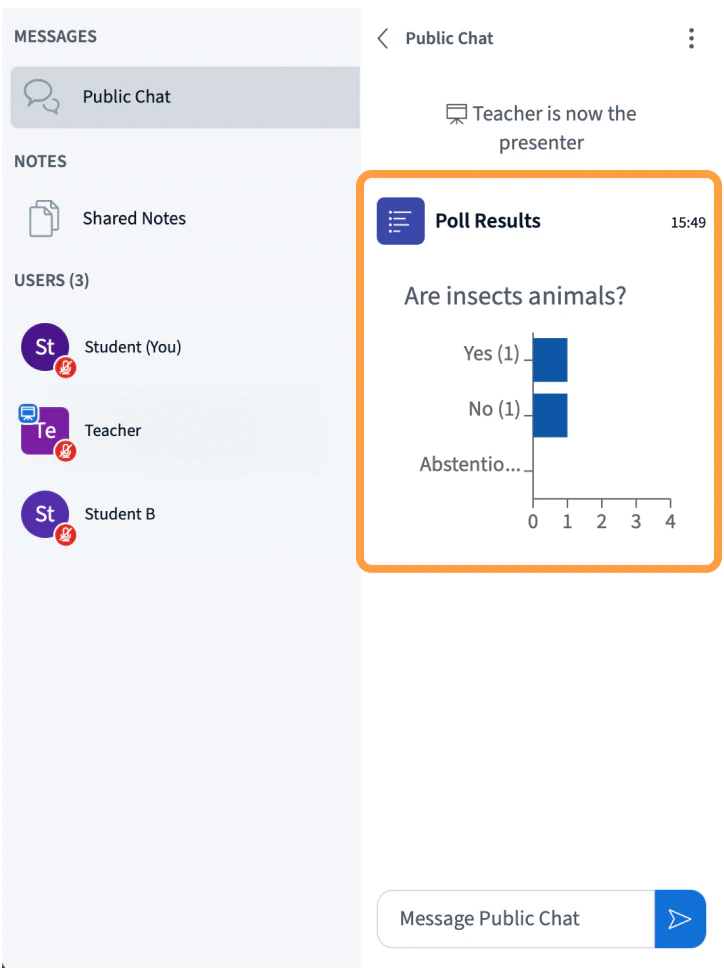
Presenters in BigBlueButton can initiate polls throughout the live session. Connected users can reply when prompted and contribute to the poll. When a poll has been initiated, all users will see the option to respond on their screen.

Responding to Polls

Pollpop
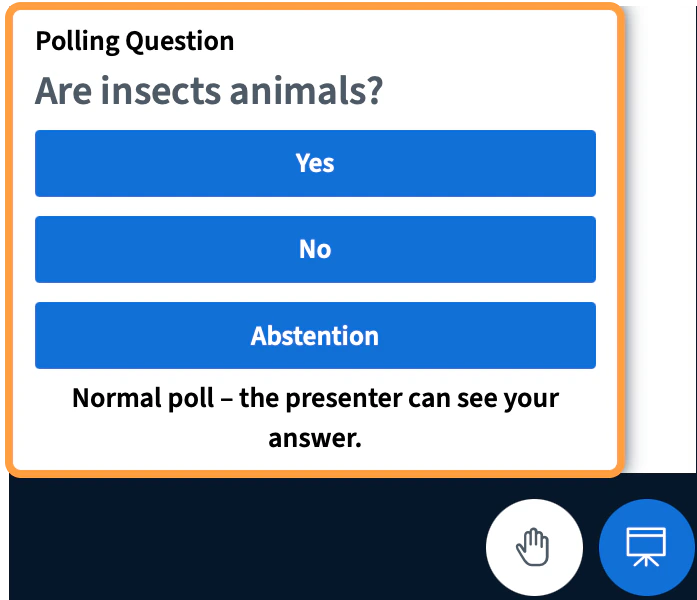
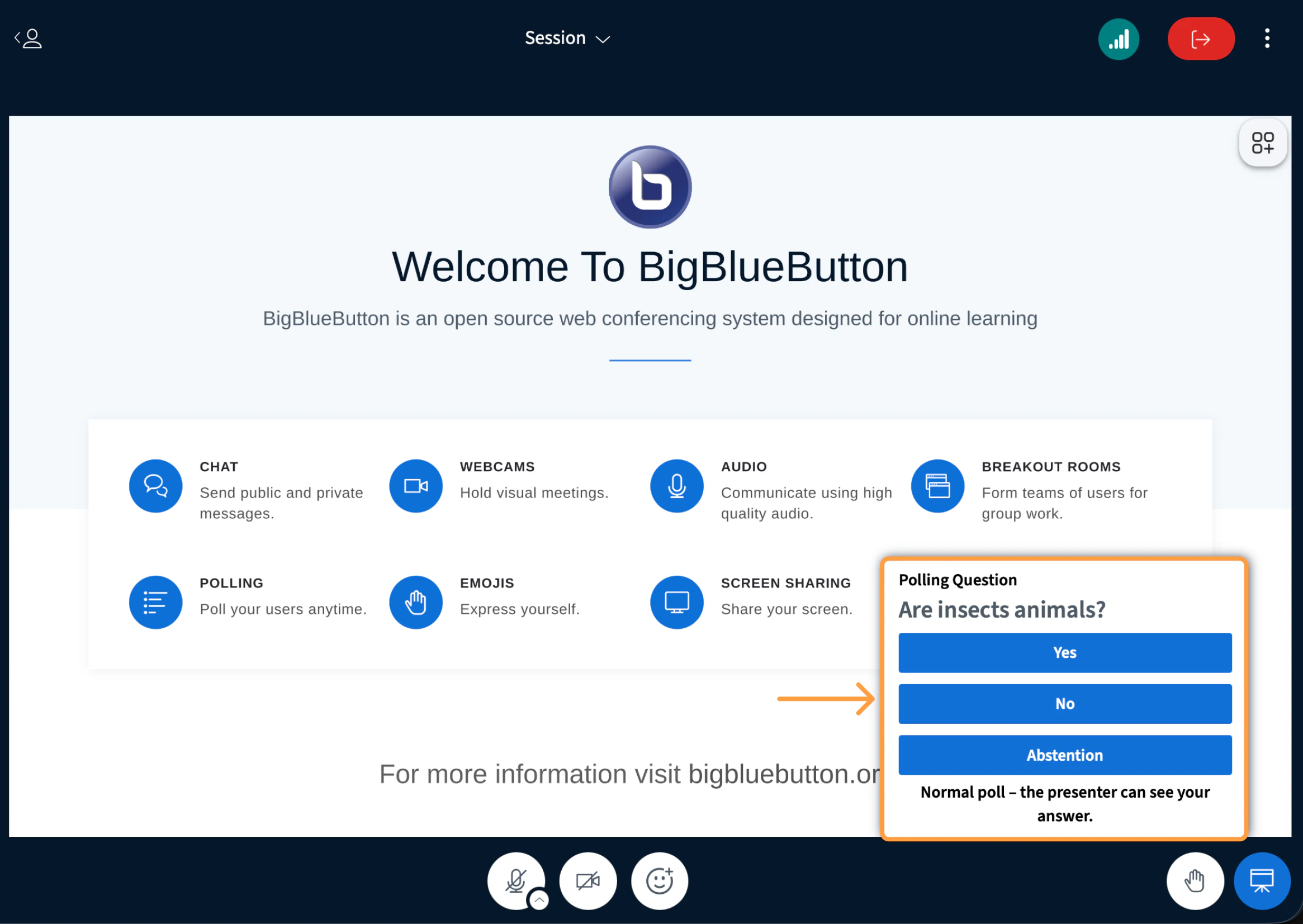
Polling options will appear on your screen. Depending on the device you are using and the screen layout (portrait or landscape), the options may appear in the bottom right of the BigBlueButton interface.
Pollprompt
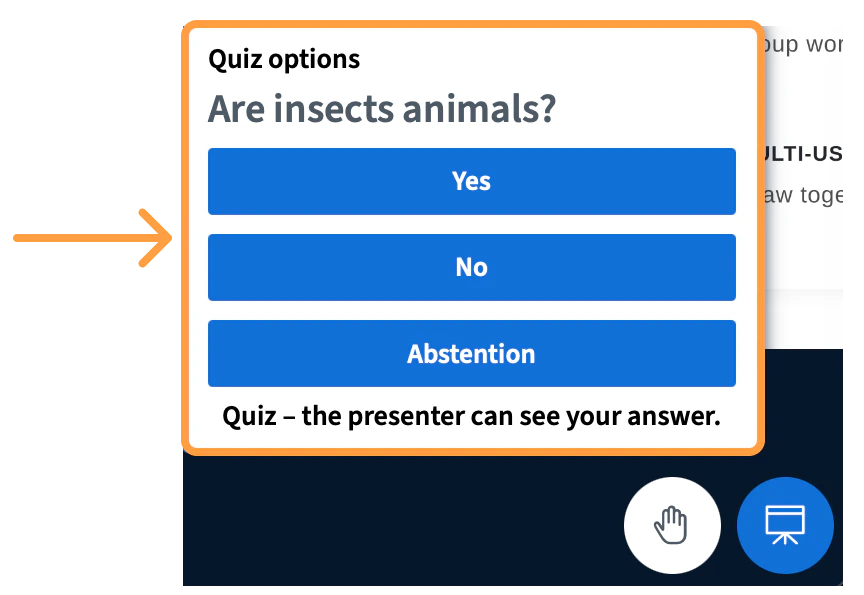
Select your chosen reply to lock in your polling answer; the polling options will vary depending on the presenter’s content. The prompt for a quiz will appear the same as a poll, in the lower right-hand corner.
Quizpop
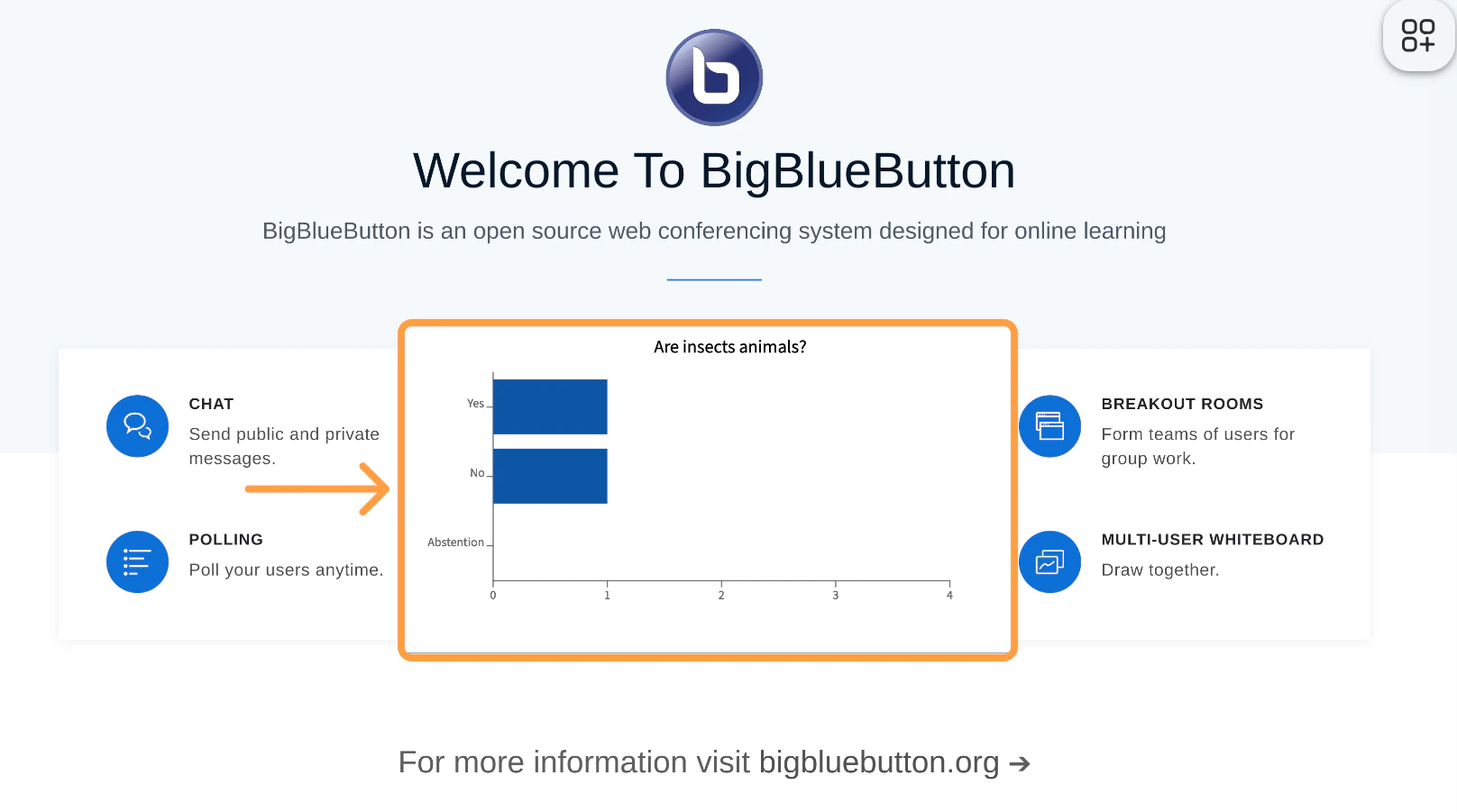
Only the presenter can see the incoming responses and can publish the anonymized results to the presentation screen.
Pollresultspres
Once the presenter has published the results, users will no longer see the option to reply.
Chatpollresults