

Launch a Smart Slide
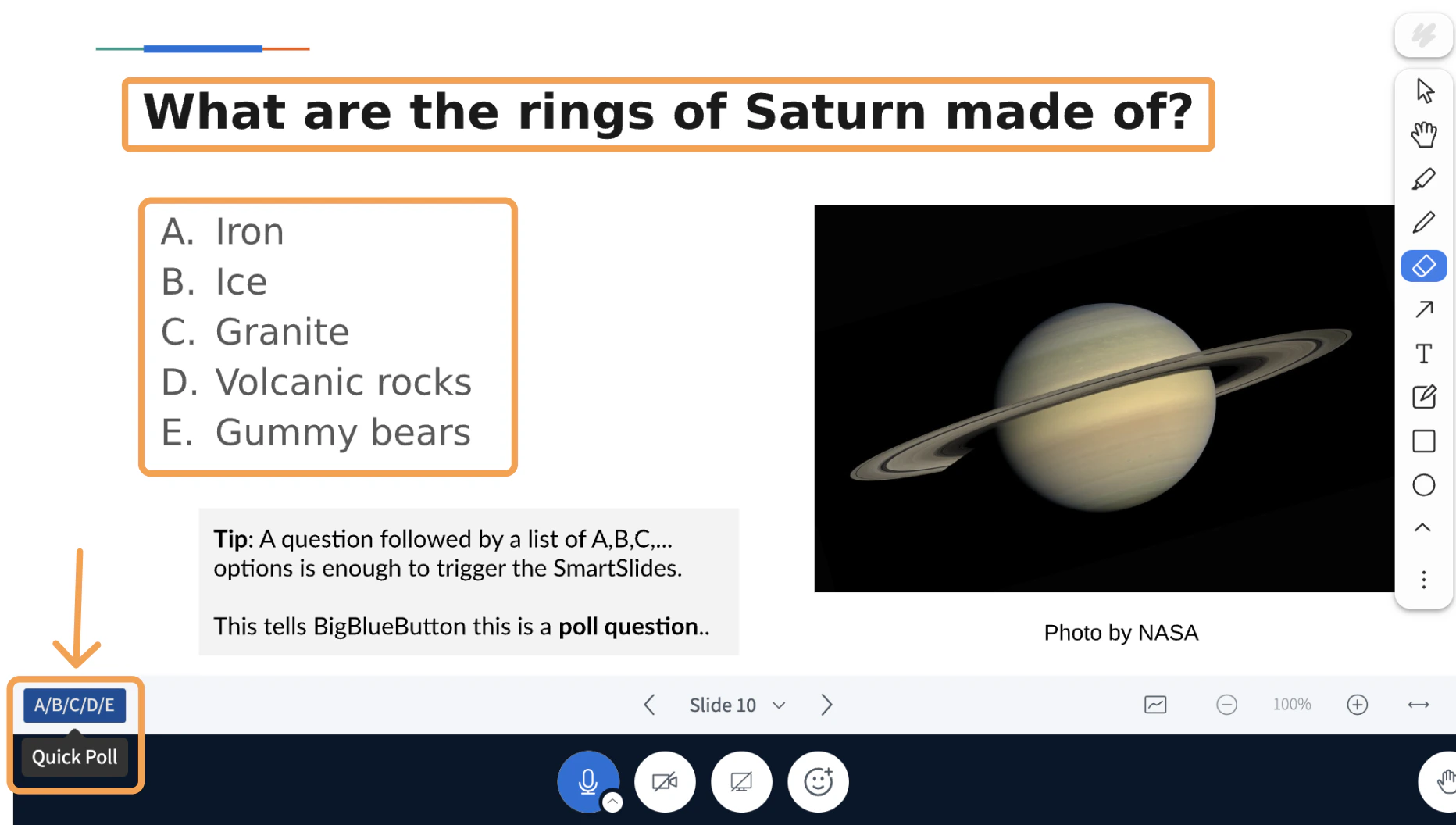
When the current slide contains a recognised pattern, a Quick Poll or Play External Video button appears in the lower-left of the toolbar.
Smart Slide types
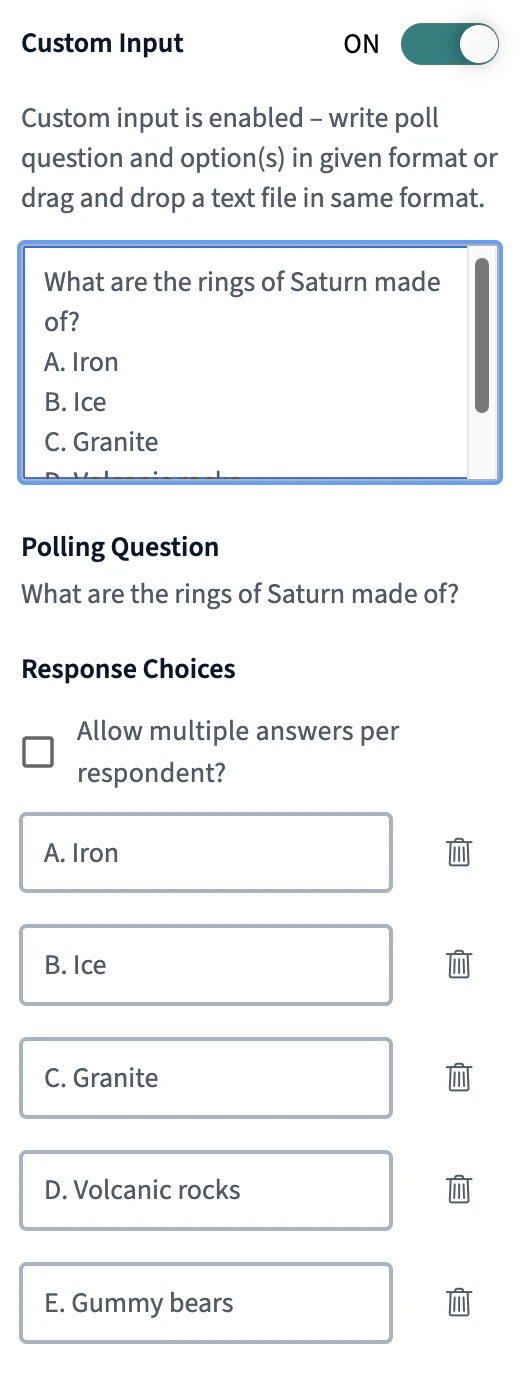
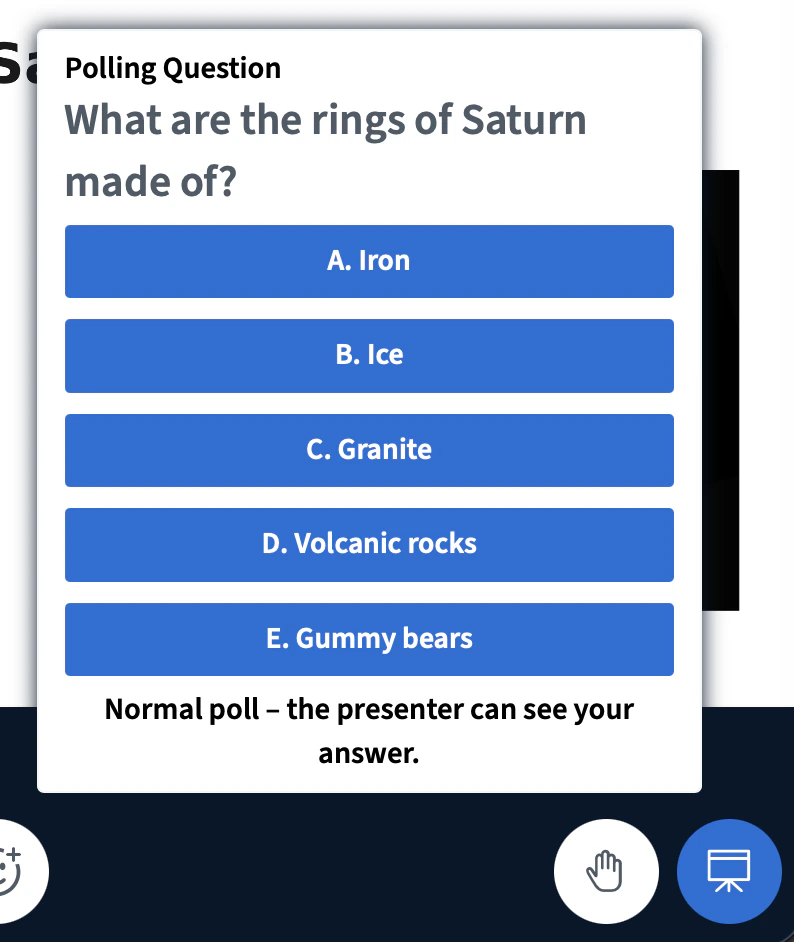
Single choice poll
Trigger: A question followed by a lettered or bulleted list of answer options. Students see the question and select one answer. This is the most common Smart Slide type and requires no special syntax. Example slide text:Quiz with a correct answer
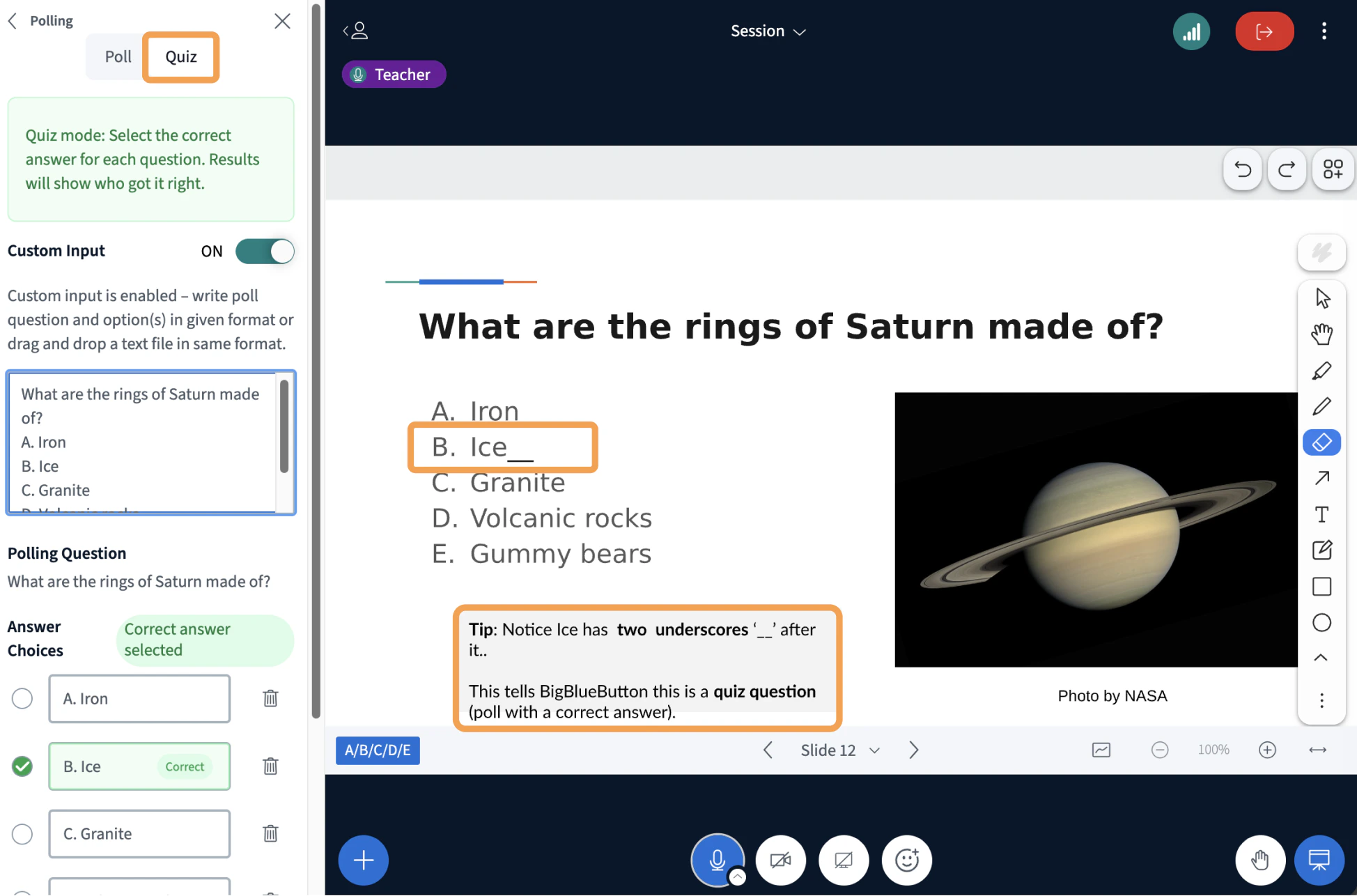
Trigger: A single-choice poll with__ (two underscores) appended to the correct answer.
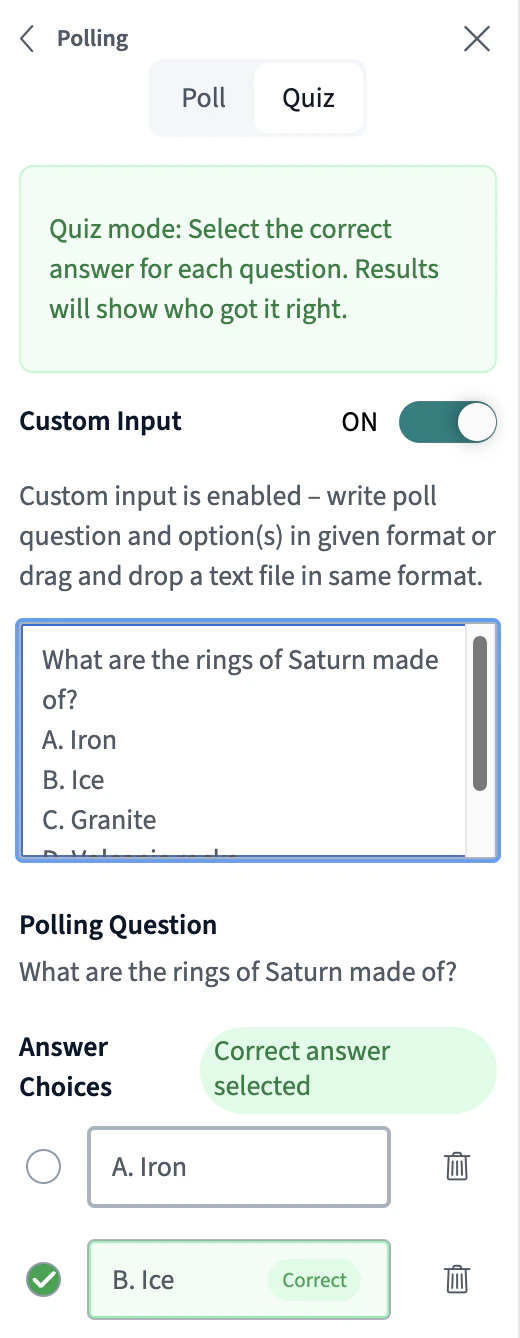
Adding __ after an answer marks the question as a quiz. The Learning Analytics Dashboard tracks who answered correctly and shows a per-student breakdown in the Quiz tab.
To hide the answer marker from students, change the colour of the __ characters to match the slide background. BigBlueButton still detects them.
Example slide text:
Multiple choice poll
Trigger: A question ending in?? (two question marks), followed by a list of answer options.
Students can select more than one answer. Use this type when a question has multiple valid responses.
Example slide text:
Yes/No poll
Trigger: The text(yes/no) anywhere in the question.
Launches a Yes/No poll. Use it for quick checks, opinion questions, or agreement prompts.
Example slide text:
True/False poll
Trigger: The text(true/false) anywhere in the question.
Functionally similar to Yes/No, but the response options are labelled True and False.
Example slide text:
Typed response poll
Trigger: A question with no answer options listed below it. When BigBlueButton sees a question without A, B, C choices, it treats the question as open-ended. Students type their answer directly, and responses are visible to the presenter. Example slide text:External video
Trigger: A YouTube, Vimeo, or direct.mp4 URL placed on the slide. The URL must be on a single unbroken line.
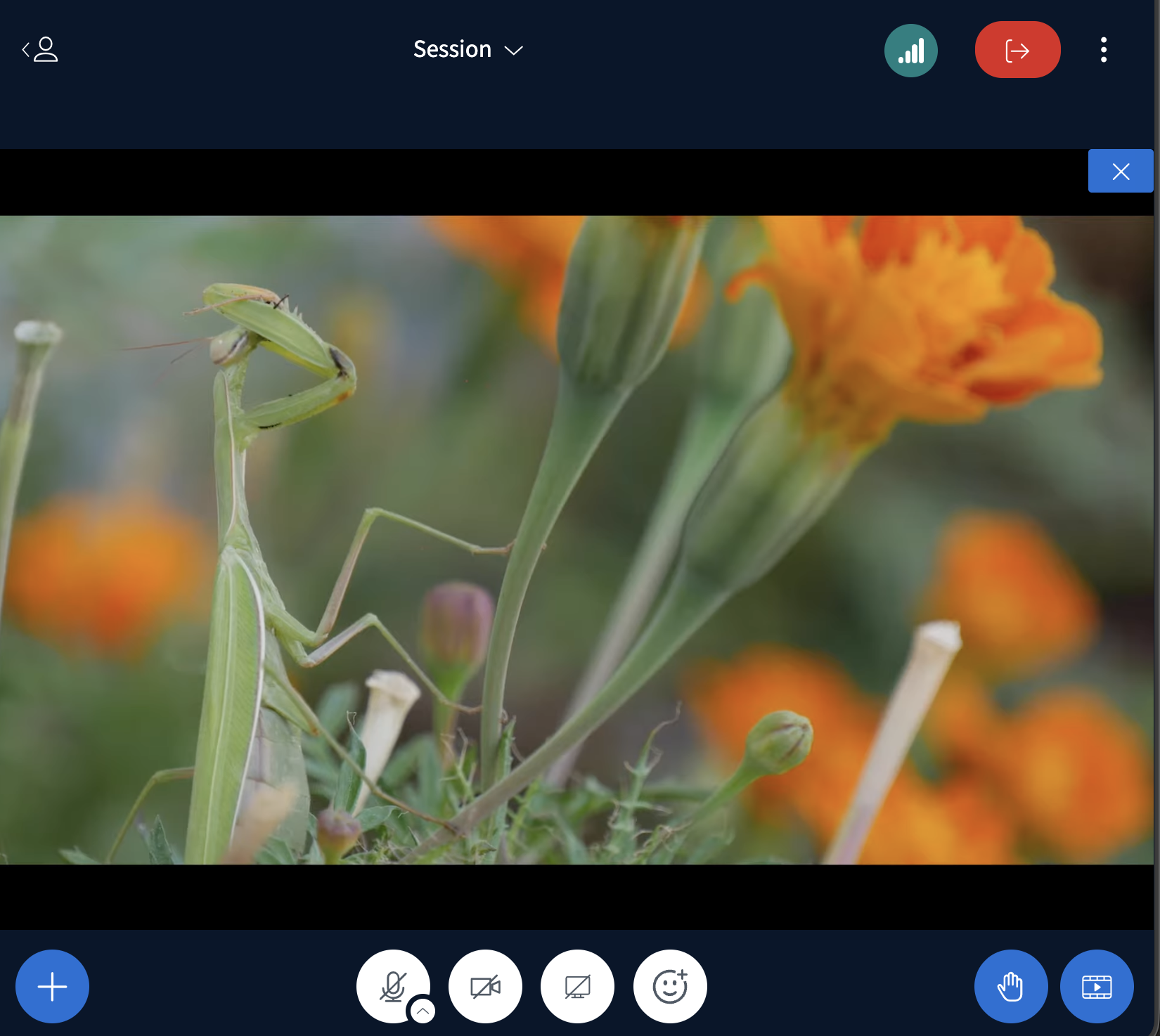
BigBlueButton detects the link and shows the external video button in the lower-left of the toolbar. Selecting it shares the video with all participants in a synchronized player.
# on each URL to label it — BigBlueButton displays the labels in a selection menu.
.mp4 links also work: