

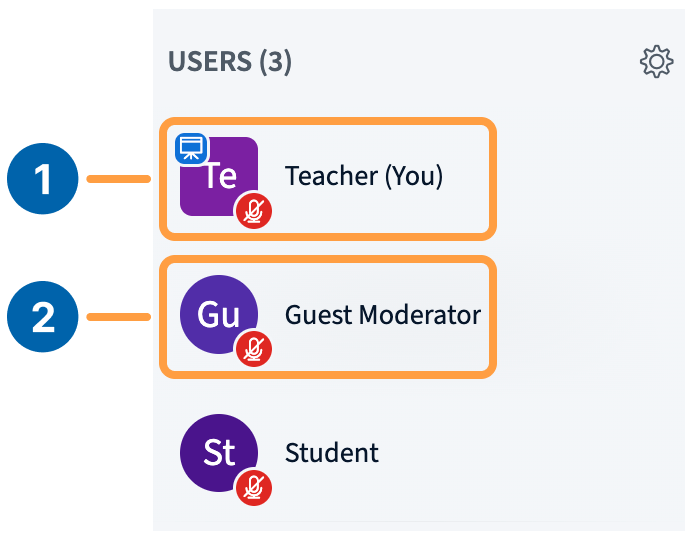
- Promote a guest speaker to moderator so they have full session control.
- Promote a user who joined as a viewer because of an LMS misconfiguration.
- Demote a moderator who was assigned the role by mistake.
- Demote a moderator to reduce the number of users with full control.
Promote to moderator
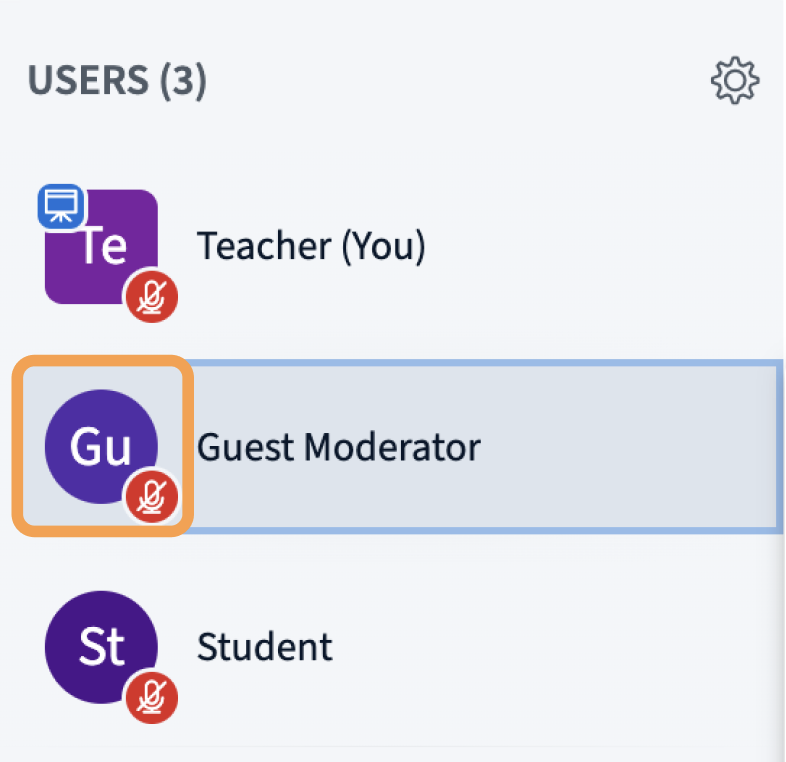
To promote a viewer, select their avatar in the user list, then select Promote to moderator.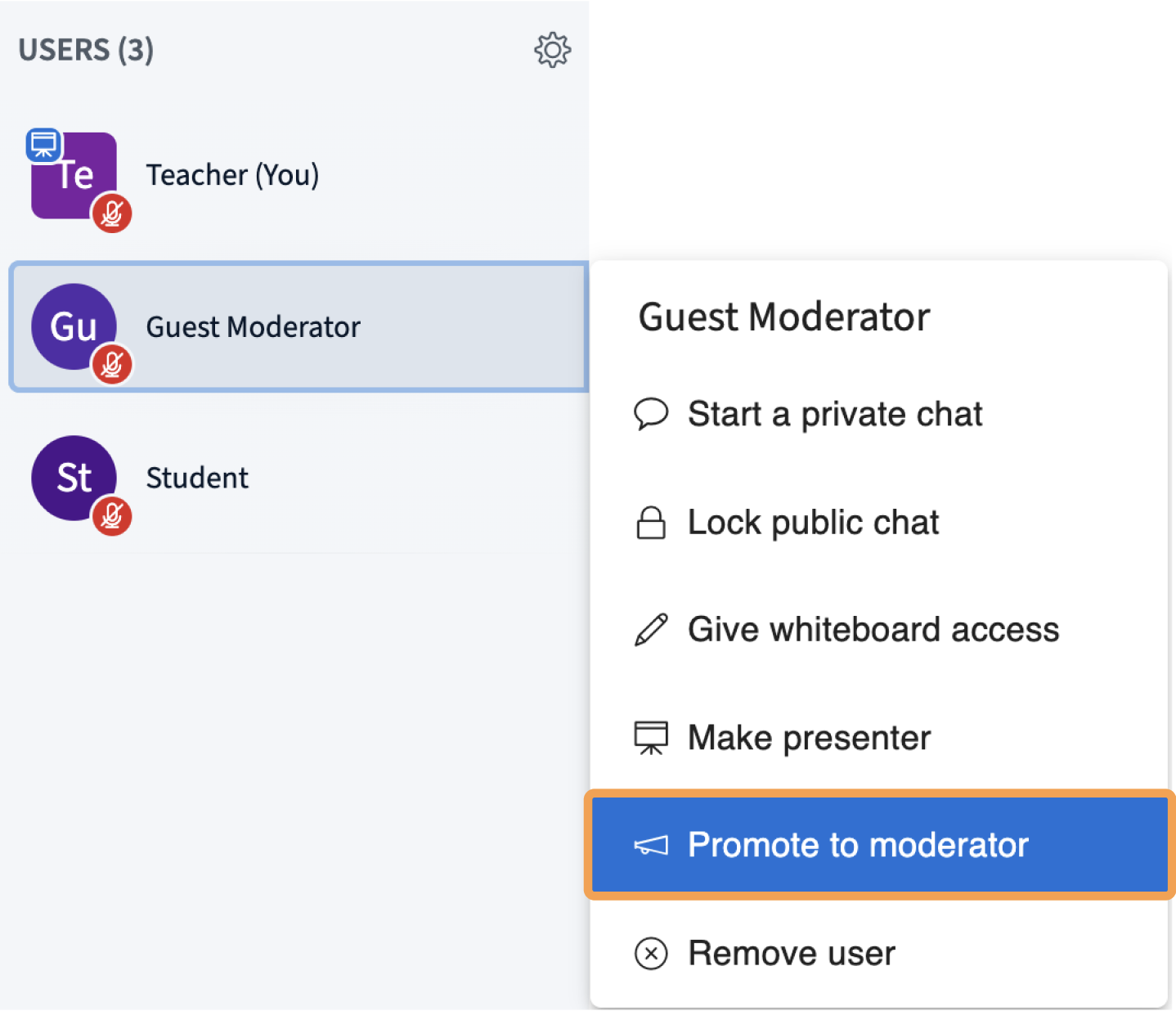
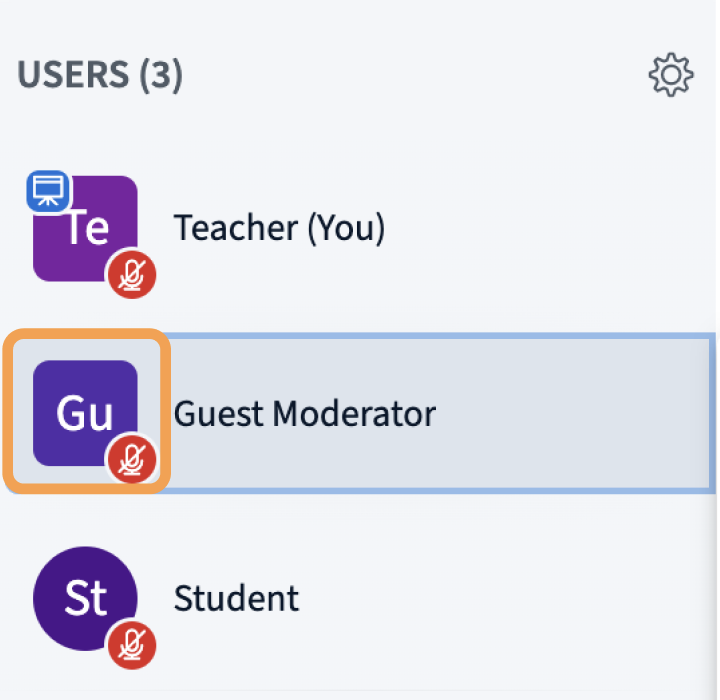
Demote to viewer
To demote a moderator, select their avatar in the user list, then select Demote to viewer.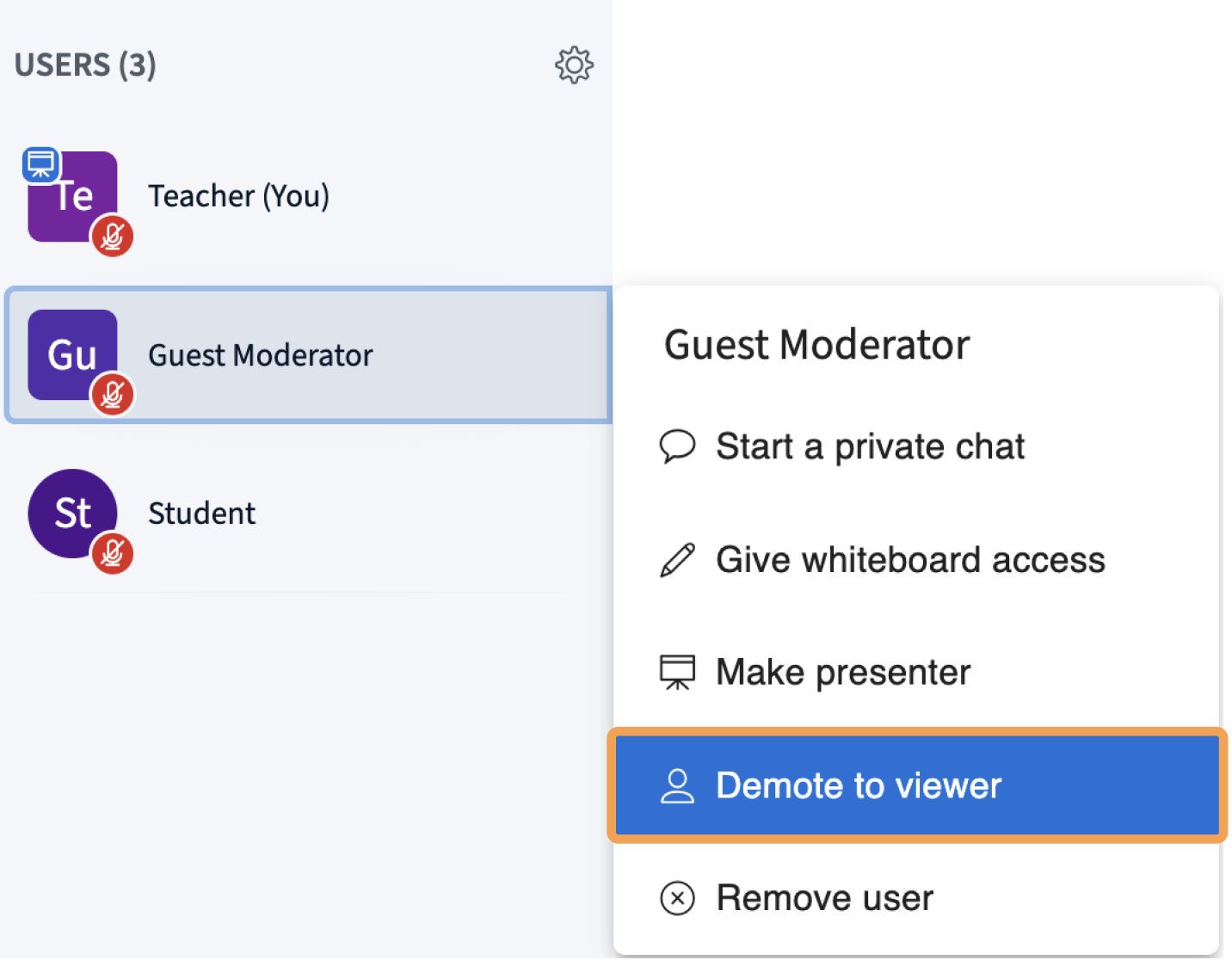
Remove a user
To remove a user from the session, select their avatar in the user list and select Remove user.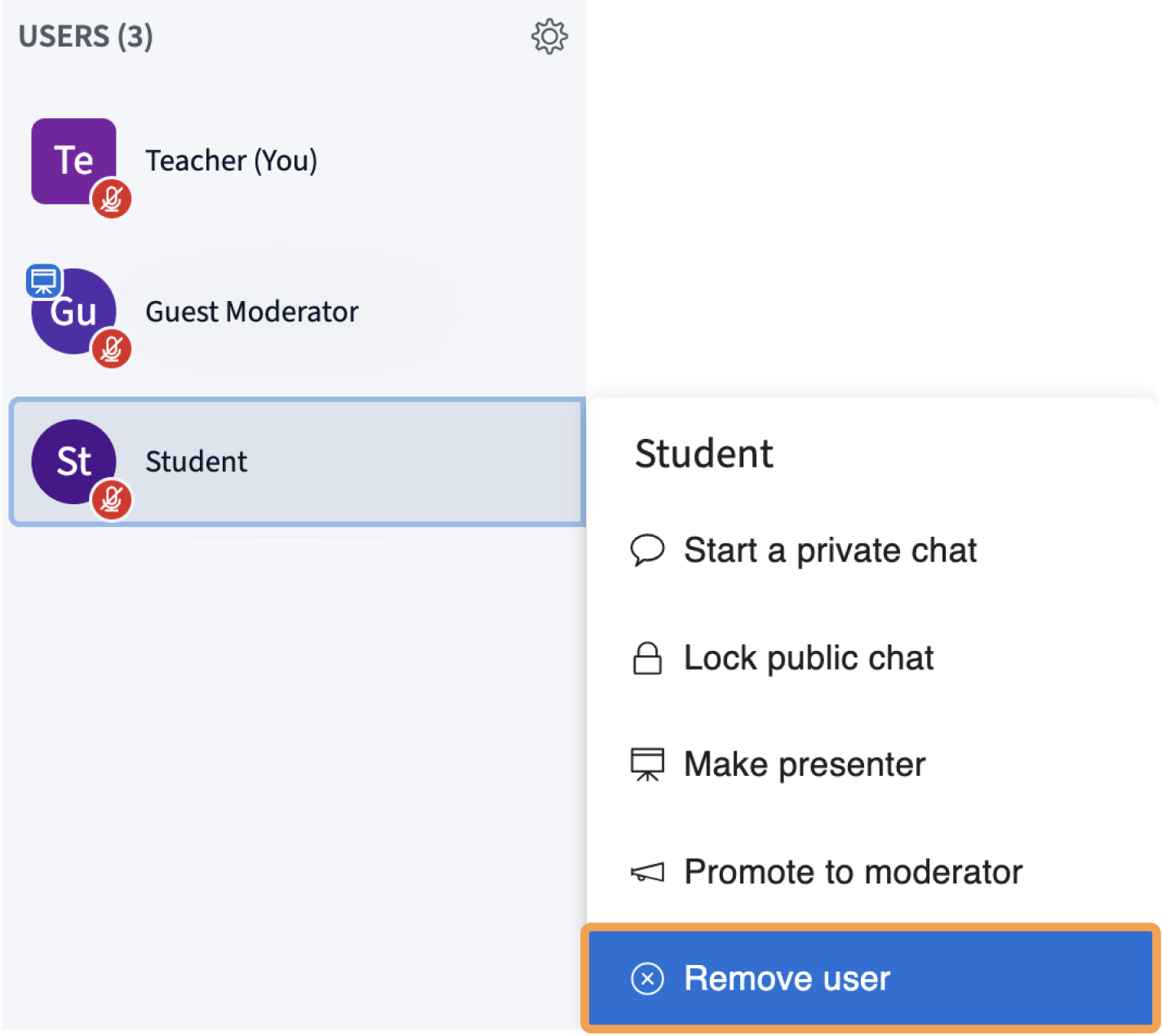
- Phone users cannot dial back in from the same phone.
- Regular users cannot rejoin in the same way (LMS link, Personal Rooms link, Guest invite link).
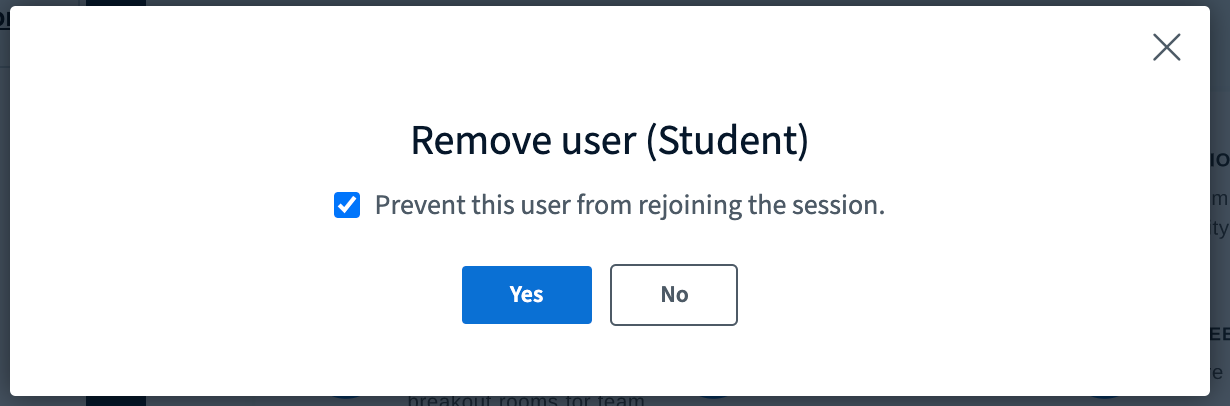
Removal is per-session. A removed user can still join other BigBlueButton sessions, or the same session if it is restarted later.