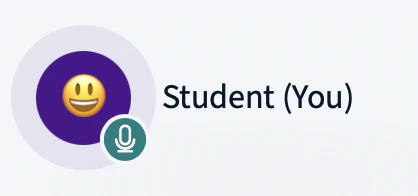
Any user can send a quick emoji reaction that appears next to their name in the user list for one minute.
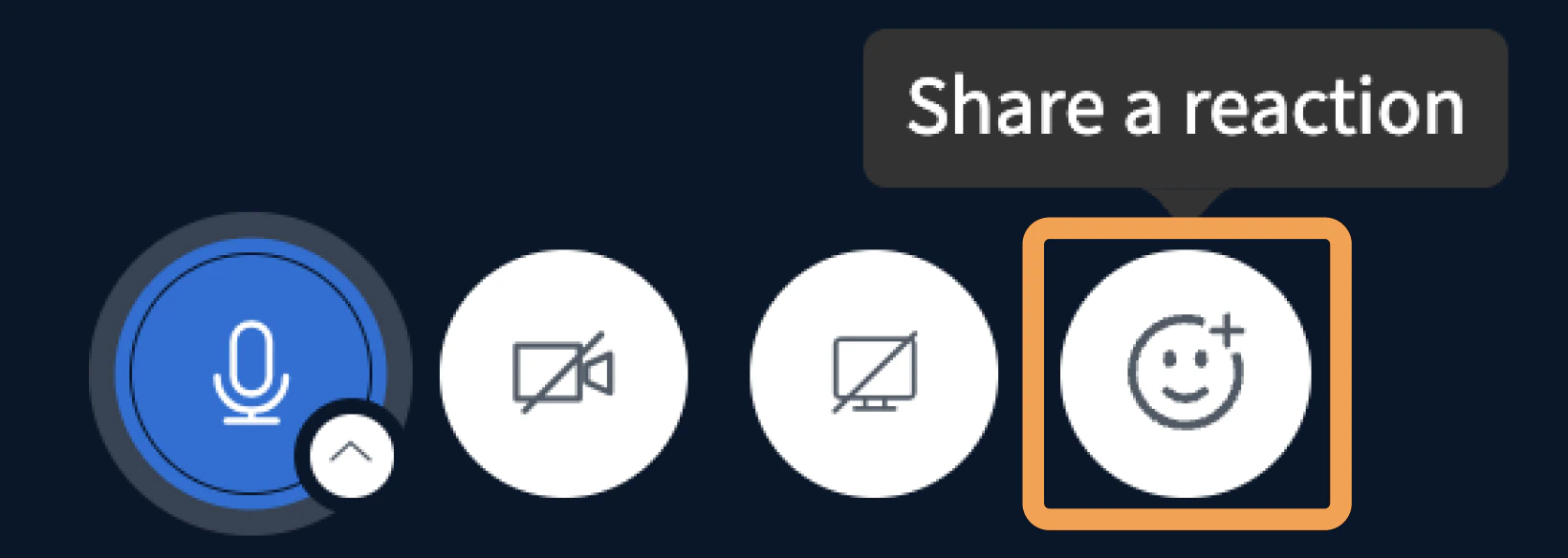
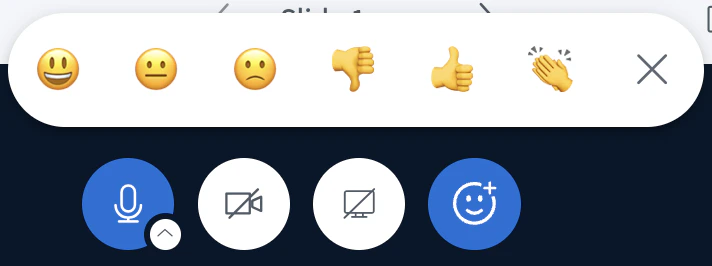
Any user can send a quick emoji reaction to respond to the presenter without interrupting. The reaction shows next to your name in the user list for one minute, or until you clear it.To open the Reactions Bar, select the emoji icon.
The bar shows five emojis to choose from.
Select an emoji to display it next to your name in the user list.
The emoji clears automatically after one minute, or as soon as you select it again.
Was this page helpful?
Assistant
Responses are generated using AI and may contain mistakes.