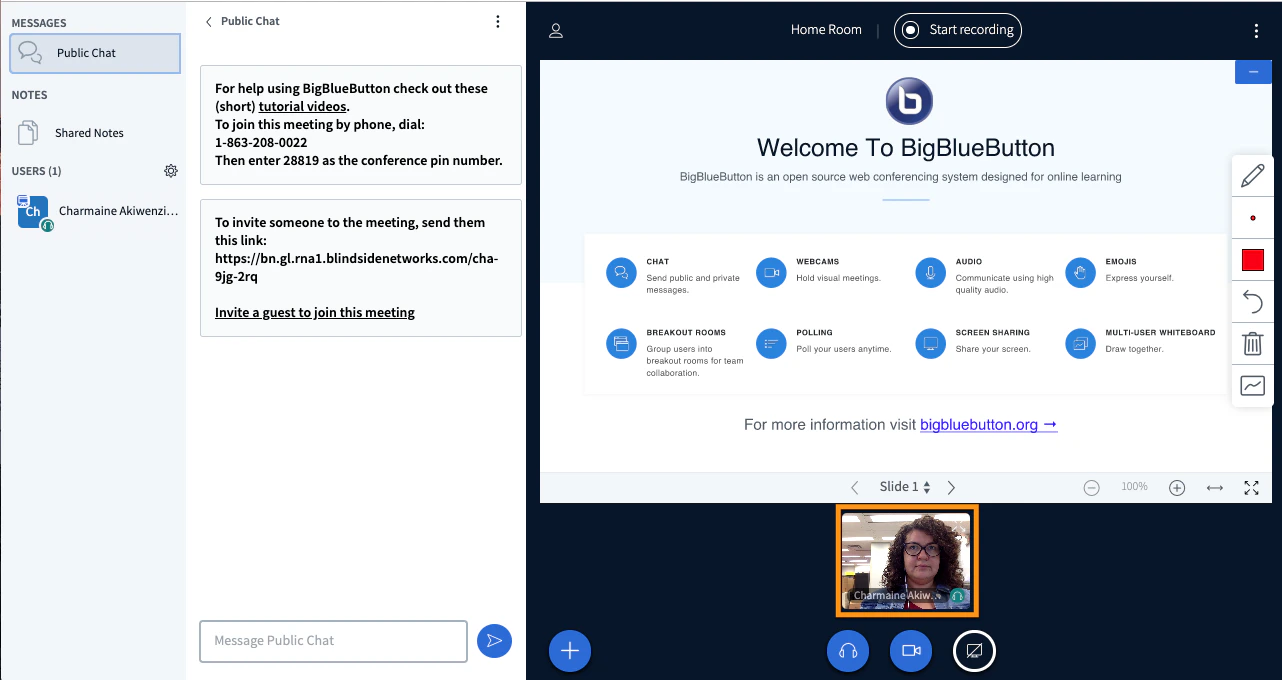
Any user can drag webcams to a preferred position in their own view of the BigBlueButton interface.
Any user can drag webcams to a preferred position within their own BigBlueButton interface. By default, webcams display at the top or bottom middle of the layout.You can drag and drop a single webcam anywhere on your screen, or snap webcams to the top or bottom of the presentation area.For a walkthrough, see this overview video.
Moving webcams only changes the local view for each user. A moderator cannot push a webcam layout out to everyone.
Was this page helpful?
Assistant
Responses are generated using AI and may contain mistakes.