Documentation Index

Fetch the complete documentation index at: https://bigbluebutton.com/docs/llms.txt

Use this file to discover all available pages before exploring further.

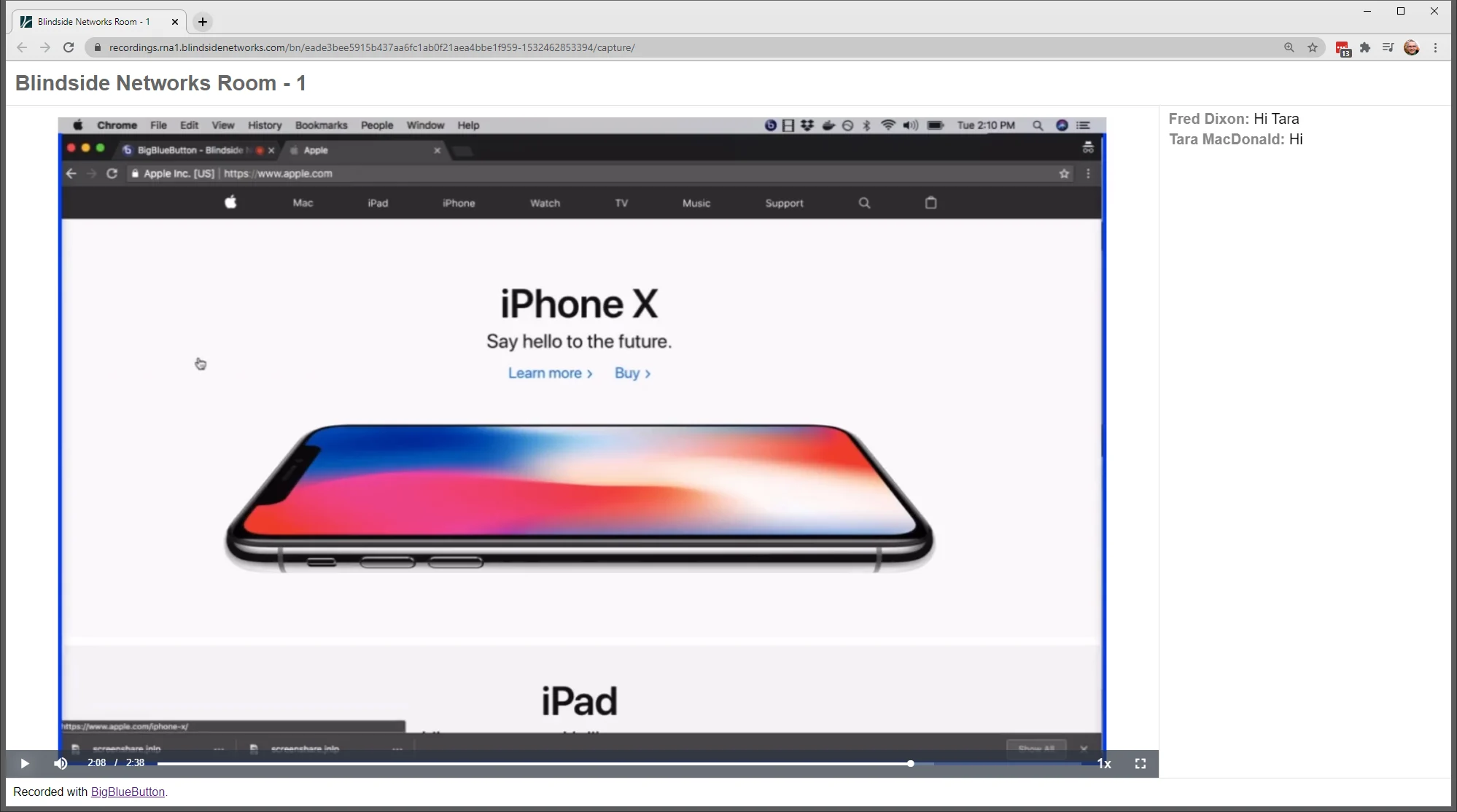
If you share your screen, the screen share takes over the entire playback area, as shown below (no webcams are visible). mceclip1.png If your entire presentation is screen share, then no webcams will be visible during the playback. If you intend to share your screen and create a recording, and want users to see your webcam, we recommend starting the recording a few minutes before you start screen sharing.  That way, the webcam will be visible for the first few minutes until screen sharing starts.