

Send a public chat message
To send a public chat message, select [1] Public Chat in the left panel, [2] type a message, then select Send message.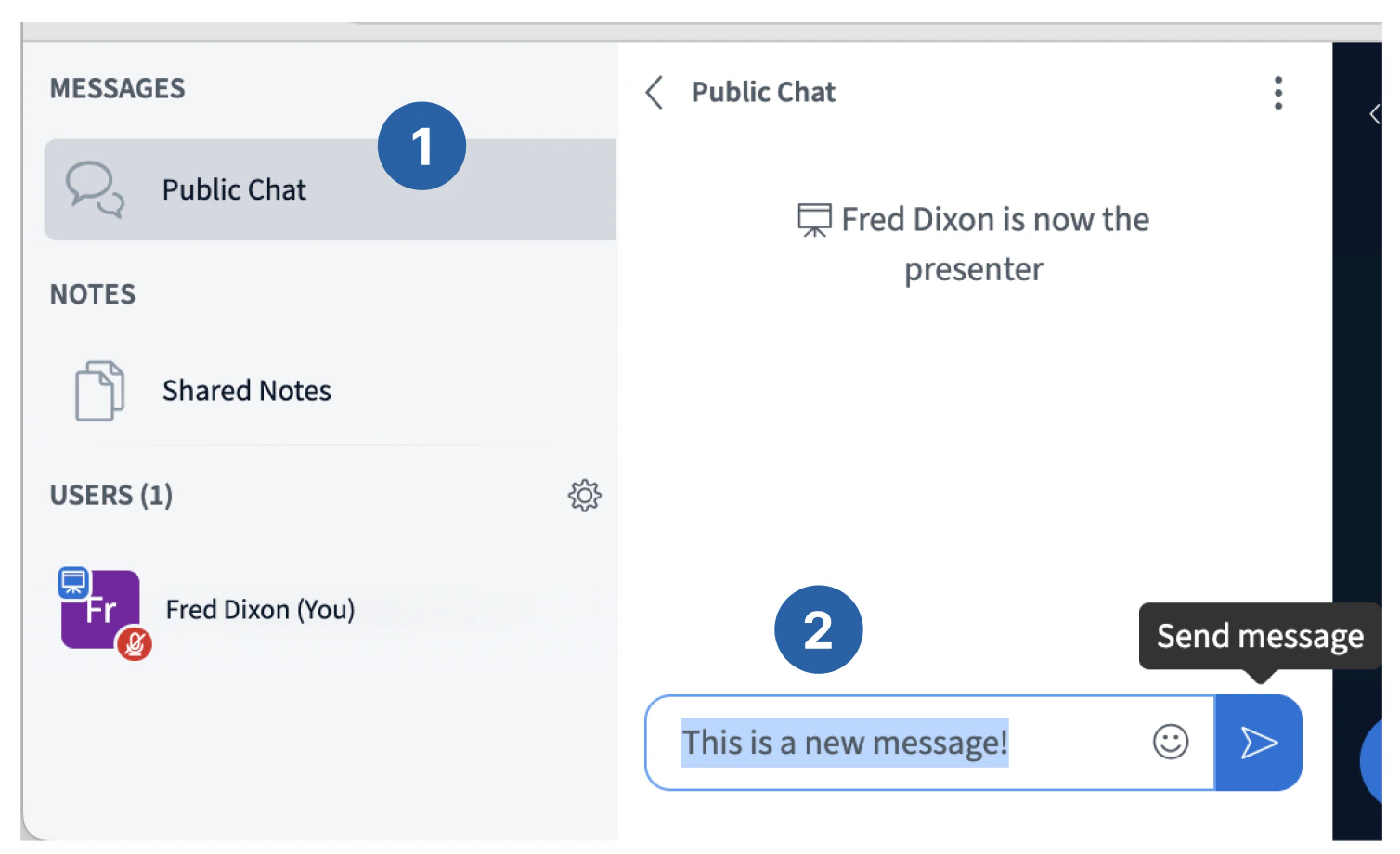
If the left panel isn't visible
If the left panel isn't visible
Select the User list toggle button to open/close it.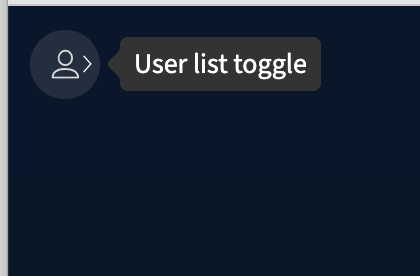
Send a private chat message
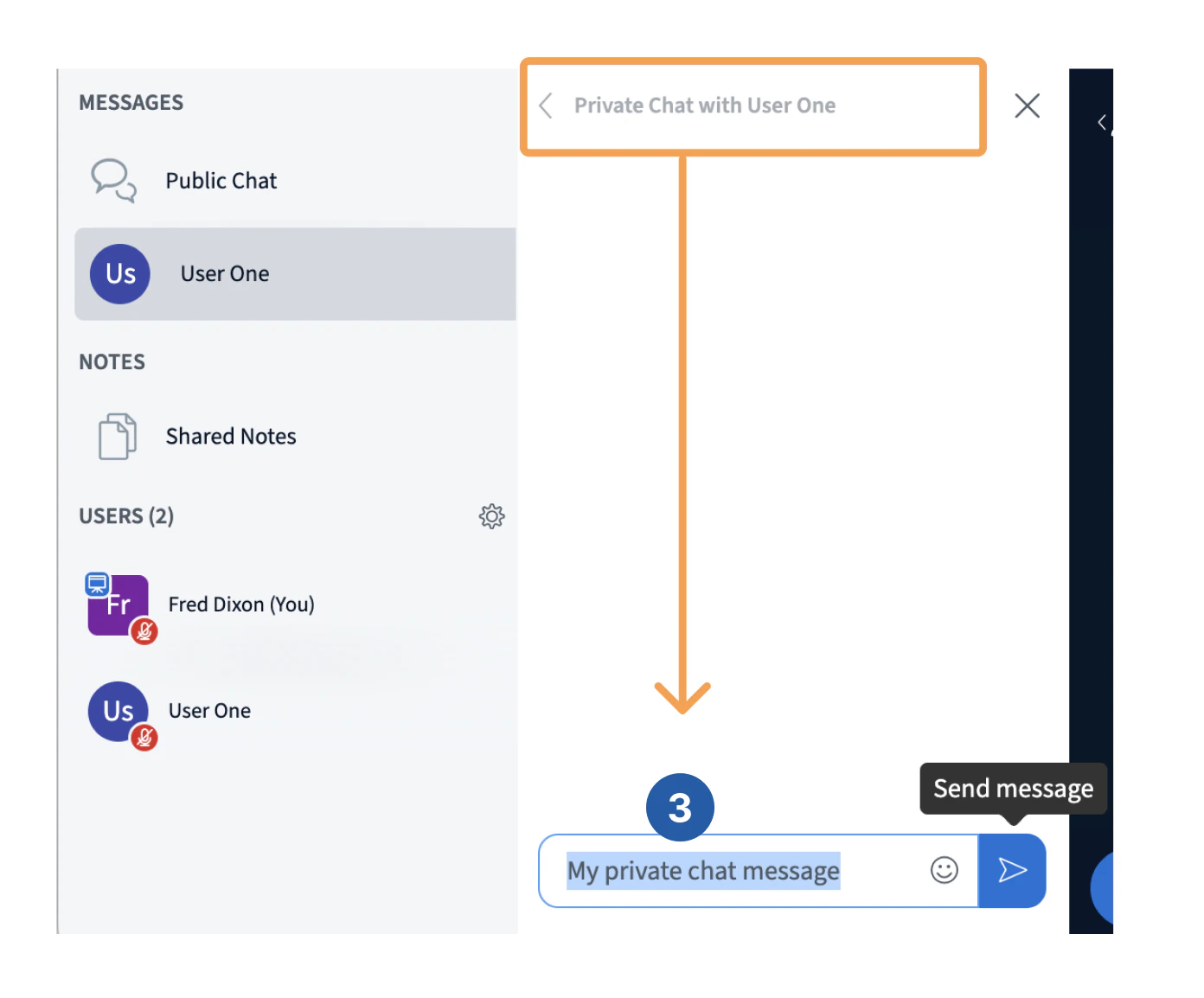
To start a private message to another user, [1] select the user with the mouse, [2] select Start a private chat. A new private chat panel appears to the right.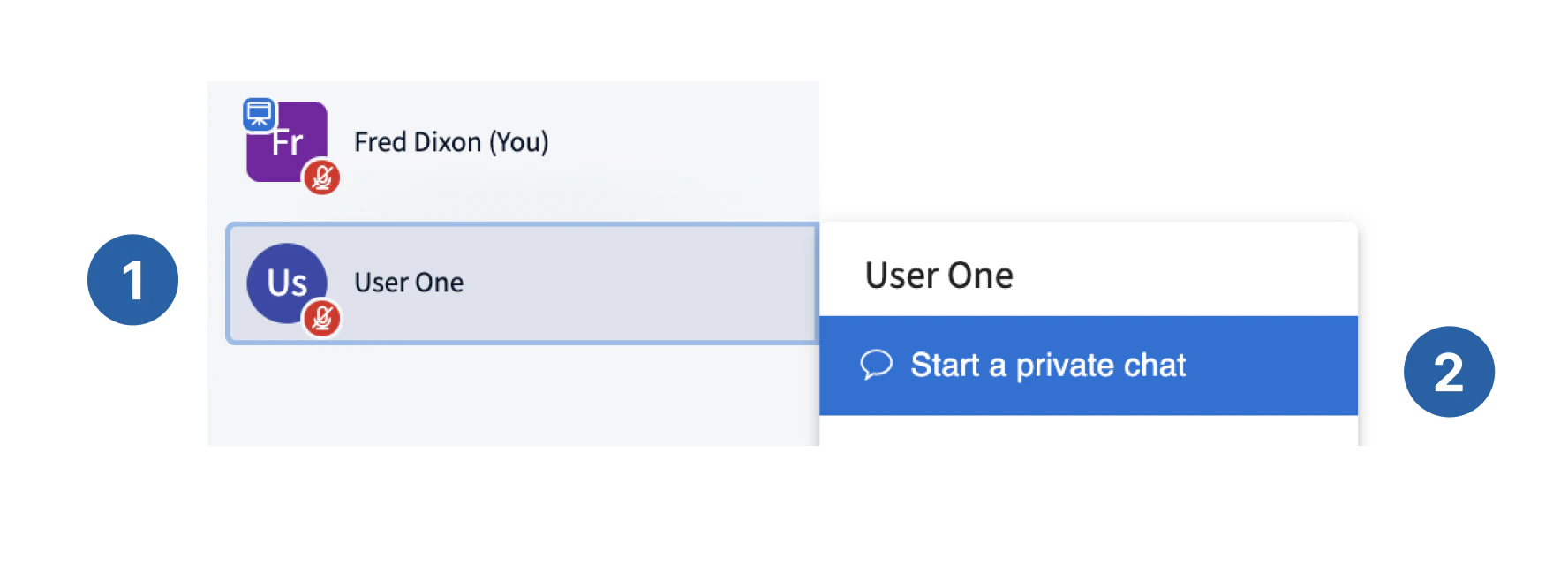
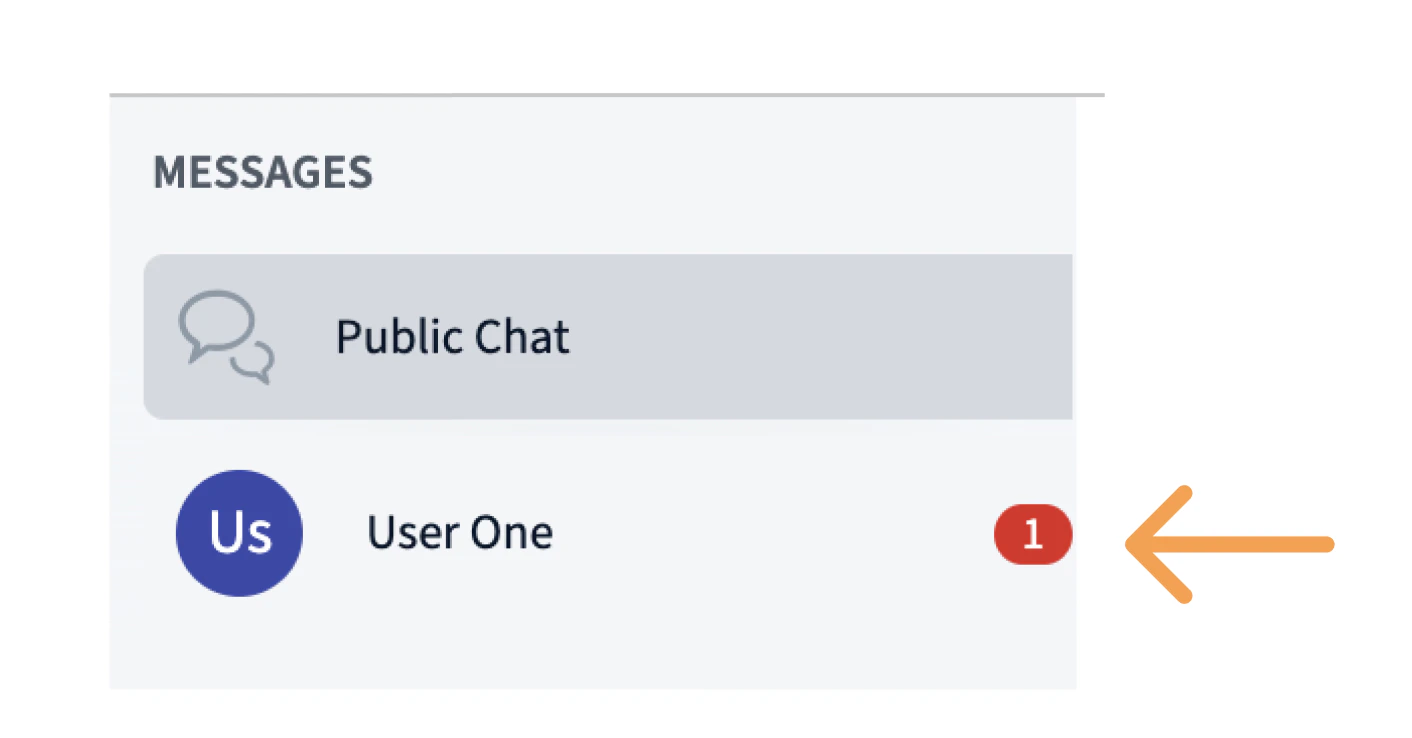
Chat message options
Moving your cursor over a chat message shows the message options bar with four options.- Reply to a message
- Add an emoji reaction
- Edit a message
- Delete a message
Reply to a message
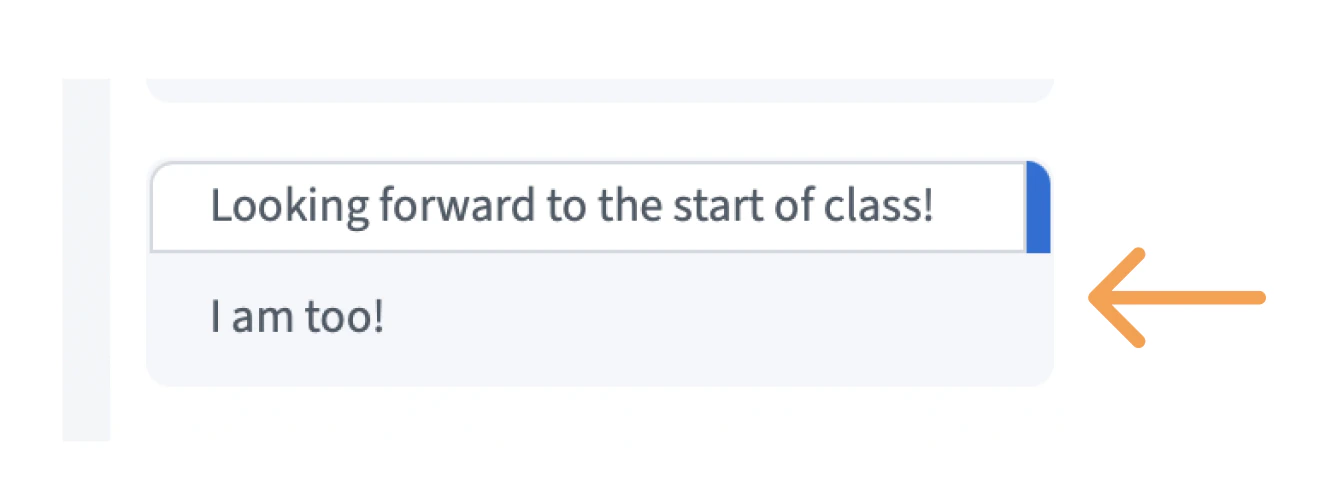
You can reply to a message, which makes a copy of the original with your reply. To reply to a message, move the cursor over the message and [1] select Reply to message. The selected message appears above the message field, then [2] type a reply and select [3] Send message.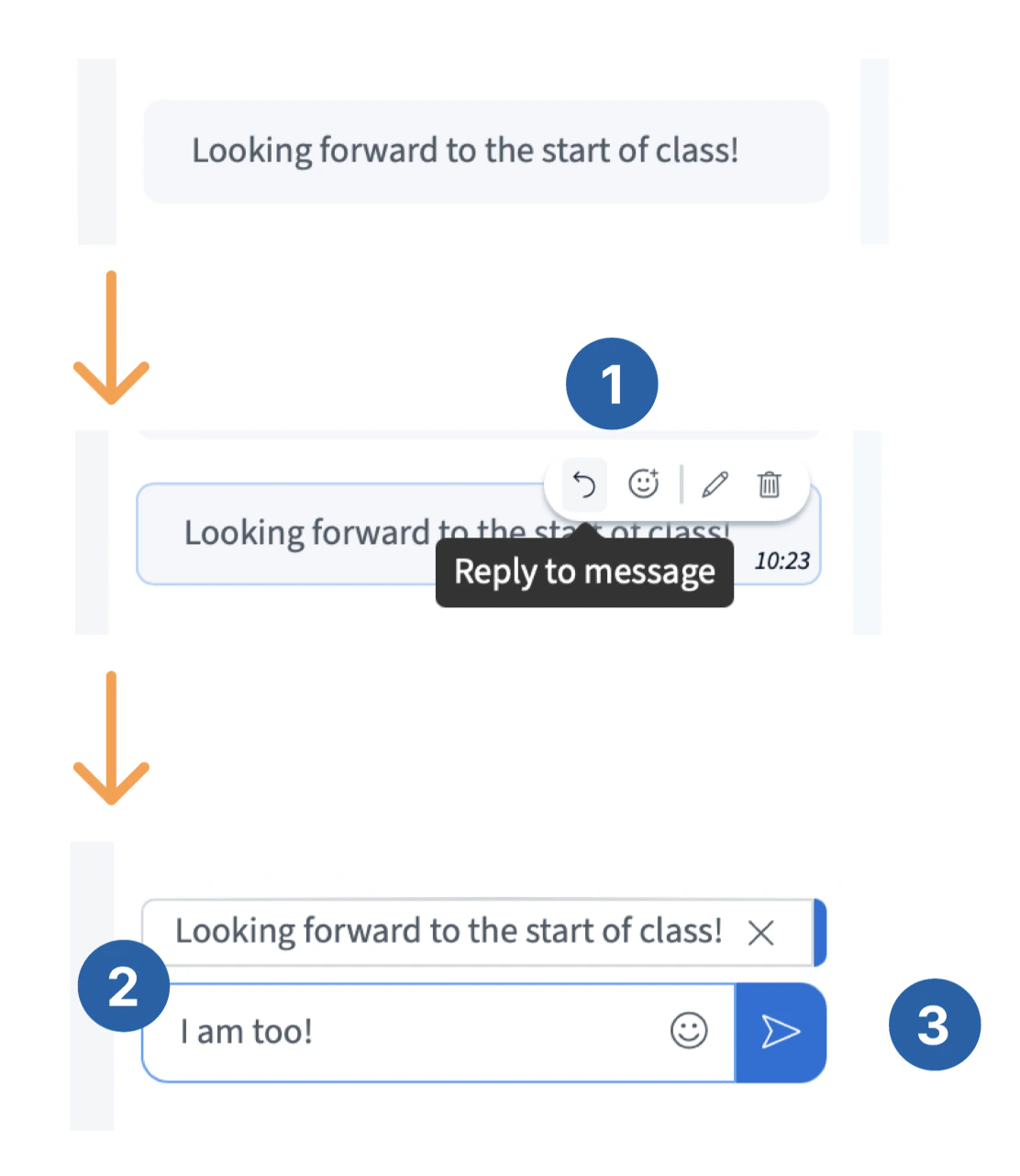
Add an emoji reaction
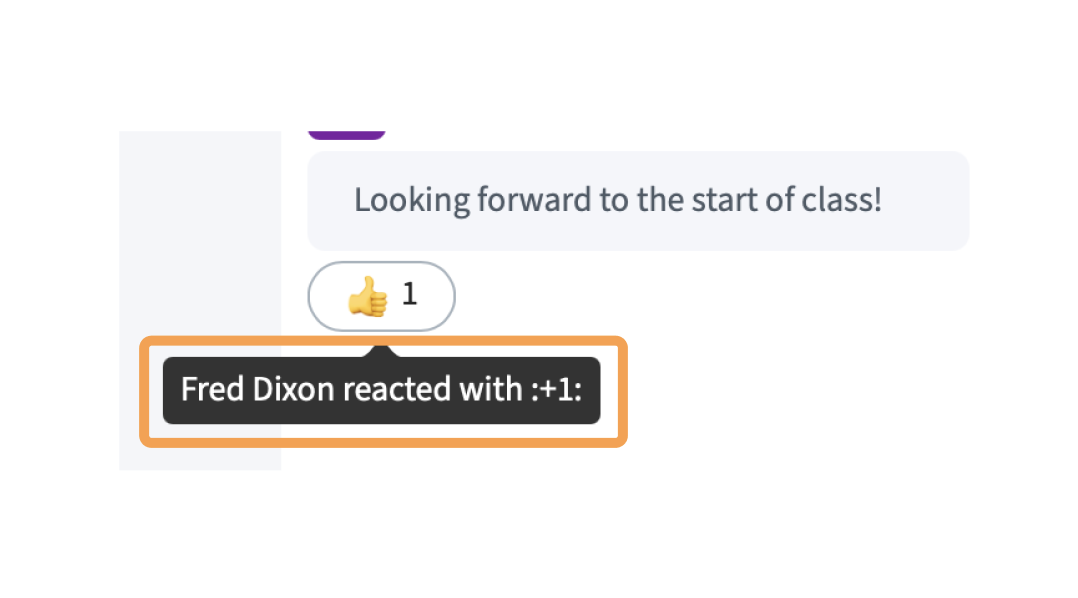
To add an emoji to a message, [1] select the React button from the message option menu and [2] select an emoji from the pop-up. [3] The emoji will appear under the message.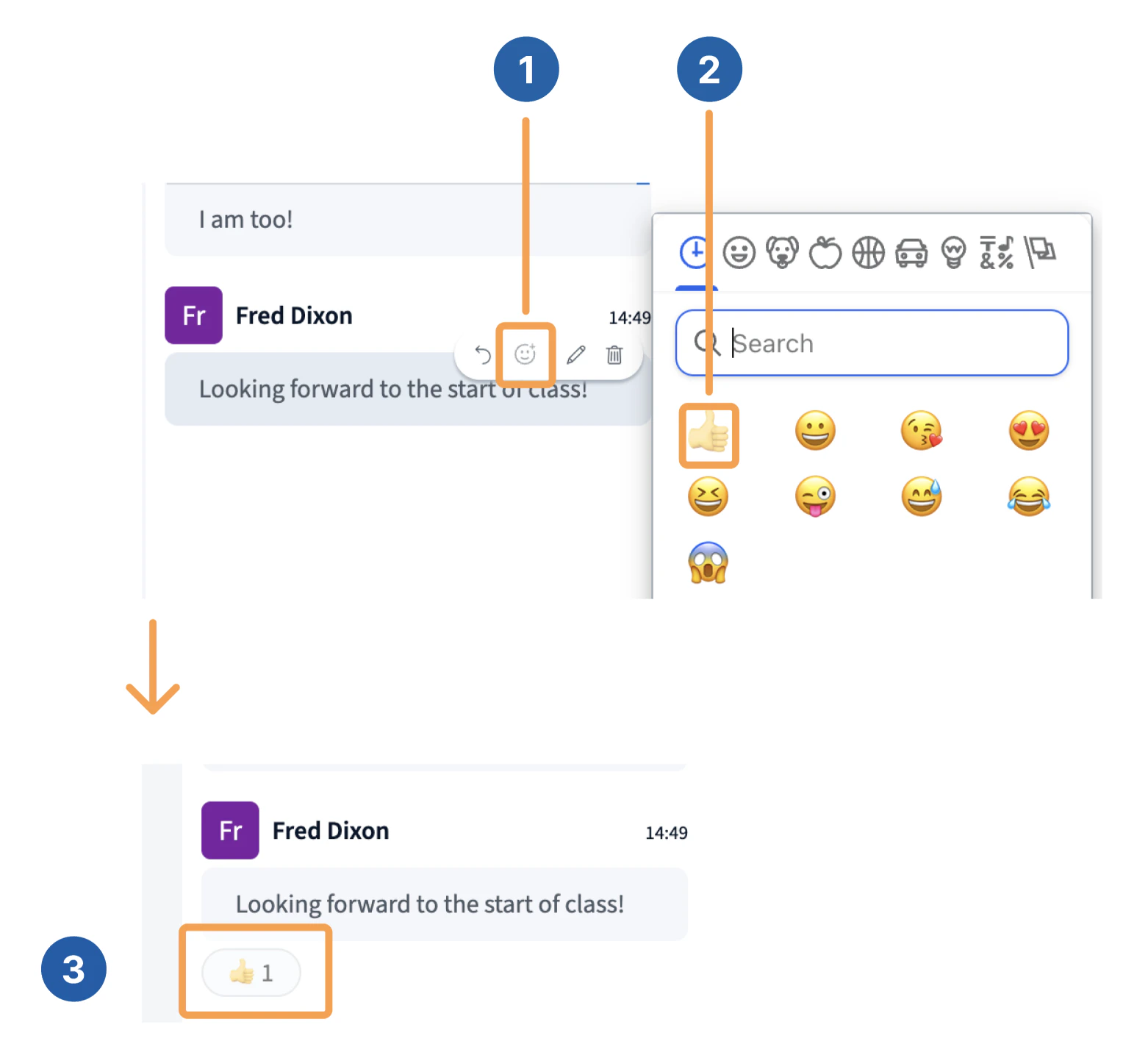
Edit a message
To edit a message, [1] select Edit from the options bar, [2] type in your new message and select Send message.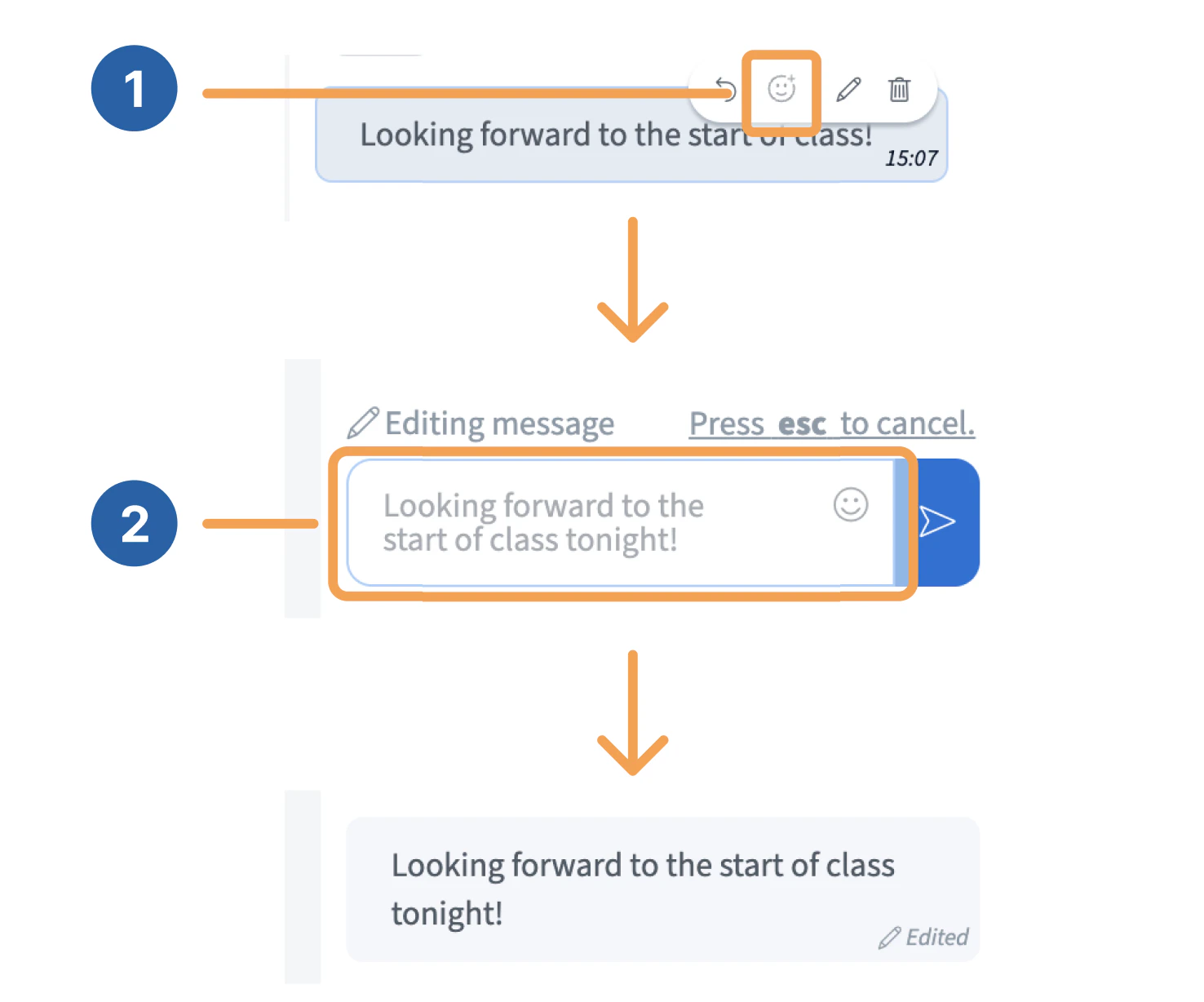
Delete a message
To delete your message, select the Delete message button in the options bar.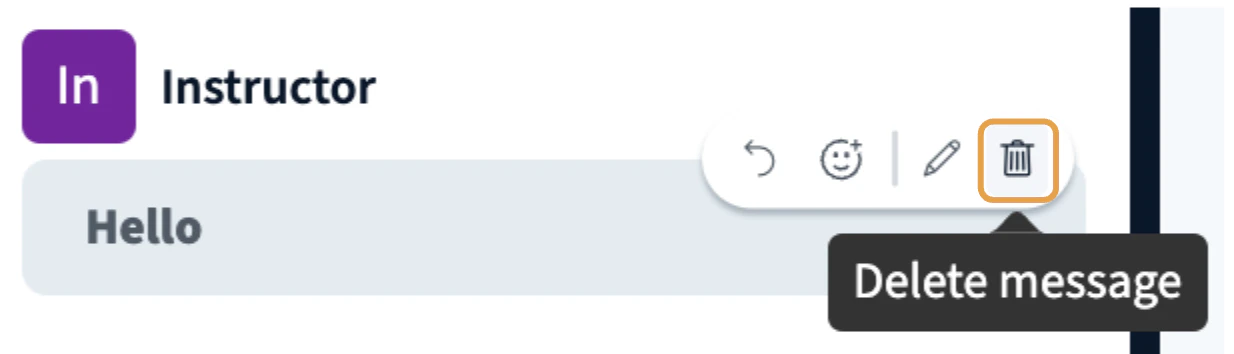
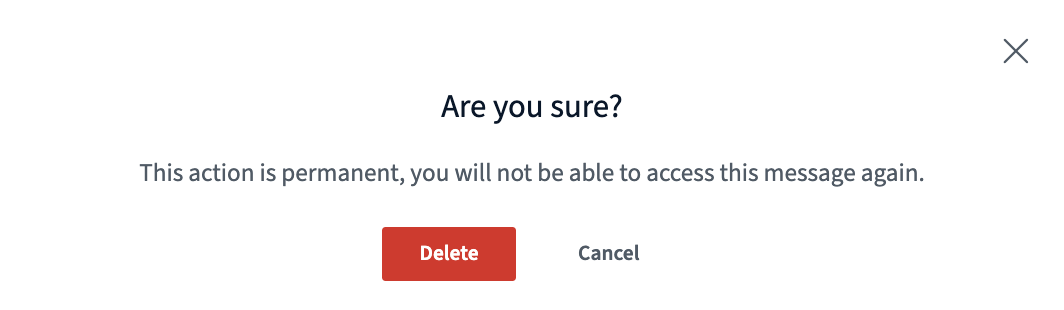
Viewers can only edit and delete their own chat messages. Moderators can delete any chat message.