Disable IPv6 on Windows 10
1
Open the network menu
Right-click the Network  / Wi-Fi
  icon in the bottom-right corner of your screen. A pop-up menu appears.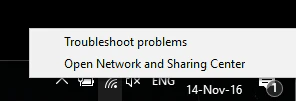
/ Wi-Fi icon in the bottom-right corner of your screen. A pop-up menu appears.2
Open the Network and Sharing Center
Select Open Network and Sharing Center. The Settings dialog appears.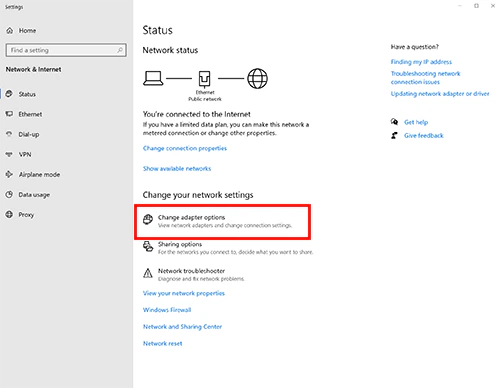
3
Change adapter options
Select Change adapter options. A list of network adapters appears. Locate the active adapter — either Ethernet or Wi-Fi.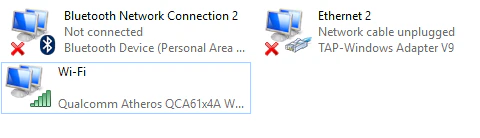
4
Open adapter properties
Right-click the active network adapter and select Properties.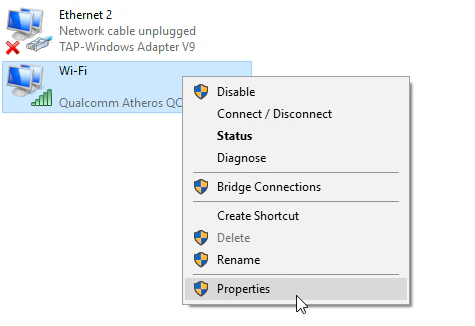
5
Disable IPv6
In the Properties window, scroll to Internet Protocol Version 6 (TCP/IPv6).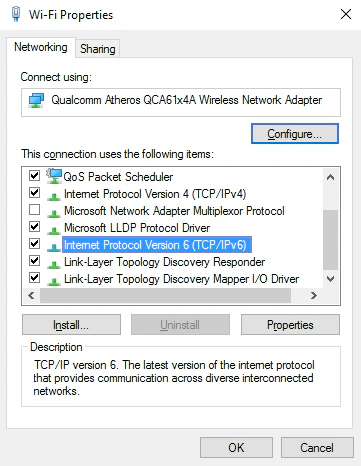
Disable IPv6 on macOS
1
Open Network preferences
Open System Preferences and select the Network icon.
2
Select your network
Select the network you are using — usually labeled Wi-Fi.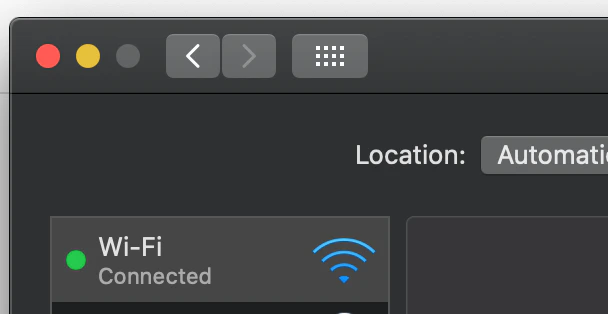
3
Open advanced settings
Select Advanced….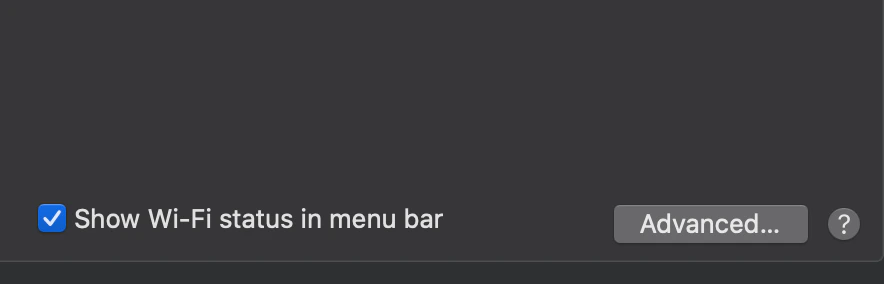
4
Open the TCP/IP tab
Select the TCP/IP tab.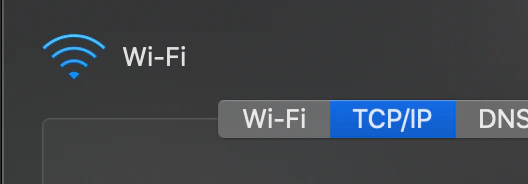
5
Set IPv6 to link-local only
Open the Configure IPv6 drop-down menu and set it to Link-local only.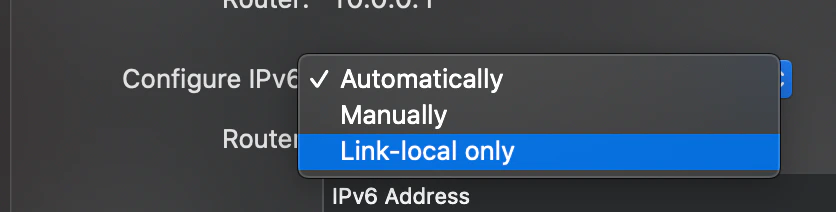
6
Save and restart
Select OK, then restart your Mac.
Disable IPv6 on your Spectrum router
If you have the rac2v1k Spectrum router, you can disable IPv6 from the router’s web-based interface. To sign in, find the URL and password on the back of the router — typically http://192.168.1.1 withadmin/admin.
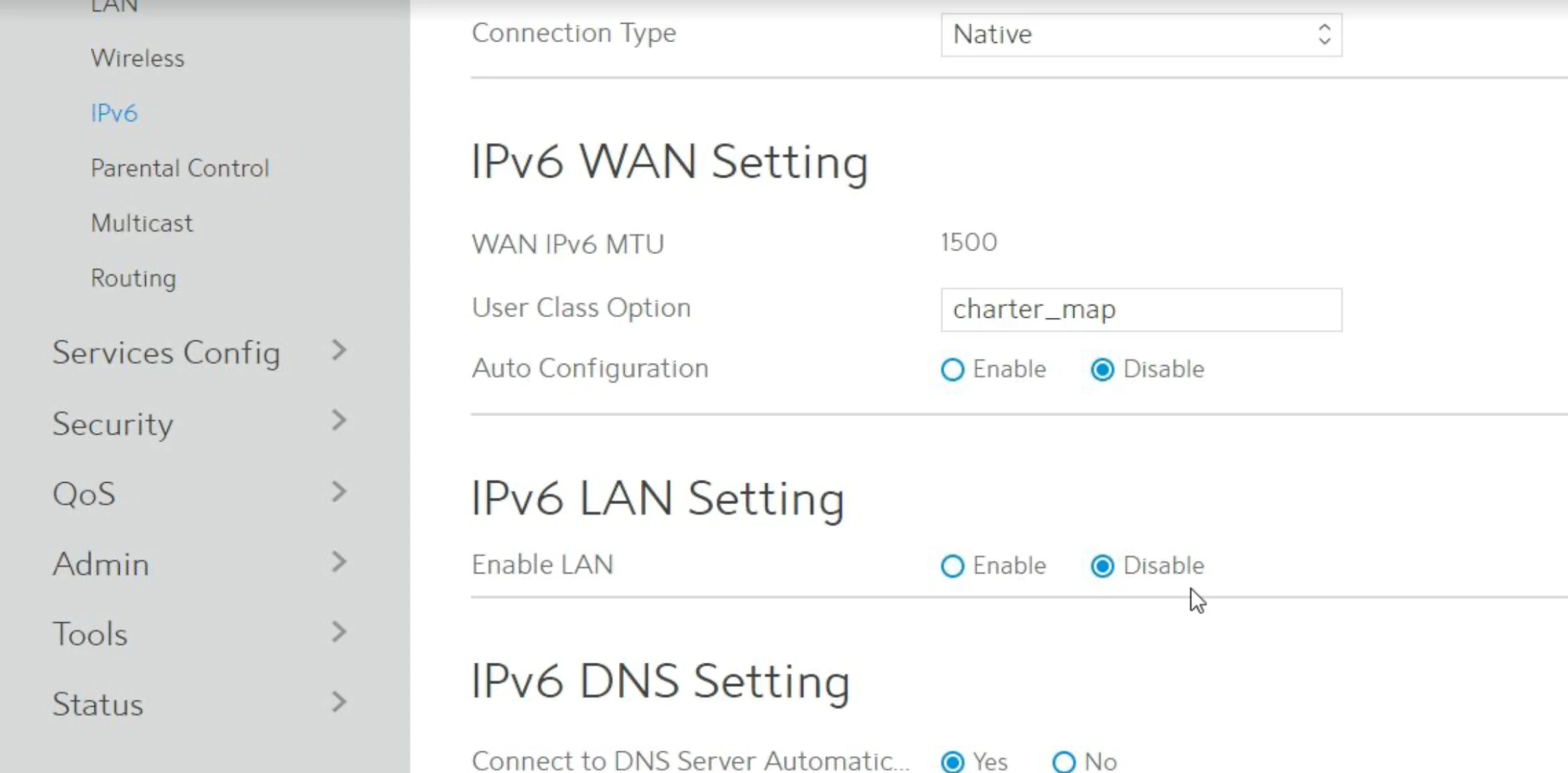
Once signed in, select Advanced at the top, select IPv6 on the left, and under IPv6 LAN settings choose Disable.