

This document contains important information for early users of the BigBlueButton HTML5 client.
Earlier this year we announced that we will be transitioning all users to the BigBlueButton HTML5 client (no more Flash client) for (see blog post). This document contains the latest information on the BigBlueButton HTML5 client (referred hereafter as simply “HTML5 client”).Table of Contents
- Recommended browsers
- Minimum bandwidth requirements
- Features still in development
- Differences from the Flash client
- Known issues/bugs
Recommended Browsers
The recommended browsers are- Desktop/Laptop: Chrome or Firefox (latest versions)
- Mobile iOS (12.2+): Safari
- Mobile Android (6.0+): Chrome
Minimum Bandwidth Requirements
For all users, we recommend (a minimum of)
- 0.5 Mbits/s upload bandwidth
- 1.0 Mbits/sec download bandwidth
For instructors wanting to share their screen, we recommend (a minimum of)
- 1.0 Mbits/s upload bandwidth
- 1.0 Mbits/sec download bandwidth
The same bandwidth recommendations apply to mobile devices:
- For data network, we recommended 4G LTE for best results or minimum 3G Network to use audio, view presentation content and receive screen sharing.
- For connection via wireless, we recommend private versus public networks where possible.
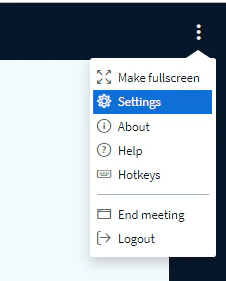
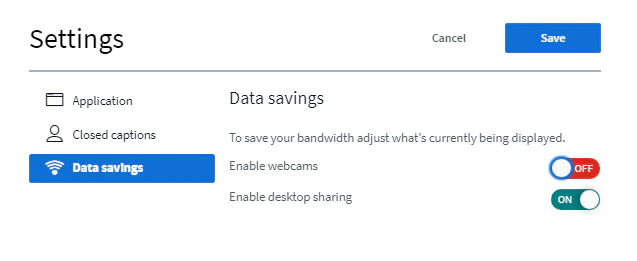
- To reduce bandwidth usage, users can turn off webcams on their mobile devices (see below).
Features still in development
These features were present in the Flash client and are not yet in the HTML5 client- Show Slide Thumbnails: At this time the slide navigation does not show thumbnails when using the slide menu to navigate to specific slides.
- Managing webcams: The Flash client allowed users to individually close webcams. This feature is not yet implemented in the HTML5 client.
- Links in slides not clickable: when uploading slides with clickable links, they could be clicked in the Flash client. Currently, they are not clickable in the HTML5 client.
Differences from the Flash client
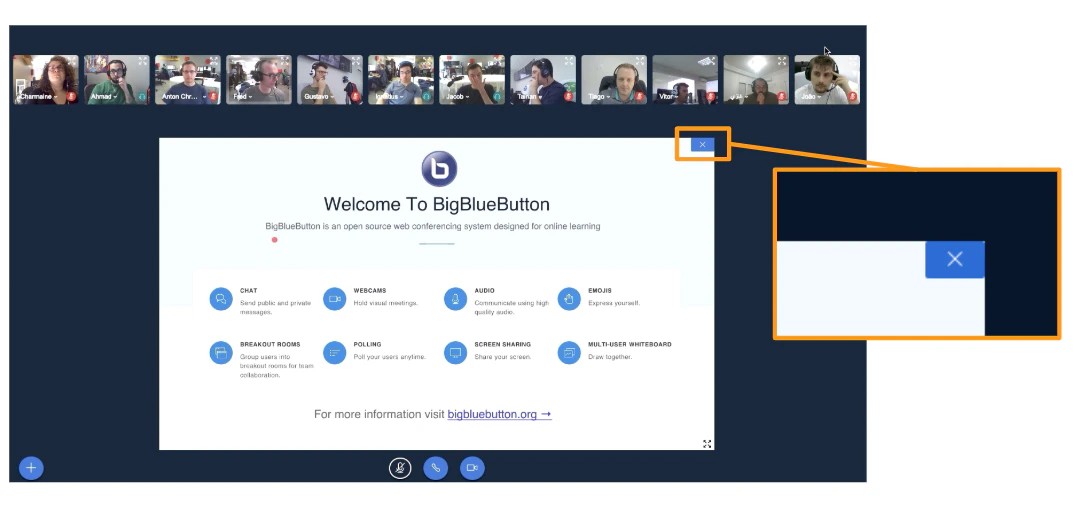
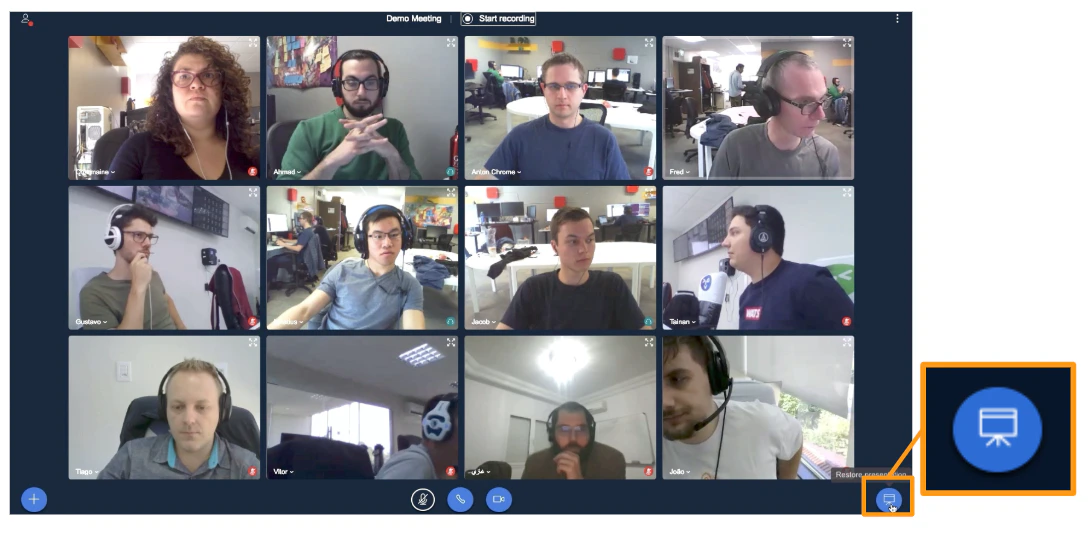
- Layout Dropdown: The Flash client had a layout menu that let moderators push down layout changes in windows to all viewers. The HTML5 client does not use windows (it uses panels that show/hide). We are going to add capabilities for the moderator to show/hide the presentation area in a future update.
- Track users in breakout rooms: The Flash client would inform moderators of which users were in which breakout room.
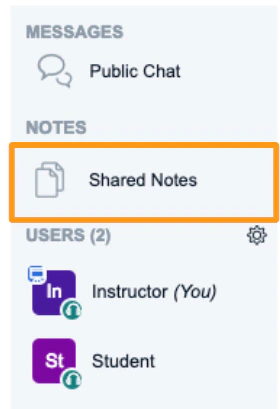
- Shared Notes: shared notes are now located in the side panel to the left of the presentation area where the users list and chat messaging are located. To view and edit the shared notes, click on the “Shared Notes” link.
- Moderator Unmute: Due to privacy concerns moderators are by default not able to unmute users (you can contact us to have this feature enabled for your account).
- Multiuser Whiteboard between slides: Currently, multiuser whiteboard only applies to the current slide. When the presenter changes to another slide, they need to re-engage multi-user whiteboard.