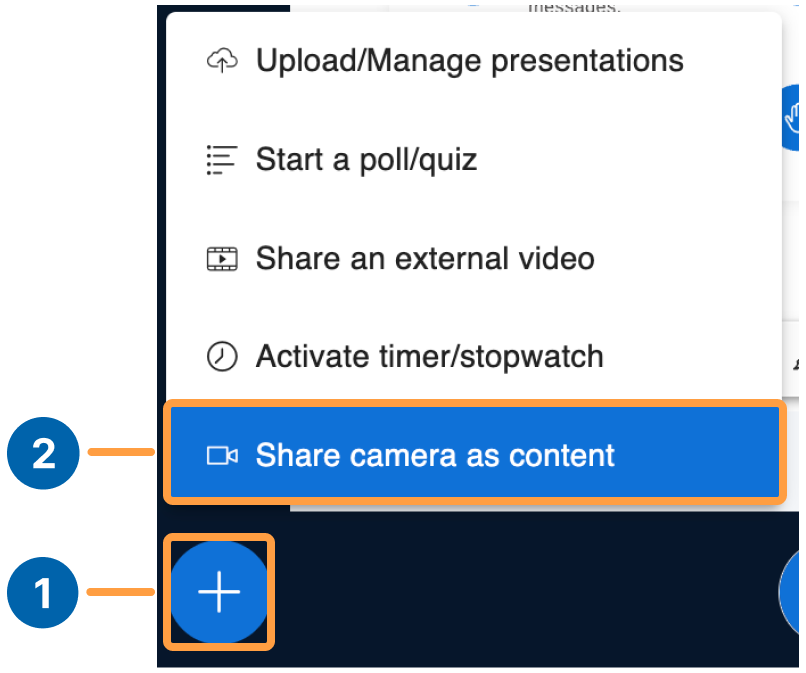
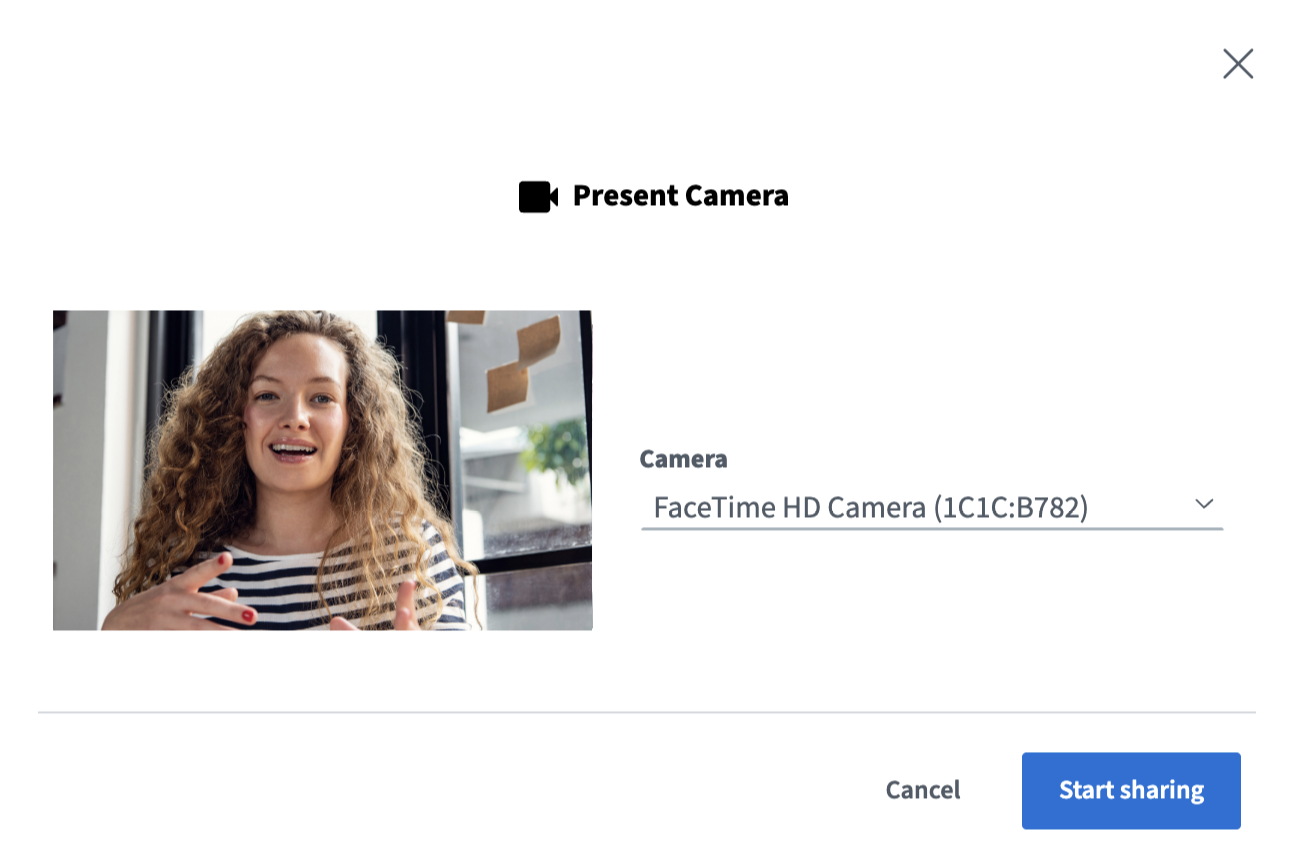
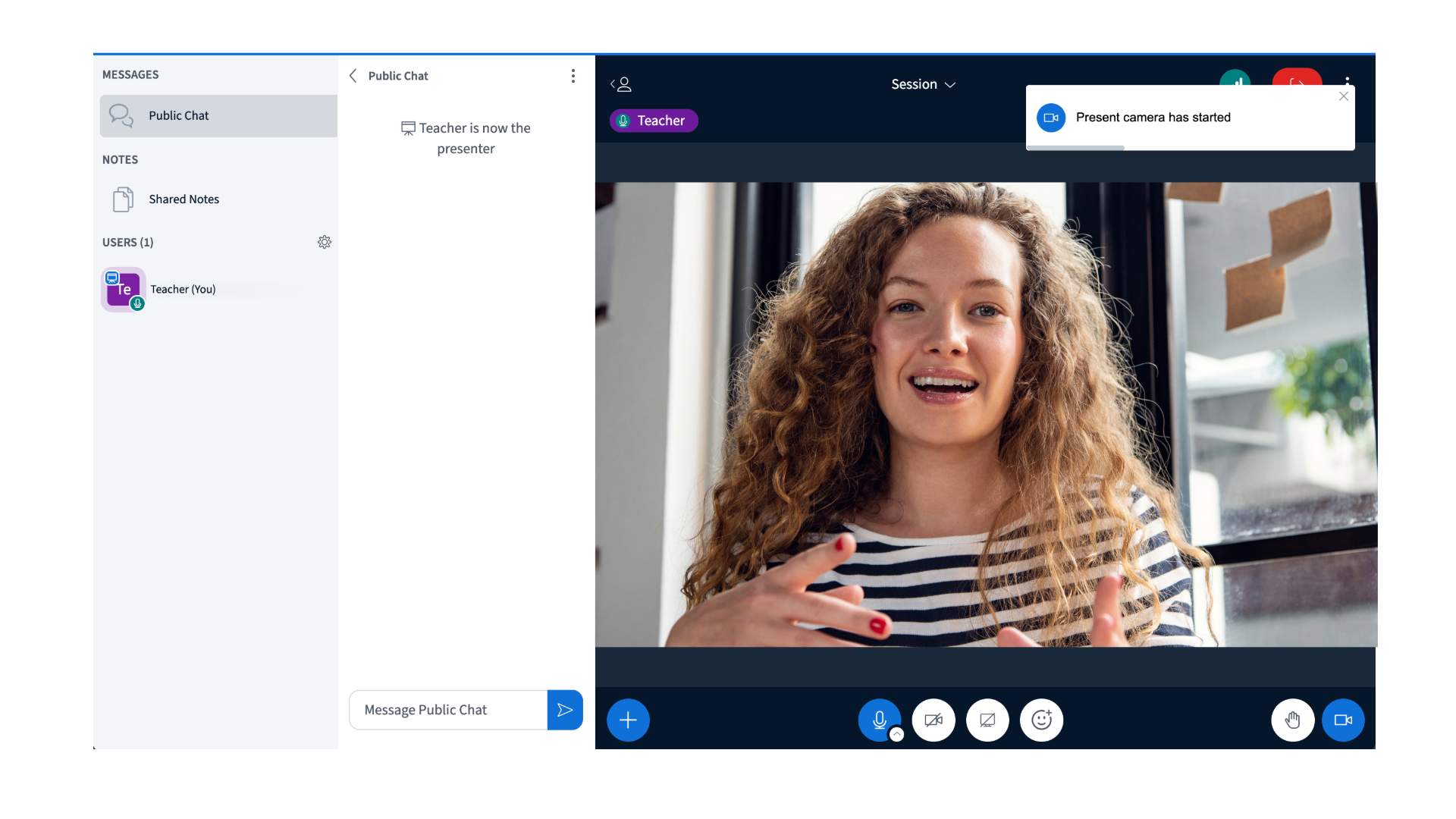
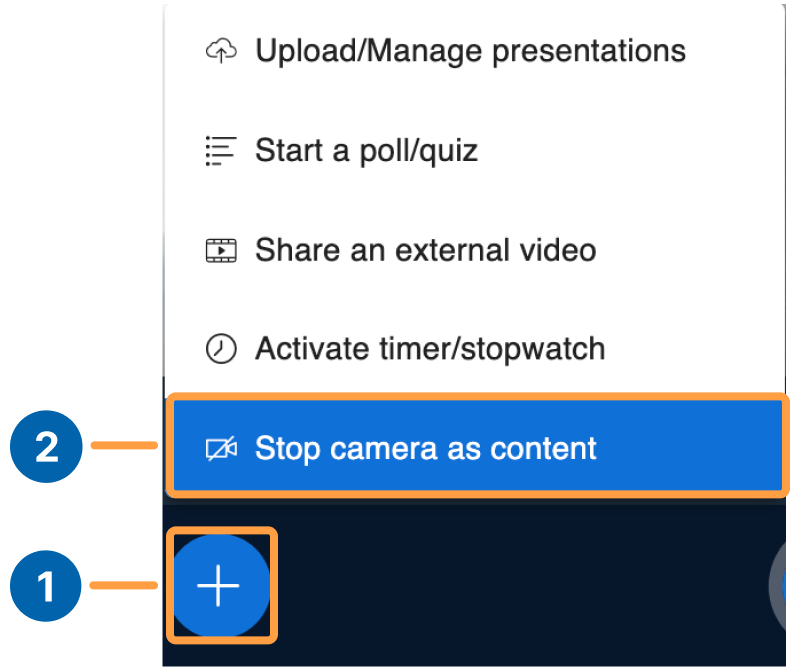
Presenters can share a webcam as the main presentation content — useful for displaying a physical whiteboard or focusing on a particular area of a hybrid classroom.
Presenters in hybrid classes can share a webcam as the main presentation content. Use this to display a physical whiteboard, focus on a particular student, or highlight an area of the classroom.
The camera being shared as content cannot already be in use as your main webcam.