All users in BigBlueButton can copy or download the public chat. However, only moderators can clear it for everyone in the session.
To clear the public chat
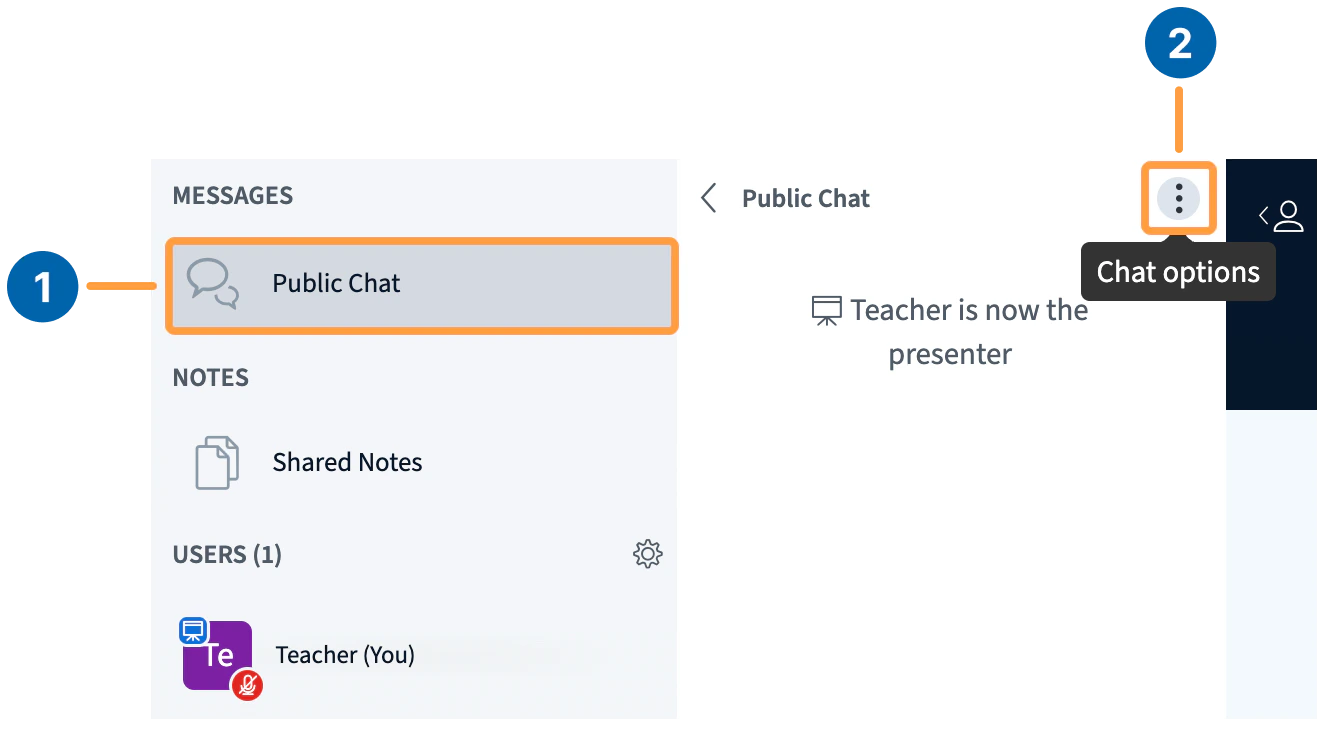
Expand the Chat Window [1] if not already visible, then open the Public Chat Menu [2] in the upper right of the chat panel.
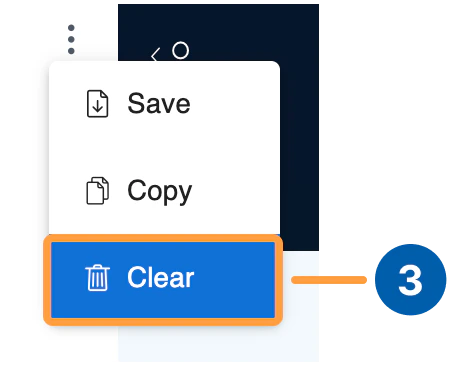
Select Clear [3] from the list of options. The chat panel empties and all messages are removed for every participant.
Clearing the public chat cannot be undone and removes all messages from the chat for everyone in the session.