
Users raise their hand to signal the presenter, and presenters can lower individual hands or all hands at once.
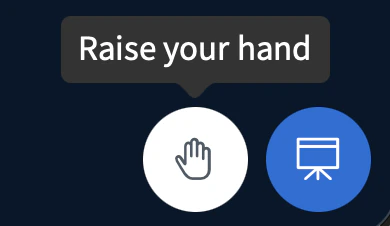
The Raise Hand feature makes it much easier for students to interact with their instructor. To raise a hand, any user can select the hand icon.The Raise Hand feature makes it much easier for students to interact with their instructor.To raise a hand, any user can select the hand icon.
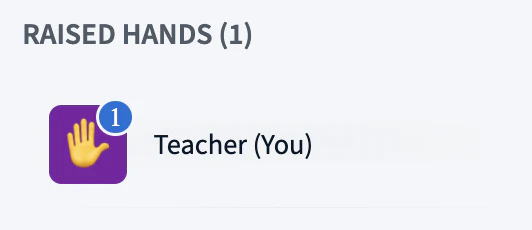
When selected, a hand emoji will appear on your user icon.
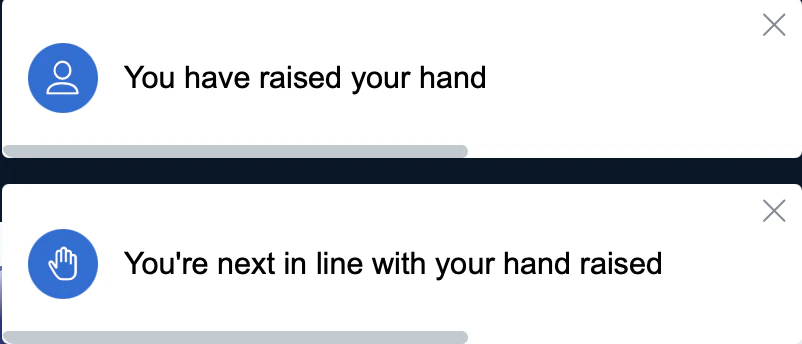
A prompt will also appear in the top-right corner, showing that your hand is raised.
There will also be a prompt when you lower your hand, and the emoji will be removed from your user icon.
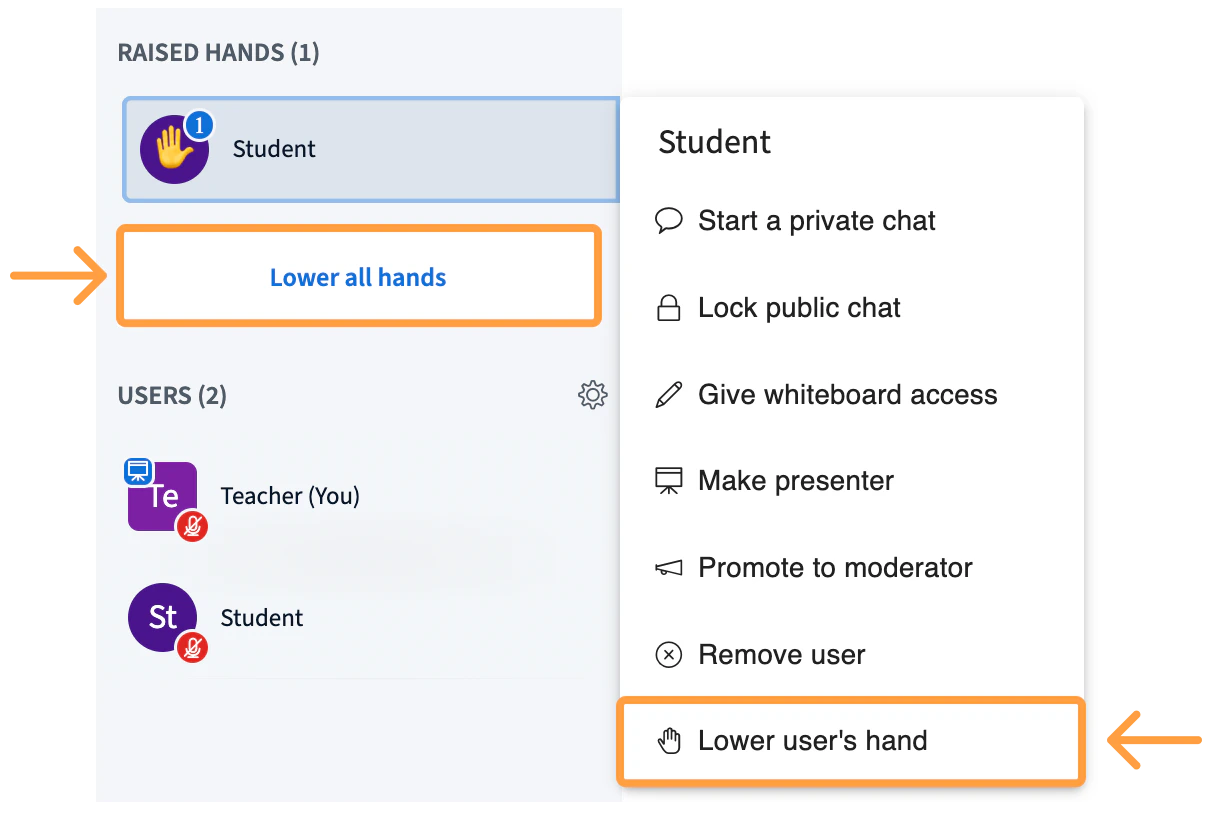
As a presenter, you have the ability to select any user’s name to lower their hand, or select Lower all hands to lower hands for everyone.