Confirm your presenter role
To upload documents and enable them for download, you must have the presenter role. By default, the first moderator to enter the session receives the presenter role. If you are a viewer, request the presenter role from a moderator.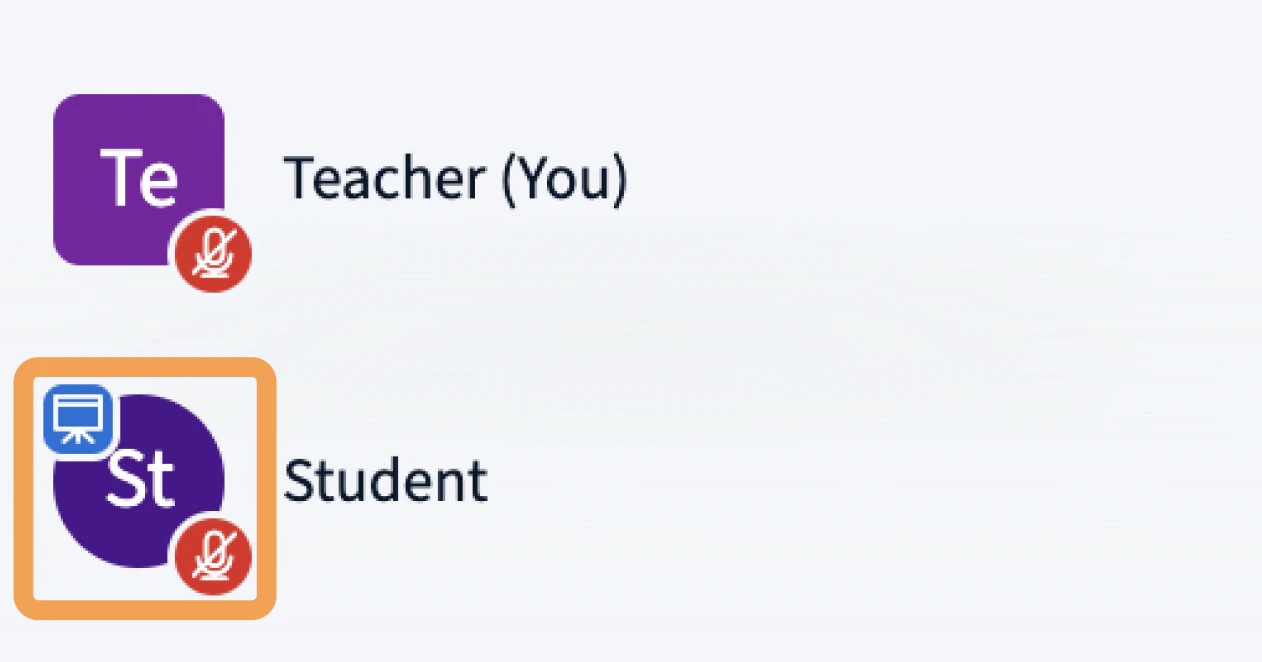
Verify document size and format
Each document can be up to 30 MB or 150 pages. You can upload multiple documents as long as each one is under those limits. BigBlueButton accepts:- Office documents —
.doc,.docx,.pptx - Text documents —
.txt - Images —
.png,.jpg - Adobe Acrobat documents —
.pdf
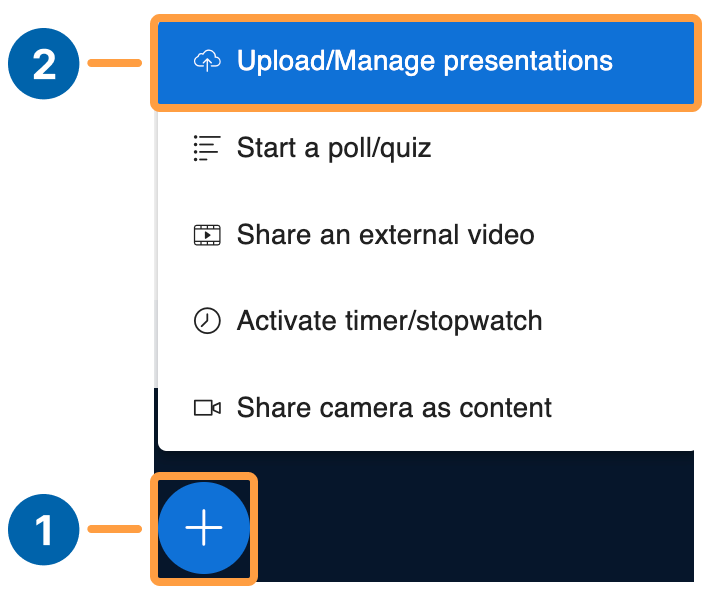
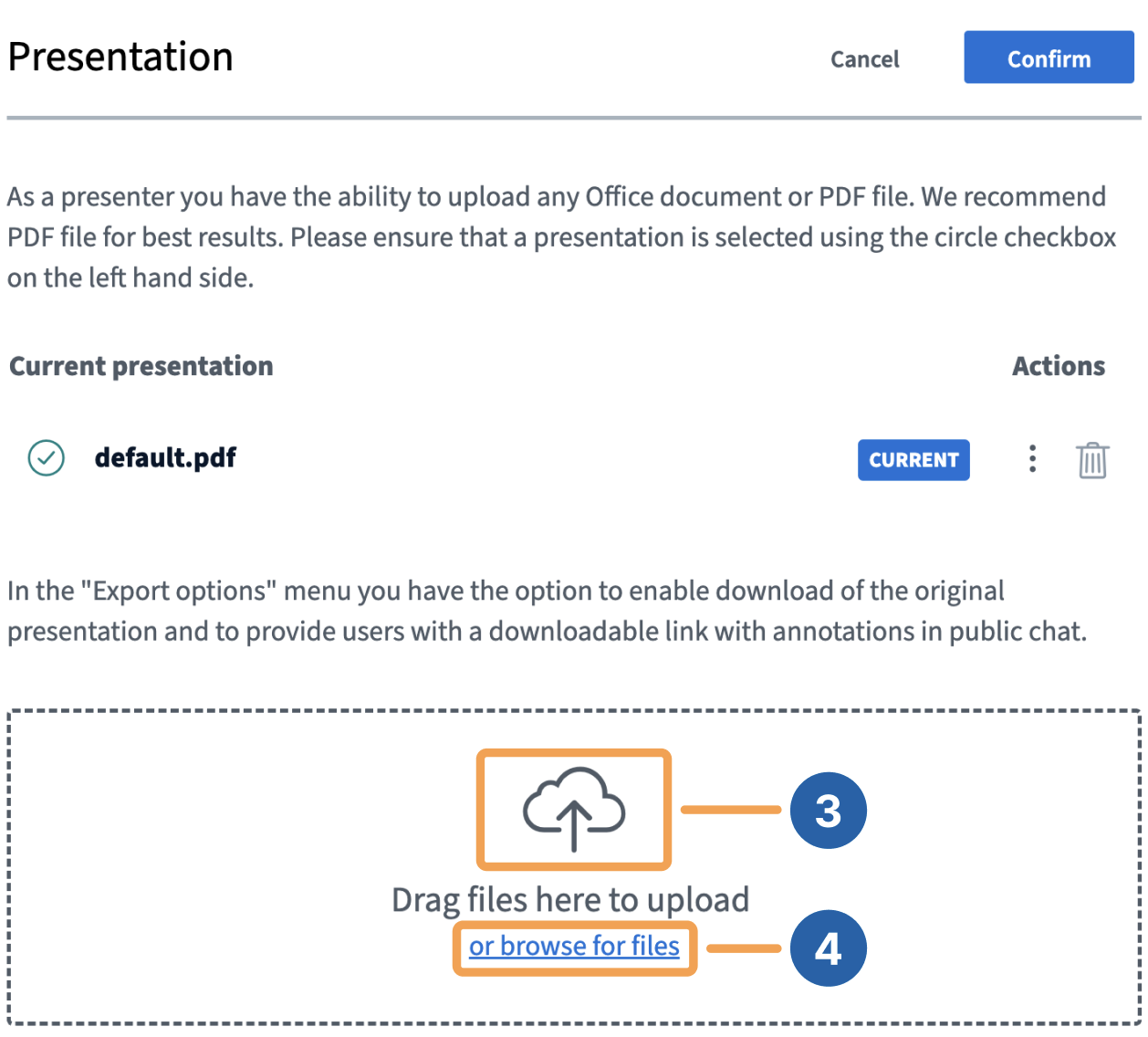
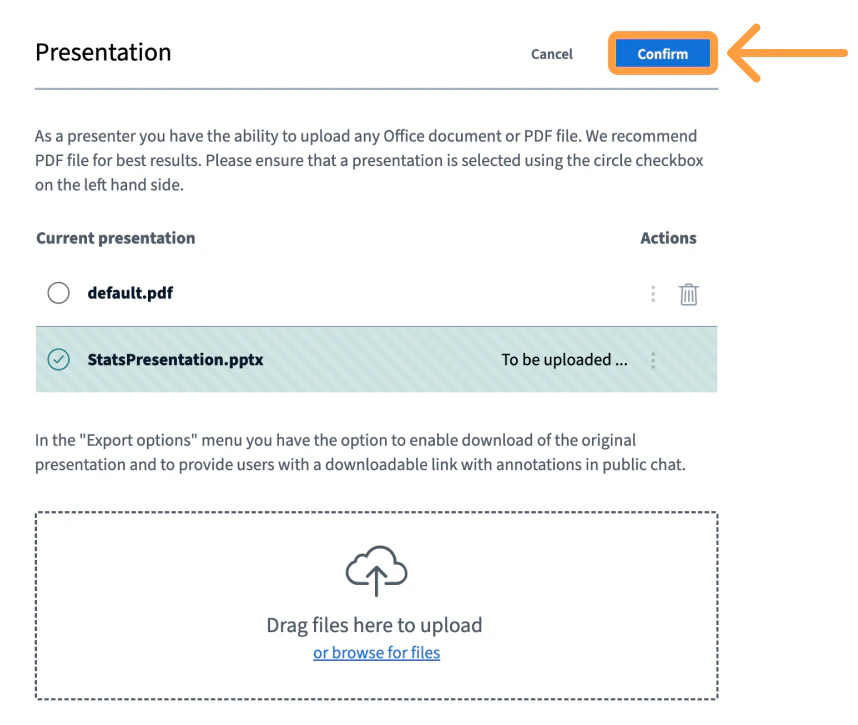
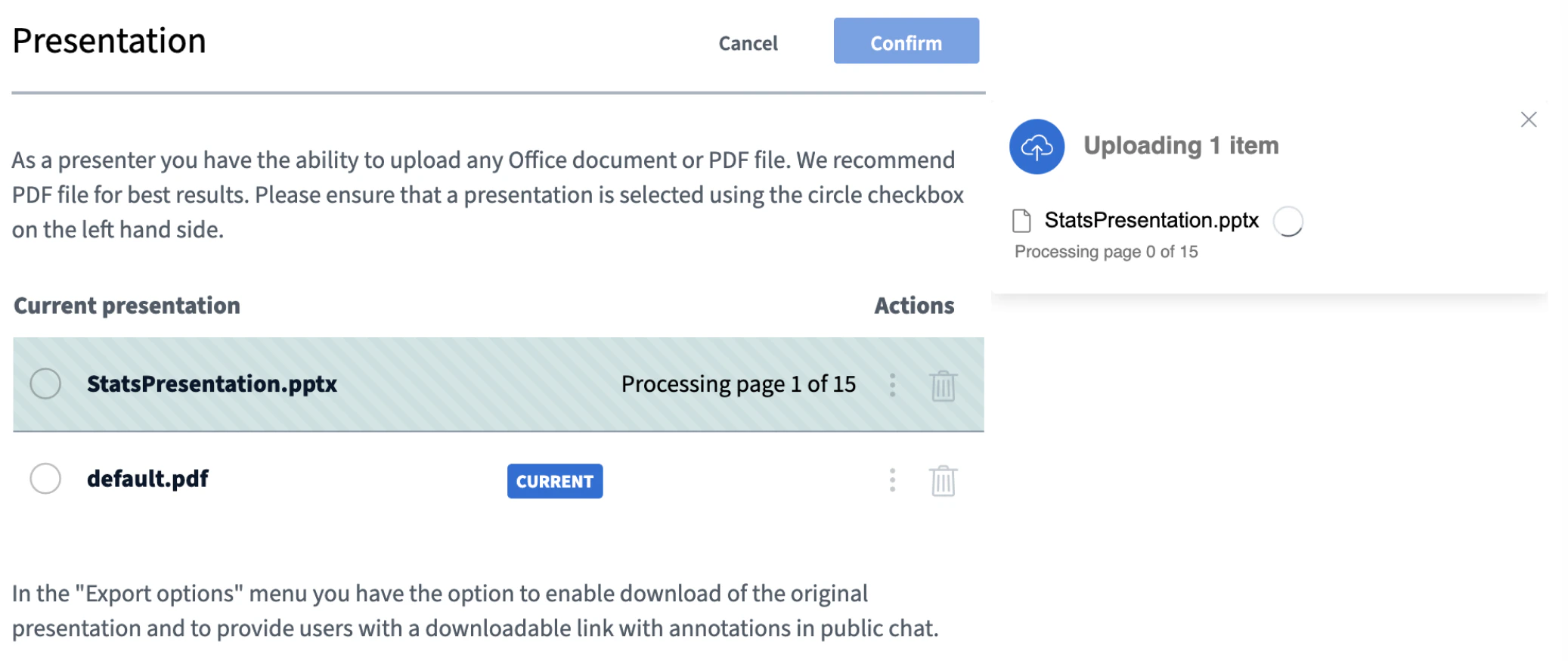
Upload a presentation
Enable a presentation for download
A presenter can enable any uploaded document for download by viewers at any time during the session.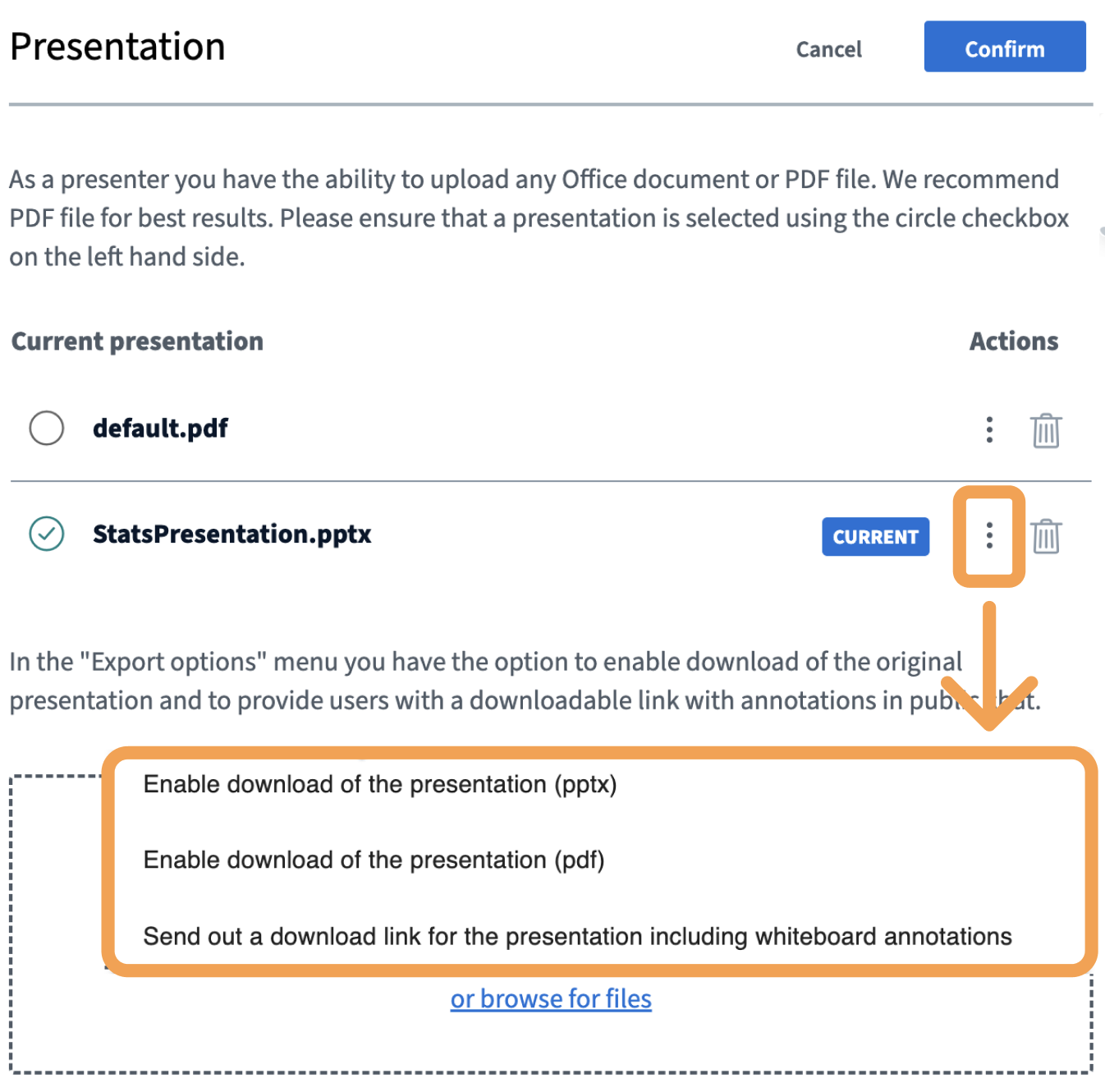
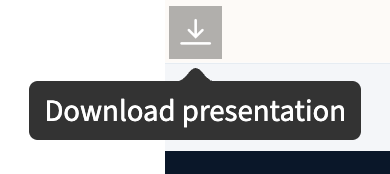
What viewers see
Switch between presentations
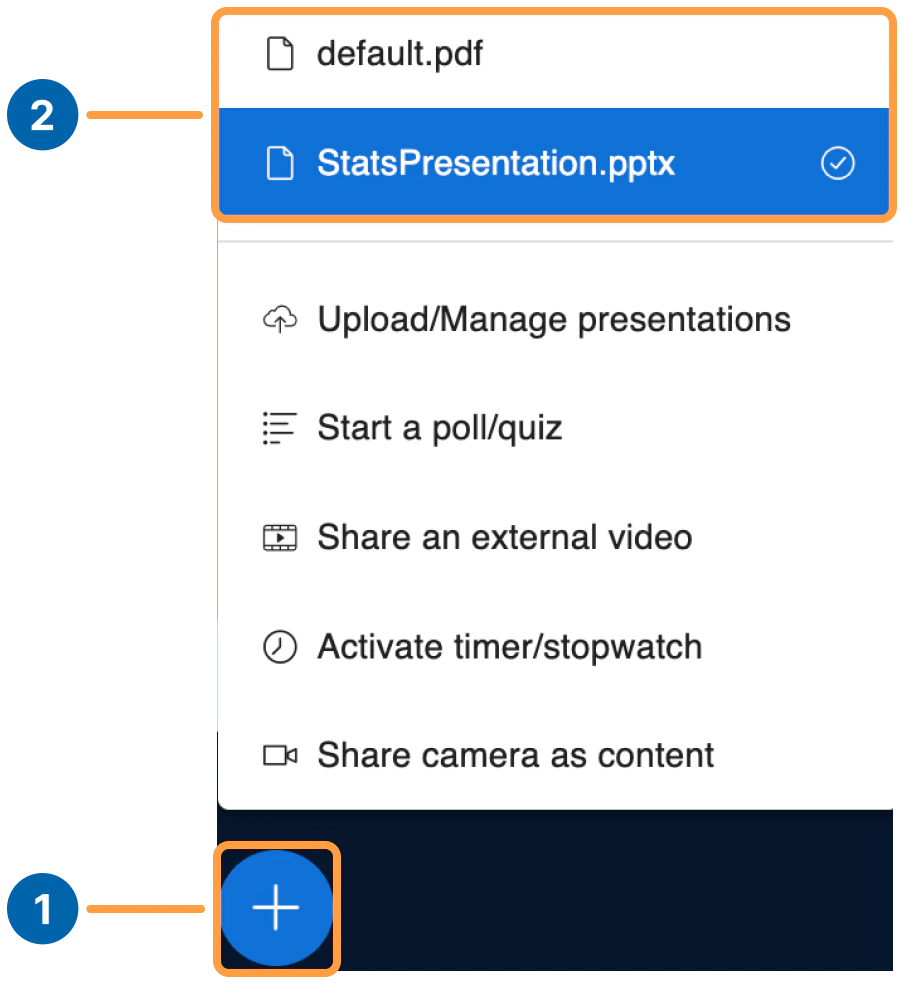
After uploading multiple presentations, you can switch between them at any time during the session.