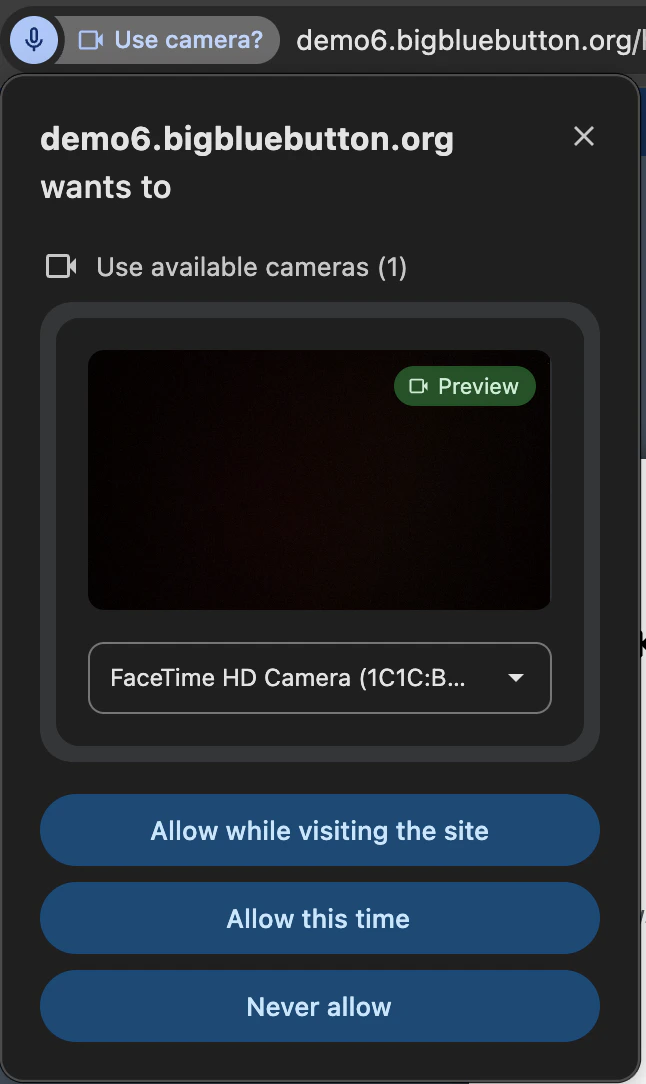
Share your webcam
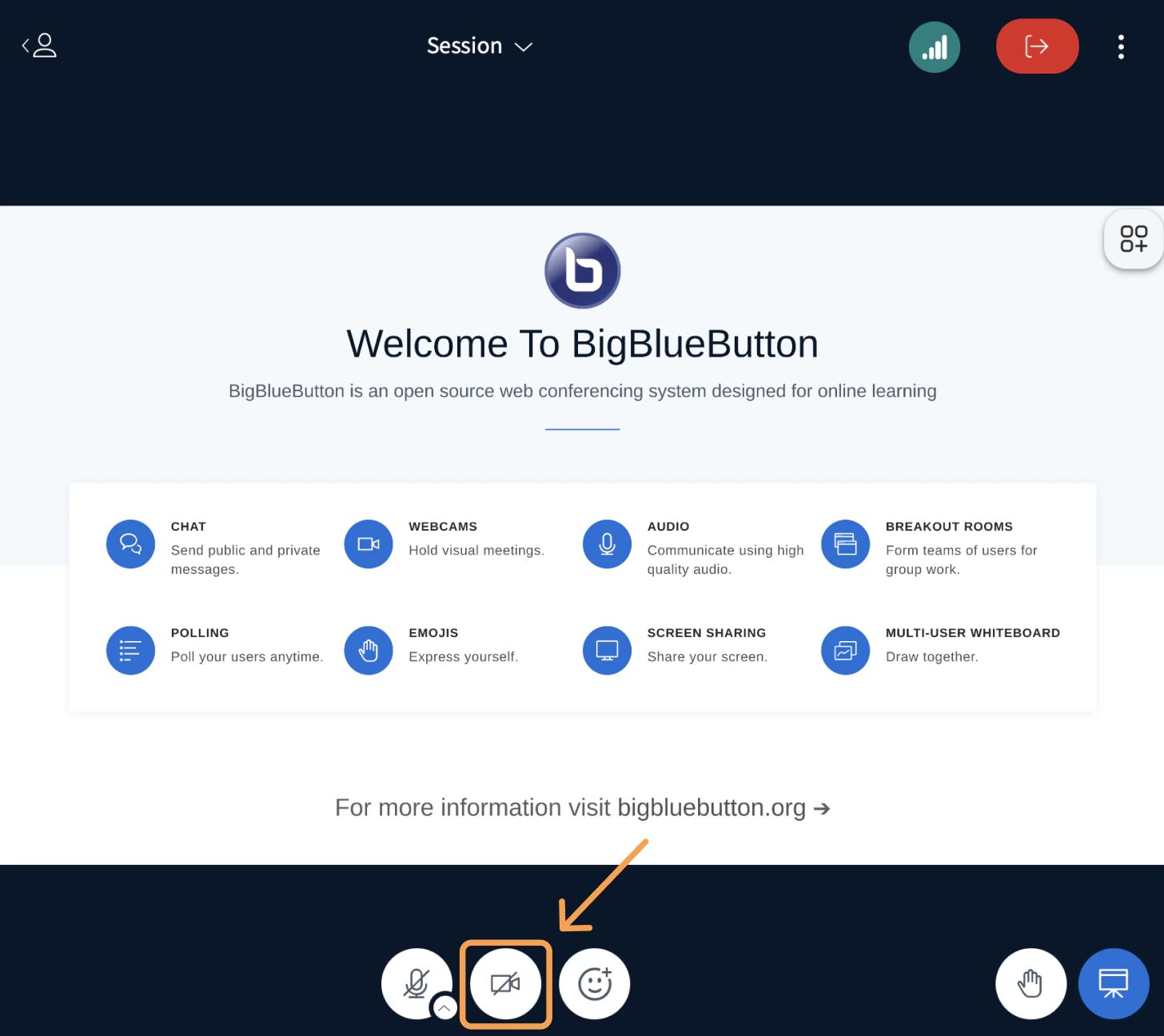
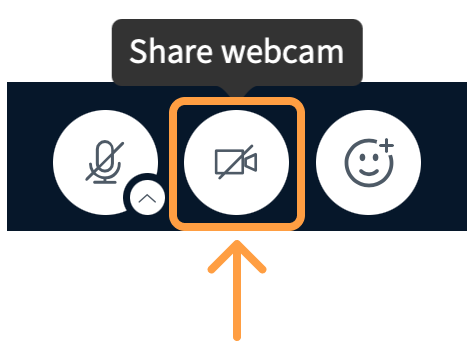
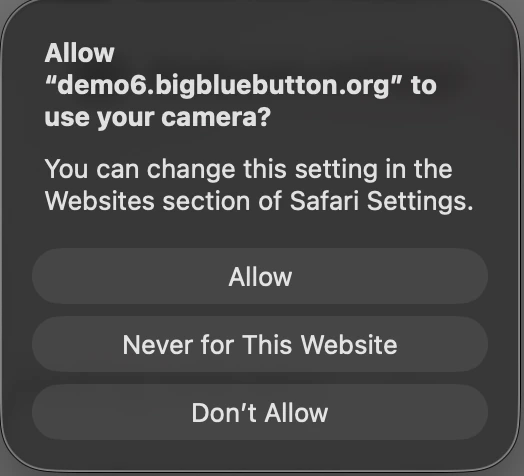
Adjust webcam brightness
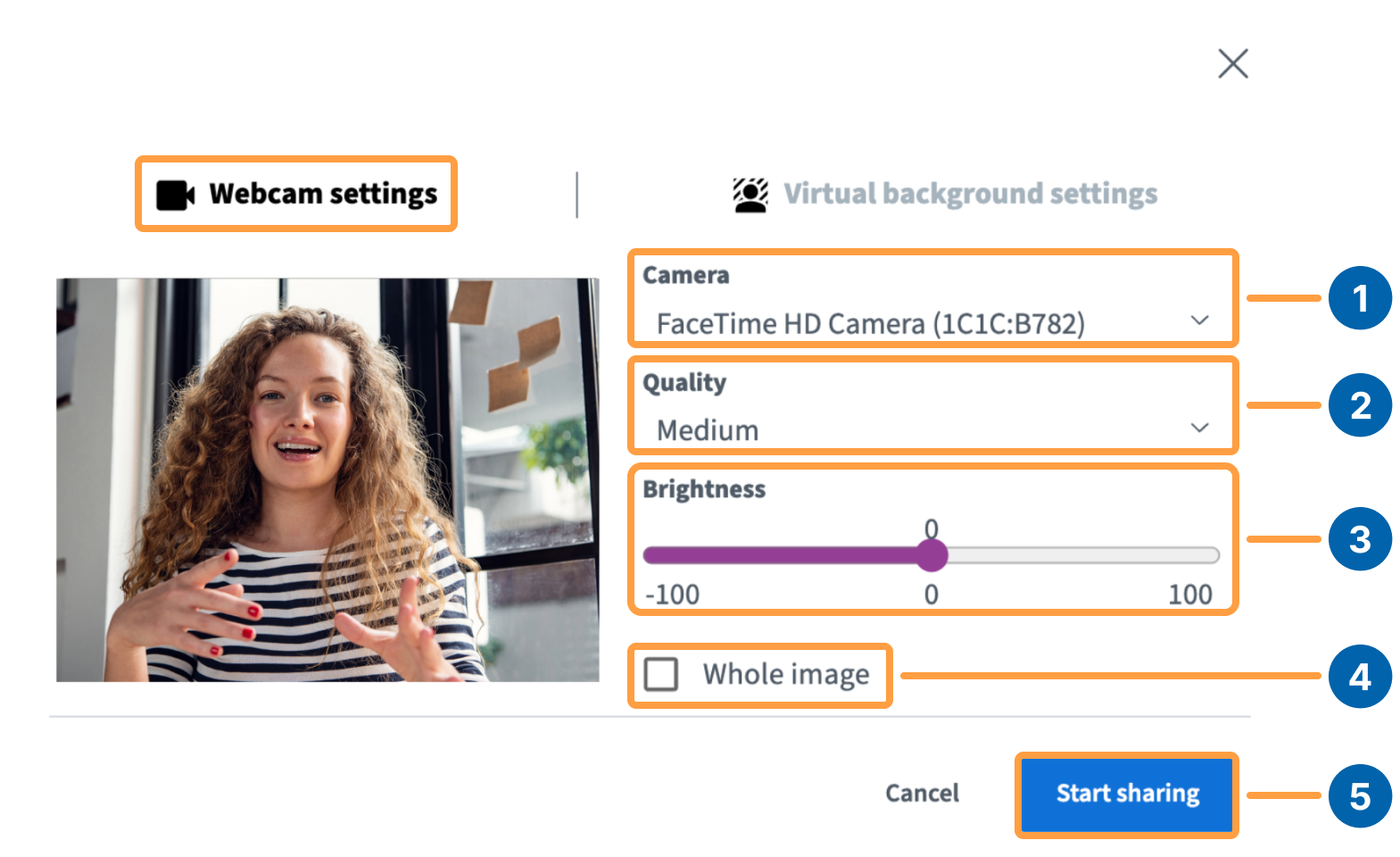
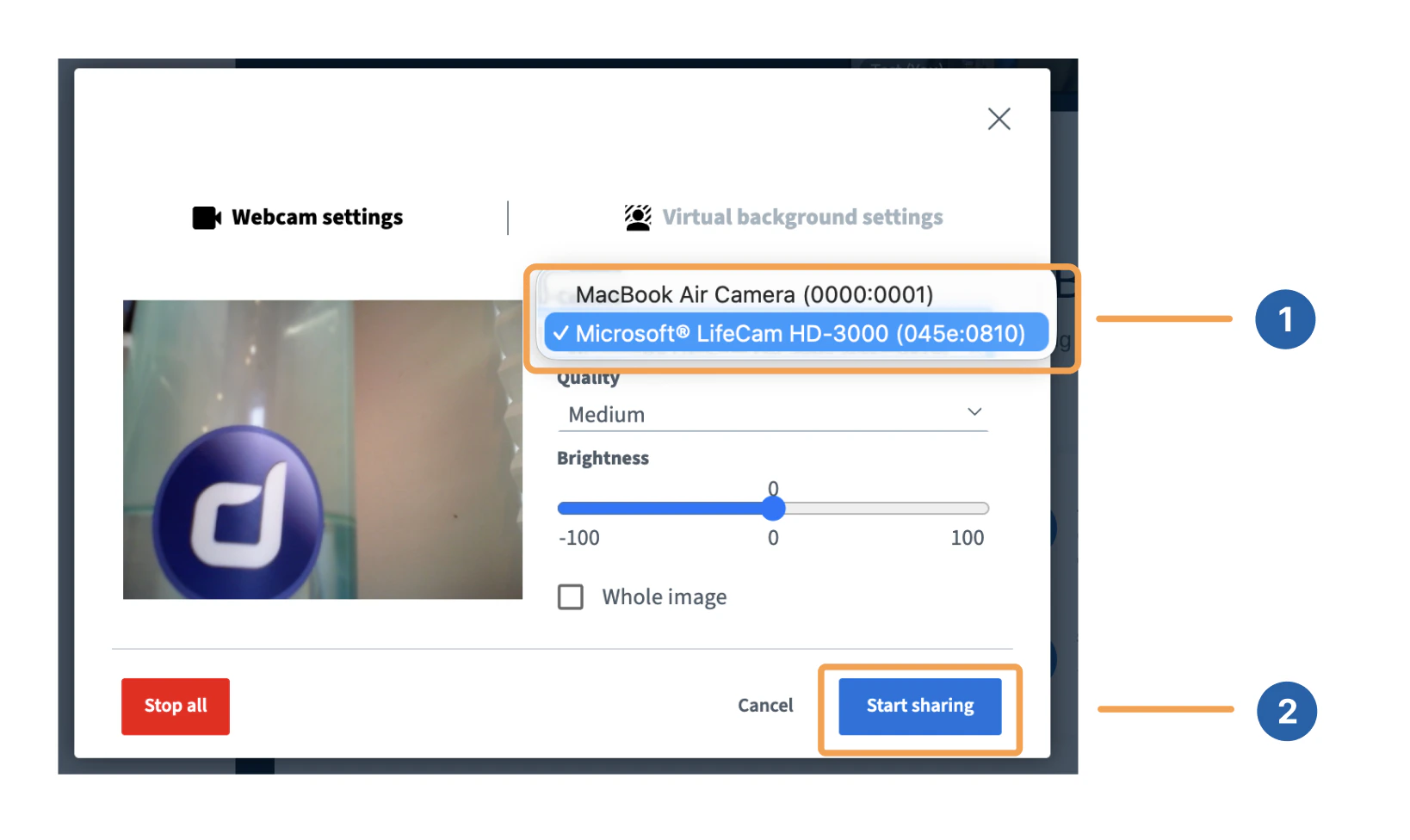
Use the Brightness slider at the bottom of the webcam settings window to change how bright your image appears. If Whole image is selected, the slider adjusts the brightness of the entire image. If it is not selected, only your face is adjusted.
Change the webcam background
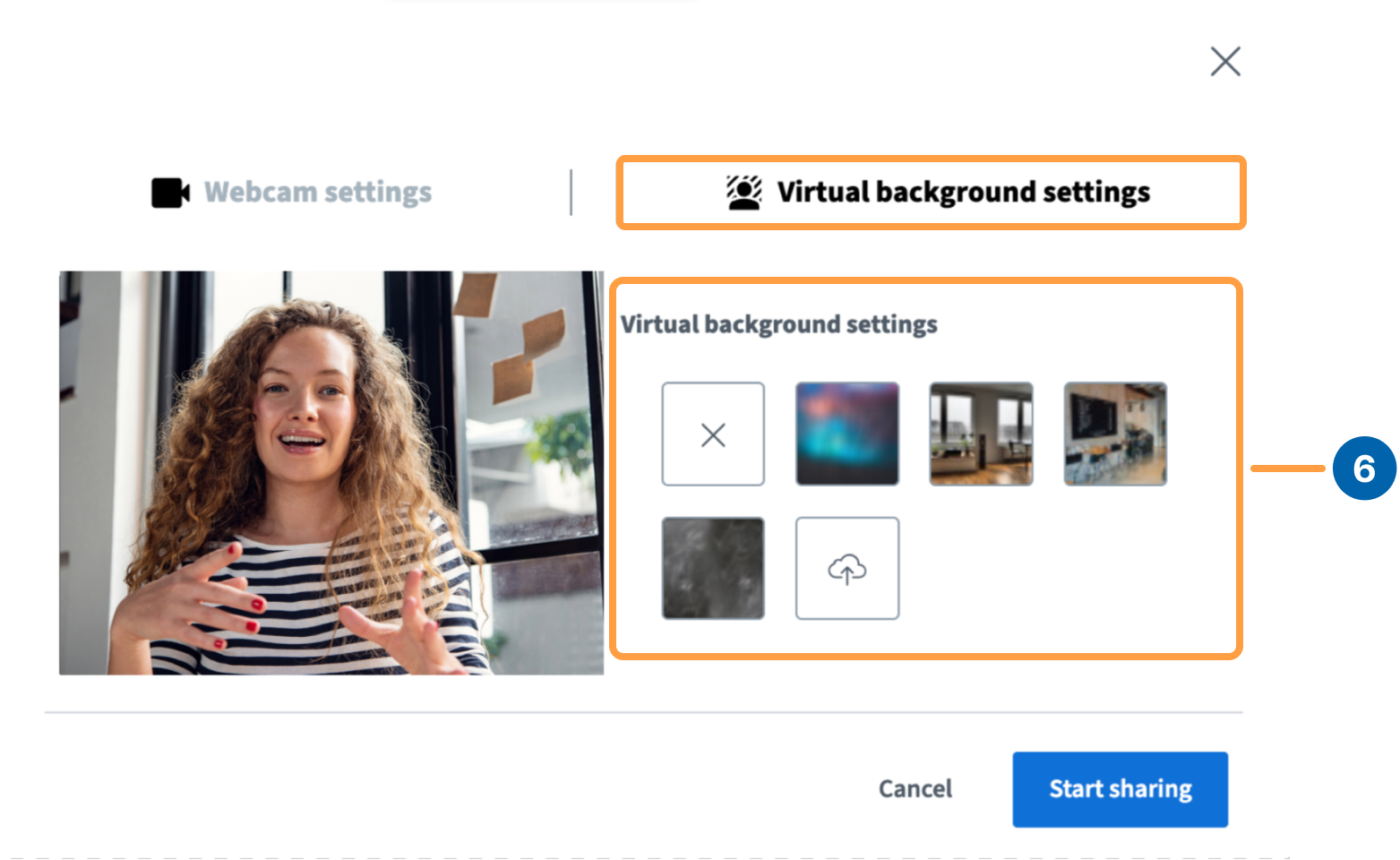
BigBlueButton includes a set of default virtual backgrounds, and you can also upload your own. To upload a custom background, select the camera icon, then Upload.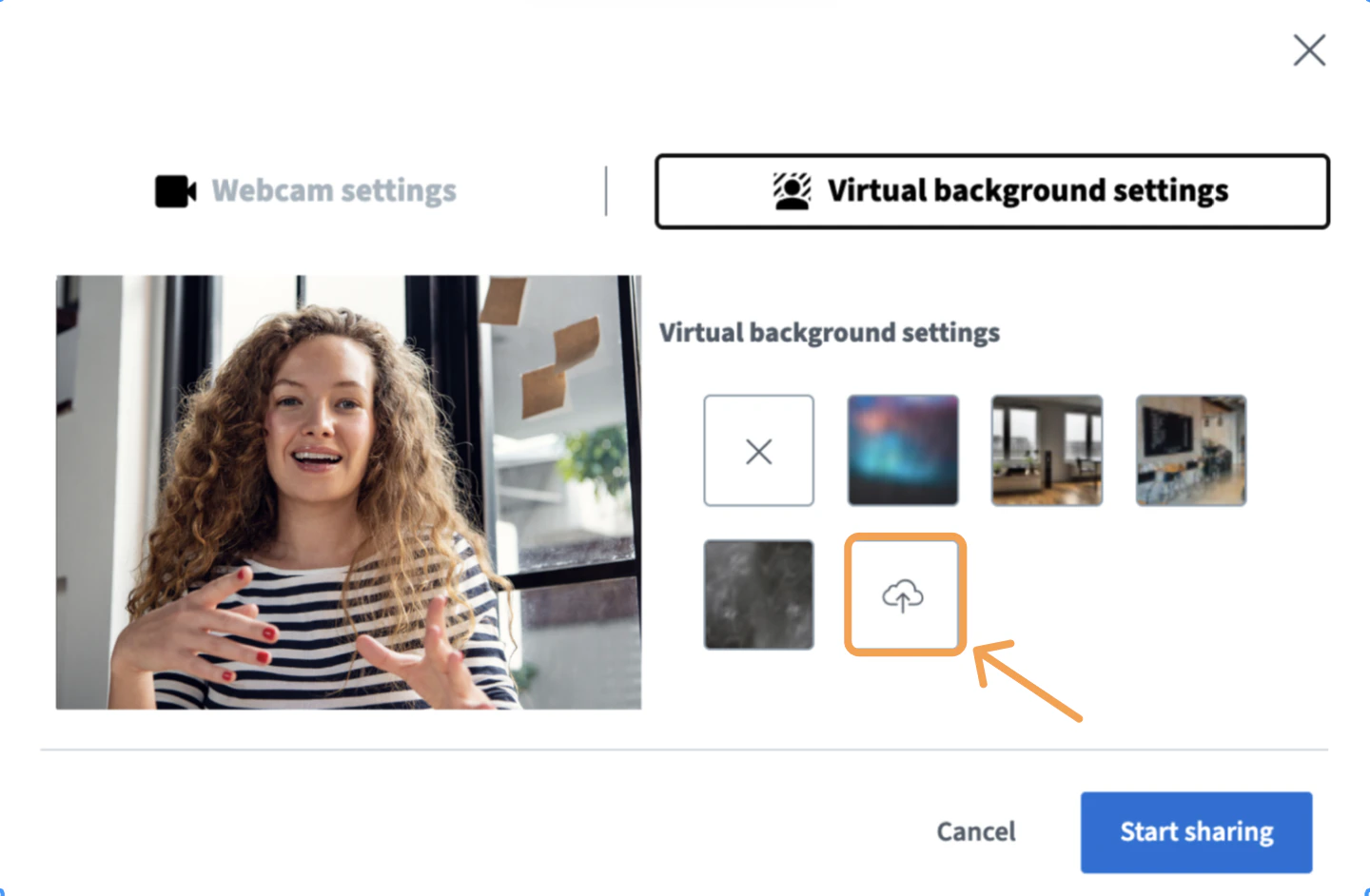
.jpg, .png, or .webp) from your computer. The uploaded image appears in the first position on the left in the list of available backgrounds.
 To delete a custom background, select the X in the upper-right corner of the image.

Pin a webcam
You can pin one or more webcams so they always stay visible — useful when one webcam is showing sign language interpretation, for example.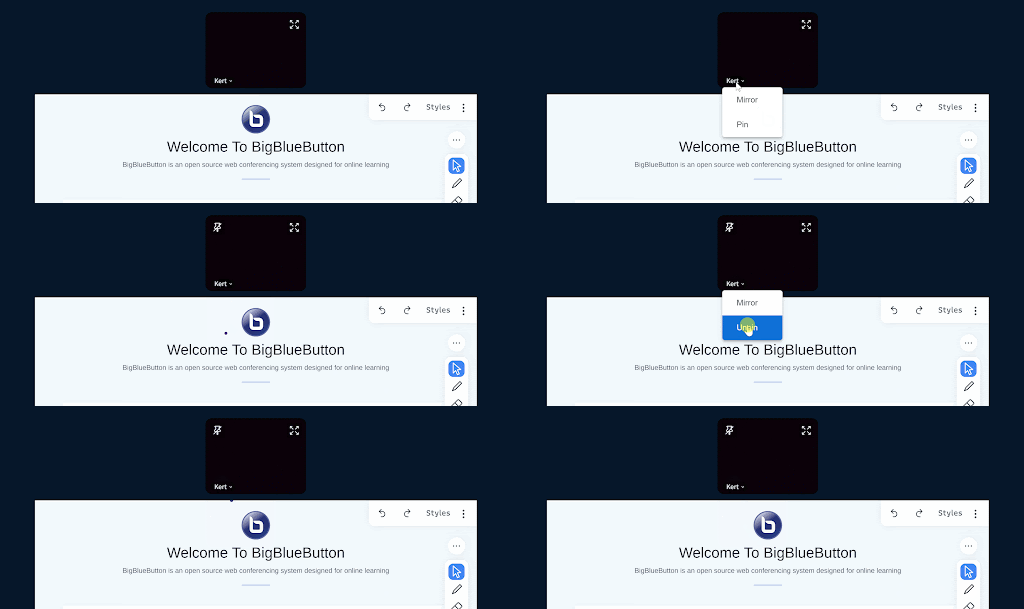
Share multiple webcams
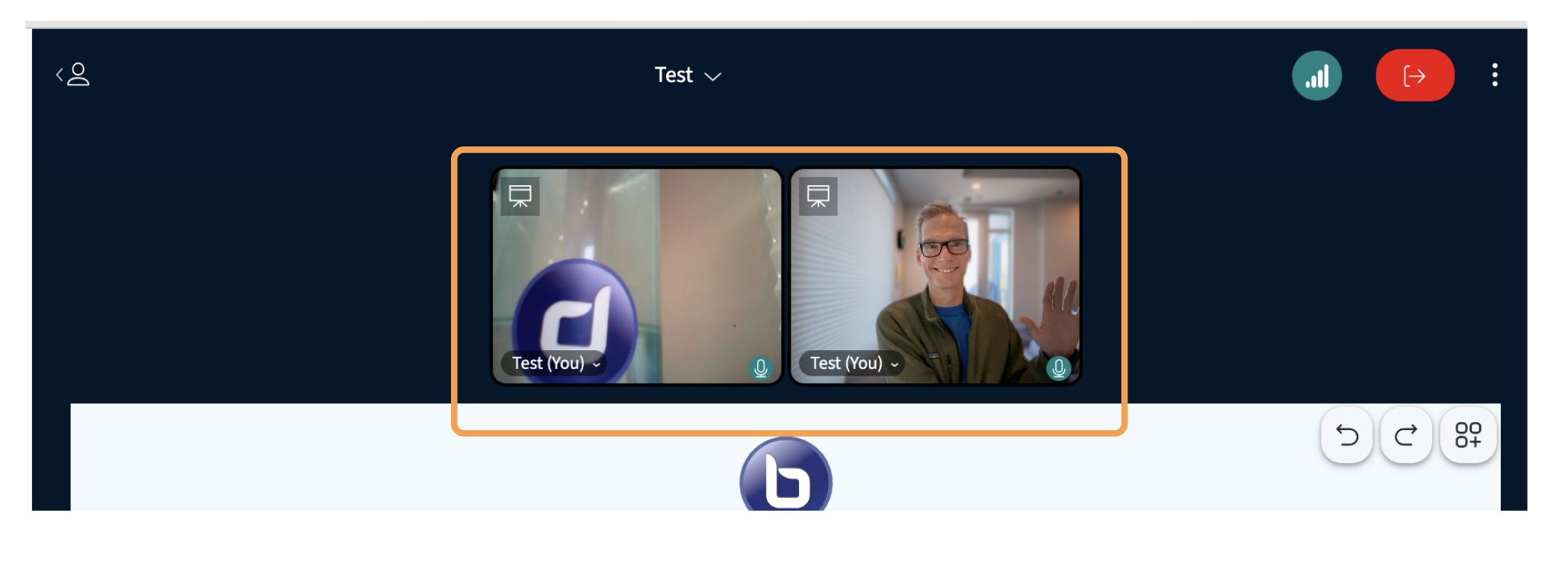
After sharing one webcam, share a second by opening the video options menu.
Troubleshoot Chrome webcam permissions
If you see the message “The webcam is in use by another application” in Chrome, check that you have allowed webcam access.