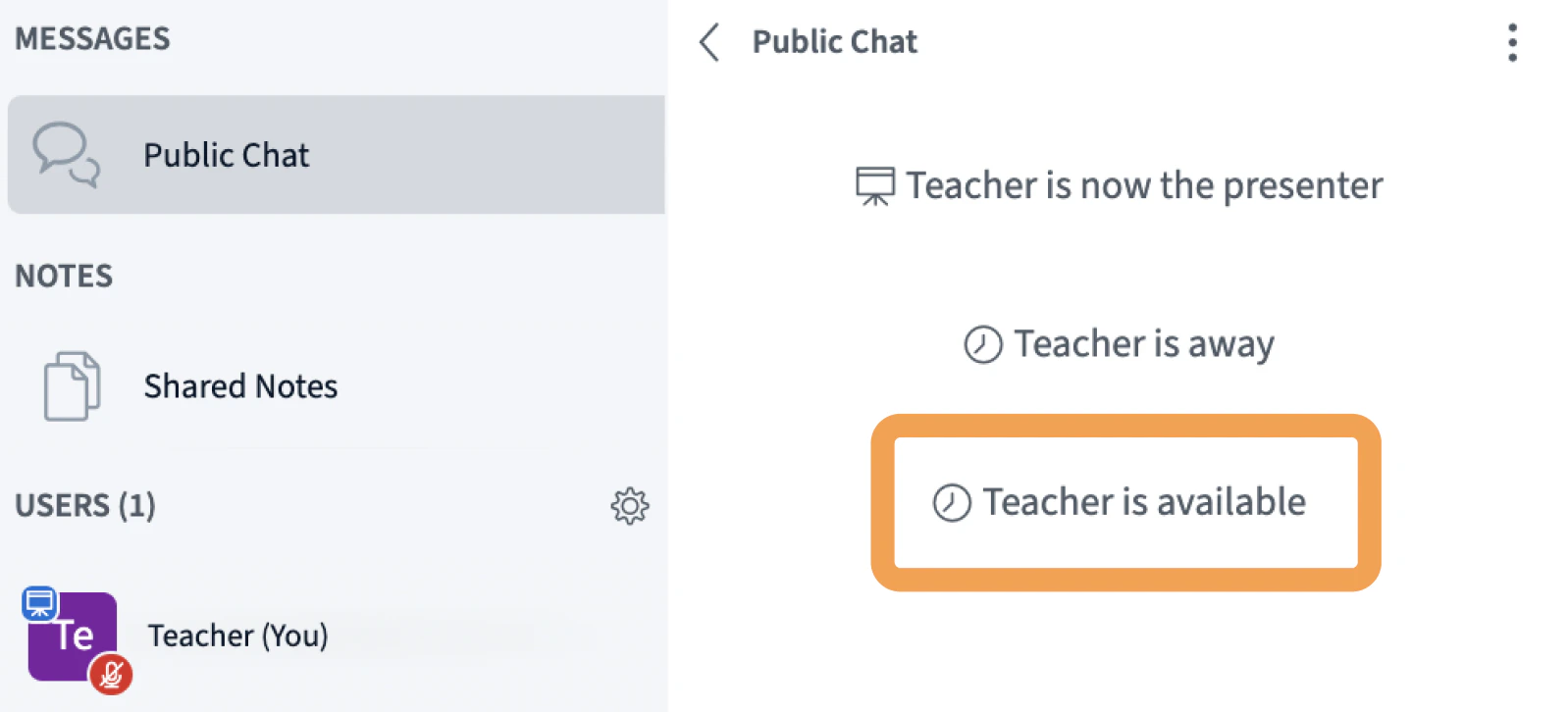
Toggle between available and away to mute your mic, mask your webcam, and signal your status to others in the session.
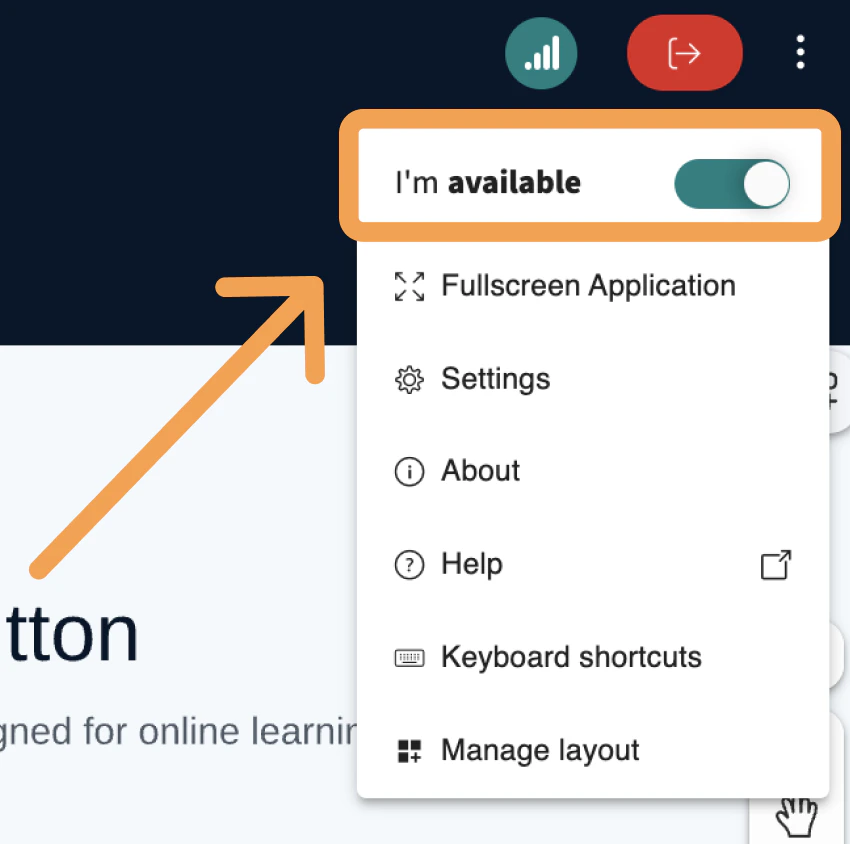
Any user can toggle between available and away to mute their microphone, mask their webcam, and signal their status to the rest of the session.When you enter a session, your status is set to available by default in the right-hand options menu.
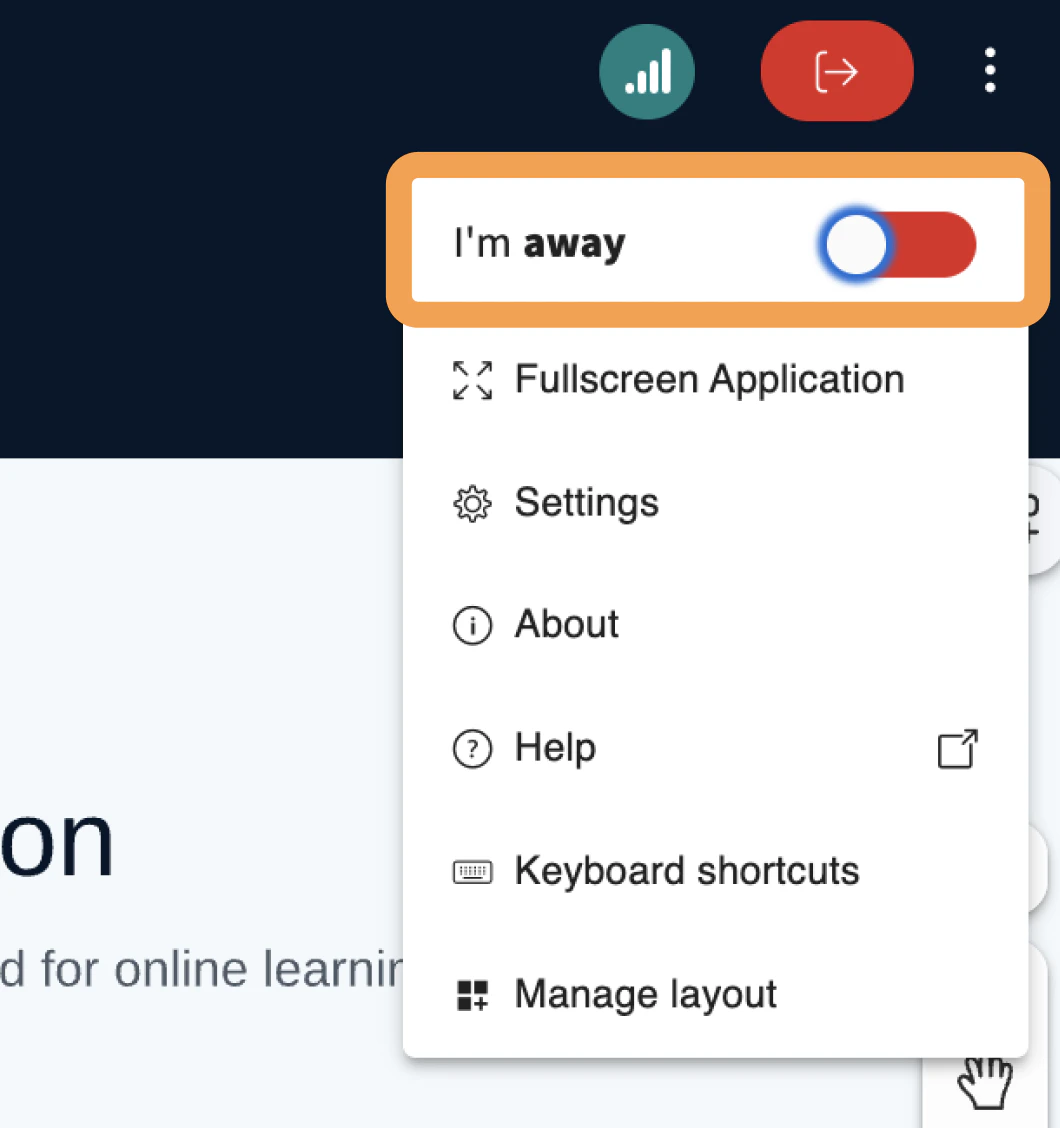
To set yourself as away, toggle the switch.
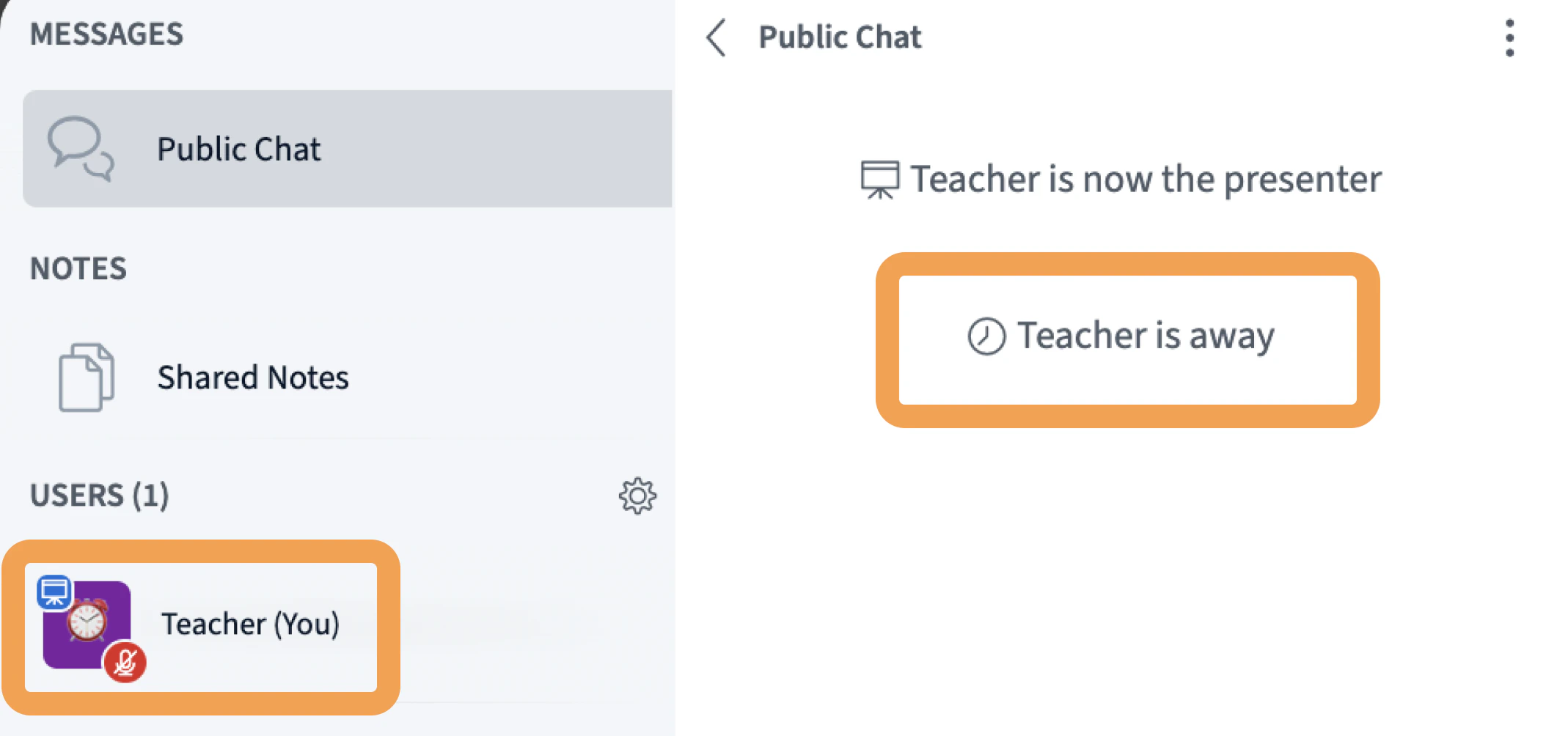
When you set yourself as away, BigBlueButton:
Mutes your microphone
Masks your webcam
Adds an “away” clock icon to your user avatar
Posts a note in the chat that you are away
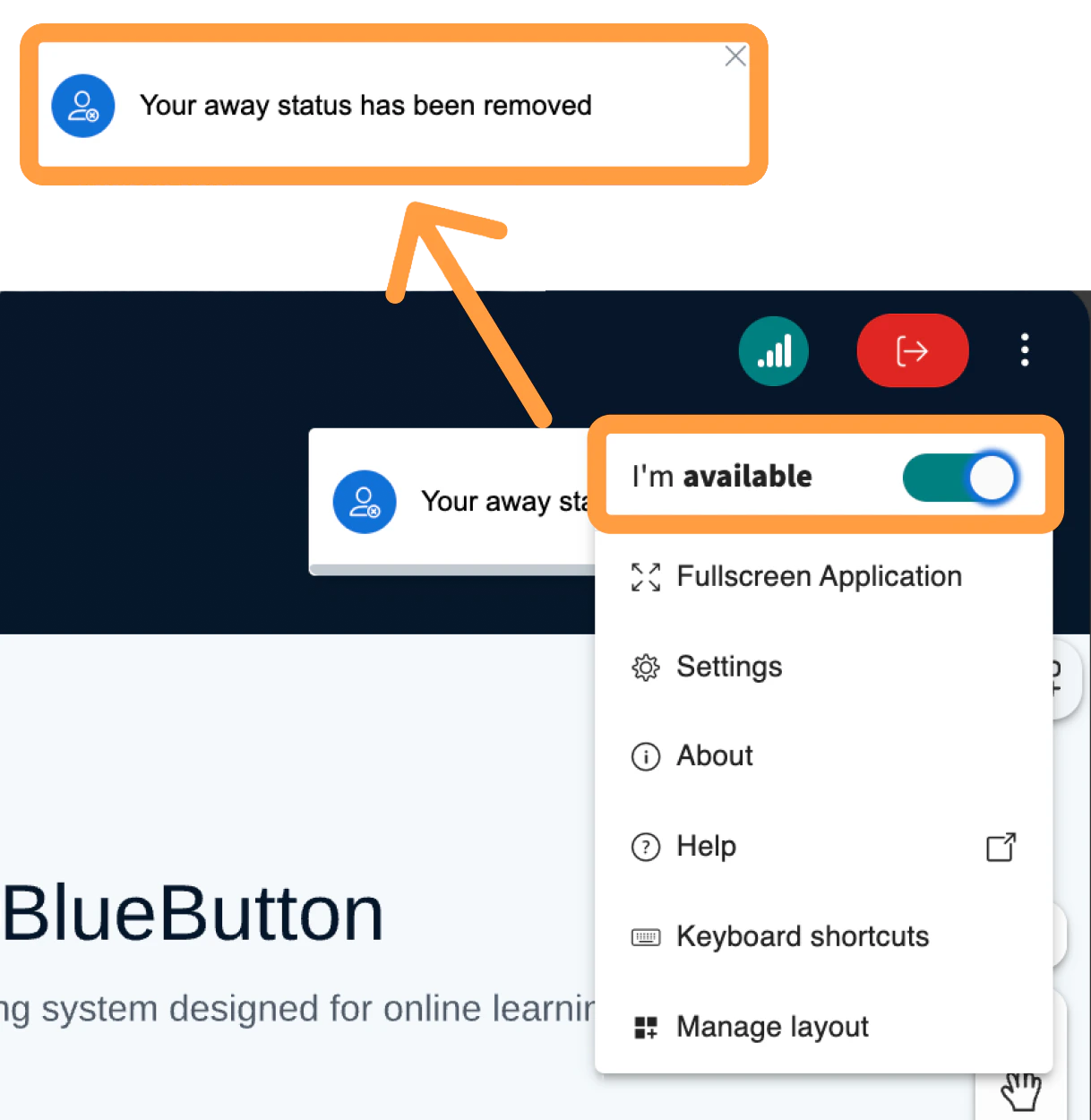
To return to available, toggle the switch back. All four away effects are reversed.
Was this page helpful?
Assistant
Responses are generated using AI and may contain mistakes.