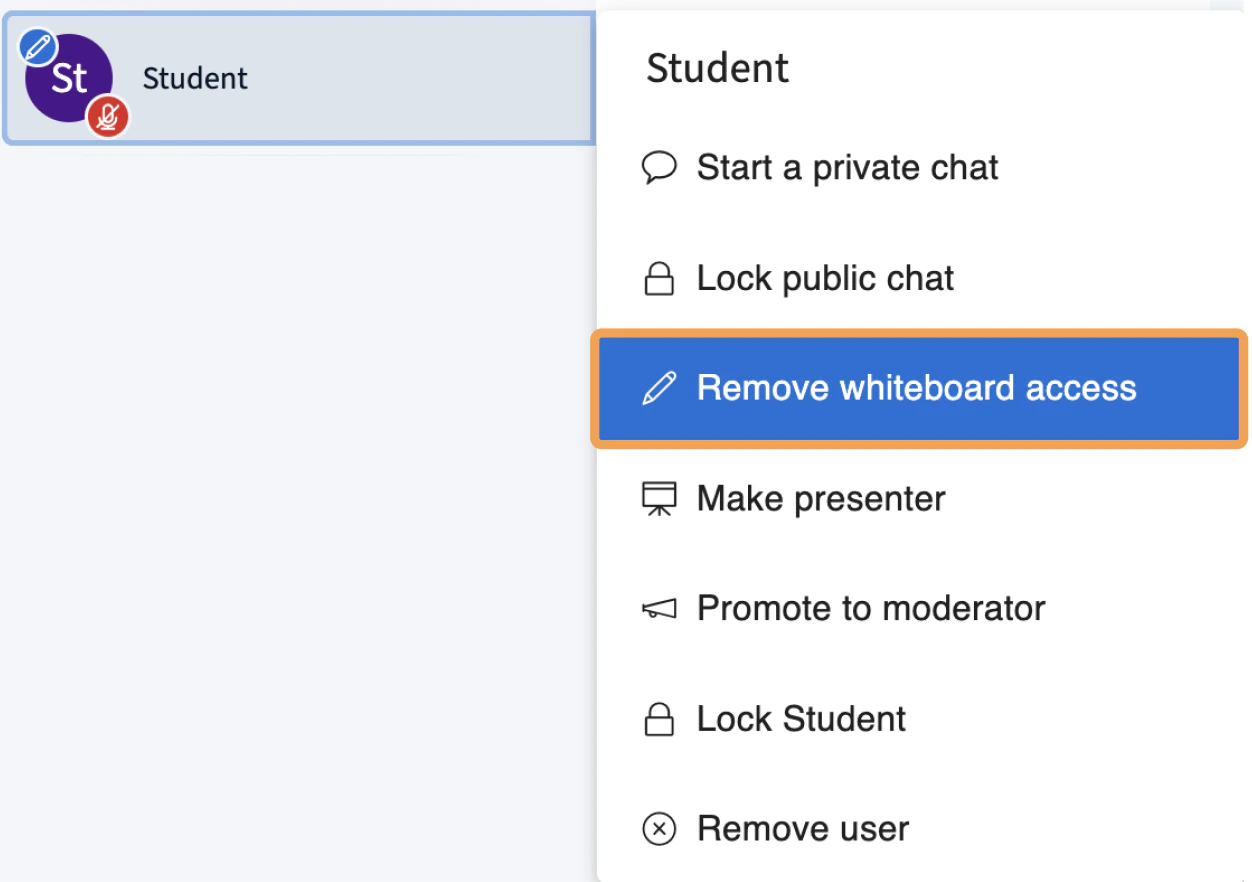
Moderators can grant whiteboard access to one viewer at a time, and remove access for an individual or all viewers at once.
Moderators can grant a single viewer whiteboard access without enabling it for the whole class — useful when you want one student to mark up the slide. You can grant access to a user and remove access at any time.For full whiteboard mode, see the multi-user whiteboard.
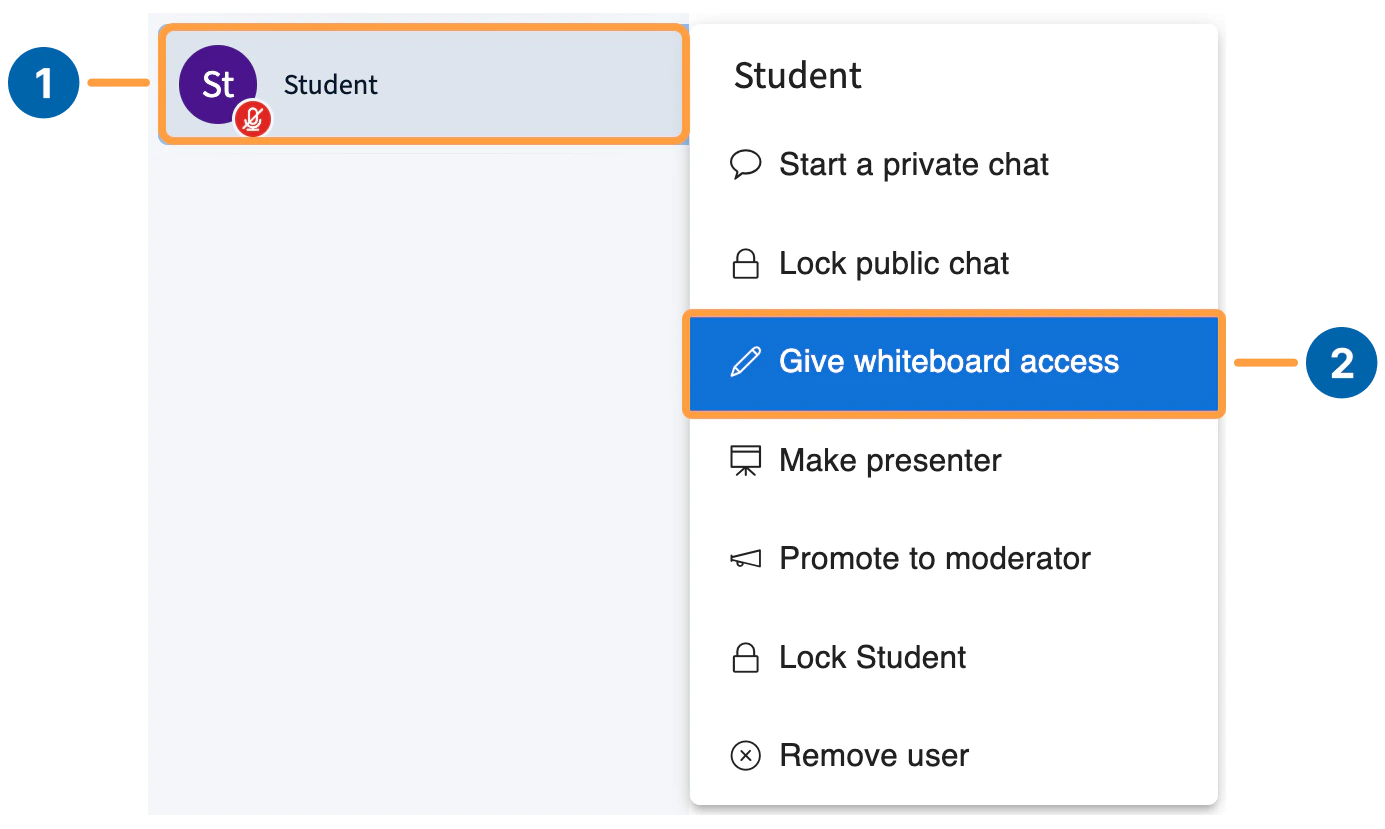
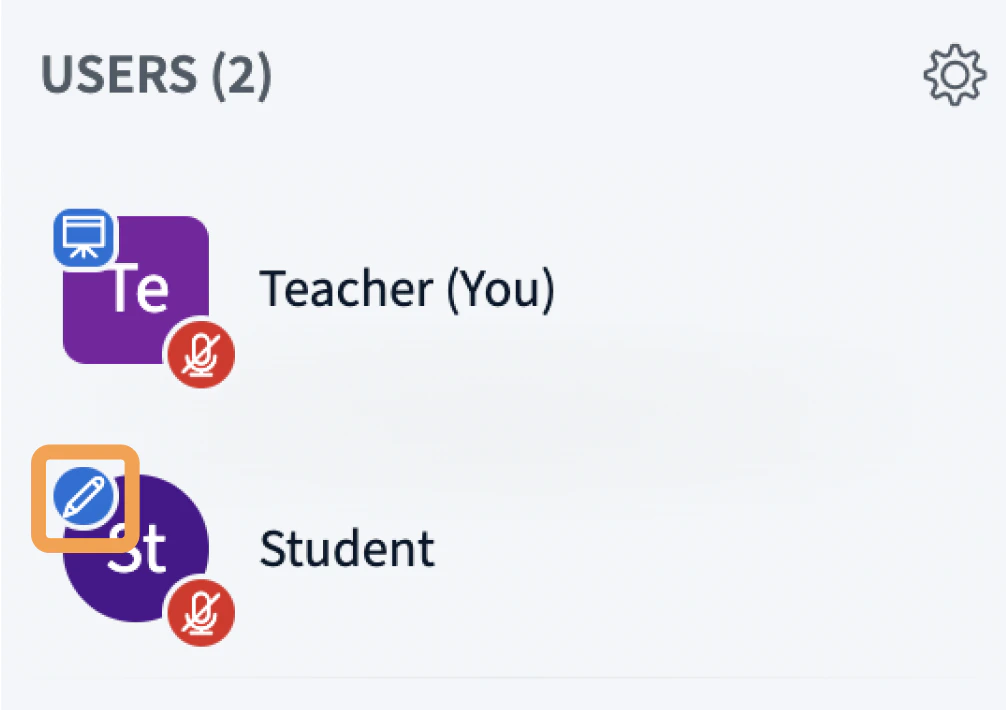
To grant access, select a user in the Users list[1], then select Give whiteboard access[2].A pen icon appears next to the user’s avatar to confirm access.
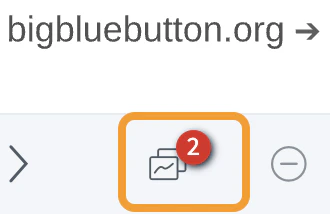
That user can now use all the multi-user whiteboard tools.A counter appears on the multi-user whiteboard icon showing how many users currently have access.