Any user can raise or lower their hand to signal the presenter without interrupting the session.
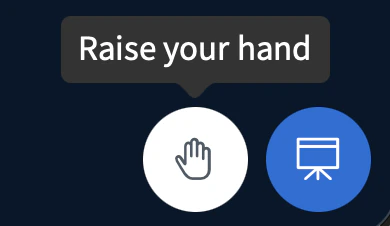
Any user can raise their hand to signal the presenter — for example, to ask a question or request to speak. Lowering your hand removes the signal.To raise your hand, select the hand icon.
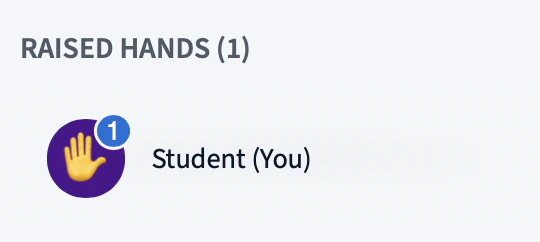
A hand emoji appears on your user icon.
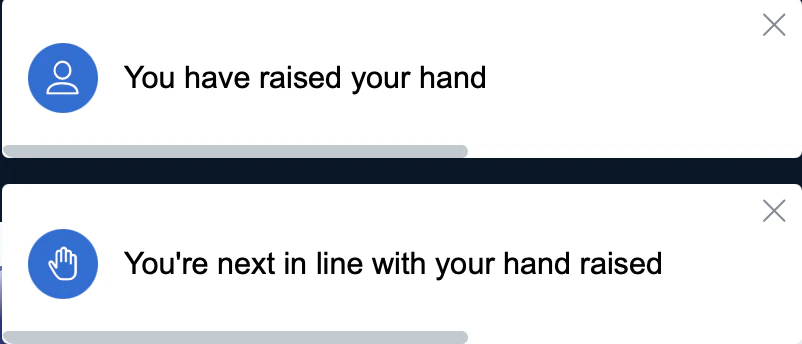
A prompt also appears in the top-right corner confirming that your hand is raised.
When you lower your hand, the emoji disappears from your user icon and another prompt confirms the change.
Was this page helpful?
Assistant
Responses are generated using AI and may contain mistakes.