

- Recordings
- Meeting analytics
- Active learning activities
- Personal rooms
- Guest invites
- Dial-in number
- Account customization
- Increased capacity
Recordings
Recordings as video files
Recordings are produced as a single video file containing all session content except chat (displayed beside the video during playback) and videos shared via Share video.Recordings are permanent
Recordings do not expire. They persist until you delete them. We can also set up a policy to:- automatically remove recordings a set number of days after creation, or
- automatically remove recordings a set number of days after they were last accessed.
Recordings are downloadable
See how to download a recording.Recordings are protected (optional)
When recording links are passed to your LMS, our servers can generate temporary links that are only viewable by a single person — preventing students from copying and sharing recordings.Integration with Canvas Studio
If you have Canvas Studio, we can configure your account to automatically upload recordings into Studio and share them with the instructor’s account.Meeting analytics
For each recorded session, instructors see a statistics playback format that answers:- Who attended?
- How long did they attend?
- What activities did they participate in (talking, chatting, raising hand, emojis)?
- How did they respond to polling?
Active learning activities
Two built-in activities let instructors check what students learned without leaving the session.Learning Challenge
A live, timed quiz for quick checkpoints and formative assessment. Paste in a list of questions, set a time limit, watch the results arrive live, then publish a leaderboard with student names or anonymous pseudonyms. See Learning Challenge.Key Takeaways
A digital exit ticket. Rather than telling the class what the key topics were, students write the takeaways themselves and vote on each other’s, and the highest-rated ones post to the chat. See Key Takeaways.Personal rooms
If you authenticate instructor email accounts via Office 365 or Google Apps, we can provide an interface outside your LMS to create rooms, invite users, and manage recordings. Personal rooms have permanent URLs. See the Personal Rooms admin guide.Guest invites
Moderators can invite guests into a live session.Dial-in number
Every BigBlueButton Enhanced account in North America includes a default dial-in number. For Canada, Europe, and Asia/Pacific, we can provide a dial-in number for an additional cost.Account customization
As part of BigBlueButton Enhanced hosting, Blindside Networks can customize a range of account-level settings. To request any of the changes below, contact your Blindside Networks Customer Success Manager with a description of what you need.Webcams
Don’t record student webcams
We can configure your account so student webcams are not visible in the recordings.Custom default webcam background
For additional branding, provide a PNG or JPEG image at an HTTPS URL, and we can configure your account to use it as the default webcam background. Users can still upload their own background.Recording policies
Auto-expire recordings
If your school requires recordings to be deleted automatically after a set period — for example, two years (730 days) — we can configure auto-deletion. Tell us the retention you need.Protected recording links
We can enable Protected Recording Links so viewers cannot copy and share recording links.Disable recording
We can configure your account so no sessions are recorded.Automatic transfer of recordings to an S3 bucket
We can set up a workflow so that once our infrastructure finishes processing a recording, it is automatically transferred to a write-only S3 bucket hosted by you, along with a manifest of the recording metadata.Privacy
Default lock settings
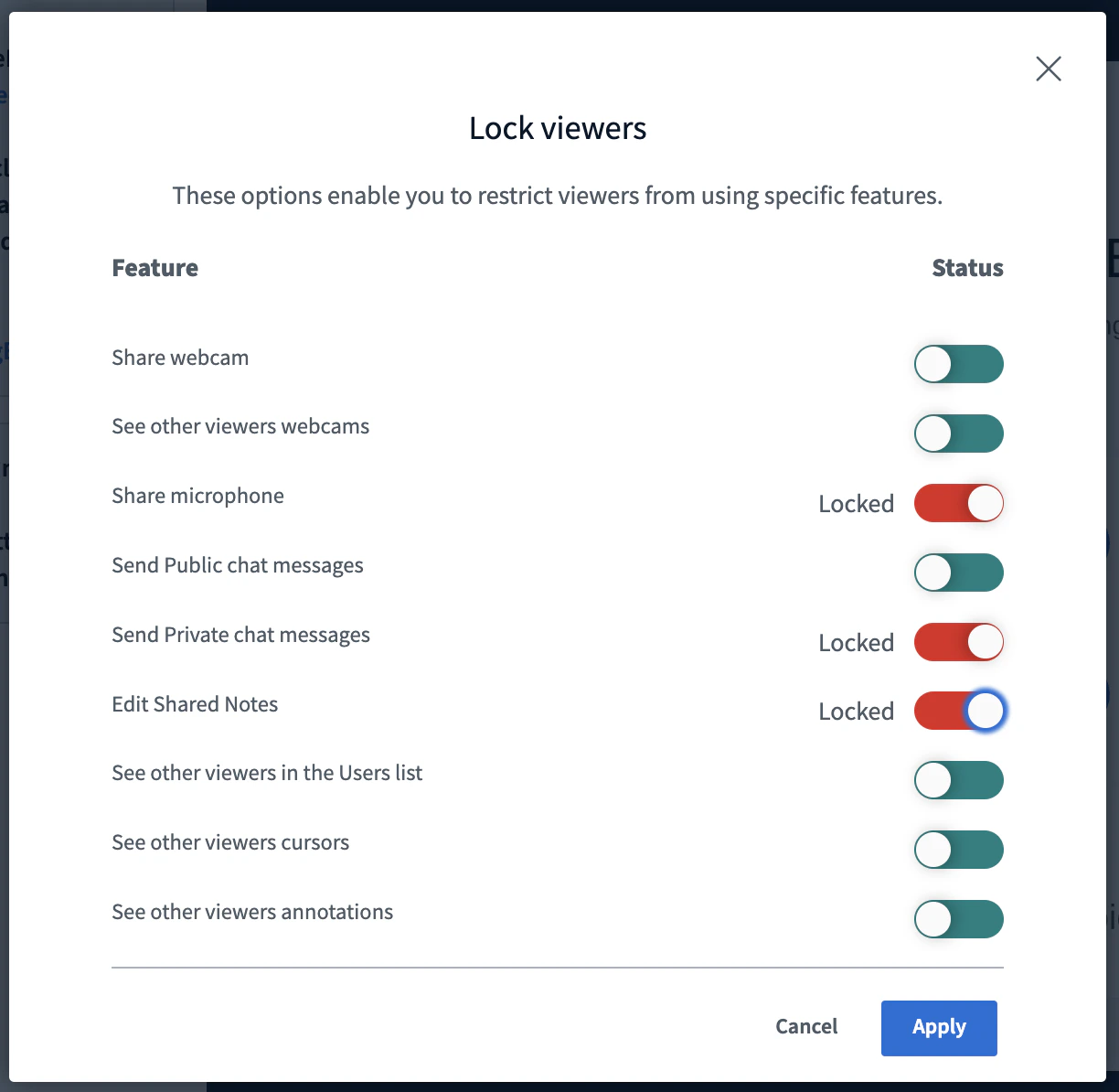
Each instructor can use Lock viewers to restrict viewer access to specific features.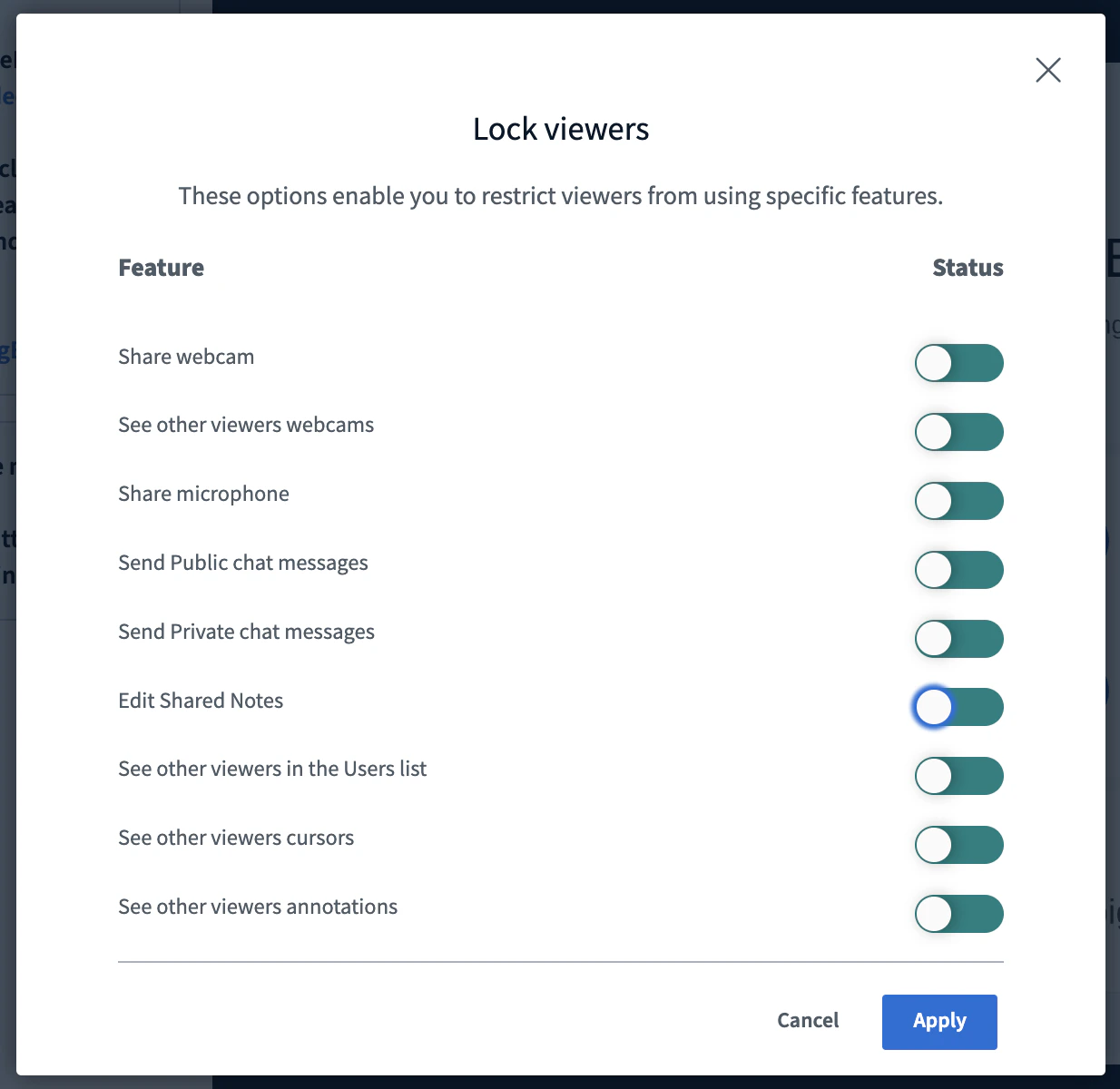
- Microphone
- Private chat messages
- Edit shared notes
Ability to unmute users
By default, moderators cannot unmute another user’s microphone, for privacy. However, for K12 customers teaching young students, we can enable moderators to unmute student microphones directly.Mute users on join
By default, users joining with a microphone are unmuted. We can change the default so all users join muted.Hide viewer names in recording chat
We can conceal student names in the chat of recordings. Student and viewer names appear as “Viewer” while moderator and instructor names display as normal.Branding
Custom welcome message
When users join a session, they can select the meeting title to see additional information. The left column is visible to everyone; the right column is only visible to moderators.
Show dial-in number only to moderators
All North American accounts include a default dial-in number, visible by default to both instructors and students. Some schools — especially K12 — prefer to make the dial-in number visible only to moderators, for example in a separate moderator-only welcome message.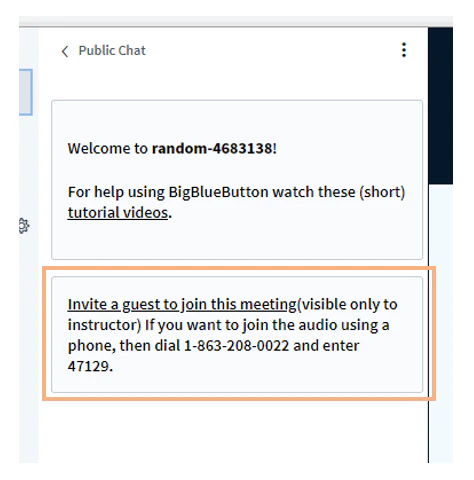
Custom logo
We can place your logo in the upper-left corner of the BigBlueButton session.
Custom default presentation
You can send us a PDF that will appear as the default presentation on all your sessions.Session behaviour
Automatically end session when no moderators are present
We can set an interval (such as 2 minutes) after which BigBlueButton automatically ends a session that no longer has a moderator present. This is useful in K12 to avoid scenarios where the educator gets disconnected — for example, loses their internet connection — and students are left unsupervised.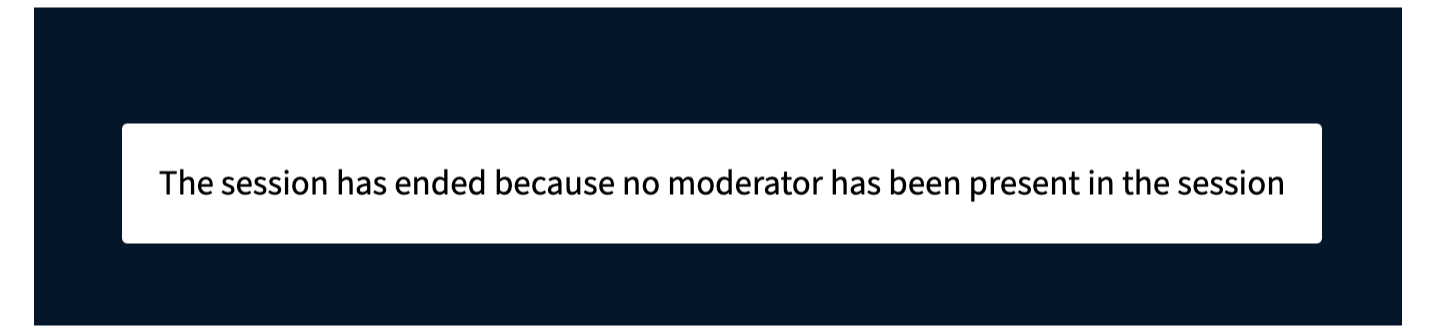
Increased capacity
Compared with BigBlueButton Essentials, you have more capacity in in BigBlueButton Enhanced- Number of users per session increased to 300
- Number of concurrent sessions based on your purchase, not capacity (we can handle 1,000’s of concurrent sessions)
- Choose from four regions in the world for hosting of meetings and storage of recordings: North America, Canada, Euorpe, and Asia/Pacific