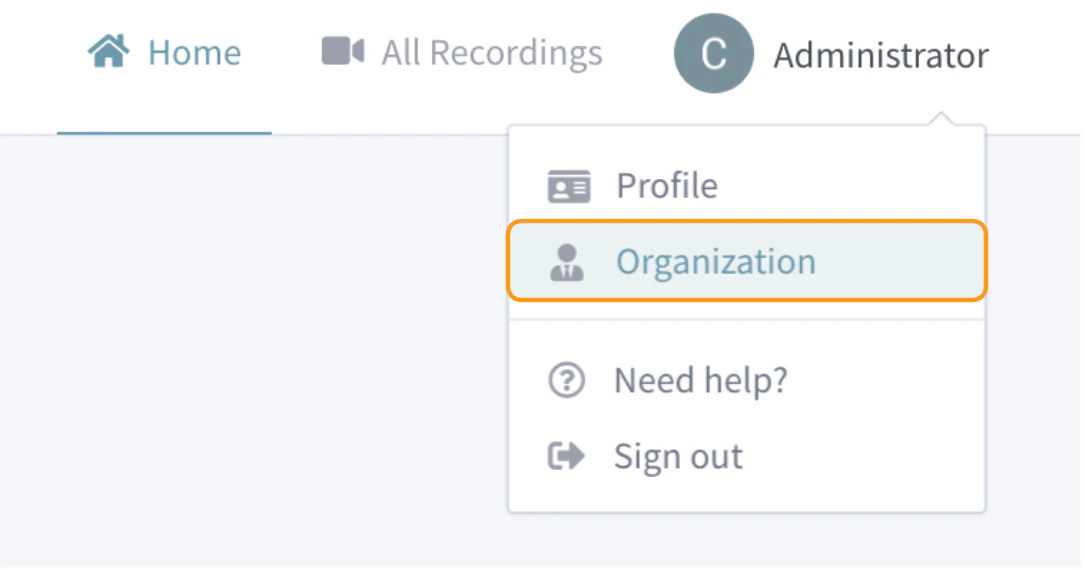
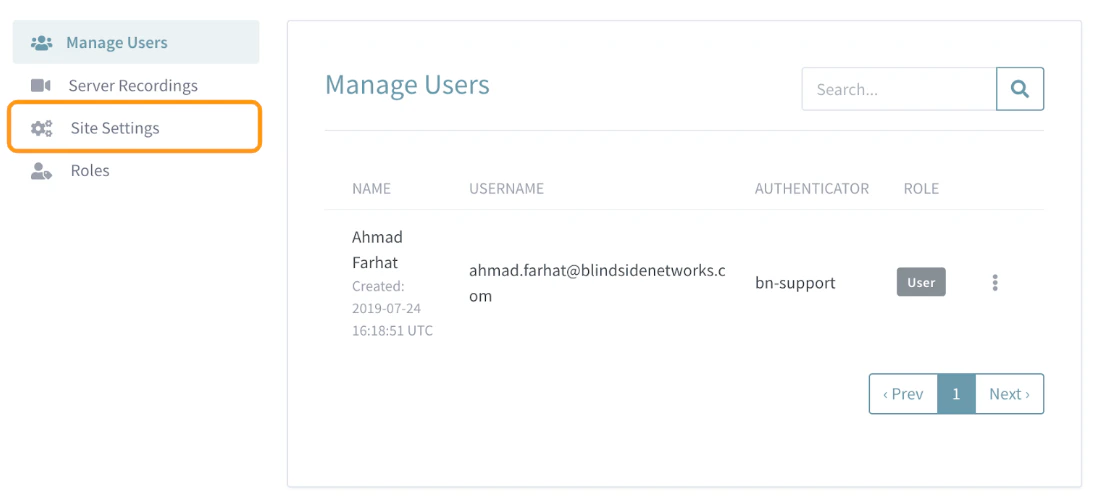
Administrators are able to customize the look and function of their Personal Rooms instance through the Site Settings.
This article covers how to access your Personal Rooms Site Settings and customize the following:Accessing your Site Settings
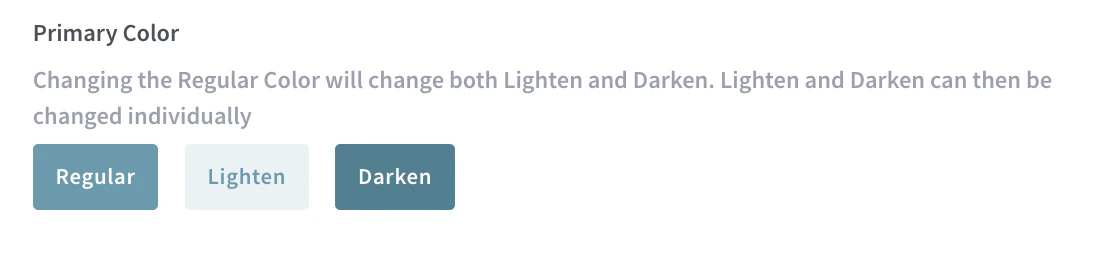
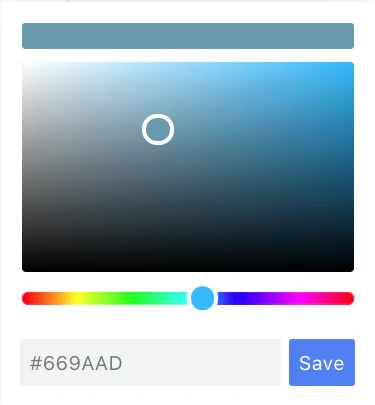
Branding Image and Colour Scheme
Administrators can change the default Branding Image which is displayed in the upper left hand corner of your Personal Rooms instance.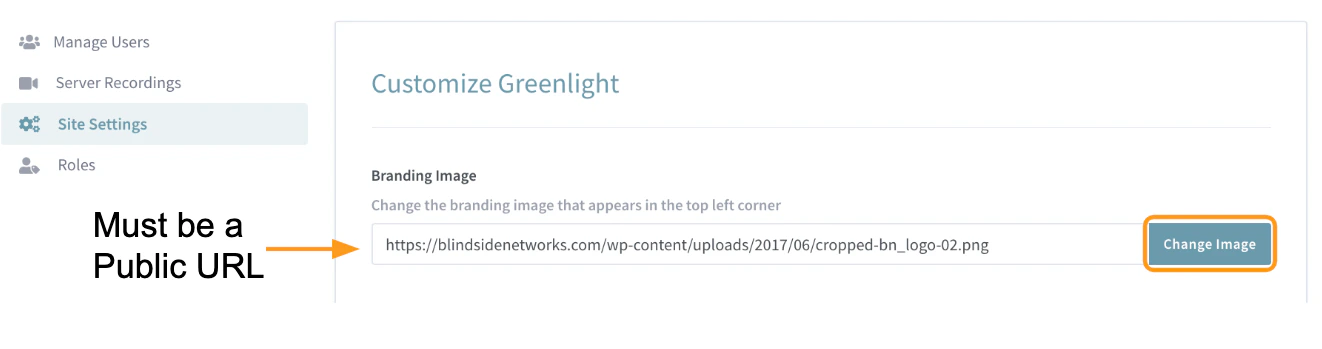
Registration Methods
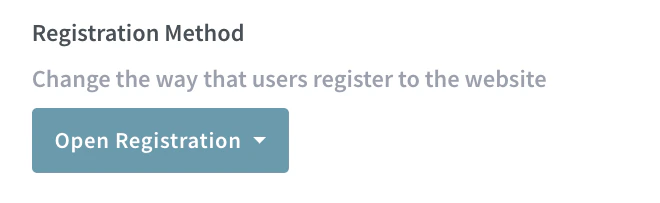
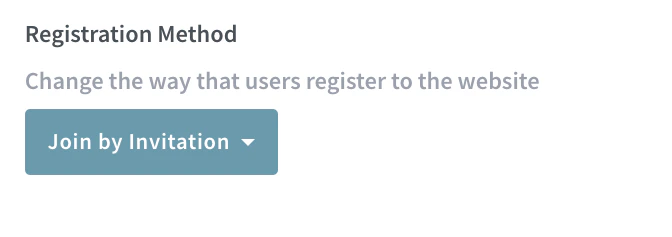
Personal Rooms has three main registration methods; open registration, join by invitation, and approve/decline. Each registration method cannot be combined and applied to all users who attempt to register for an account under your Personal Rooms instance. Administrators can configure these registration methods and make changes to them at anytime.Open Registration
Join by Invitation
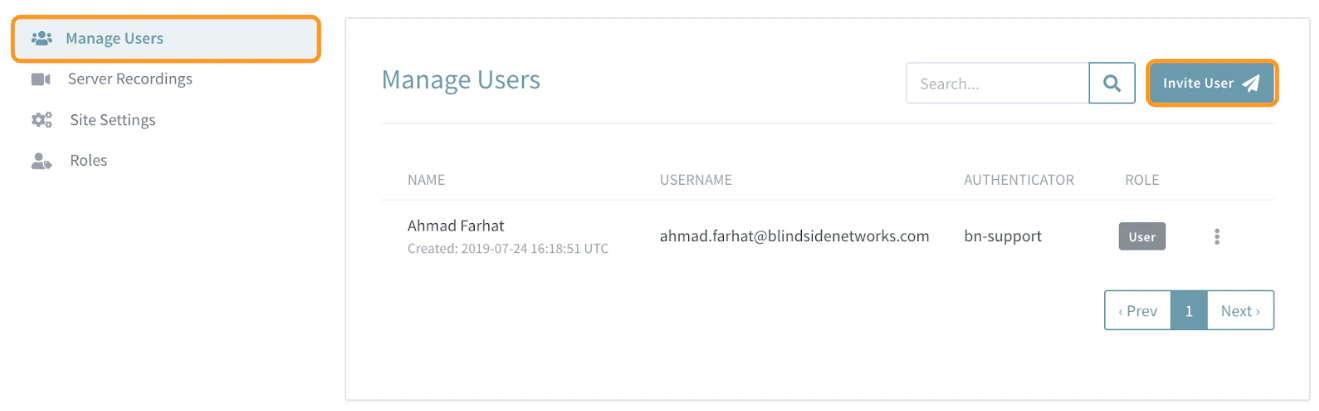
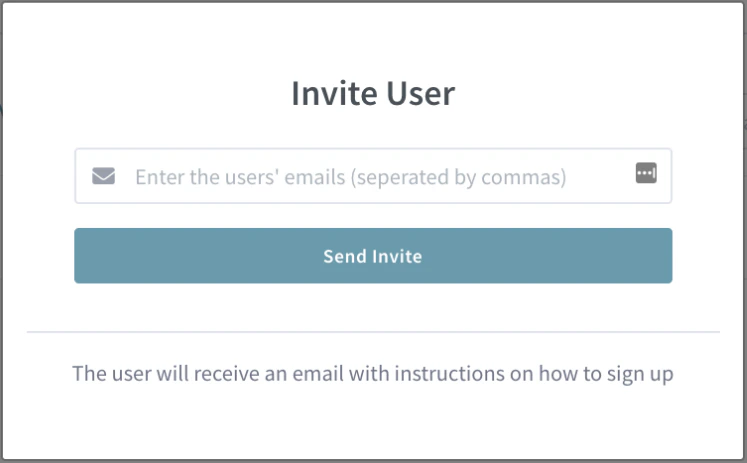
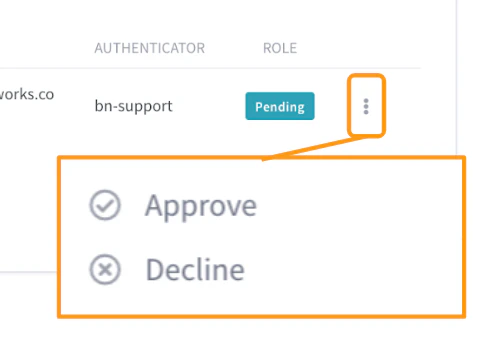
Approve Decline
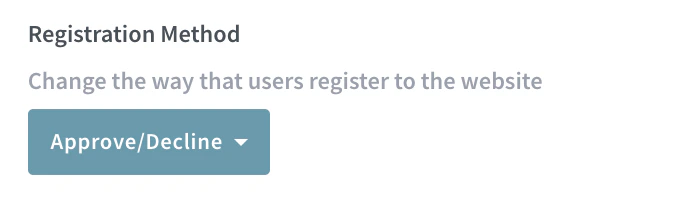
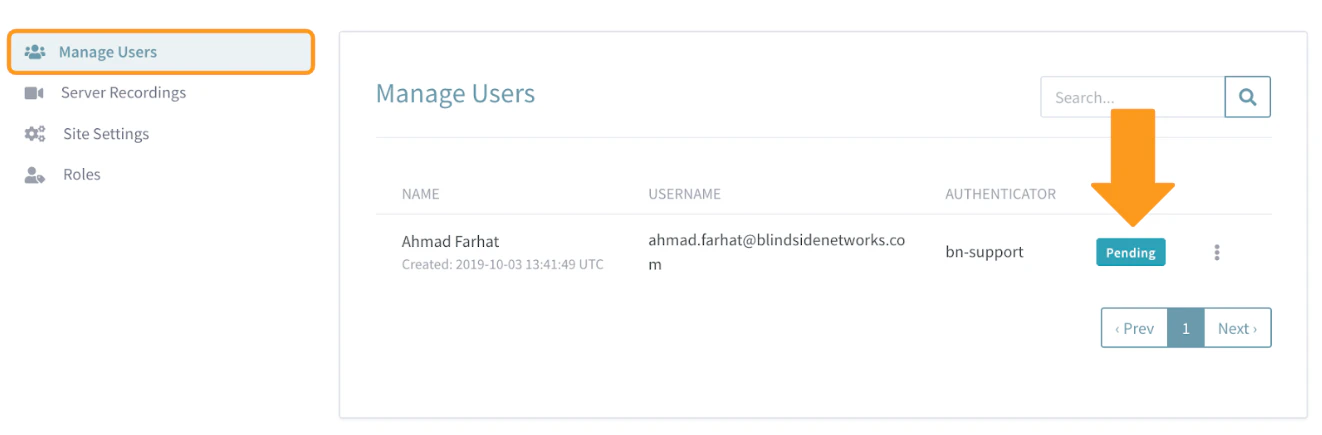
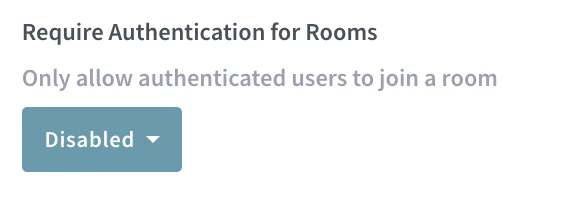
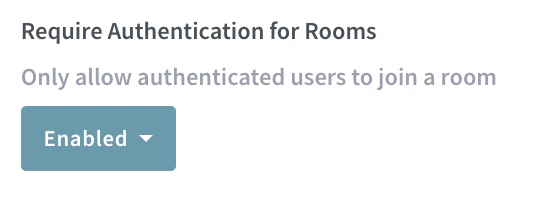
Authentication
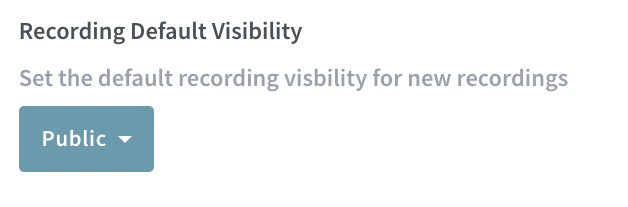
Default Recording Visibility
All recordings created by users have two visibility settings that can be updated by the Administrator (and Room Owner).Unlisted
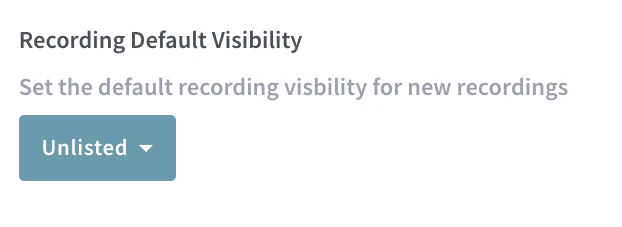
Public
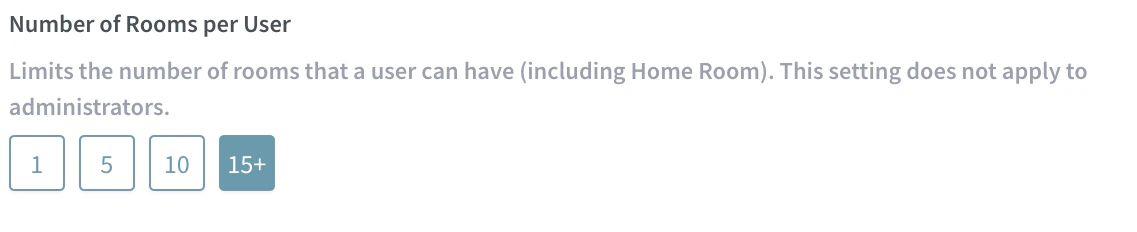
Room Limits
This setting allows an Administrator to limit the number of Meeting Rooms users with accounts can create.