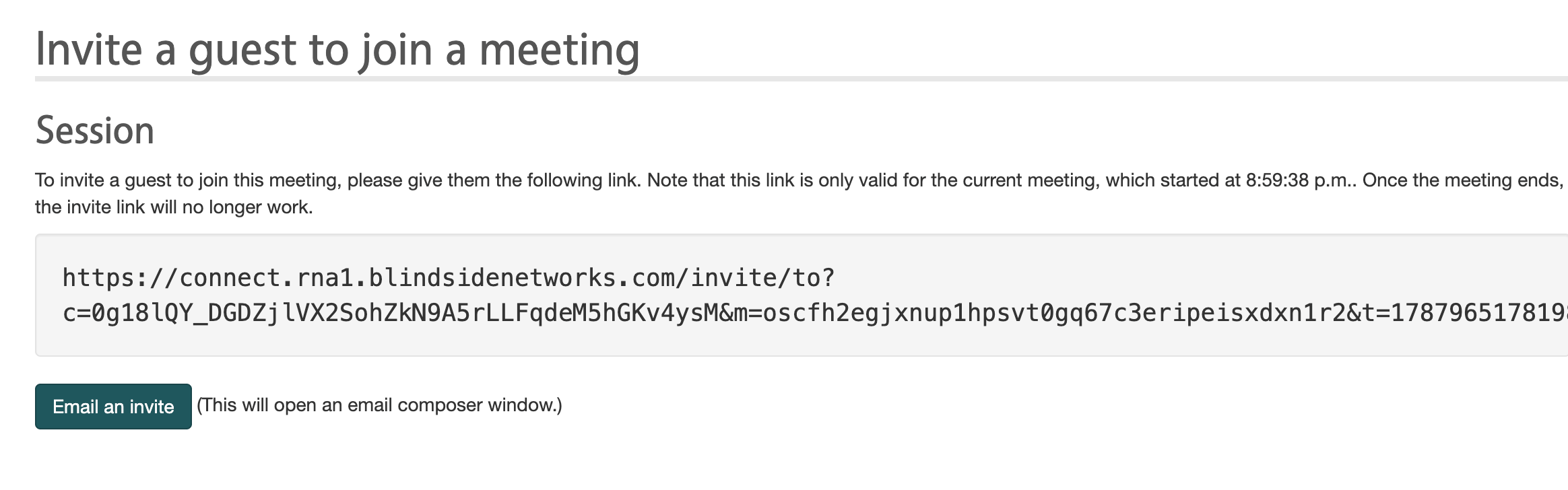
Yes! When you create a room you have the ability to invite attendees.

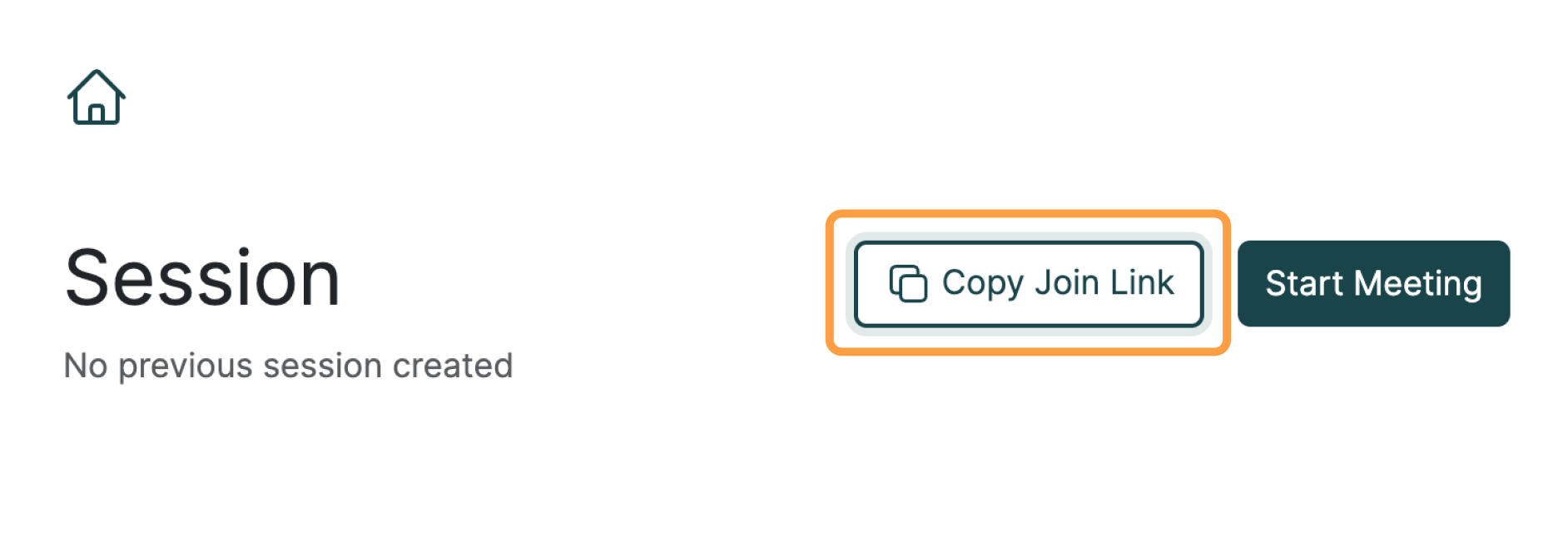
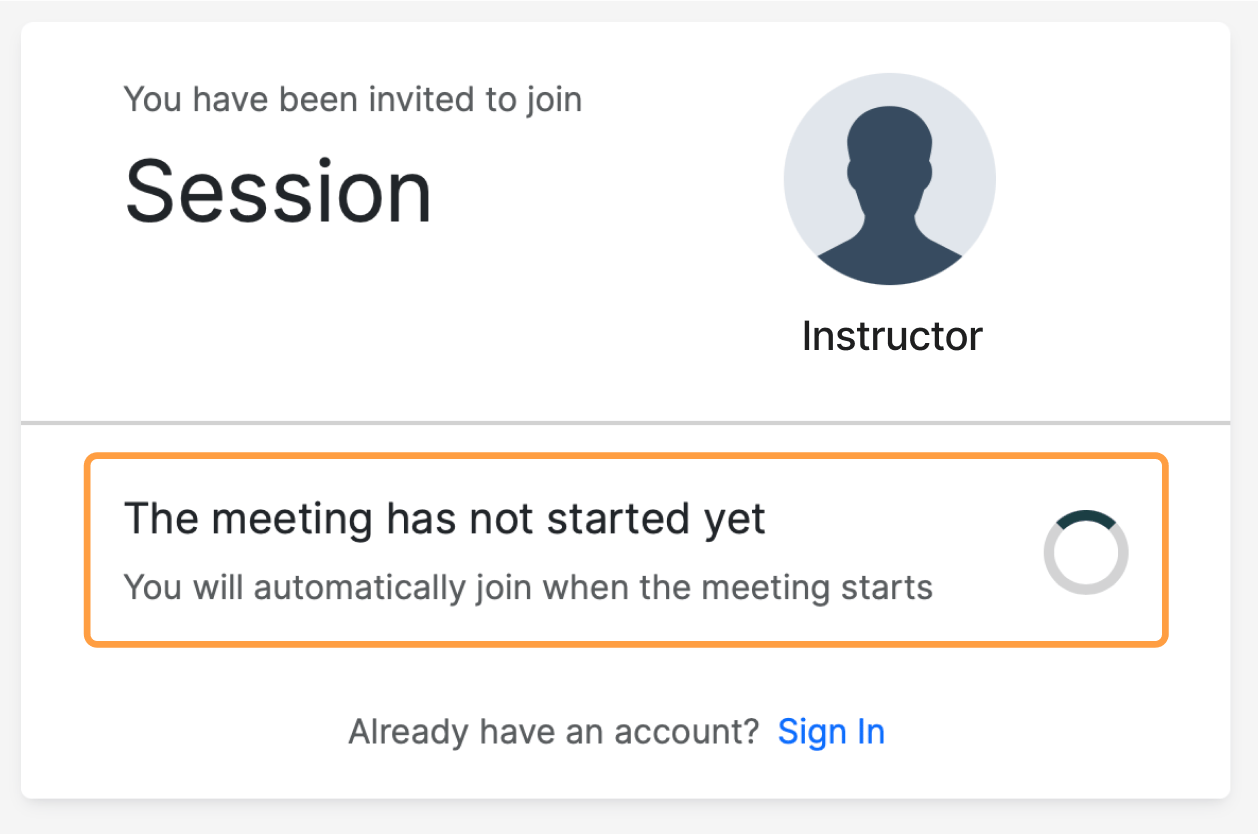
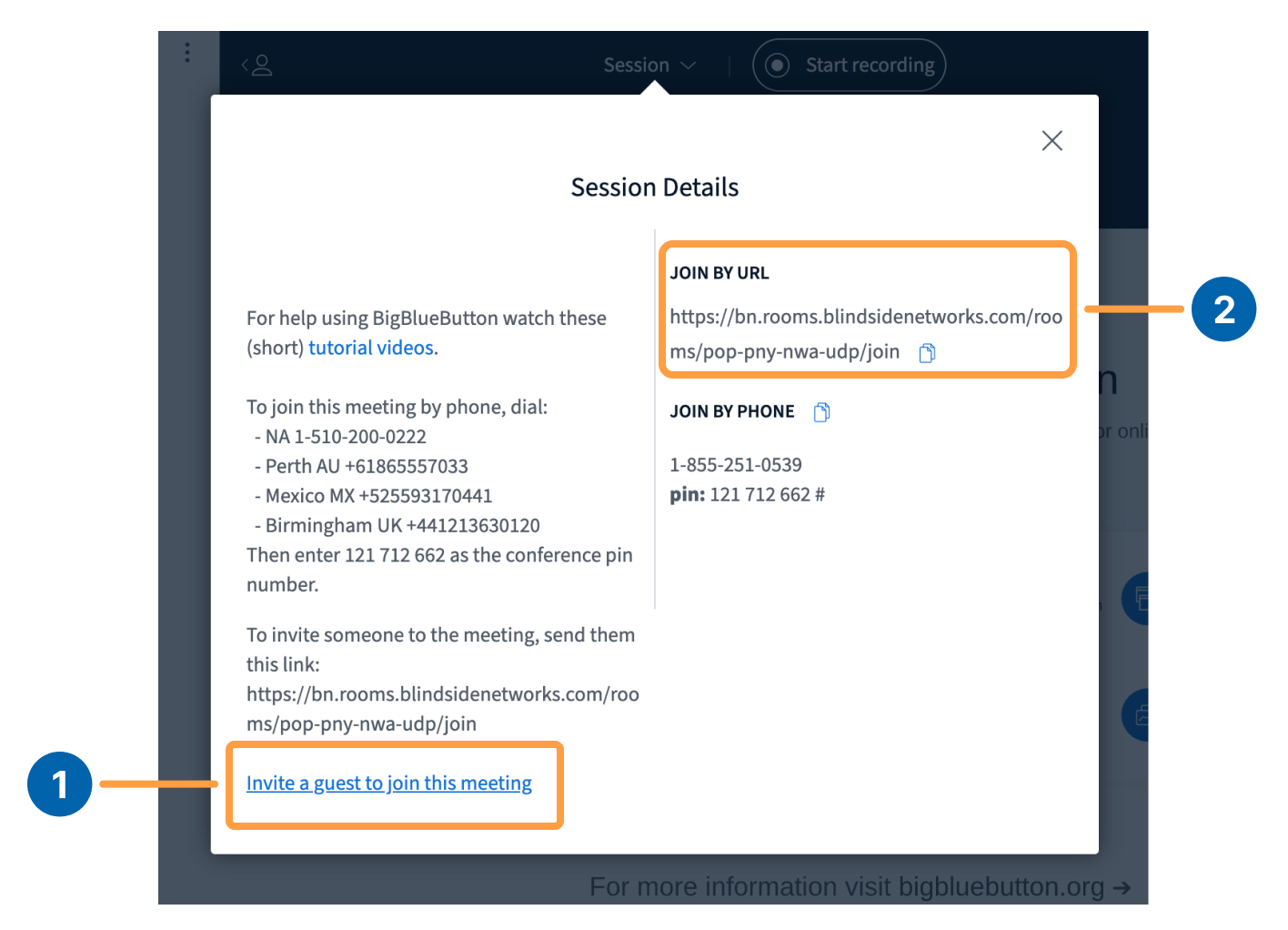
Screen_Shot_2019-07-25_at_2.21.37_PM.png The first way to invite attendees is through the Invite Participants [1] link provided before entering your session. Simply copy the link and send out via email or direct message. If participants are trying to join a meeting with an invite link and the meeting has not been started they will see the following message displayed: Screen_Shot_2019-07-25_at_2.26.07_PM.png You are the owner of the room. When you enter the room and start the BigBlueButton session, any users who are seeing the above “The meeting hasn’t started yet” page will be automatically joined into the session. You may notice that when the session is running, you will see the Personal Room Invite Link [2] in the welcome message for the chat. Screen_Shot_2019-07-25_at_2.23.59_PM.png