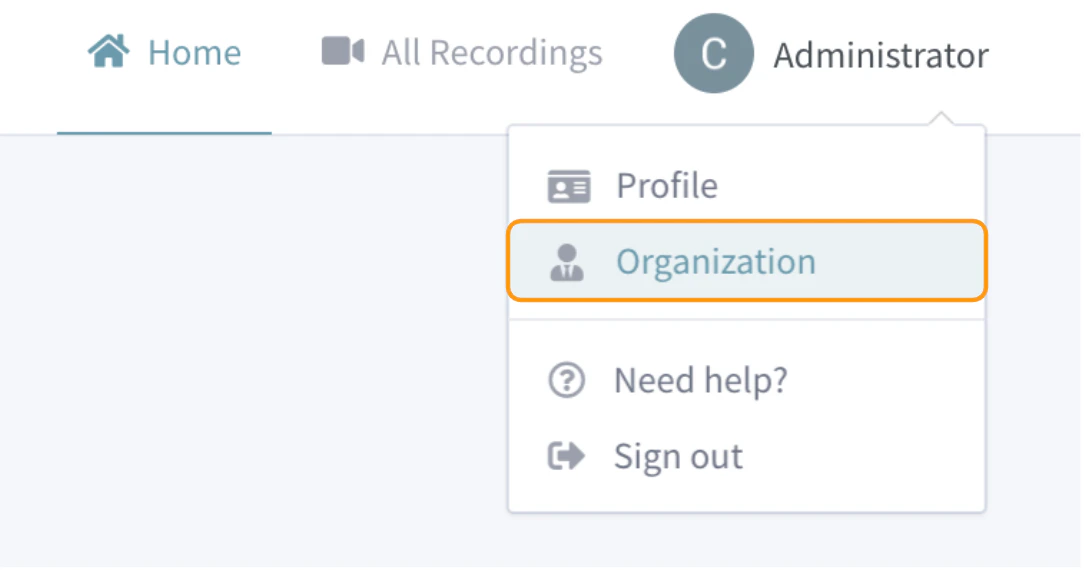
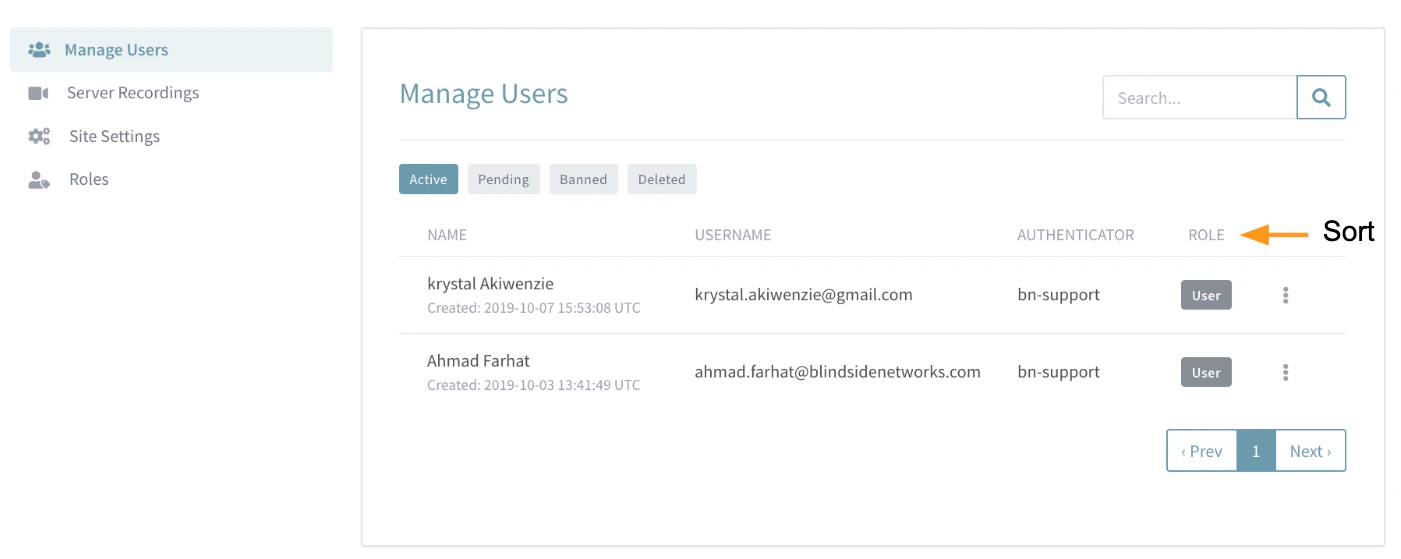
Administrators can use the Manage Users menu to view, search, sort, and edit all user accounts created.
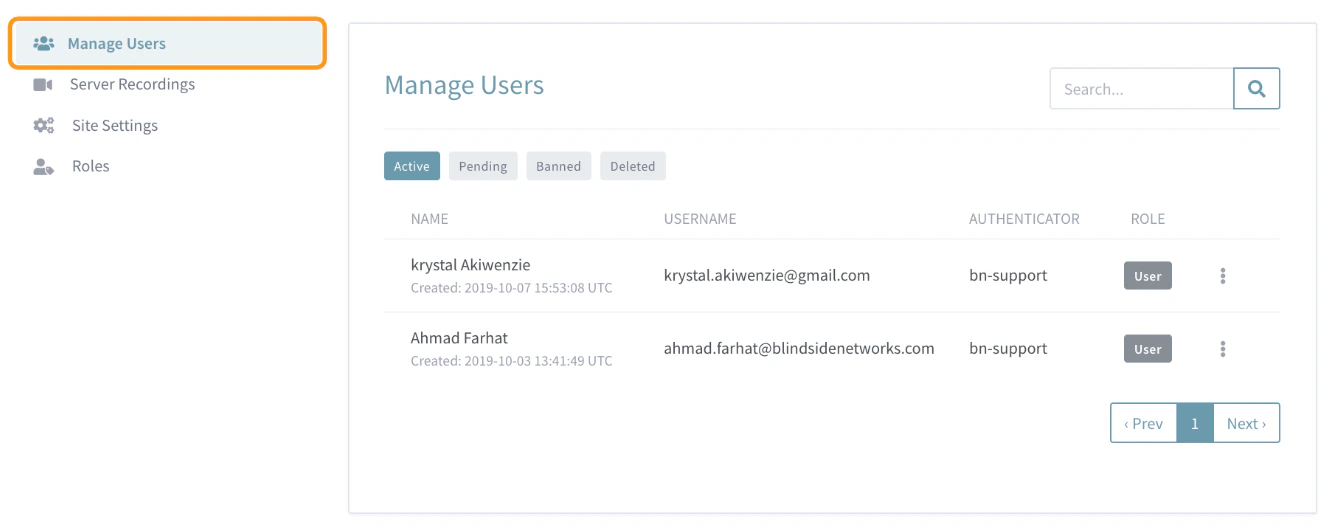
This article covers how to access the Manage Users menu where you can:Accessing the Manager Users Menu
Tabs
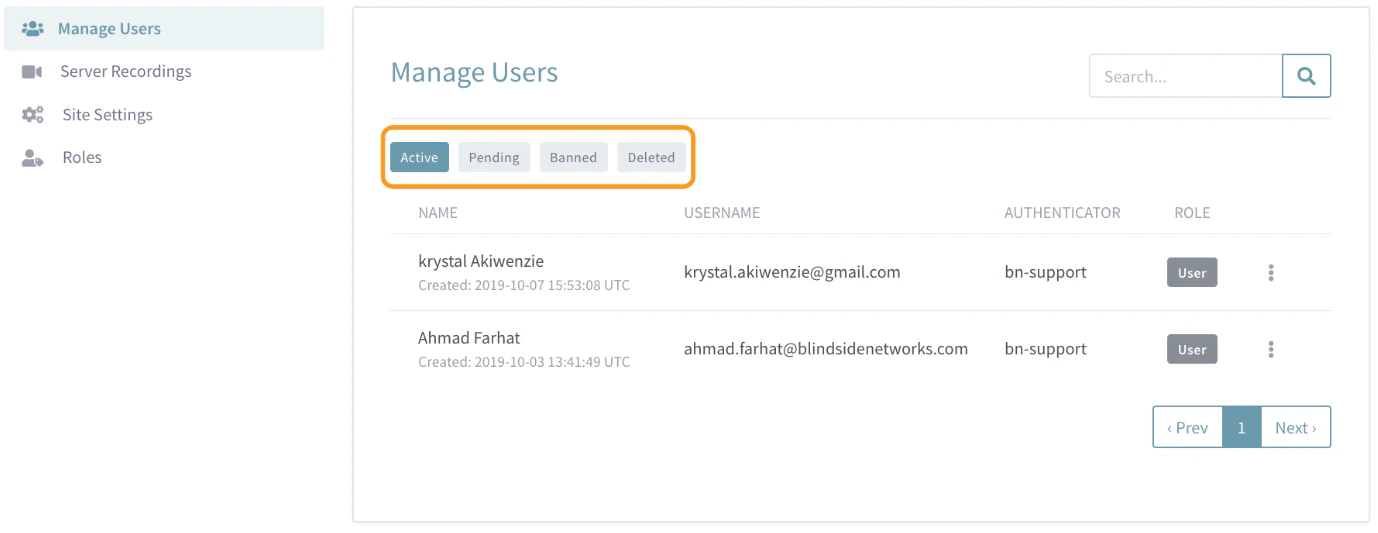
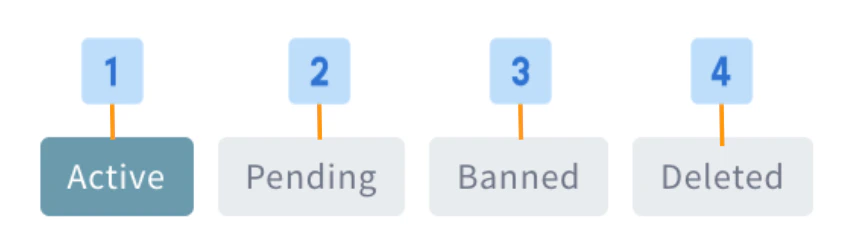
- Active [1]: Lists all active user accounts, this is the default tab listing when the Manage Users menu is opened.
- Pending [2]: Lists all user accounts that are awaiting an Administrator’s approval .
- Banned [3]: Lists all users who were denied permission to create an account or who were banned from their Personal Rooms account by an Administrator .
- Deleted [4]: Lists all users whose accounts were deleted by an Administrator .
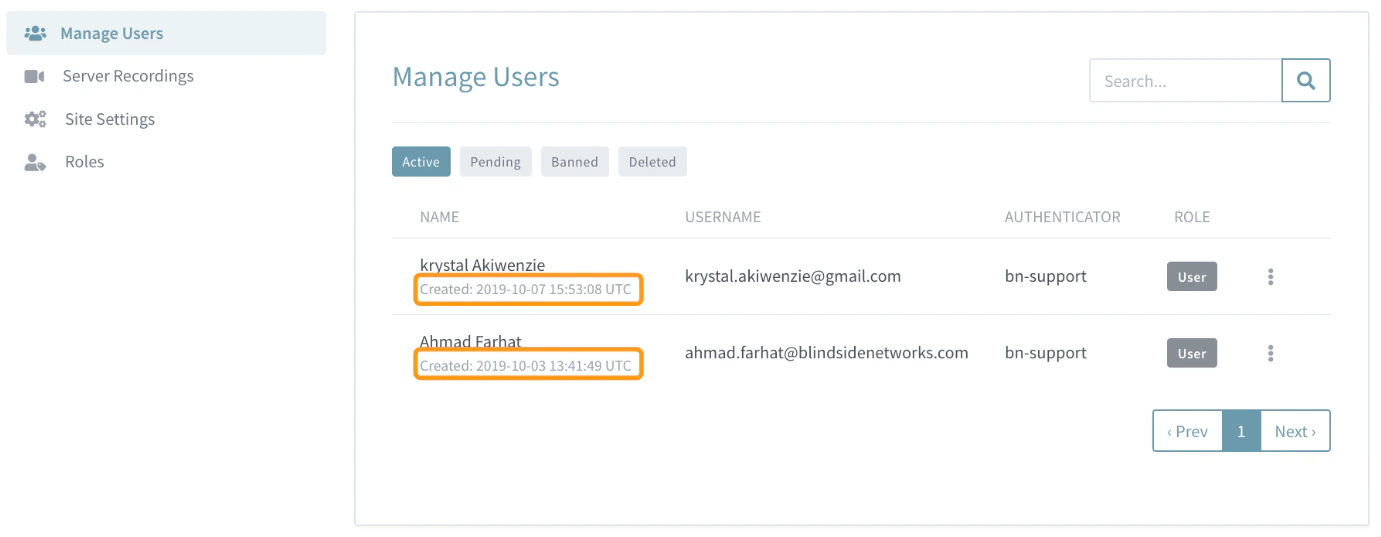
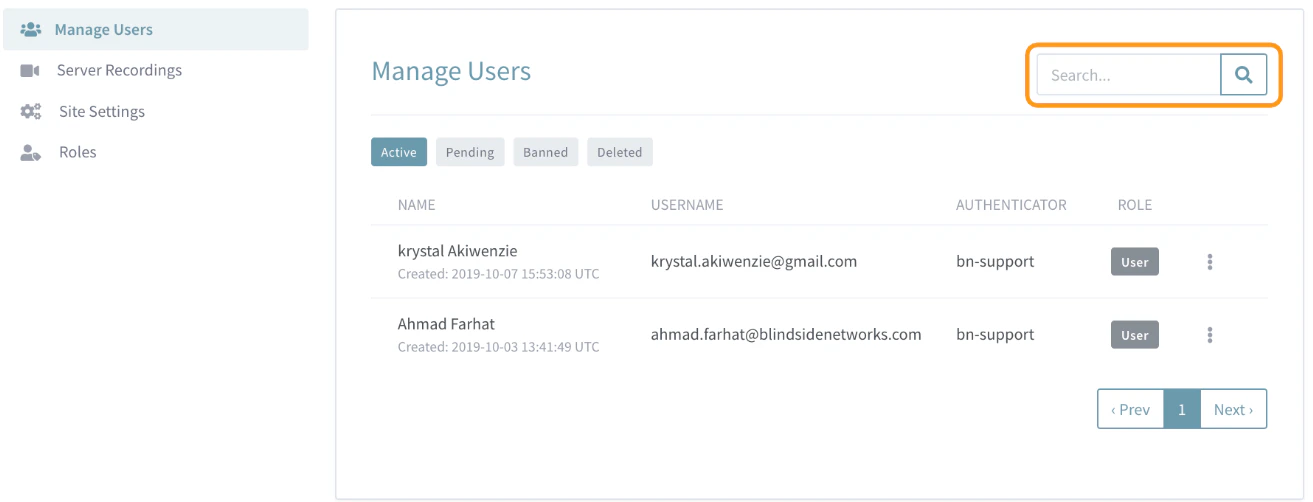
Search & Sort
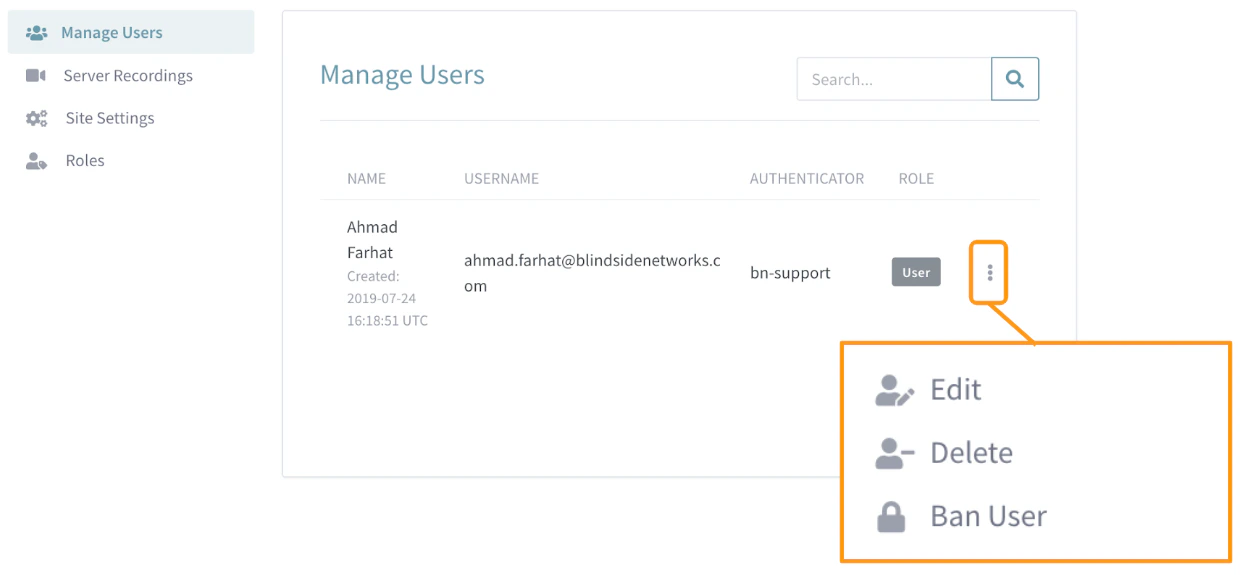
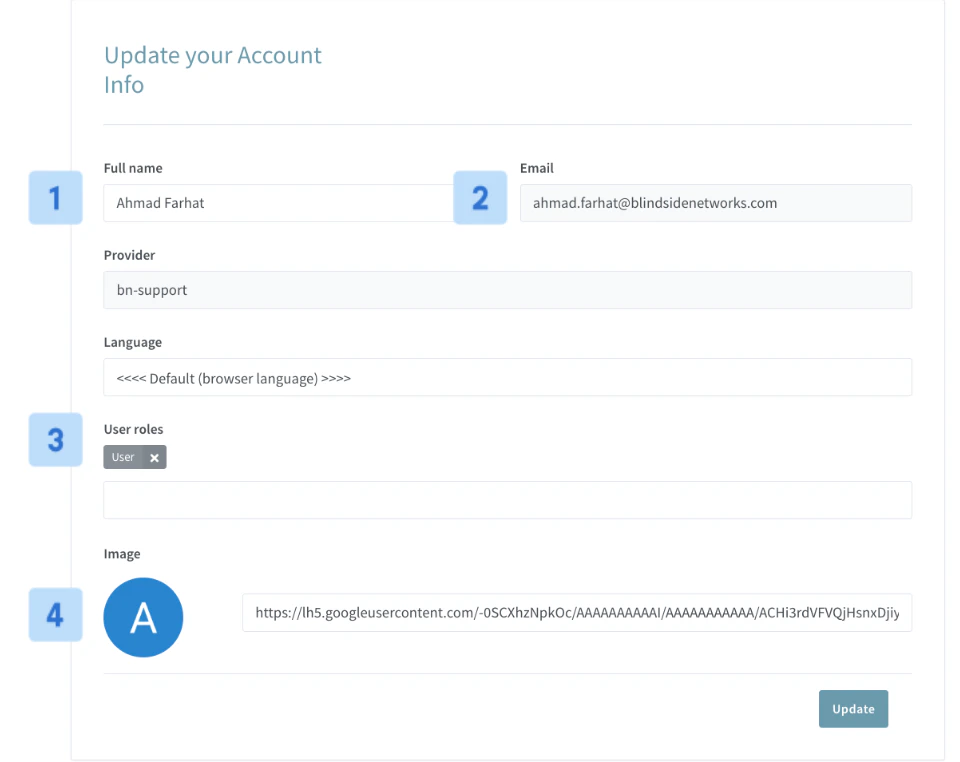
Delete, Ban, or Edit User Accounts
Administrators can Delete, Ban, or Edit each user account registered to their Personal Rooms instance.