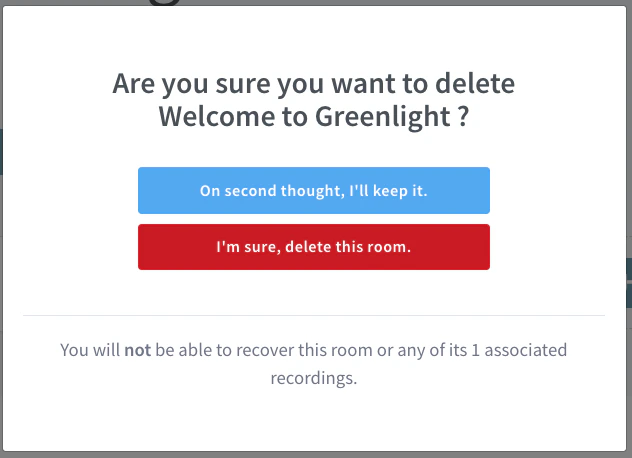
Yes — room owners can delete a personal room from the Room Menu, which also deletes every recording associated with that room.
Yes. As the owner of a Personal Room, you can delete it at any time.
Deleting a personal room also deletes every recording associated with that room. The action cannot be undone.
For example, here is a room called “Welcome to Greenlight”.To delete the room, select the Room Menu[1] and select Delete[2]. A confirmation dialog appears.Selecting I’m sure, delete this room removes the room and all of its recordings.
Was this page helpful?
Assistant
Responses are generated using AI and may contain mistakes.