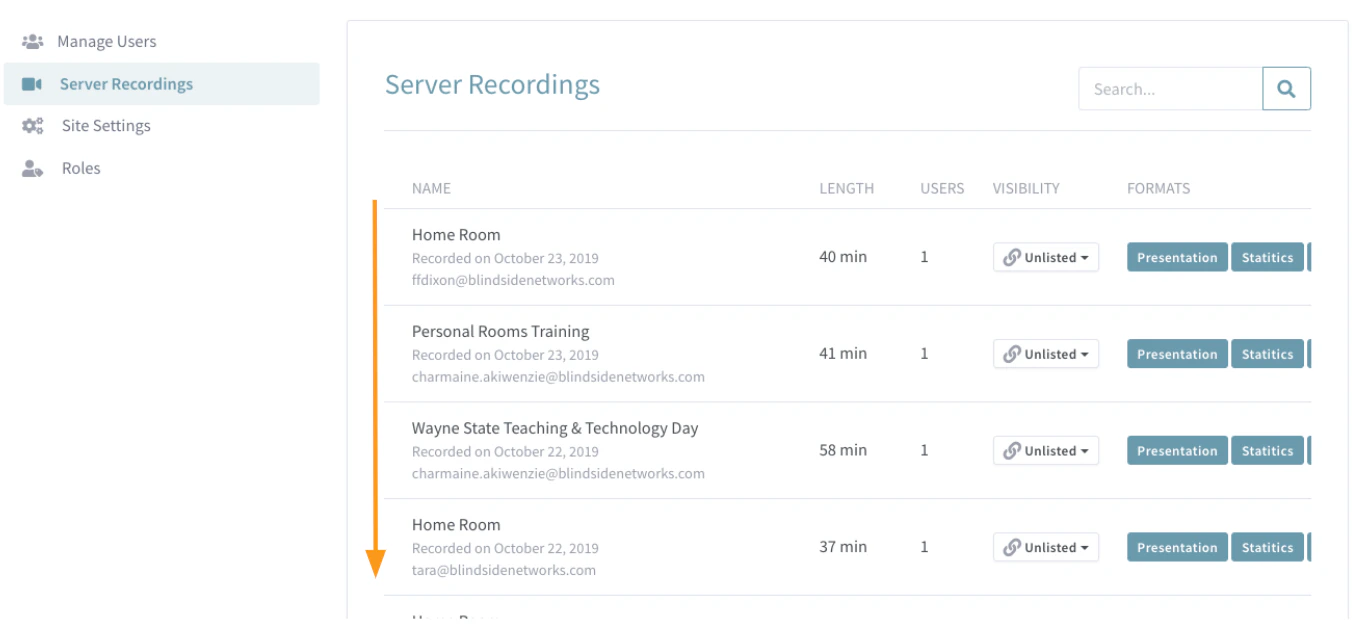
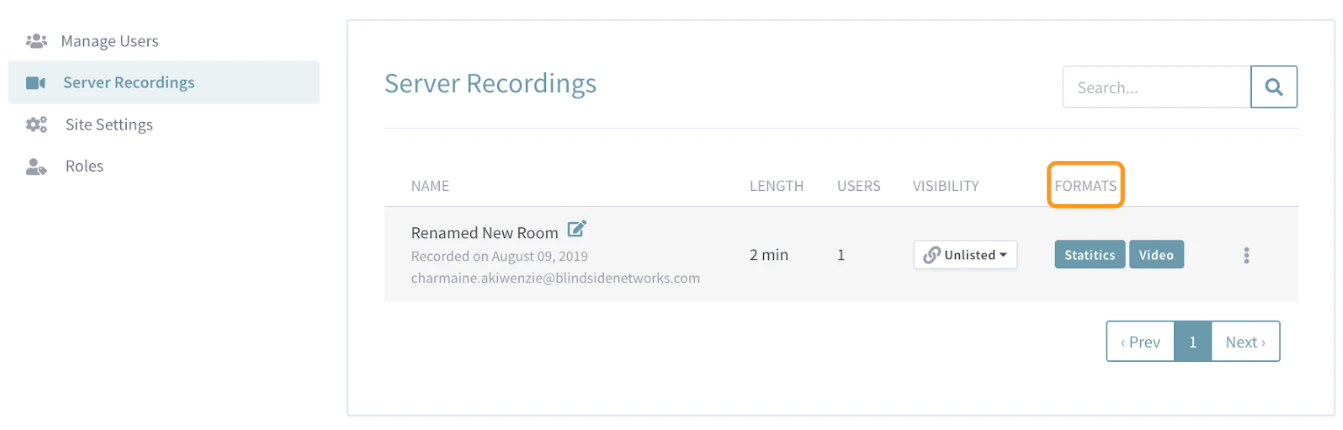
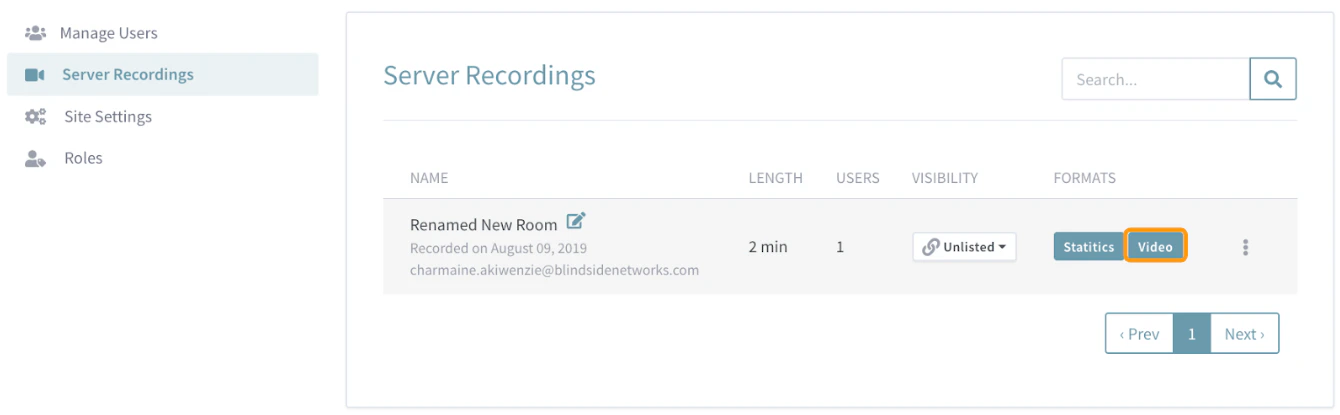
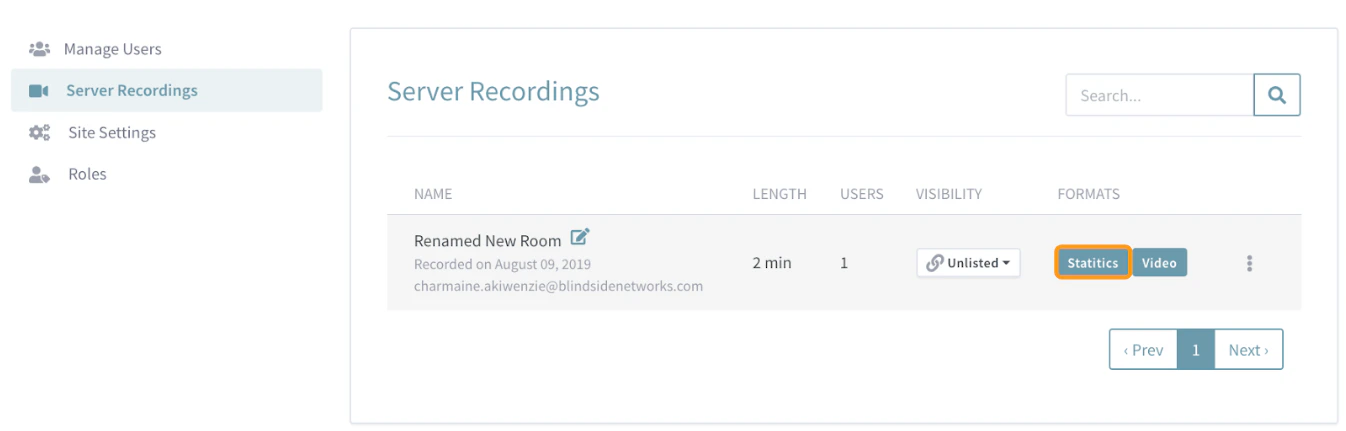
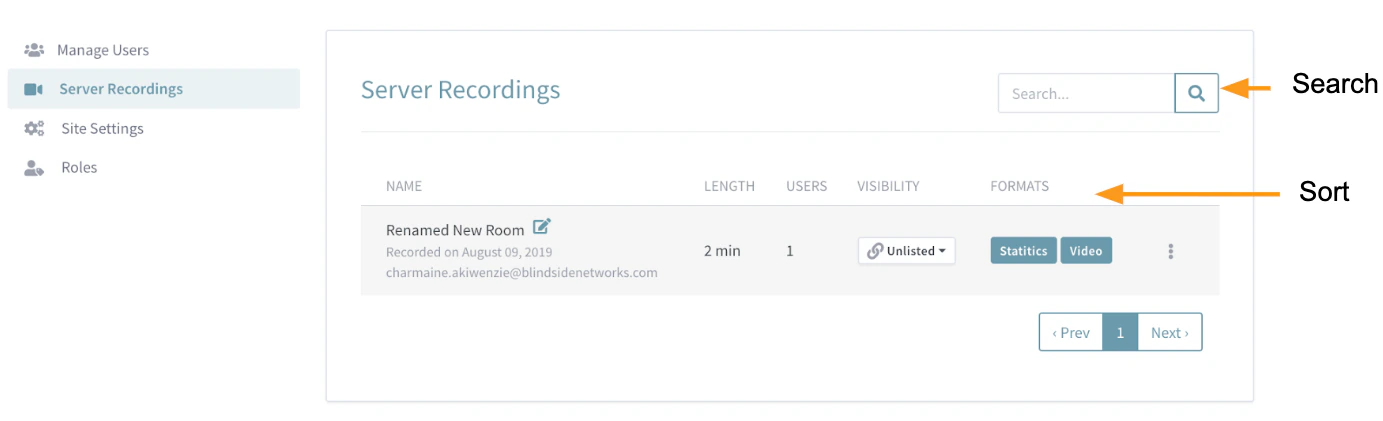
Administrators can use the Server Recordings menu to view, search, sort, rename, and delete or email all recordings made by user accounts.
This article covers how to access the Server Recordings where you can:Access Server Recordings
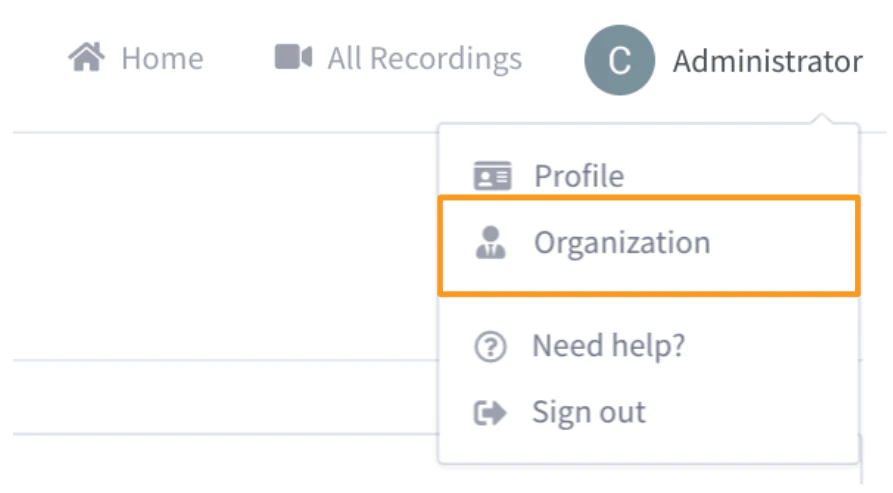
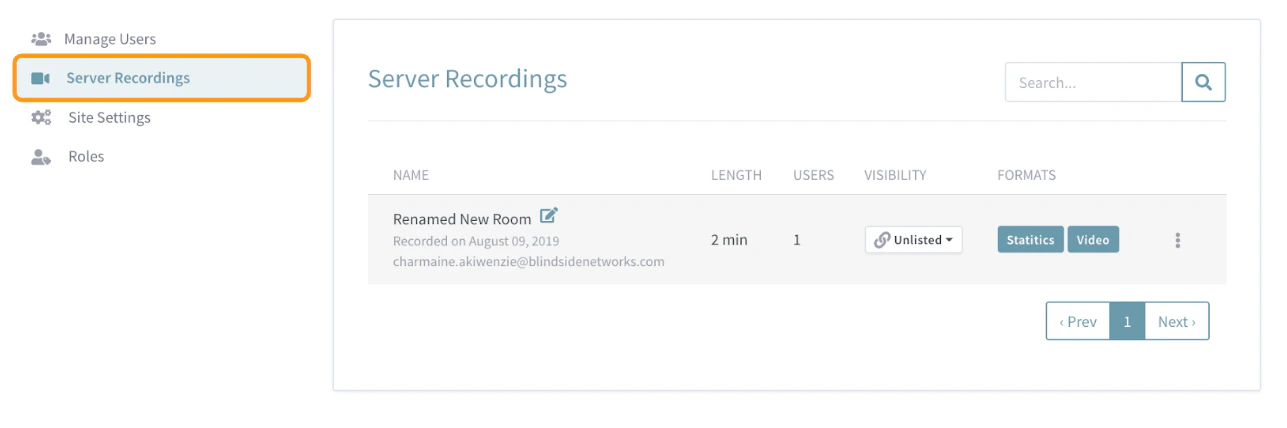
View, Search & Sort Recordings
Rename Recordings
Administrators (and the room owner) can rename room recordings that appear in the server recordings listing.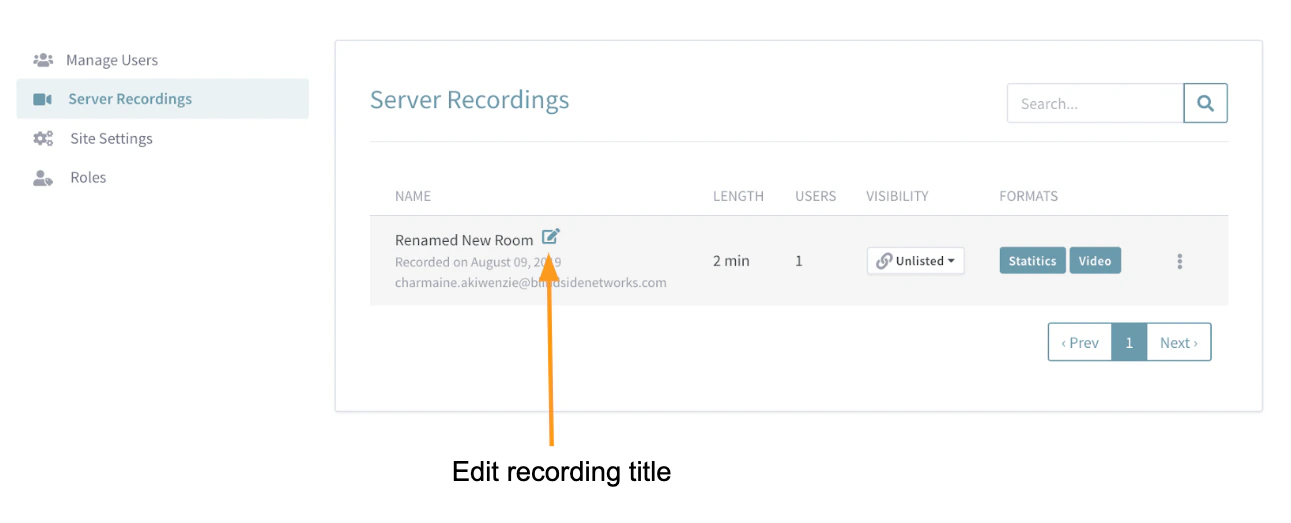
Recording Visibility
Administrators (and the room owner) can change a recording’s visibility.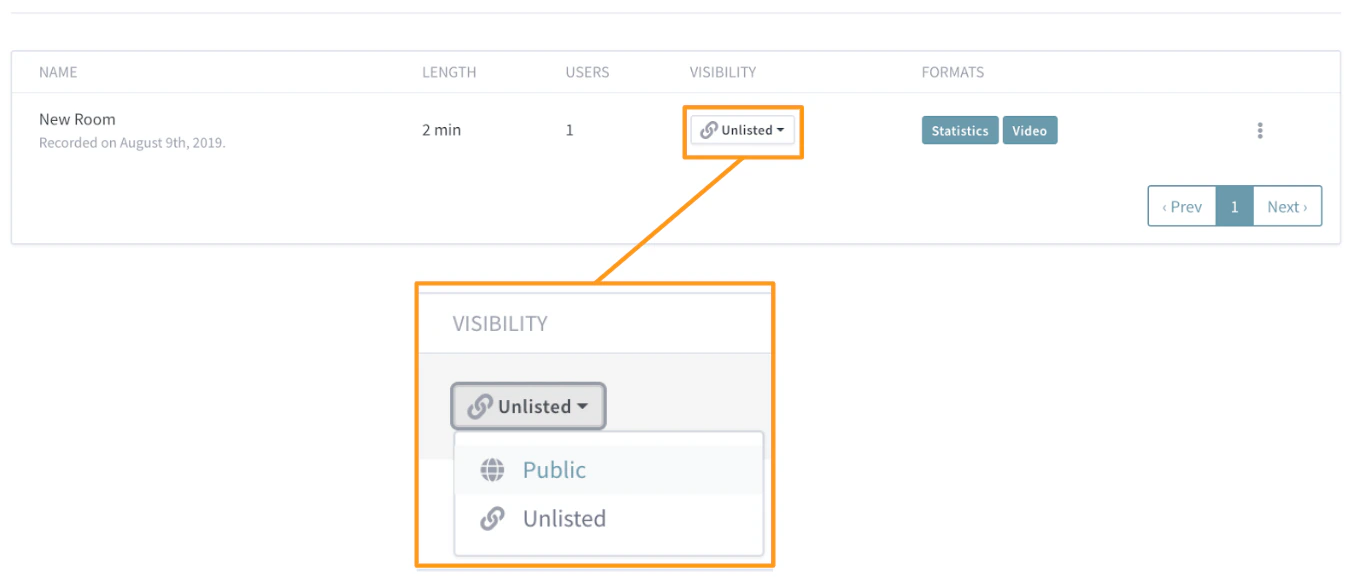
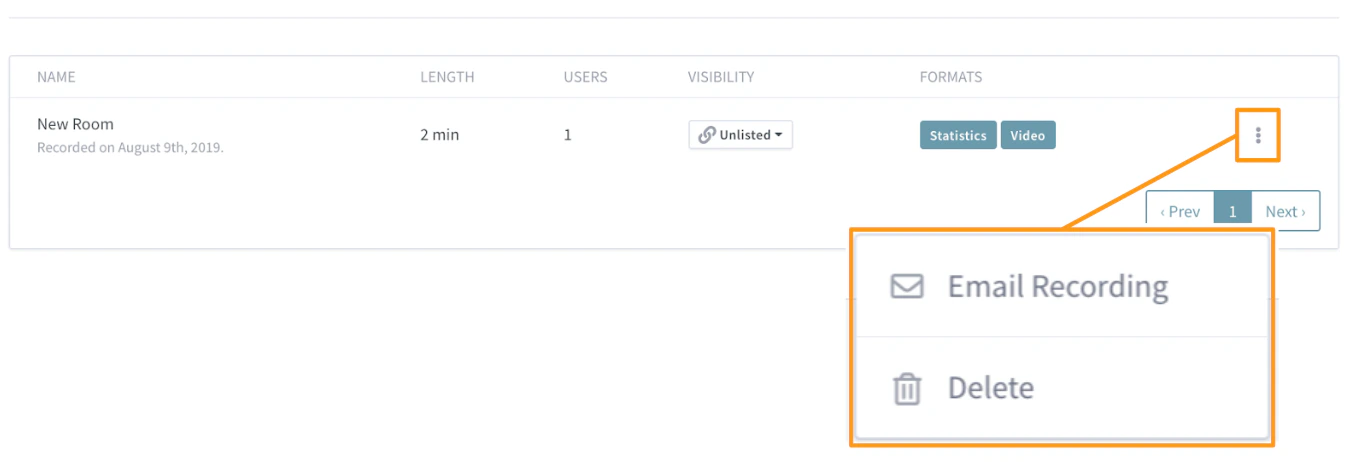
Email or Delete Recordings
Administrators (and the room owner) can Email or Delete recordings.