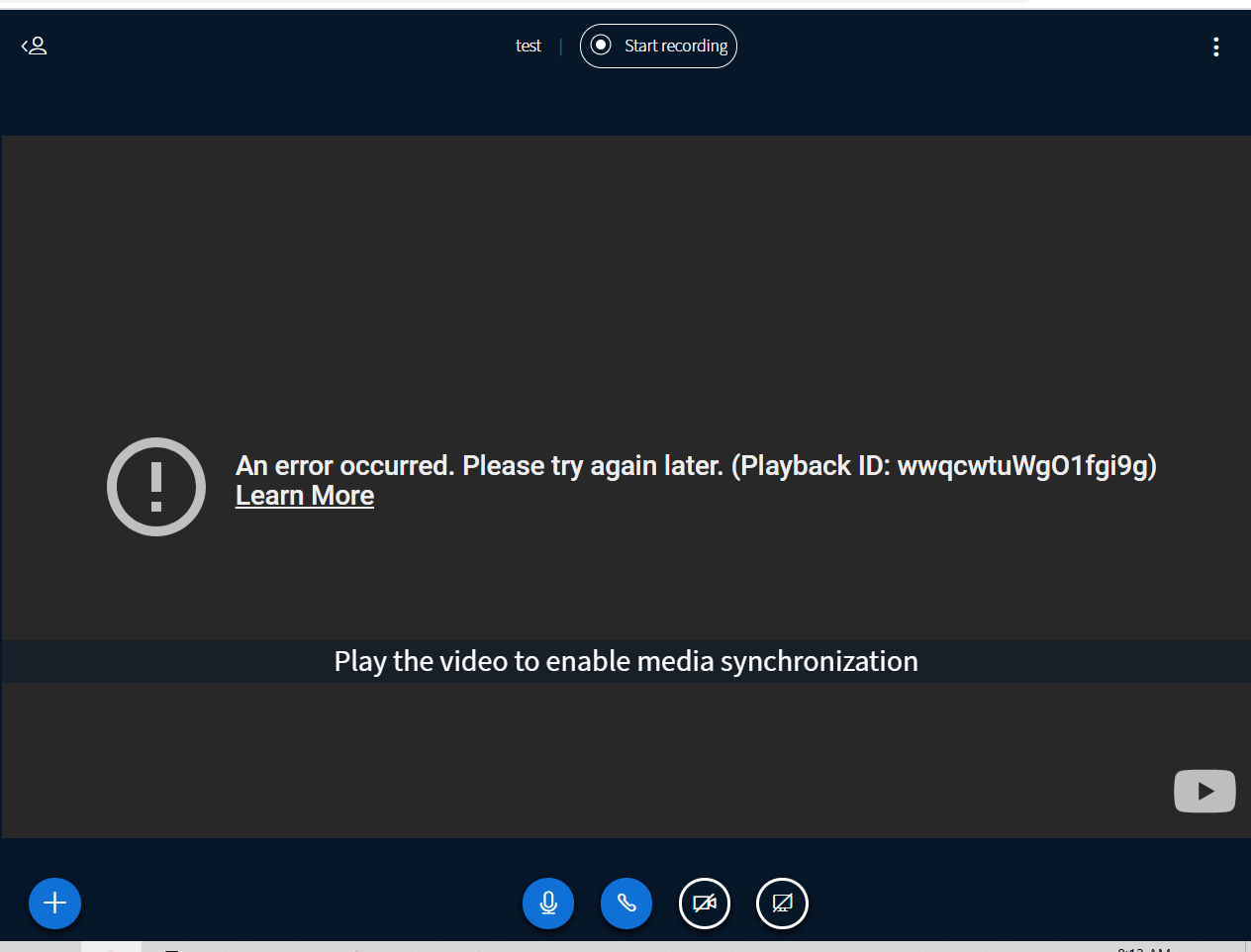
If you see this error when trying to share an external YouTube video and you are using Chrome then you can resolve this error by clearing YouTube’s…
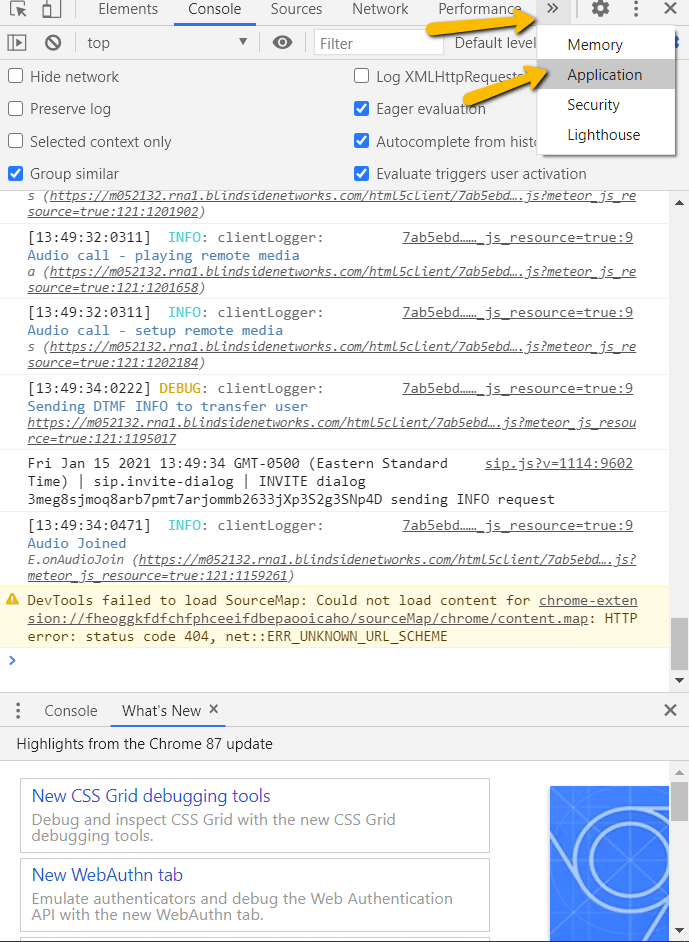
If you see this error when trying to share an external YouTube video and you are using Chromethen you can resolve this error by clearing YouTube’s cookies from your browser.To clear the cookies, go to the Chrome menu (upper right-hand corner) and choose More Tools -> Developer Tools, then click the Application tab. You’ll see an entry on the left-hand side for Cookies.Click to expand ‘Cookies’, and then on the https://www.youtube.com entry, right click and choose ‘Clear’.After that, you will be able to share a YouTube video as normal again.
Was this page helpful?
Assistant
Responses are generated using AI and may contain mistakes.