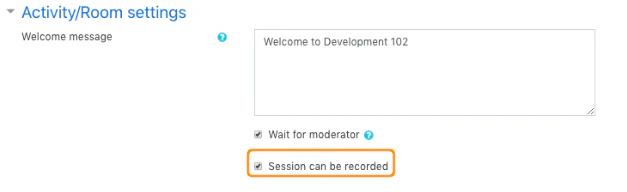
Once you have created a BigBlueButtonBN Activity you can access additional activity/room settings.
The activity/room settings allow you to:- Create a custom welcome message
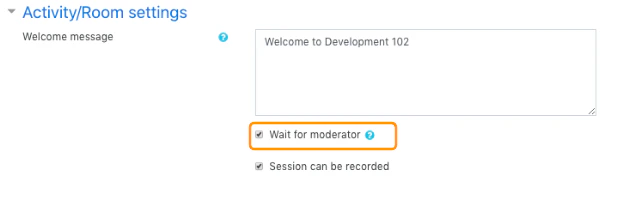
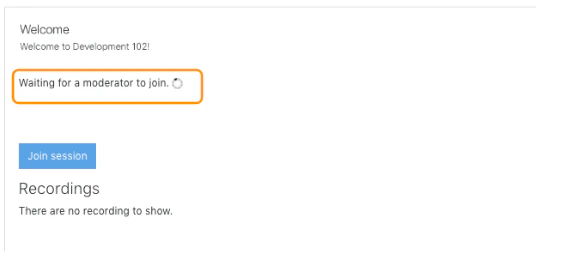
- Restrict viewers from entering the room until a moderator has arrived
- Set the session to be recorded
Custom Welcome Message
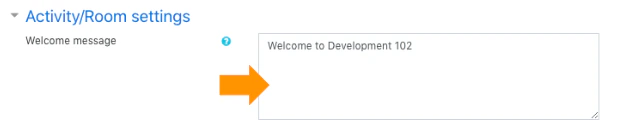
IMPORTANT: the welcome message is HTML based and will not accept copied and pasted text from a word editing program (such as Microsoft word). We recommend typing directly into the message field or using a TEXT editor, such as notepad. Paste your copied text into notepad to strip away any HTML codes, then copy and paste the text from notepad into the welcome message.
Wait for Moderator
Set the session to be recorded