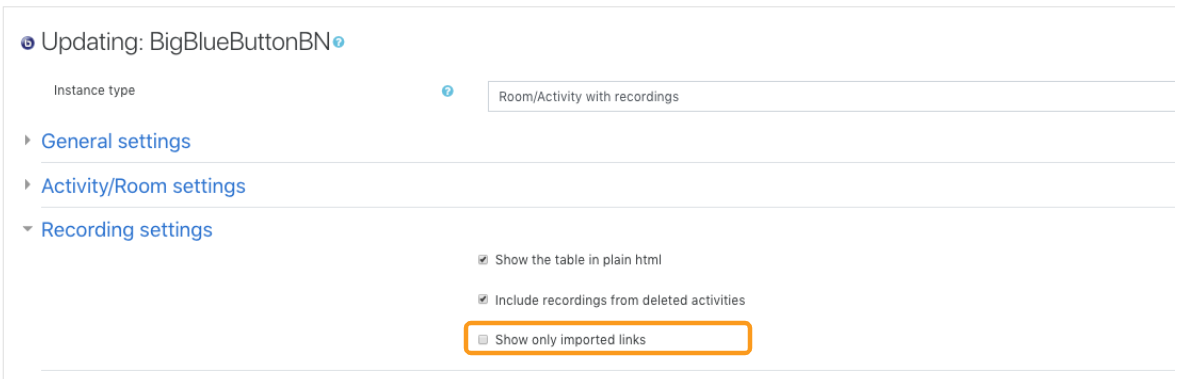
Additional recording settings can be accessed by the owner or administrator of the BigBlueButtonBN room/activities.
The following Recording Settings must be enabled by an Administrator. If you are unable to see the settings described below, they have not been enabled. The recording settings allow you to:
- Change the display format of the recordings table
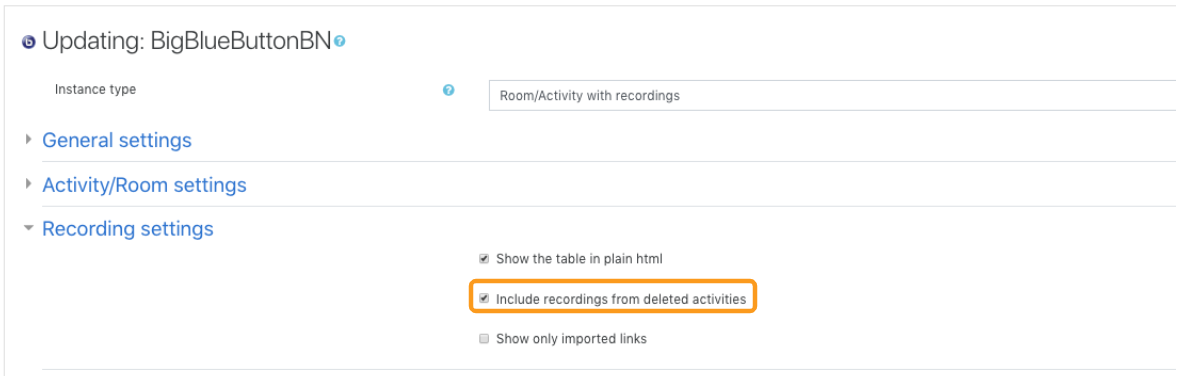
- Include/exclude recordings from deleted activities
- Show only imported recording links in the recordings table
Changing the display format of the recordings table
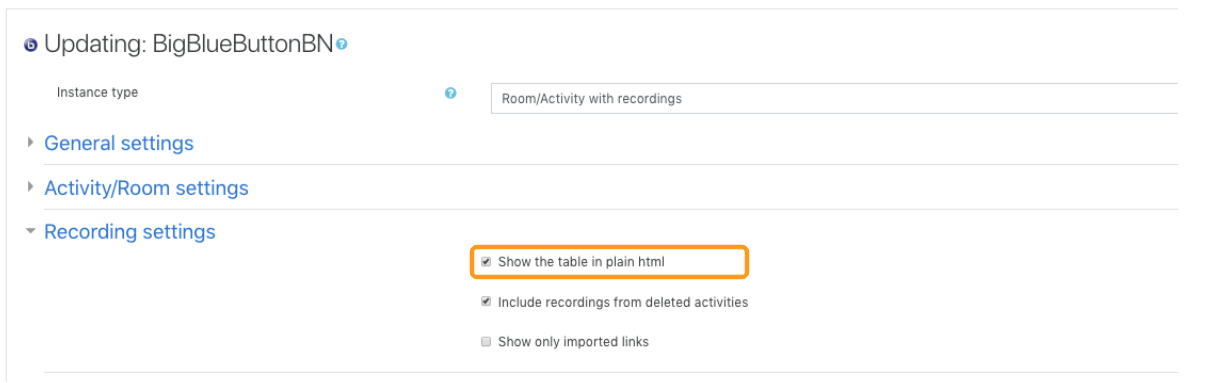

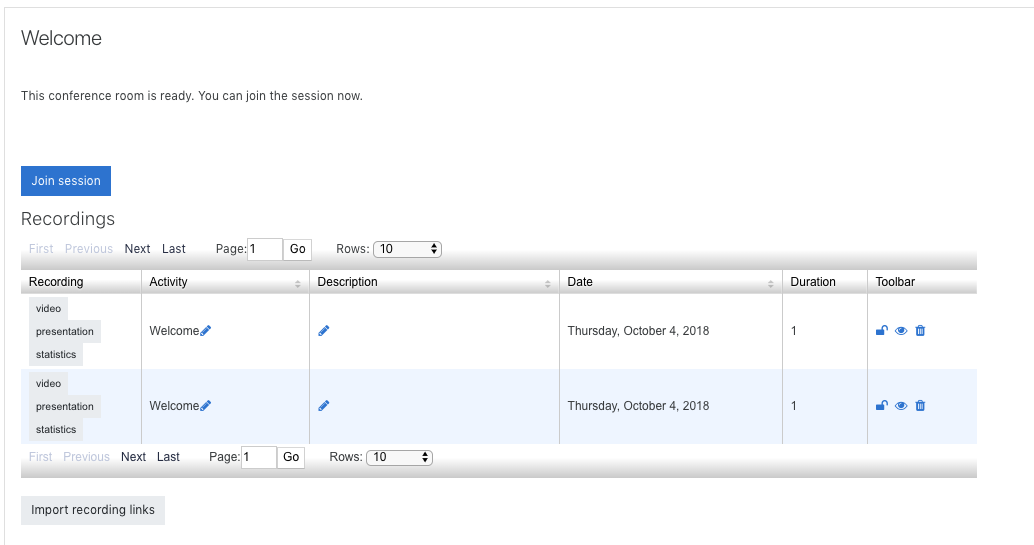
USE CASE: when the room/activity has an overwhelming number of processed recording links tied to it.
Include/exclude recordings from deleted activities
Show only imported recording links in the recordings table