

Automatic update
Similar to any other Moodle module, you can update the language strings for BigBlueButtonBN by installing (or updating) the full language package in your Moodle server. This method is only recommended if you are using the language package(s) without customization because when you update the full package the customized strings will be overridden.Updating the full package
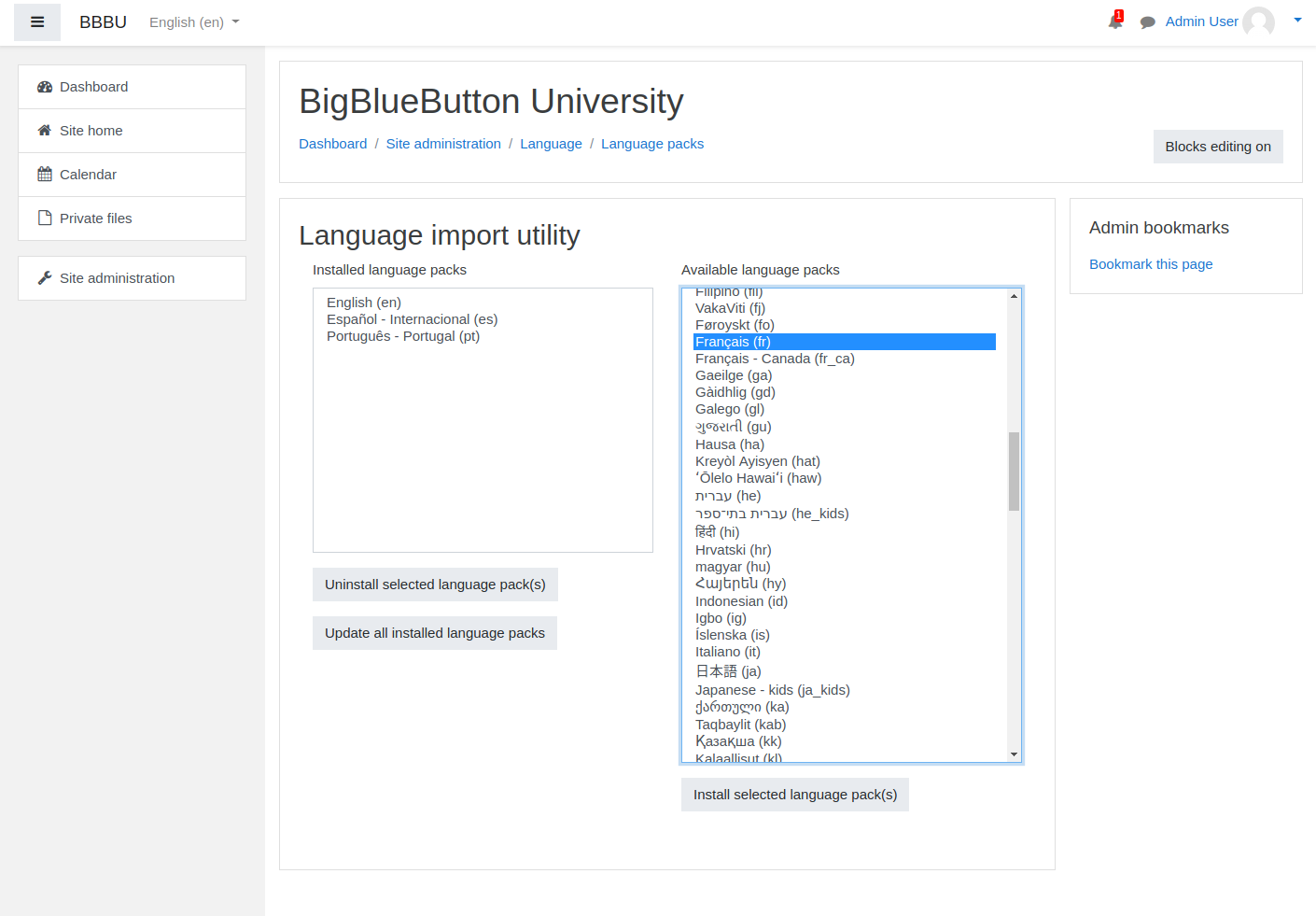
Installing the full language pack is very easy. As administrator, you only need to:- Go to Site administration -> Language -> Language packs
- Select the language pack(s) to be installed.
- Click on
Install selected language pack(s)
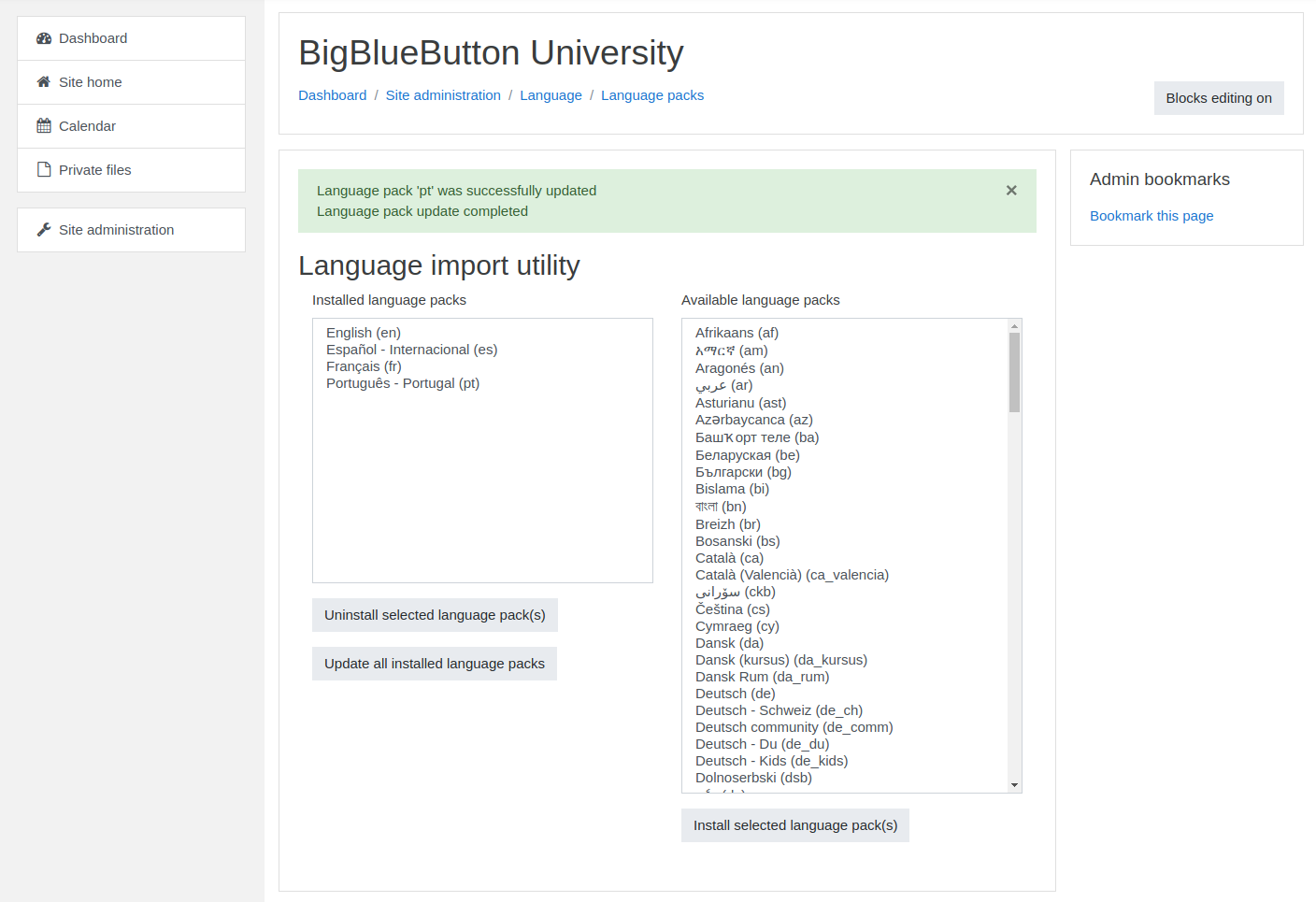
- Click on
Update all installed language packs
Customized update
The automatic update procedure is recommended as it fits to most Moodle deployments, but there may be cases where the strings have been customized either for the whole server or for some of the plugins (including BigBlueButtonBN) installed. This may be the case when more friendly language for young users is required or when Moodle or the plugin(s) are targeting a particular audience using a specific dialect. For this case, the best option is to do language customization- Go to Site administration -> Language -> Language customization
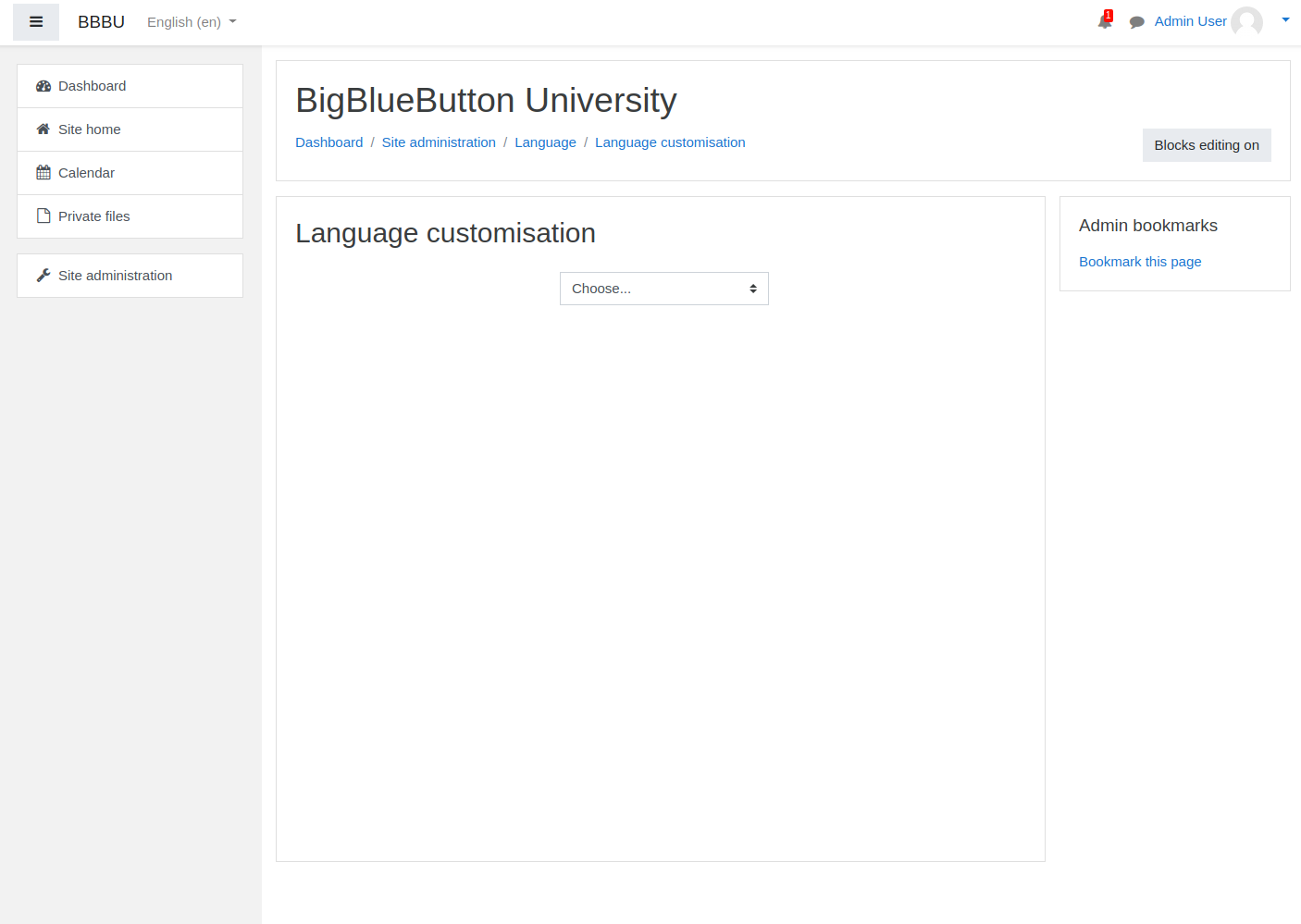
- Select the language to be customized
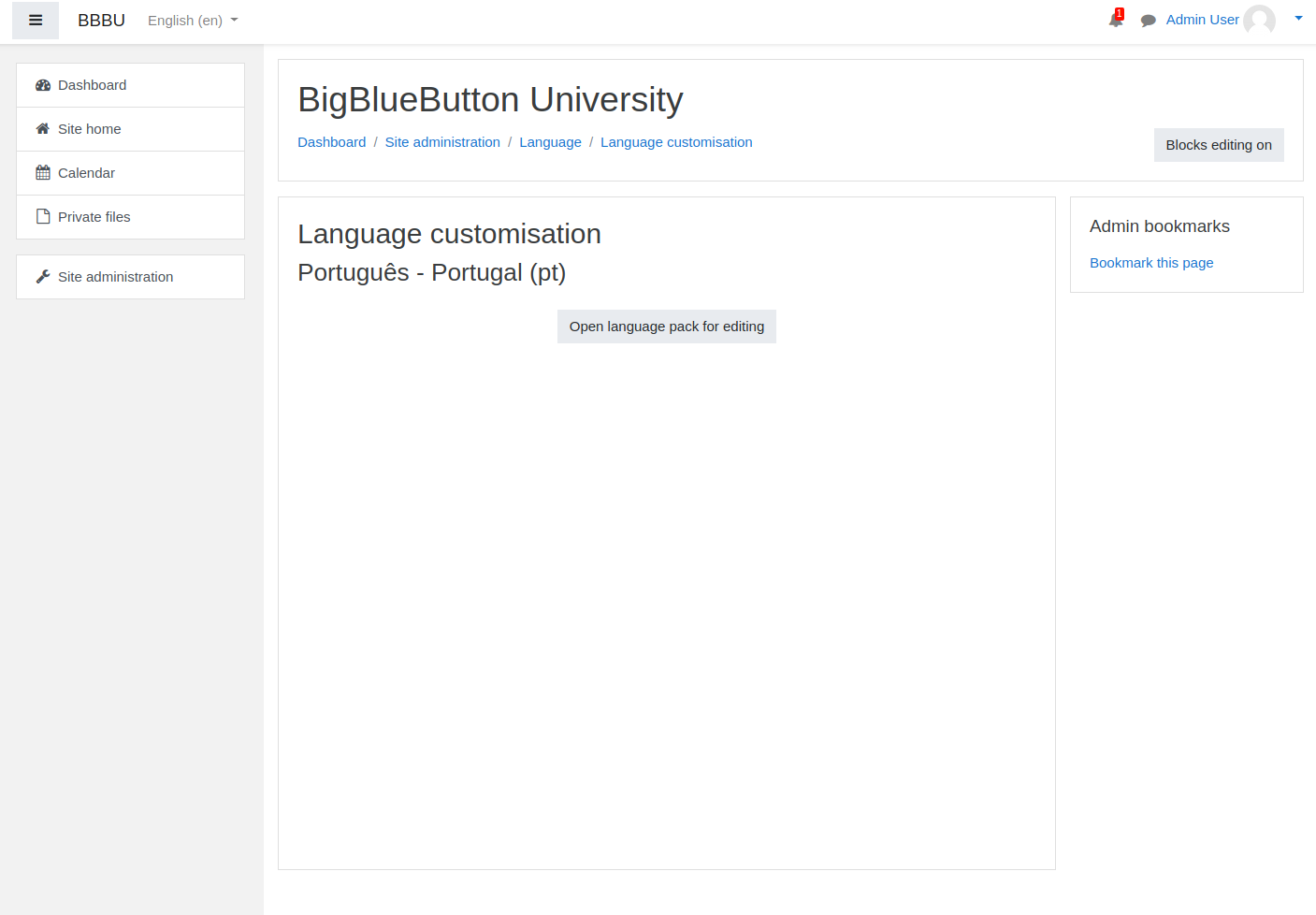
- Click on
Open language pack for editing
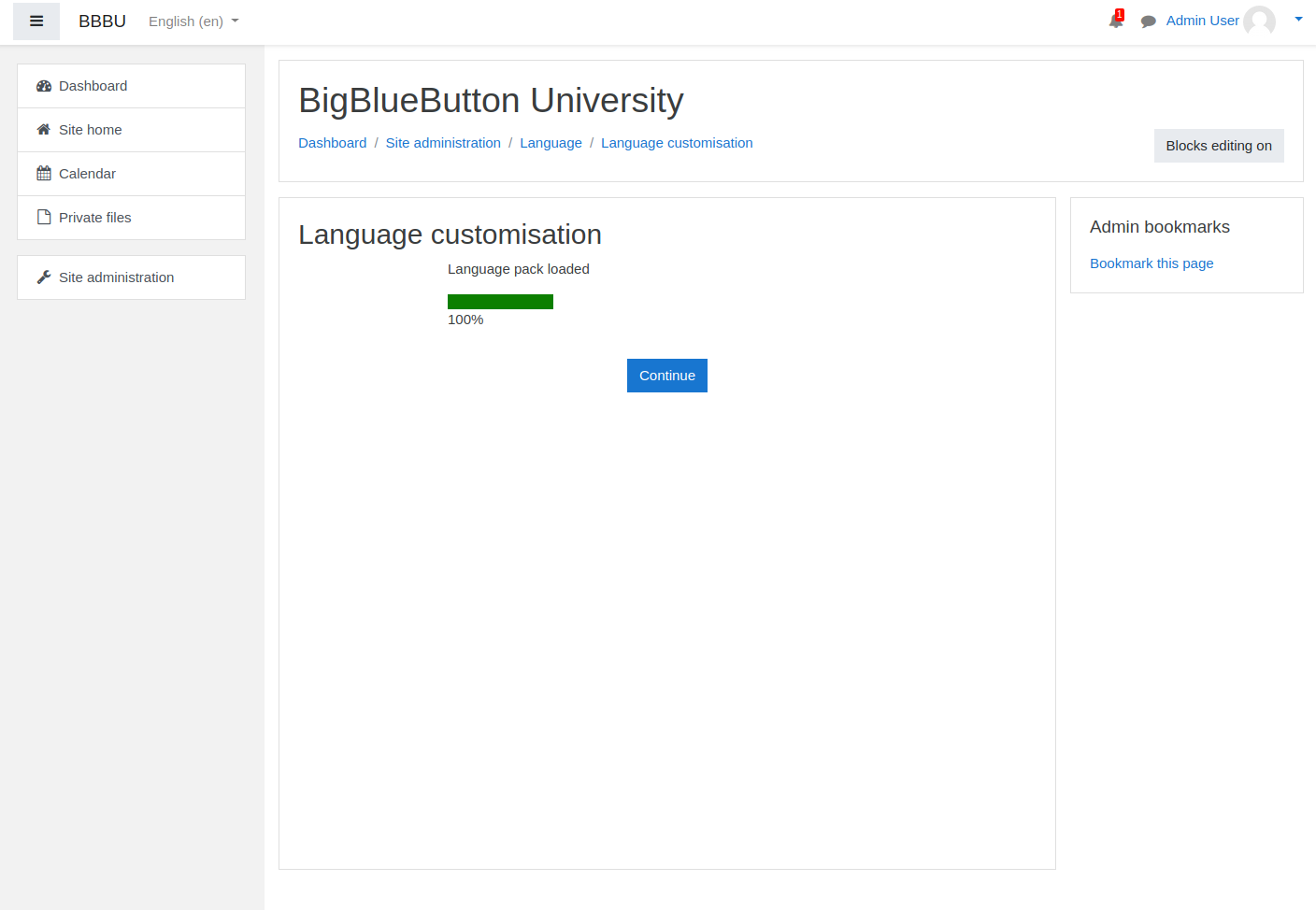
- Click on
Continue - Filter the strings by selecting the file that corresponds to the module that has to be updated.
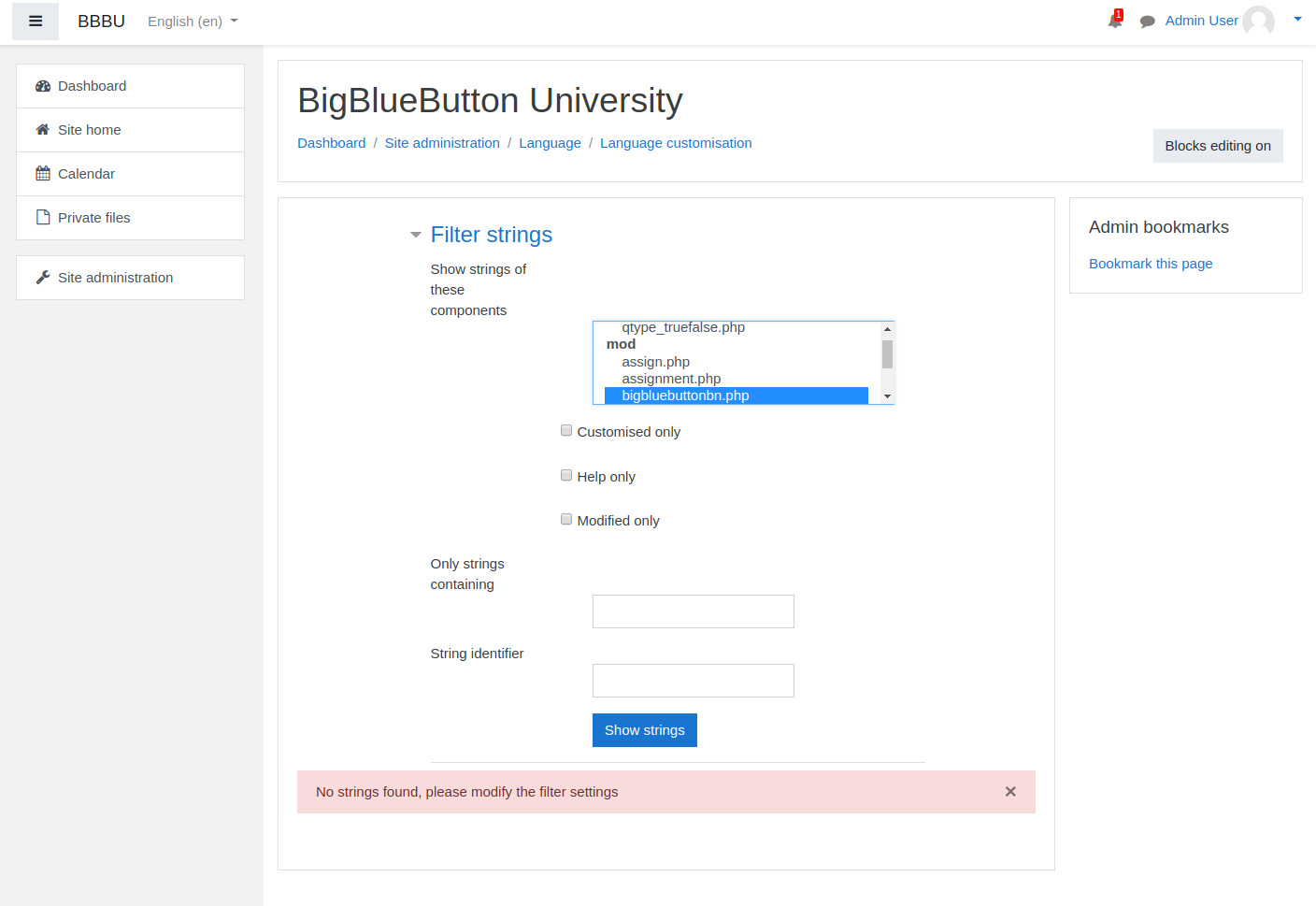
- Click on
Show strings - Scroll down and you will see all the strings already translated and a box for adding the customized version if required.
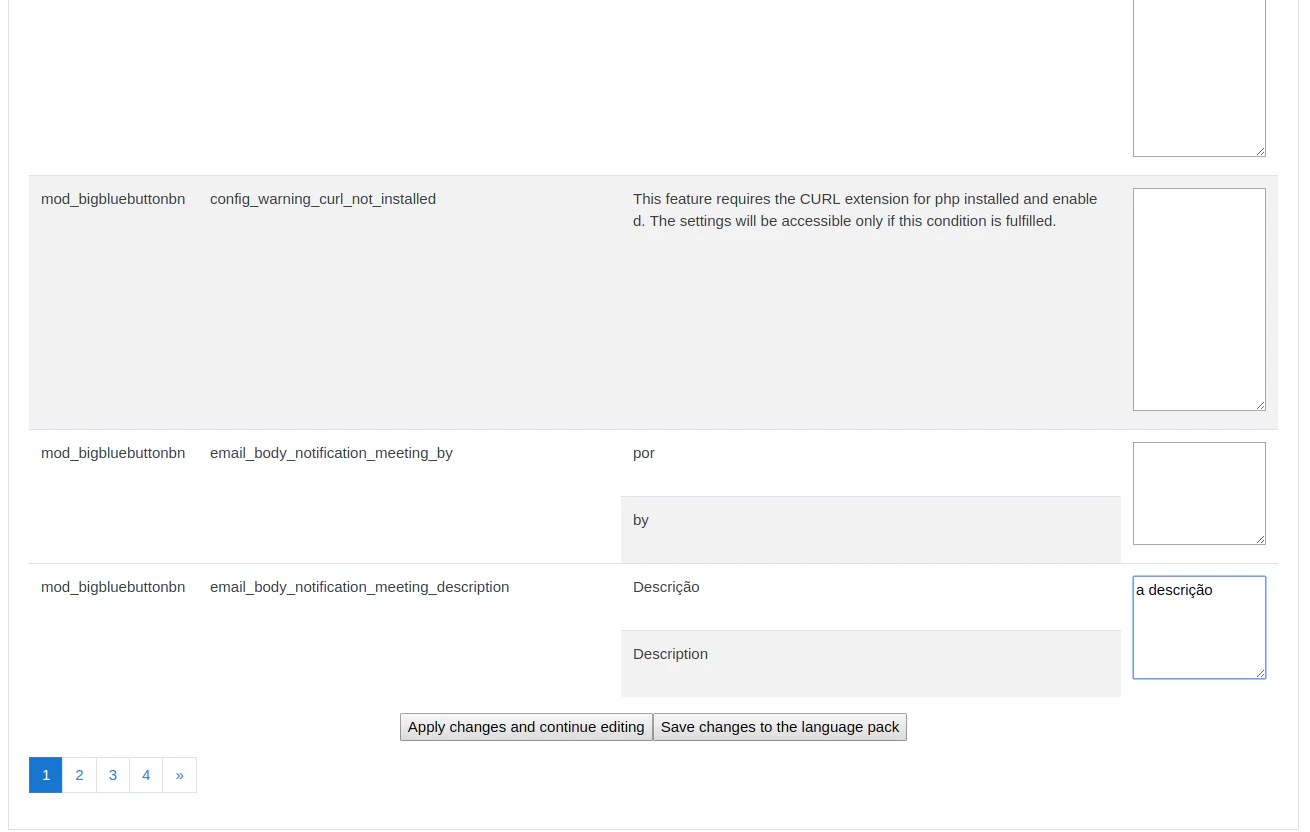
Save changes to the language pack. The new strings will be included in your server.